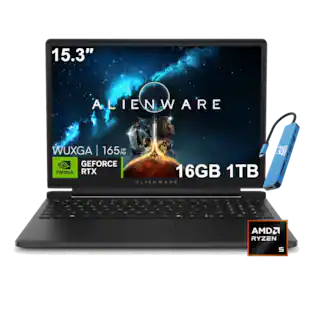
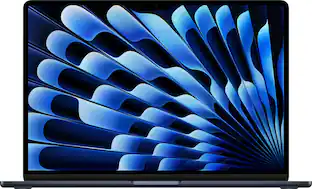
Apple - Refurbished Good - MacBook Air 13.3" - M1 chip with 8GB Memory - 7 GPU - 256GB SSD (2020) - Silver
About this product
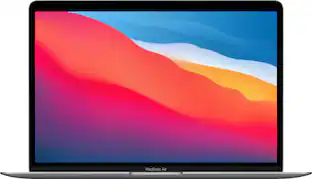
Apple’s thinnest and lightest notebook gets supercharged with the Apple M1 chip. Tackle your projects with the blazing-fast 8-core CPU. Take graphics-intensive apps and games to the next level with the 7-core GPU. And accelerate machine learning tasks with the 16-core Neural Engine. All with a silent, fanless design and the longest battery life ever — up to 18 hours.¹ MacBook Air. Still perfectly portable. Just a lot more powerful.
Configure your Mac
Color
SilverDescription
Apple-designed M1 chip for a giant leap in CPU, GPU, and machine learning performance
Go longer than ever with up to 18 hours of battery life
8-core CPU delivers up to 3.5x faster performance to tackle projects faster than ever
Seven GPU cores with up to 5x faster graphics for graphics-intensive apps and games
16-core Neural Engine for advanced machine learning
8GB of unified memory so everything you do is fast and fluid
Superfast SSD storage launches apps and opens files in an instant
Battery life varies by use and configuration.
13.3-inch Retina display with P3 wide color for vibrant images and incredible detail
Fanless design for silent operation
FaceTime HD camera with advanced image signal processor for clearer, sharper video calls
Three-microphone array focuses on your voice instead of what’s going on around you
Next-generation Wi-Fi 6 for faster connectivity
Two Thunderbolt / USB 4 ports for charging and accessories
Backlit Magic Keyboard and Touch ID for secure unlock and payments
macOS Big Sur introduces a bold new design and major app updates for Safari, Messages, and Maps
- Screen TypeRetina DisplayScreen Size13.3 inchesScreen Resolution2560 x 1600Touch ScreenNoProcessor ModelApple M1Storage TypeSSD
Reviews
Rating 4 out of 5 stars with 5 reviews
Customer Images
The vast majority of our reviews come from verified purchases. Reviews from customers may include My Best Buy members, employees, and Tech Insider Network members (as tagged). Select reviewers may receive discounted products, promotional considerations or entries into drawings for honest, helpful reviews.
Compare similar products

Apple’s thinnest and lightest notebook gets supercharged with the Apple M1 chip. Tackle your projects with the blazing-fast 8-core CPU. Take graphics-intensive apps and games to the next level with the 7-core GPU. And accelerate machine learning tasks with the 16-core Neural Engine. All with a silent, fanless design and the longest battery life ever — up to 18 hours.¹ MacBook Air. Still perfectly portable. Just a lot more powerful.

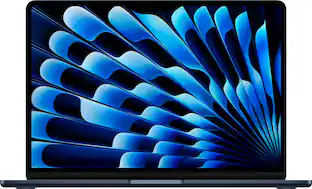
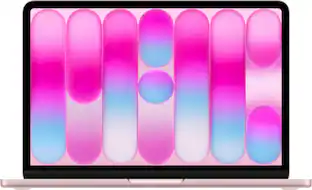
Supercharged by the next-generation M2 chip, the redesigned MacBook Air combines incredible performance and up to 18 hours of battery life into its strikingly thin aluminum enclosure.¹

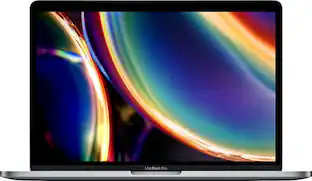
MacBook Pro has a new eighth-generation quad-core Intel processor with Turbo Boost up to 4.1GHz. A brilliant and colorful Retina display with True Tone technology for a more true-to-life viewing experience. The latest Apple-designed keyboard. And the versatile Touch Bar for more ways to be productive. It's Apple's most powerful 13-inch notebook. Pushed even further.

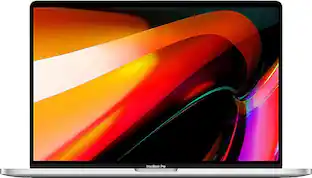
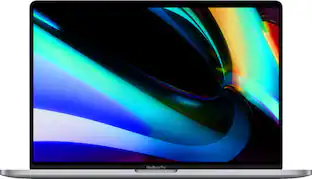
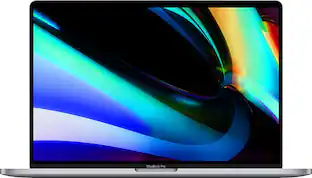
Expand your view of everything on MacBook Pro thanks to a larger 16" Retina display with sharper pixel resolution and support for millions of colors.¹ Harness the power of 6-core processors and AMD Radeon Pro 5000M series graphics with 4GB of GDDR6 memory, together with an optimized thermal architecture for groundbreaking performance.
| Pros for Apple - Refurbished Good - MacBook Air 13.3" - M1 chip with 8GB Memory - 7 GPU - 256GB SSD (2020) - Silver | |||
|---|---|---|---|
| There were no pros for this product— | Overall Performance, Condition, Battery Life, Speed, Design | Overall Performance, Condition, Battery Life, Speed, Screen Quality | Overall Performance, Touch Bar |
| Cons for Apple - Refurbished Good - MacBook Air 13.3" - M1 chip with 8GB Memory - 7 GPU - 256GB SSD (2020) - Silver | |||
| There were no cons for this product— | Color, Keyboard, Screen Quality | Color, Scratches | Condition, Charger |
Specs
Customers often buy these together
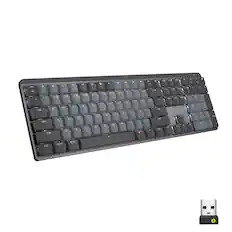
Wireless Keyboards

![esc ~ ! 1 tab caps lock shift ctrl F2 Fl # 2 3 Q W A S Z start opt L F3 $ 4 E D X alt cmd3 ) FS F4 A % 5 6 R T F G V C logi 44 HI & F9 FID FB F7 F6 * ) - - & 0 8 9 7 O P U I Y K L H J > < N M 1 B PM + = { [ : I ; ? I alt cmd D 2 4 300 3 1 F12 . * page I insert home up clear backspace 8 9 + 7 page A pg up end down home } I delete ] / 6 4 5 4 enter 2 3 enter 1 dn Pg end shift = 0 del ins etrl fn opt](https://pisces.bbystatic.com/image2/BestBuy_US/images/products/6539/6539505_sd.jpg;maxHeight=232;maxWidth=233?format=webp)
![The text on the image reads:
888 DD DI DD 4 DSC i F2 F3 4 FS T6 ET 1. 1N IN F.. 11 1.. 114 1n F1 F12 118 in9 - a ee 1 8F 2 3 $ 4 % 5 A 6 & 7 . 8 I 9 I 0 ee I + = delete fn home page up clear - / + tab Q W E R T Y U I 0 P { [ ] ] | I delete end page down 7 8 9 ee caps lock A S D F G H J K L : I - return 4 5 6 + shift Z X C V N M < F > ? / shift a 1 2 3 control option 2 command 3 command option control Y - 0 enter
After grouping and correcting the text, it reads:
888 DD DI DD 4 DSC i F2 F3 4 FS T6 ET 1. 1N IN F.. 11 1.. 114 1n F1 F12 118 in9 - a ee 1 8F 2 3 $ 4 % 5 A 6 & 7 . 8 I 9 I 0 ee I + = delete fn home page up clear - / + tab Q W E R T Y U I 0 P { [ ] ] | I delete end page down 7 8 9 ee caps lock A S D F G H J K L : I - return 4 5 6 + shift Z X C V N M < F > ? / shift a 1 2 3 control option 2 command 3 command option control Y - 0 enter](https://pisces.bbystatic.com/image2/BestBuy_US/images/products/f4059d3a-0c2a-46ef-bcfd-4e11b9b26d5d.jpg;maxHeight=232;maxWidth=233?format=webp)
![logi esc 1 F1 2 F2 3 F3 F4 F5 F6 F7 F8 x F9 NI F10 x F11 F12 ins del ~ ! 1 2 # 3 $ 4 % 5 ^ 6 & 7 8 ( 9 ) 0 e - + = backspace tab Q W E R T Y U I O P { [ } ] I / caps lock A S D F G H J - K L : ; " enter shift Z X C V B N M < > ? / shift ctrl fn L start opt H alt cmd alt cmd ctrl opt](https://pisces.bbystatic.com/image2/BestBuy_US/images/products/6478/6478163_sd.jpg;maxHeight=232;maxWidth=233?format=webp)

![The text on the image is a list of keys on a keyboard. Here is the grouped and corrected text:
1. Function keys: F1, F2, F3, F4, F5, F6, F7, F8, F9, F10, F11, F12
2. Numeric keys: 1, 2, 3, 4, 5, 6, 7, 8, 9, 0, -, =, +, (, )
3. Modifier keys: shift, control, option, command, caps lock, and return
4. Navigation keys: arrow keys (up, down, left, and right), and home and end keys
5. Punctuation keys: [, ], |, /, and ;
6. Numeric keypad keys: 7, 8, 9, *, -, and =
7. Other keys: tab, Q, W, E, R, T, Y, U, I, O, P, J, K, L, and Z
This list includes all the keys on a standard keyboard, grouped by their functions and types.](https://pisces.bbystatic.com/image2/BestBuy_US/images/products/eba31cb9-2606-42ab-9643-ed4280533545.jpg;maxHeight=232;maxWidth=233?format=webp)
![g) FS F4 F3 esc F2 F1 A $ % # 6 ! 4 5 ~ 3 1 2 R T W E Q tab F G S D lock A caps V C X Z shift H command option control F6 & 7 Y H B logi 44 F9 FB F7 * ( ) 9 0 8 I O U K L J < N M 1.0% r FI3 FQ2 Fl F10 fn + delete - = - 3 I { / P [ ] A return : I ; shift ? > I control option command 2 10 300 3 F PS F1 page clear home up page 7 end down Q P F F8 = I 8 9 4 5 1 2 0 F9 * 1 + 6 3 enter](https://pisces.bbystatic.com/image2/BestBuy_US/images/products/6578/6578481_sd.jpg;maxHeight=232;maxWidth=233?format=webp)
Wireless Headphones
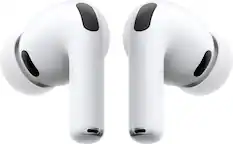
Apple - AirPods Pro 3, Wireless Active Noise Cancelling Earbuds with Heart Rate Sensing Feature - White
$199.99The price was $249.99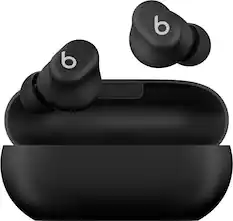
Beats - Solo Buds True Wireless Earbuds - Matte Black
$69.99The price was $79.99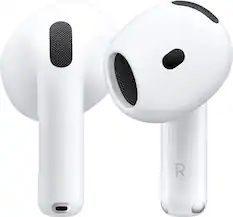
Apple - AirPods 4 - White
Top Deal$99.99The price was $129.99


More recommended items
 Business Software
 Wireless Mice
 Antivirus Software
 Cables and Adapters
 Monitors
 Flash Drives
 Docking Stations
 Screen Protectors
 Cases and Sleeves
More to consider
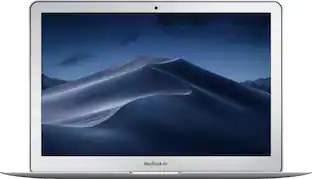 $278.99The price was $899.00
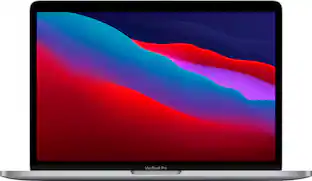 $789.99The price was $1,299.99
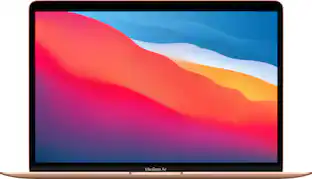 $659.99The price was $699.00
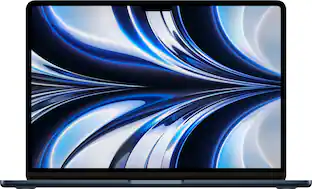
Explore tech essentials Sponsored
 Clearance$1,487.99The price was $2,399.99
 $629.99The price was $879.99
Discover related products
 $629.99The price was $799.00
 $449.99The price was $1,299.00
 $1,249.99The price was $1,599.00



Keep exploring
 $550.00The price was $559.00
 $569.99The price was $1,249.99
 $1,279.99The price was $2,799.99
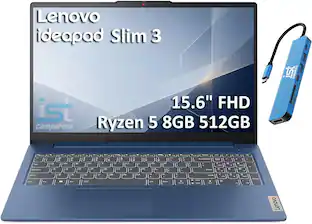 $549.99The price was $899.99
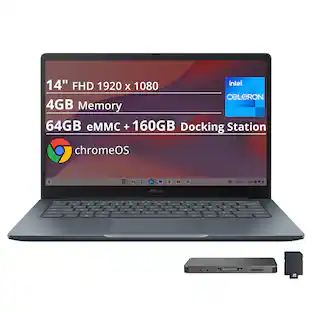 $269.00The price was $519.00
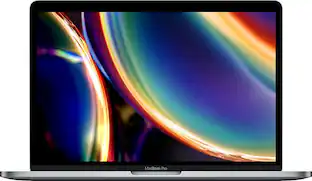 $919.99The price was $1,799.99
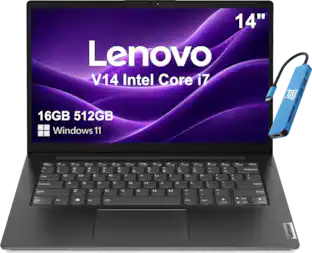 $699.99The price was $899.99