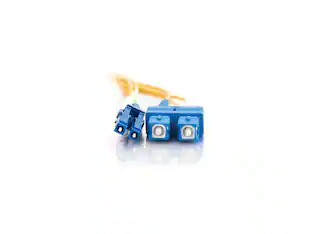
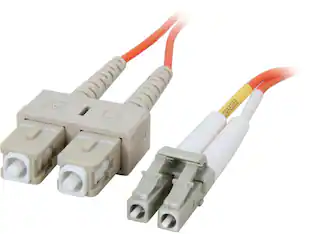
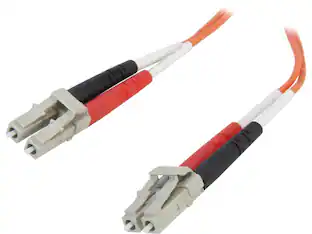
Cables to Go - C2G 28523 OS2 Fiber Optic Cable - LC-SC 9/125 Duplex Single-Mode PVC Fiber Cable, Yellow (32.8 Feet, 10 Meters)
Reviews coming soon
About this product
C2G 28523 OS2 Fiber Optic Cable - LC-SC 9/125 Duplex Single-Mode PVC Fiber Cable, Yellow (32.8 Feet, 10 Meters)
Cable Length
32.8'Features
High-Speed Data Transmission
Fiber Optic
Yellow
Specifications
- Cable Length32.8 feetConnector Type (End 1)LCConnector Type (End 2)SC
Reviews
This product doesn't have any reviews yet.

Compare similar products
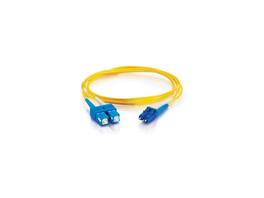
C2G 28523 OS2 Fiber Optic Cable - LC-SC 9/125 Duplex Single-Mode PVC Fiber Cable, Yellow (32.8 Feet, 10 Meters)
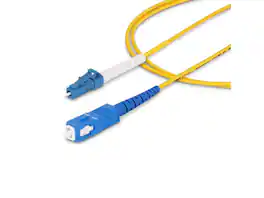
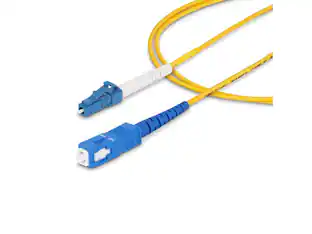
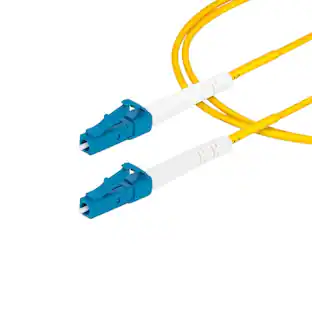
StarTech 2m 6.6ft LC to SC UPC OS2 Single Mode Simplex Fiber Optic Cable 9/125 40G/100G Low Insertion Loss LSZH Jumper Cord SPSMLCSCOS22M
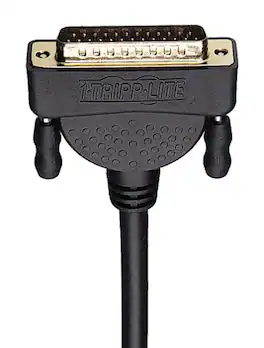
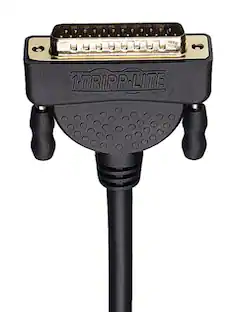
This 6-foot null modem serial cable features a DB9 female connector on one end and a DB25 male connector on the other, allowing connection between devices with different serial port configurations. The cable is shielded with foil to protect against electromagnetic and radio frequency interference, ensuring signal integrity. Gold-plated connectors enhance conductivity and reduce signal loss, while molded connectors provide durability and strain relief for long-term use.
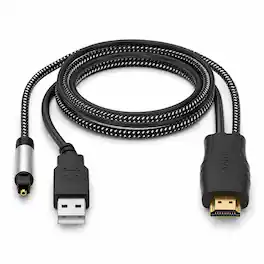
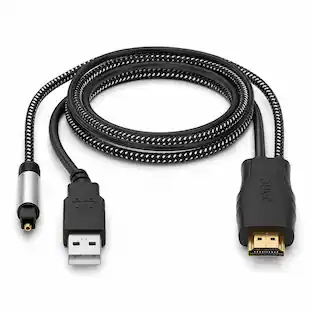
Upgrade your TV audio setup with the J-Tech Digital JTECH-EARC-OP HDMI eARC/ARC to Optical Converter Cable. Designed for TVs with an ARC or eARC HDMI port, this convenient all-in-one cable sends your TV’s audio to a compatible soundbar or audio system through its built-in optical SPDIF connection. The integrated USB cable provides power from your TV’s USB port or another USB-compatible port, helping keep installation simple and convenient. The JTECH-EARC-OP supports up to 24-bit/192kHz audio sampling and multiple audio formats, including PCM, Dolby 5.1, and DTS 5.1. For Dolby 5.1 or DTS 5.1, the connected audio system must also support the selected format. Simply connect the HDMI end to your TV’s ARC/eARC port, connect the optical end to your audio system, provide USB power, and configure your TV’s audio settings. Please note that optical connections do not support CEC volume control, so volume should be adjusted directly through the connected soundbar or audio system.
Specs
Be the first to ask a question.
We’ll try to get your question answered within 24 hours by a Best Buy customer or brand representative.
Customers often buy these together
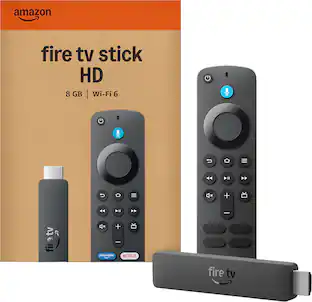
More to consider
 $24.00The price was $25.99



Elevate your entertainment Sponsored
 $149.99The price was $199.99
Keep exploring
 Techtober Deal$10.99The price was $13.99
 $4.99The price was $7.99
 $12.99The price was $14.99