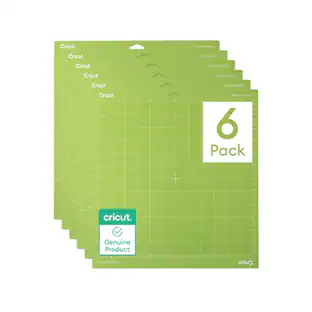
Cricut - Joy Xtra Light Grip Machine Mat - 8.5 in x 12 in (4 ct)
About this product
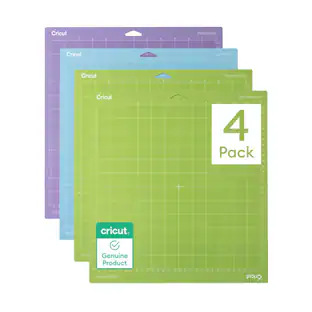
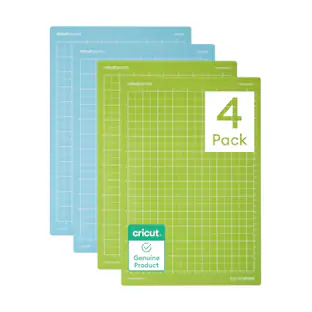
Keep your Cricut projects moving with this LightGrip machine mat in a convenient 8.5 in x 12 in size. A fresh mat helps hold compatible materials in place while your machine cuts, so your designs come out cleaner and are easier to lift. Use it for printer paper, light cardstock, vellum, scrapbook layers, labels, and delicate paper designs. This is a helpful staple for beginners because the mat guides your material placement and gives you a reliable surface for repeated projects. Keep the clear cover on between uses, place materials smoothly on the adhesive area, and swap mats by material type so paper, vinyl, cardstock, and specialty sheets each get the grip they need.
Includes:
4 reusable machine mats 8.5 in x 12 in (21.6 cm x 30.5 cm)
Genuine Cricut Cutting Mats:
Use for lightweight materials like paper, thin cardstock & printable materials
Long Lasting:
Made with long-lasting adhesive
Designed for Cricut:
Durable, yet easy to remove
Compatible With:
For Cricut Joy Xtra
- BrandCricutModel Number2012124Product NameJoy Xtra Light Grip Machine Mat - 8.5 in x 12 in (4 ct)Product TypeCutting materialProduct Weight0.73 poundsUPC093573680236
Reviews
This product doesn't have any reviews yet.
Compare similar products

Keep your Cricut projects moving with this LightGrip machine mat in a convenient 8.5 in x 12 in size. A fresh mat helps hold compatible materials in place while your machine cuts, so your designs come out cleaner and are easier to lift. Use it for printer paper, light cardstock, vellum, scrapbook layers, labels, and delicate paper designs. This is a helpful staple for beginners because the mat guides your material placement and gives you a reliable surface for repeated projects. Keep the clear cover on between uses, place materials smoothly on the adhesive area, and swap mats by material type so paper, vinyl, cardstock, and specialty sheets each get the grip they need.
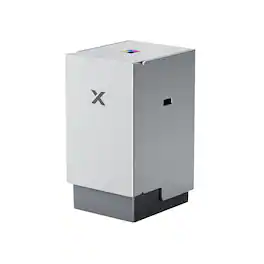
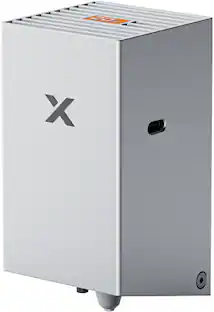
Upgrade your xTool M2 to a full-color screen printing machine. This innovative module allows you to print vibrant, multi-color designs on t-shirts, tote bags, and more.
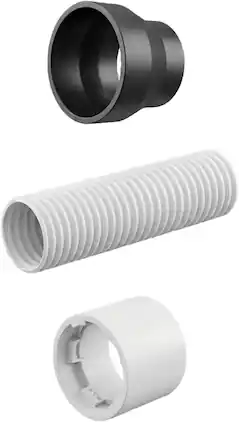
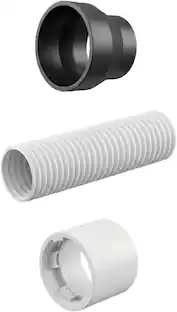
Connect your xTool M2 to a smoke purifier seamlessly with this dedicated adapter, ensuring a clean, safe, and odor-free indoor crafting environment.
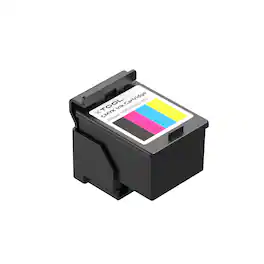
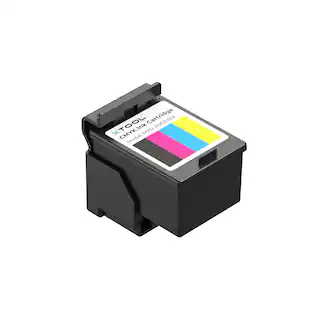
High-quality CMYK ink cartridges designed specifically for the xTool M2 CMYK Module. Delivers vibrant, long-lasting colors for your screen printing and crafting projects.
Specs
Be the first to ask a question.
We’ll try to get your question answered within 24 hours by a Best Buy customer or brand representative.
Find more like this
More to consider
Explore, Play, Collect Sponsored
 $1,039.00The price was $1,099.00