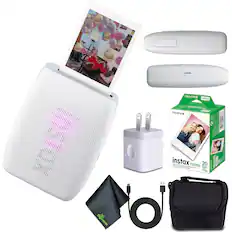
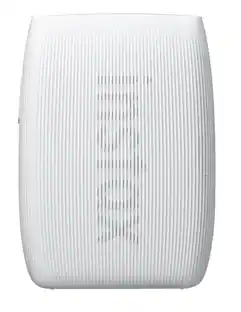
Fujifilm - INSTAX Mini Link 3 Smartphone Printer with INSTAX Mini
Reviews coming soon
About this product
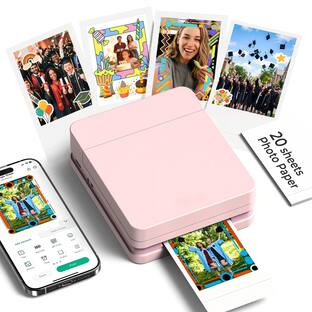
If you’re seeking an experience that’s reminiscent of a photo booth, the Click to Collage app takes a series of six images in three-second intervals and lets you select which ones to print as a collage, while also giving you the option of turning the image into an animation for social media. Also of note is Remote Live View, which allows users to view the shot on their smartphone after scanning a QR code within the app. Remove Live View also gives the subject the option of taking the photo on their phone. Other fun features include the ability to use images in your phone as AR effects, using the printer’s power button as a shutter release, tilting the printer to zoom in or out, adding QR codes to photos to play a video on your smartphone, testing compatibility with friends via the Match Test, sharing images on social media, and more. The INSTAX MINI LINK 3 is available in Sage Green, Rose Pink, and Clay White.
Features
SEAMLESS SMARTPHONE PRINTING
The Fujifilm INSTAX Mini Link 3 lets you easily print 2x3” photos directly from your smartphone printer. Whether you’re using iOS or Android, you can wirelessly connect via Bluetooth 5.1 and quickly transform your digital memories into beautiful, high-quality prints in just 15 seconds.
ENHANCE YOUR PHOTOS with 3D AR effects.
Using the Instax AiR Studio App. Save up to 20 creations, print later, or capture videos. Your studio, your way. Download the free Instax mini Link App now!
Bring your smartphone photos to life.
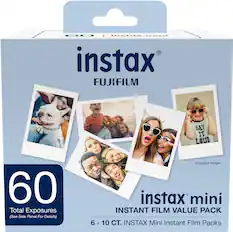
Whether it's a new snap or a cherished memory from your camera roll, this sleek printer keeps your moments alive. Just add Instax mini instant film!
ELEVATE YOUR IN-APP
With the Click to Collage feature! Capture six images in quick succession, choose your favorites, and print a stunning Instax mini collage. Plus, enjoy a fun animation of all six shots, perfect for sharing. Stock up on Instax mini film for your Link 3 Smartphone printer!
UNLEASH YOUR CREATIVITY
With the INSTAX MINI LINK 3 Smartphone Printer. Using the free app, you can print 2x3” photos from your iOS or Android device via Bluetooth. Customize your shots with text, frames, filters, and stickers, or add 3D AR effects with the INSTAX AiR Studio feature.
Specifications
- NetworkingWirelessPrinter TypePrinterPrinter Resolution (Color)Up to 300
Reviews
This product doesn't have any reviews yet.
Compare similar products
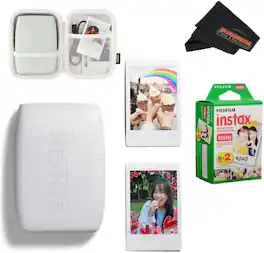
If you’re seeking an experience that’s reminiscent of a photo booth, the Click to Collage app takes a series of six images in three-second intervals and lets you select which ones to print as a collage, while also giving you the option of turning the image into an animation for social media. Also of note is Remote Live View, which allows users to view the shot on their smartphone after scanning a QR code within the app. Remove Live View also gives the subject the option of taking the photo on their phone. Other fun features include the ability to use images in your phone as AR effects, using the printer’s power button as a shutter release, tilting the printer to zoom in or out, adding QR codes to photos to play a video on your smartphone, testing compatibility with friends via the Match Test, sharing images on social media, and more. The INSTAX MINI LINK 3 is available in Sage Green, Rose Pink, and Clay White.
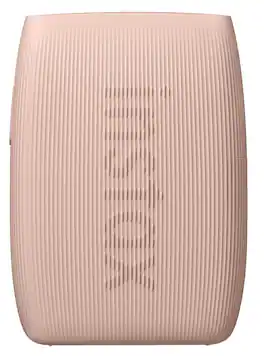
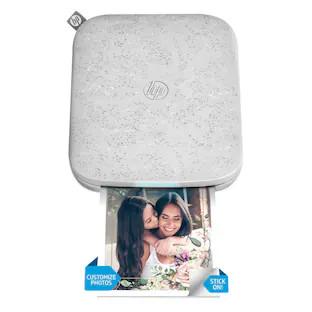
The INSTAX MINI LINK 3 Smartphone printer lets you transform your everyday moments into colorful INSTAX MINI instant photos (download of free INSTAX MINI LINK App and INSTAX MINI instant film (sold separately) required). With the INSTAX AIR STUDIO App feature, select ‘in-the-moment’ 3D AR (augmented reality) effects before taking photos with your Smartphone and printing them on INSTAX MINI instant film with the INSTAX MINI LINK 3 Smartphone printer! Simply choose a background and add some décor (think balloons, hearts and leafy garlands) or even animated effects! We’ve got confetti, spotlights, sprinkles… everything you need to ensure your INSTAX MINI photos have a little extra magic. Want to make sure you’re center stage within the shot? Open the INSTAX AIR STUDIO App feature, set the scene and select ‘Remote Live View’. A QR code will appear on the screen ready to be scanned by another Smartphone. Once scanned, both you and your friend will be able to see the ‘scene’ before taking the photo - an easy way to make sure you’re center stage within the shot! Then there’s the ultimate in-App “photobooth” experience! The Click to Collage App feature captures a series of six images at three second intervals. Choose two, four or six fun-tastic images to print as a collage on your INSTAX MINI instant photo. Looking to share on social? This series of images is automatically turned into an animation…perfect for posting. Available in three dreamy pastel colors – Sage Green, Clay White and Rose Pink – the beautifully textured and easy to hold INSTAX MINI LINK 3 Smartphone printer is designed to go everywhere your Smartphone goes, so you can print INSTAX MINI instant photos from the sofa or on the go. The LED lights on the front are designed to pulse different colors depending on what the printer is doing. This Smartphone printer is one smart cookie! Lastly, you can also print INSTAX MINI instant photos from videos taken with your Smartphone, switch up the image quality, shoot photos remotely through the INSTAX MINI LINK App, using the power button on the side of the INSTAX MINI LINK 3 Smartphone printer, and experience plenty of fun ways to interact with your friends.
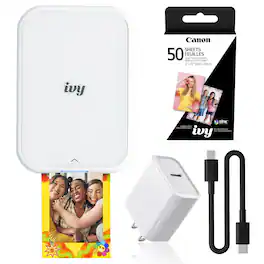
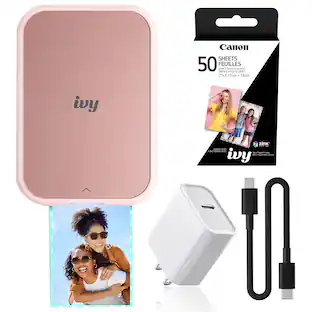
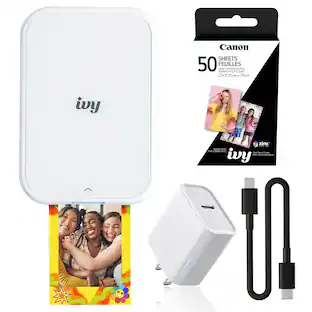
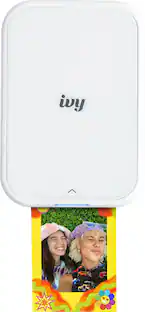
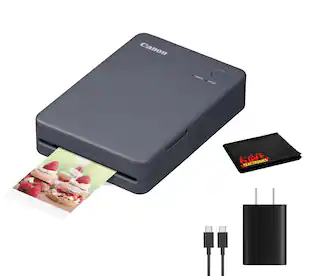
The Canon IVY 2 Mini Photo Printer is designed to bring your favorite moments to life instantly, transforming digital memories into tangible keepsakes you can hold, share, and display. Built for convenience and creativity, this compact printer fits easily into your bag or pocket, making it an ideal companion for travel, events, journaling, and everyday use. Whether you’re capturing spontaneous moments with friends or curating a visual story, it offers a simple and enjoyable way to print photos anytime, anywhere. Manufacturer Included Items:Canon IVY 2 Mini Photo Printer (Pure White)ZINK Photo Paper Pack (10 x Sheets & 1 x SMART SHEET)USB-C to USB-A Charging CableBundle Items Include:Canon IVY 2 Mini Photo Printer Pure White, Bluetooth Portable Printer for iOS & Android, ZINK 2x3 Sticky-Back Photo Prints, Compact Travel SizeCanon 2x3 ZINK Photo Paper (50 Sheets)USB-C AdapterUSB-C Cable
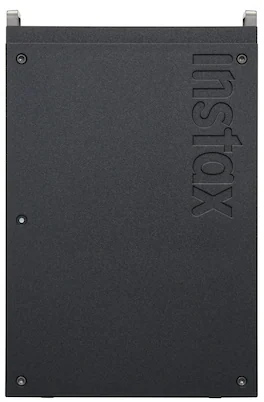
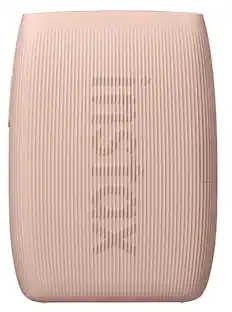
maximize maximalism. Bring your everyday (and not-so everyday) inspirations to life with the instax mini Link+ smartphone printer – designed to print not only who you love, but also what you love. Think illustrations, movie posters, graphic designs. Download of free instax mini Link app required. And printing them is super easy, effortlessly pulling photos straight from your smartphone’s camera roll or pins directly from your Pinterest account, before turning them into striking, lasting instax mini instant photos (instax mini instant film required, sold separately). In the free instax mini Link app, Design Print Mode even makes sure text-rich layouts and intricate illustrative work such as magazines, posters and artwork are printed with sharpness. Then there’s Simulation Mode, which allows you to visualize your instax mini instant photos in real life in the app before they print on the printer. Try frames, walls, shelves, or even a phone case (all sold separately) to experiment with placement, style and impact. Want speedy content printing? Multiple Print Mode lets you print 10 images that you’ve previewed and selected in Image Simulation Mode in a single step, helping to preserve your creative momentum. You can even turn a fleeting moment within a video from your smartphone’s camera roll into a sharp, stylish instax mini instant photo with the free downloadable instax mini Link app. Simply select your favorite scene within the video and print it effortlessly. When it comes to telling a rich, personal story, the Collage Print app feature is the perfect way of combining multiple images into a single instax mini instant photo…. whether they’re shots of your friends and family, or Pins from a Pinterest board. Plus, with two print quality modes in the app: instax-Natural Mode for clean, subtle tones that echo classic film, or instax-Rich Mode for dynamic, saturated color, you can embrace color easily. Finally, remote shooting using the instax Camera app feature helps you embrace togetherness, motion control gives you the power to reprint multiple images, and the instaxAiR Studio app feature lets you add ‘in-the-moment’ 3D AR effects before you’re taking the shot. This slim, minimal design instax mini Link+ smartphone printer really knows how to deliver maximum impact.
| Pros for Fujifilm - INSTAX Mini Link 3 Smartphone Printer with INSTAX Mini | |||
|---|---|---|---|
| There were no pros for this product— | Print Quality, Ease of Use, Overall Performance, Connectivity, Size | There were no pros for this product— | There were no pros for this product— |
Specs
Be the first to ask a question.
We’ll try to get your question answered within 24 hours by a Best Buy customer or brand representative.
Customers often buy these together
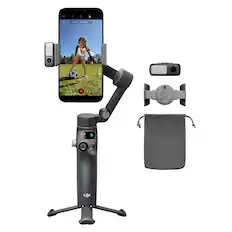
DJI - Osmo Mobile 8 Phone Gimbal Stabilizer - Black
Top Deal$129.00The price was $149.00


More to consider
 $147.88The price was $178.99
 $119.89The price was $219.89
 $159.89The price was $239.89

Stay connected in style Sponsored
 $204.95The price was $238.95
Keep exploring
 $239.95The price was $244.95
- $204.95The price was $238.95