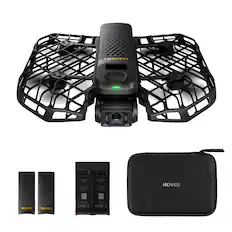
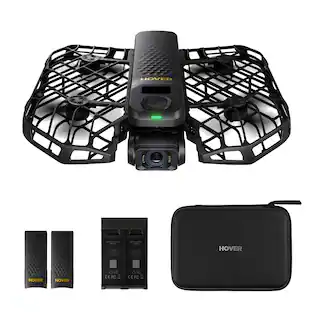
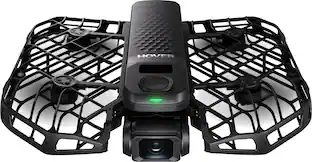
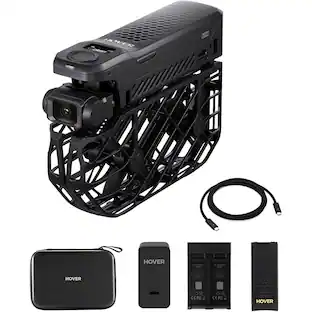
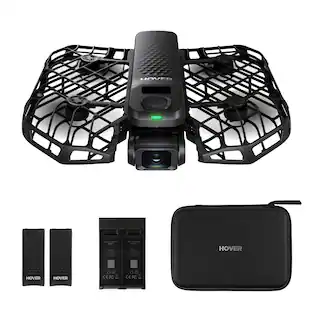
HOVERAir - X1 Self-Flying Camera Drone Combo - Black
Customers are saying
Customers are impressed with the product's ease of use, solid video quality, and overall performance, with many noting its durability and convenient built-in storage. However, some users have expressed concerns regarding its battery life, noise level, and the absence of obstacle avoidance.
Color
BlackIntelligent Follow-Me Camera
Harnessing advanced tracking algorithms and a following speed of up to 15 mph, the HOVERAir follow-me self-flying drone becomes your intuitive cameraman, seamlessly tracking your every move. Ideal for cycling, skateboarding, and various sports, it effortlessly captures breathtaking moments, ensuring you're always at the center of the action.
Portability and Simplicity Redefined
Weighing a mere 125g (4.41oz), lighter than an iPhone and exempt from the hassle of FAA registration. The foldable design makes every adventure just a fold away. Operating the HOVERAir X1 self-flying camera is simple and user-friendly. lt takes off from your palm with one click, making it easy for everyone!
Automatic and Intelligent Flight Paths
Enjoy hands-free flying with pre-programmed flight modes like Hover, Follow, Zoom Out, Orbit, Bird’s Eye, and Manual Control. Want more control? Use Manual mode to fine-tune your shots. Each battery powers up to 20 smart flight paths (about 11 minutes), so every second is focused on capturing content that’s ready to share.
Amazing Image & HDR Video Shooting
HOVERAir camera drone supports a maximum of 2.7K@30fps and 1080P HDR video shooting. The triple stabilization system ensures smooth video effects and excellent fast motion capturing capability, easily recording beautiful moments during hikes or journeys.
Perfect for Content Creation and Sharing
Experience the joy of hands-free shooting and download your photos and videos via the Hover X1 App after your flight. With a simple click, instantly share your memorable moments with friends and family on your favorite social media platforms such as Instagram and Facebook. HOVERAir X1 is a perfect ally for vloggers, hikers, bikers, and other adventurers.
- Maximum Flight Time11 minutesStandardized Video ResolutionFull HD (1080p)Control TypeApp-controlled
Reviews
Rating 4.4 out of 5 stars with 45 reviews
- Ease of Use (23)
- Video Quality (18)
- Overall Performance (12)
- Storage Capacity (4)
- Battery Life (8)
- Noise Level (5)
- Obstacle Avoidance (4)
Customer Images
The vast majority of our reviews come from verified purchases. Reviews from customers may include My Best Buy members, employees, and Tech Insider Network members (as tagged). Select reviewers may receive discounted products, promotional considerations or entries into drawings for honest, helpful reviews.
Compare similar products

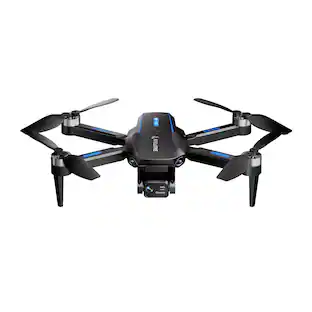
The HOVERAir X1 helps you capture stunning, hands-free videos of your favorite moments. Designed for ultimate ease of use, the X1 features a compact, foldable design, a quick 3-second takeoff from your palm, and intuitive self-flying modes. Its triple stabilization system ensures smooth, shake-free footage, while the built-in gimbal camera captures sharp 12MP photos and Ultra HD 2.7K HDR videos. With 32GB of built-in storage, you can save and access your footage easily using the Hover X1 app.
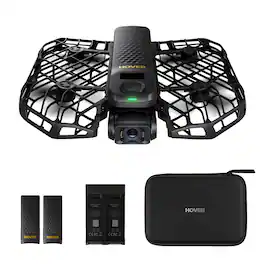
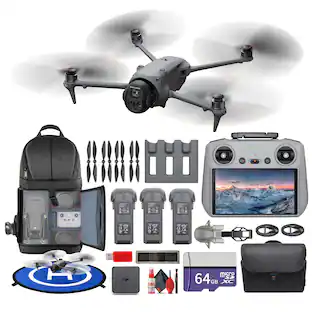
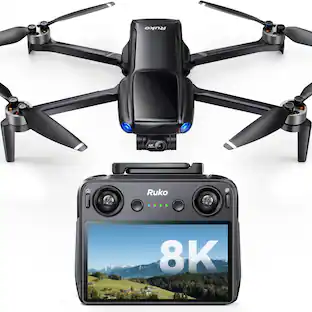
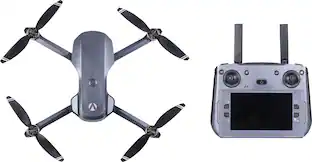
The X1 PROMAX is an 8K flying action camera, capturing stunning visuals in 8K at 30fps and 4K at 120fps. Its compact, foldable design makes it easy to carry, while the simple palm takeoff, OmniTerrain adaptability, and collision detection ensure safe, seamless operation. Equipped with premium stabilization, the X1 PROMAX delivers exceptional clarity and performance in all conditions, perfect for capturing breathtaking shots wherever adventure takes you.
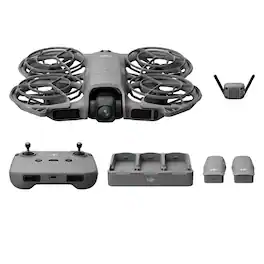
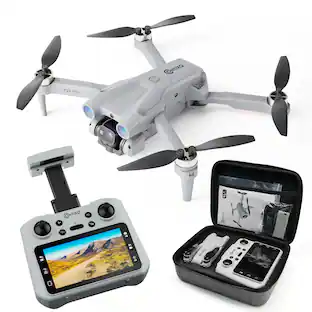
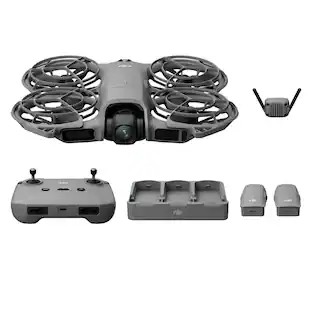
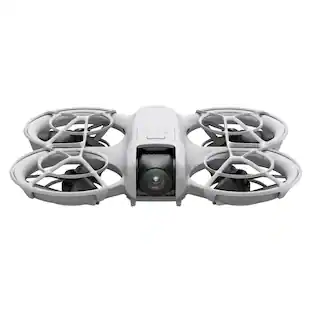
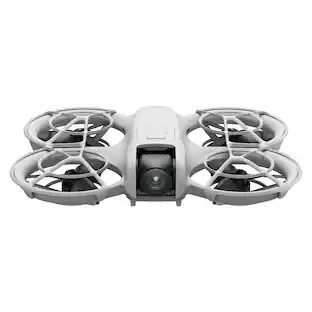
DJI Neo 2 is DJI's most compact drone equipped with omnidirectional obstacle sensing and features such as gesture control, SelfieShot, and ActiveTrack for more creative ways to fly. Even beginners can get started effortlessly. Think of it as your personal follow-me camera drone, always ready to capture your most exciting moments. Palm Takeoff & Landing, Gesture Control Faster, Smoother Tracking With ActiveTrack Easy Moment Capture With SelfieShot Omnidirectional Obstacle Sensing and Versatile Flight 4K High-Quality Imaging Lightweight, Portable Design With Full-Coverage Propeller GuardsMaster Flight With EaseDJI Neo 2 features an onboard display for intuitive shooting mode selection. To launch, point it at yourself and press the takeoff button with one hand to take off directly from your palm, then perform automatic camera movements. The new Return-to-Palm feature allows Neo 2 to precisely locate your palm, return safely, and land steadily, making flights easier than ever. More Ways to Control, More FunNeo 2 can follow you effortlessly even without a remote controller, ensuring every exciting moment is captured. Pair it with DJI RC-N3 remote controller for easy-to-start aerial flights. The fun never stops!Gesture ControlEasily adjust Neo 2's direction and proximity with one or both hands. Point your palm toward the drone to guide it up, down, or side to side, or use both palms for precise control over proximity. No remote controller is needed for camera angle adjustment.Voice Control via MobileNeo 2 supports voice control, so you can send flying commands using your smartphone or Bluetooth earphones with complete freedom, whether on a run or cycling. When connected to your phone, it can capture audio and intelligently reduce noise, automatically filtering out propeller noise. This feature enables you to record content independently on your own.Mobile App ControlControl Neo 2 with virtual joysticks on the DJI Fly app interface and quickly delve into the joy of flying with no need for a separate purchase of a remote controller.RC ControlWhen paired with DJI RC-N3 remote controller, Neo 2 can achieve a maximum video transmission distance of 10 km. Flexibly operate the camera using traditional RC control sticks when you need to capture professional-level shots.Smart Capture for Sharp ResultsDJI Neo 2 supports ActiveTrack and SelfieShot, automatically framing subjects for smooth, hands-free shooting from start to finish. Multiple intelligent shooting modes unlock fresh perspectives and spark creativity in seconds. Combined with 4K video recording , Neo 2 delivers crisp, detailed, cinematic-quality footage.Faster, Smoother Tracking With ActiveTrackWith enhanced tracking performance, Neo 2 enables smooth and stable tracking for running, cycling, and more. In open areas, it can track at speeds of up to 12m/s, offering faster response and improved stability.Faster Tracking SpeedWith a maximum tracking speed of 12 m/s, Neo 2 smoothly follows you even during running or cycling. Added omnidirectional obstacle sensing ensures safer tracking from the front and sides, allowing you to capture fast-motion moments with ease.12 m/s Maximum tracking speedMore Tracking DirectionsEight-direction tracking (forward, backward, left, right, and four diagonals) enables smoother, more natural follow shots and expands creative possibilities. In complex environments, the drone can switch to rear tracking mode, steadily keeping the subject in focus and enabling creative freedom with confidence.Easy Moment Capture With SelfieShotCapture solo or group moments hands-free with SelfieShot, which lets you effortlessly switch between waist-up, full-body, and long shots without a tripod or any extra assistance. Whether it's birthday parties, weekend picnics, or family outings, Neo 2 automatically composes every scene and maneuvers the camera as needed to capture your cherished moments with just a tap.4K High-Quality Imaging Neo 2 features a 12MP, 1/2-inch CMOS sensor with an f/2.2 aperture and high-performance image processor for clearer, low-noise footage. Shoot in 4K/60fps video, 4K/100fps slow motion, and 2.7K vertical video, all stabilized by a 2-axis gimbal. Stunning Footage Neo 2 captures impressive footage with true-to-life image quality.4K Video Neo 2 records 4K/60fps video and 4K/100fps slow-motion, delivering smooth and clear results.
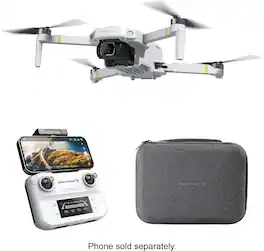
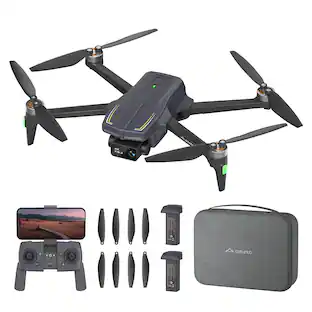
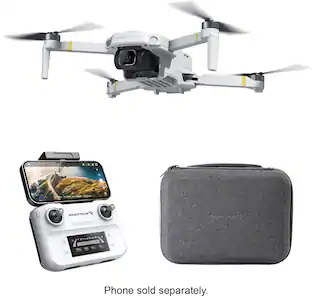
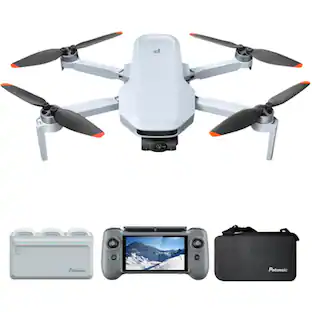
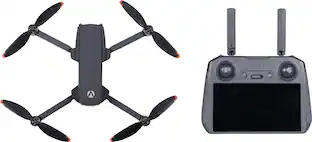
Snaptain P30 Pro is a 4K drone with GPS that uses brushless motors to deliver powerful power, smart flight and Return to home to make flying easier and safer, with a weight of less than 249g exempt from FAA registration. The new user interaction system and novice mode make use easier and faster.
| Pros for HOVERAir - X1 Self-Flying Camera Drone Combo - Black | |||
|---|---|---|---|
| Ease of Use, Video Quality, Overall Performance, Storage Capacity | Ease of Use, Video Quality, Overall Performance, Obstacle Avoidance | There were no pros for this product— | Ease of Use, Image Quality, Battery Life, Weight, Control |
| Cons for HOVERAir - X1 Self-Flying Camera Drone Combo - Black | |||
| Battery Life, Noise Level, Obstacle Avoidance | Battery Life, Connectivity | There were no cons for this product— | Stability, Flight Time, Range, Hovering |
Specs
Customers often buy these together

More to consider
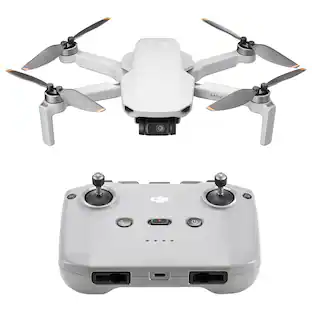
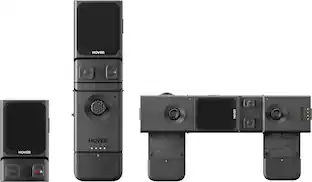
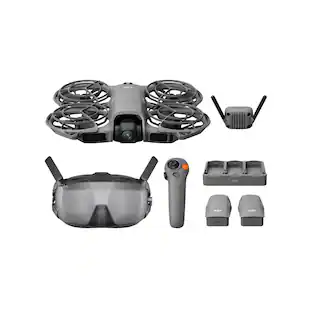
Capture the moments Sponsored
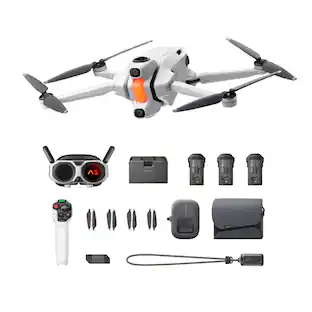 Top Deal$1,599.00The price was $1,999.00
 Top Deal$599.00The price was $699.00
 Top Deal$1,279.00The price was $1,599.00
Discover related products
 $12.99The price was $14.99
 $47.99The price was $69.99


Keep exploring
 $1,199.00The price was $1,299.00
 $1,519.95The price was $1,679.95
 $379.00The price was $445.49
 $1,169.95The price was $1,229.95
 $1,879.95The price was $1,939.95
 $1,639.95The price was $1,699.95