Lenovo - Mounting Bracket for Desktop Computer, Workstation - Black
About this product
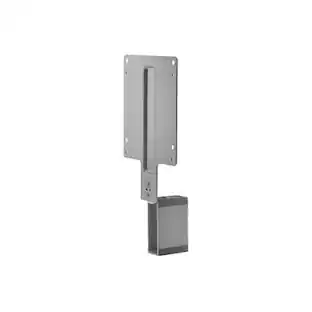
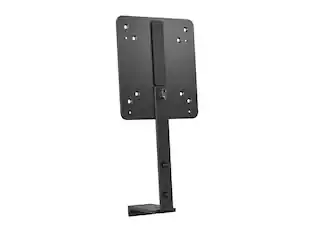
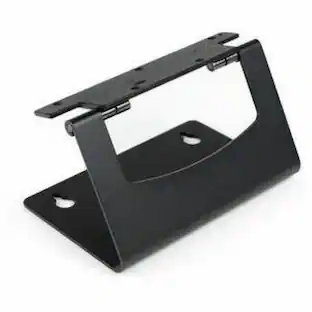
The ThinkCentre Tiny VESA Mount II is a unique design specific to house the Tiny PC while featuring the universal VESA mount configuration. The VESA standard enables this mount to attach to anything that is VESA compatible for the utmost in mounting flexibility. This versatile mounting device can be used separately or combined with other options for secure mounting functionality. The ThinkCentre Tiny VESA Mount is a required component for the following ThinkCenter Tiny options
Features
Lenovo Mounting Bracket for Desktop Computer, Workstation
The ThinkCentre Tiny VESA Mount II is a unique design specific to house the Tiny PC while featuring the universal VESA mount configuration. The VESA standard enables this mount to attach to anything that is VESA compatible for the utmost in mounting flexibility. This versatile mounting device can be used separately or combined with other options for secure mounting functionality. The ThinkCentre Tiny VESA Mount is a required component
Specifications
- BrandLenovoModel Number4XF0N03161Product NameLenovo Mounting Bracket for Desktop Computer, Workstation - Black - BlackColorBlackAccessory TypeMounting BracketCompatibilityLenovo ThinkStation P410 Workstation, Lenovo ThinkCenter Tiny Desktop Computers
Reviews
This product doesn't have any reviews yet.
Compare similar products
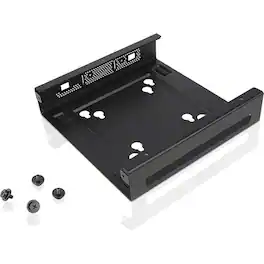
The ThinkCentre Tiny VESA Mount II is a unique design specific to house the Tiny PC while featuring the universal VESA mount configuration. The VESA standard enables this mount to attach to anything that is VESA compatible for the utmost in mounting flexibility. This versatile mounting device can be used separately or combined with other options for secure mounting functionality. The ThinkCentre Tiny VESA Mount is a required component for the following ThinkCenter Tiny options
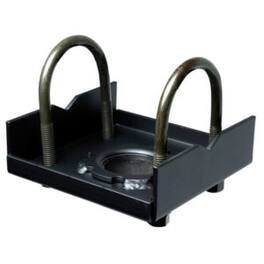

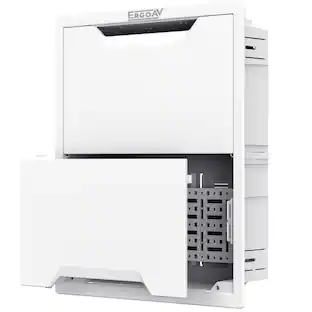
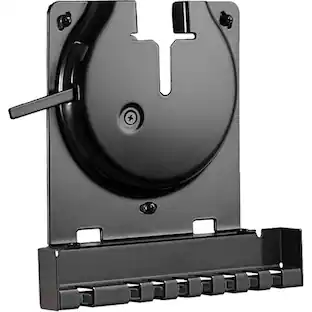
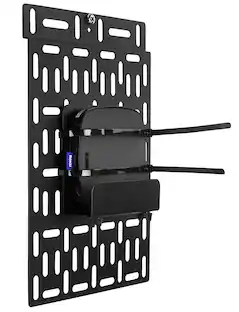
Hide streaming devices and other small accessories behind your wall-mounted TV with this handy Sanus small accessory panel. This black panel, which is made out of sturdy metal, comes with all the hardware you need for a simple installation. Use this Sanus small accessory panel to conceal and organize power and data transfer cables to keep your setup tidy.
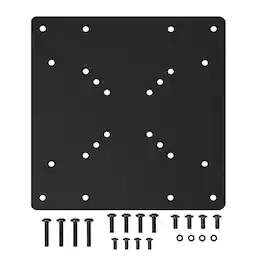
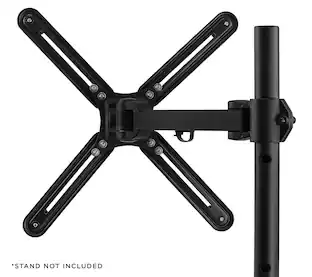
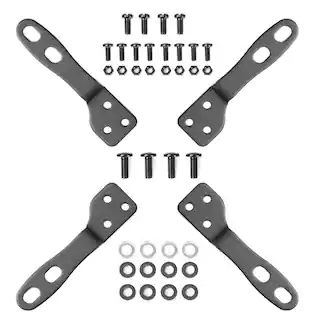
Make your existing mount compatible with larger screens using this heavy‑duty VESA mount adapter plate. Designed to convert standard 75×75 mm and 100×100 mm VESA patterns to larger 200×100 mm and 200×200 mm configurations, it expands mounting options for most 32″ to 55″ TVs and monitors up to 66 lb capacity. Solid steel construction and included hardware make installation quick and reliable, letting you use your current stand or wall mount with bigger displays without buying new mounting equipment.
| Pros for Lenovo - Mounting Bracket for Desktop Computer, Workstation - Black | |||
|---|---|---|---|
| There were no pros for this product— | There were no pros for this product— | Ease of use, Compatibility, Size, Mounting, Overall Performance | There were no pros for this product— |
| Cons for Lenovo - Mounting Bracket for Desktop Computer, Workstation - Black | |||
| There were no cons for this product— | There were no cons for this product— | Price, Design | There were no cons for this product— |
Specs
Be the first to ask a question.
We’ll try to get your question answered within 24 hours by a Best Buy customer or brand representative.
Find more like this

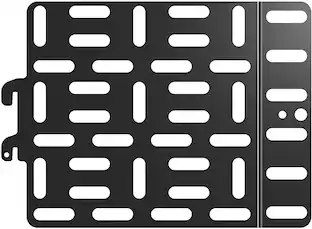

More to consider
 $169.90The price was $212.99
 $89.99The price was $119.99

Discover lifestyle innovations Sponsored
 $189.99The price was $299.99
 $249.99The price was $259.99

Keep exploring
 $16.99The price was $23.99