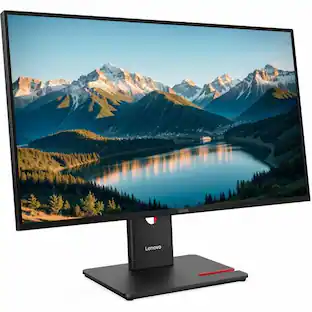
Lenovo - ThinkVision T27hv-30 27" Class Webcam WQHD LED Monitor - 16:9 - 27" Viewable - In-plane Switching - Raven Black
About this product
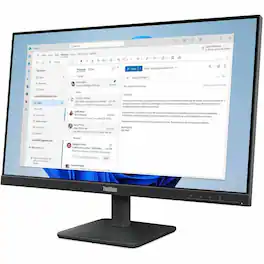
Lenovo ThinkVision T27hv-30 27" Class Webcam WQHD LED Monitor - 16:9 - Raven Black - 27" Viewable - In-plane Switching (IPS) Technology - WLED Backlight - 2560 x 1440 - 16.7 Million Colors - 300 Nit - 4 ms - 75 Hz Refresh Rate - Speakers - USB Type-C - HDMI - DisplayPort - VESA Mount Compatible - USB Hub
Highlights
Lenovo ThinkVision T27hv-30 27" Class Webcam WQHD LED
Lenovo ThinkVision T27hv-30 27" Class Webcam WQHD LED Monitor - 16:9 - Raven Black - 27" Viewable - In-plane Switching (IPS) Technology - WLED Backlight - 2560 x 1440 - 16.7 Million Colors - 300 Nit - 4 ms - 75 Hz Refresh Rate - Speakers - USB Type-C - HDMI - DisplayPort - VESA Mount Compatible - USB Hub
Screen Size
27 in
Brightness
300 cd/m²
Refresh Rate
75 Hz
Response Time
4 ms
- Refresh Rate144HzMaximum Resolution1920 x 1080Panel TypeTNSynchronization TechnologyNot ApplicableScreen Size15.6 inches
Reviews
This product doesn't have any reviews yet.

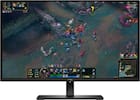
Compare similar products
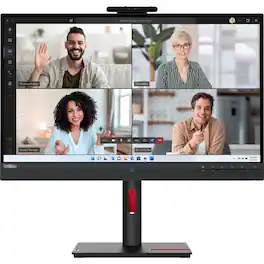
Lenovo ThinkVision T27hv-30 27" Class Webcam WQHD LED Monitor - 16:9 - Raven Black - 27" Viewable - In-plane Switching (IPS) Technology - WLED Backlight - 2560 x 1440 - 16.7 Million Colors - 300 Nit - 4 ms - 75 Hz Refresh Rate - Speakers - USB Type-C - HDMI - DisplayPort - VESA Mount Compatible - USB Hub
The ThinkVision S24-4e Monitor is designed for professional excellence. View your work in seamless quality in FHD with a 100 Hz refresh rate for animation or fast-moving pictures. The large 23.8-inch monitor can manually reduce the refresh rate to 48 Hz for less demanding content, saving more power in the long run. View your work on this immersive and stylish monitor with its 3-side borderless display to match any modern workspace. The monitor also comes with TUV HW Low Blue Light certification, protecting your vision without falling short on stunning, true-to-life colors. Personalize your comfort with S24-4e monitor's adjustable monitor stand. Effortlessly tilt your monitor to the perfect viewing angle, and save valuable desk space with the simple-to-assemble tilt stand. Featuring a VESA mount that supports Tiny PC, it allows you to securely attach your Tiny PC directly to the base of your monitor.

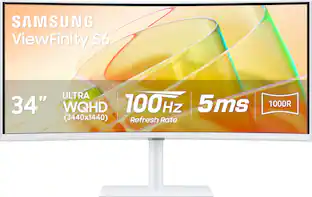
Samsung's Ultra-WQHD Monitor with a 34" 1000R curved display surrounds you with a 21:9 aspect ratio to maximize your screen's real estate. Featuring Thunderbolt 4 connectivity and multiple ports, you can power your devices while transmitting data. Experience 1 billion vivid colors with HDR10, providing near limitless hues, with darker darks and brighter brights. Built-in speakers minimize connections and free up desk space, while 100Hz refresh rate and AMD FreeSync keep the screen smooth across all applications and diminish screen stuttering and image tearing. With KVM Switch, Easy Setting Box, Picture-By-Picture, and Picture-In-Picture, you can play games while connecting with friends, watching movies, or working on projects. The ergonomically designed height-adjustable monitor creates a customized, comfortable environment in which to work and play, and TÜV-certified technology reduces eye strain.

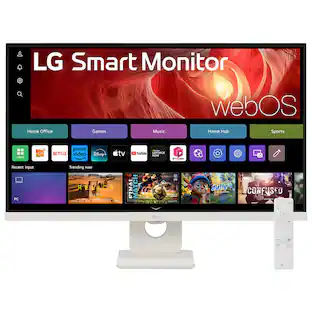
Smart Display. Serious Performance. Seamless Entertainment. Upgrade your desktop with the 27-inch LG UHD 4K Smart Monitor. The UHD (3840 x 2160) IPS display with up to 90% DCI-P3 color coverage and HDR support brings sharp detail and brilliant color to everything from spreadsheets to content streaming, video calls and cloud gaming. With built-in webOS24 and a dedicated remote, you get easy, instant access to your favorite streaming platforms like Netflix, Prime Video, Disney+, and more—plus 300+ free LG Channels. Game directly in the cloud with NVIDIA GeForce NOW, Amazon Luna, or Blacknut¹—no console or PC required. Need to get stuff done? The Switch app makes multitasking easy. Divide the screen into up to six sections, customize layouts, or launch video calls with a hotkey—all while switching effortlessly between your PC and the built-in smart features². Built-in stereo speakers deliver bold, immersive sound. The ergonomic stand tilt adjusts to your ideal viewing angle, while USB Type-C with 65W power delivery, two HDMI ports, and two USB inputs make it easy to connect everything you need. Whether you're working, creating, or kicking back—this monitor does it all.
| Pros for Lenovo - ThinkVision T27hv-30 27" Class Webcam WQHD LED Monitor - 16:9 - 27" Viewable - In-plane Switching - Raven Black | |||
|---|---|---|---|
| There were no pros for this product— | There were no pros for this product— | Overall Performance, Screen Size, Connectivity, Design | Overall Performance |
| Cons for Lenovo - ThinkVision T27hv-30 27" Class Webcam WQHD LED Monitor - 16:9 - 27" Viewable - In-plane Switching - Raven Black | |||
| There were no cons for this product— | There were no cons for this product— | Port Quality | There were no cons for this product— |
Specs
Be the first to ask a question.
We’ll try to get your question answered within 24 hours by a Best Buy customer or brand representative.
Customers often buy these together
Monitor and Video Cables

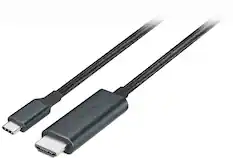

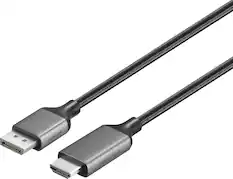
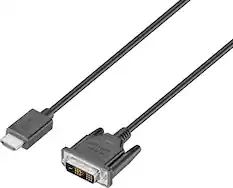
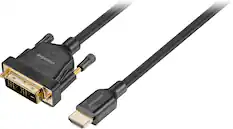
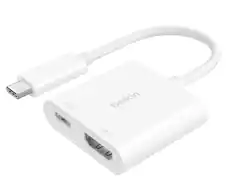
Cables and Adapters

More to consider
 New Limited Time Deal$249.99The price was $379.99
 $258.08The price was $262.10
 $144.99The price was $169.99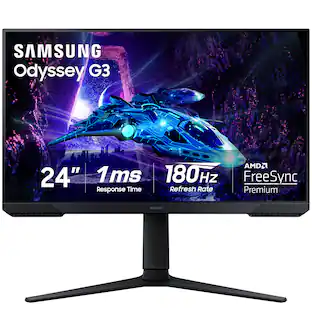
Samsung - Odyssey G30D 24" LED FHD AMD FreeSync Premium 180Hz 1ms Gaming Monitor (DisplayPort, HDMI)
$129.99The price was $199.99
Explore tech essentials Sponsored
 60th Anniversary Deal$69.99The price was $86.39
 60th Anniversary Deal$179.99The price was $329.99
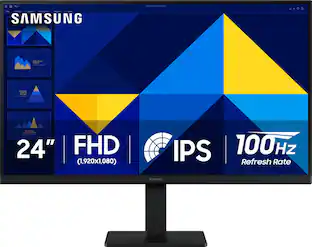 60th Anniversary Deal$89.99The price was $119.99
 New Limited Time Deal$299.99The price was $349.99

Keep exploring
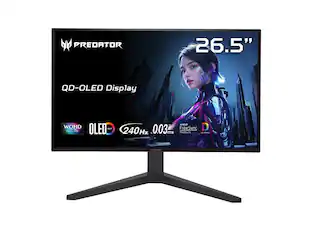 $377.99The price was $399.99
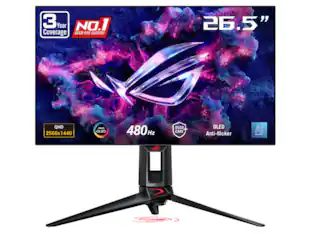 $799.00The price was $885.76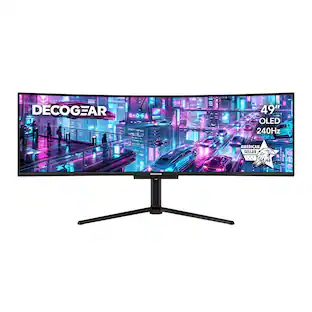
Deco Gear - 49" QD-OLED 240Hz Curved Super Ultrawide Gaming Monitor 5K DQHD 0.03 ms HDR400 90W USB-C
60th Anniversary Deal$899.99The price was $1,539.99 $628.99The price was $711.50
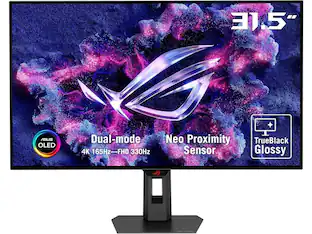 $736.99The price was $999.00
 $199.99The price was $225.58