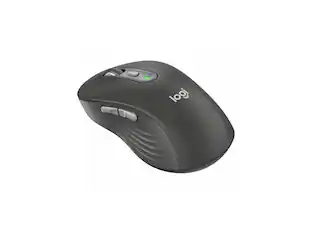
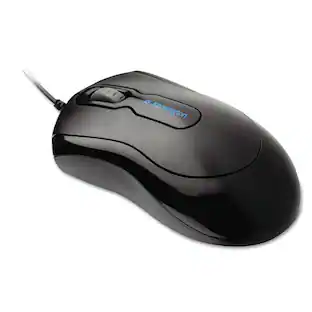
Logitech - B100 Corded Mouse – Wired USB Mouse for Computers and laptops, for Right or Left Hand Use - Wired - Black
Customers are saying
Customers commend the overall performance of this product. Users have reported that it is working well for their needs.
Features
Effortless navigation for spreadsheets and presentations
Side-to-side scrolling Plus zoom lets you instantly zoom in or out and scroll horizontally and vertically. Perfect for working with spreadsheets and presentations.*
A comfortable, ambidextrous shape feels good in either hand, so you feel more comfortable as you work-even at the end of the day.
With 800 DPI sensitivity, you'll get precise cursor control so you can edit documents and navigate the web more efficiently.
Plug-and-play simplicity works right out of the box
Zero setup with flexible connectivity means you just plug it into your USB or PS/2 port-it works right out of the box.
Left-handed or right, you can work comfortably all day long with the comfortable, ambidextrous Logitech B100 optical USB mouse. You're in control with smooth, responsive optical tracking that moves the cursor just where you want it. This plug and play mouse is simple to set up. Straight out of the box, you just plug it in to your USB and get back to business.
Specifications
- Connection TypeWired
Reviews
Rating 4.8 out of 5 stars with 6 reviews
- Overall Performance (4)
The vast majority of our reviews come from verified purchases. Reviews from customers may include My Best Buy members, employees, and Tech Insider Network members (as tagged). Select reviewers may receive discounted products, promotional considerations or entries into drawings for honest, helpful reviews.
Compare similar products
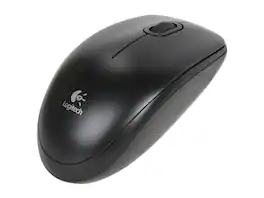
Logitech B100 Corded Mouse – Wired USB Mouse for Computers and laptops, for Right or Left Hand Use, Black

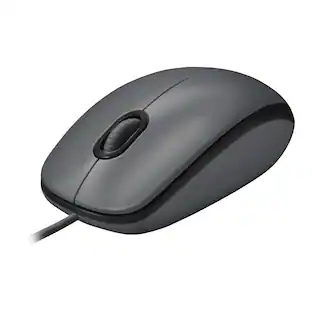
Logitech Mouse M100 gives you just the basics for comfortable, reliable control of your computer. It’s built by Logitech—the mouse experts—and comes with the quality we’ve built into more than a billion mice. There’s no software to install. And since it’s corded, you can just plug the cable into a USB port and use it right away. The full-size, ambidextrous shape means your hand will rest comfortably, while high-definition optical tracking (1000 dpi) means you’ll get responsive, smooth cursor control for precise tracking and easy text selection.
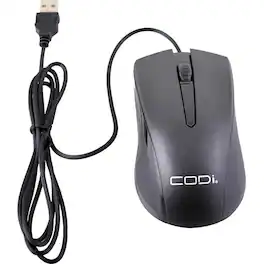
Glide smoothly over nearly any surface with the 1200 dpi wired USB optical mouse. This mouse is designed for comfort with an ergonomically shaped design. Featuring 1200 DPI, three buttons, and a scroll wheel to streamline tasks and simplify input functions. The optical sensor eliminates irregular cursor movement.

Click in comfort with this Adesso iMouse vertical mouse. It keeps your forearm in handshake position to reduce strain, and the switchable DPI control lets you adjust the speed of navigation. This Adesso iMouse vertical mouse has two ergonomic side buttons for seamless back-and-forth browsing, and the optical sensor works on a variety of different surfaces.
| Pros for Logitech - B100 Corded Mouse – Wired USB Mouse for Computers and laptops, for Right or Left Hand Use - Wired - Black | |||
|---|---|---|---|
| Overall Performance | Overall Performance, Ease of use, Price, Wired, Size | There were no pros for this product— | There were no pros for this product— |
| Cons for Logitech - B100 Corded Mouse – Wired USB Mouse for Computers and laptops, for Right or Left Hand Use - Wired - Black | |||
| There were no cons for this product— | Battery Life, Scroll Wheel, Lag, Mouse Quality | There were no cons for this product— | There were no cons for this product— |
Specs
Customers often buy these together
Computer Keyboards
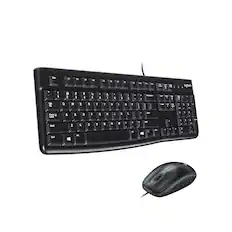
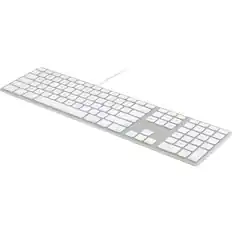
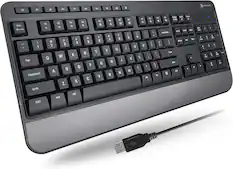

![esc ~ ! 1 tab caps lock shift ctrl F2 Fl # 2 3 Q W A S Z start opt L F3 $ 4 E D X alt cmd3 ) FS F4 A % 5 6 R T F G V C logi 44 HI & F9 FID FB F7 F6 * ) - - & 0 8 9 7 O P U I Y K L H J > < N M 1 B PM + = { [ : I ; ? I alt cmd D 2 4 300 3 1 F12 . * page I insert home up clear backspace 8 9 + 7 page A pg up end down home } I delete ] / 6 4 5 4 enter 2 3 enter 1 dn Pg end shift = 0 del ins etrl fn opt](https://pisces.bbystatic.com/image2/BestBuy_US/images/products/6539/6539505_sd.jpg;maxHeight=232;maxWidth=233?format=webp)
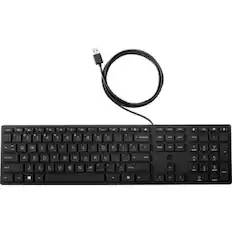
![Esc F1 F2 F3 F4 F5 F6 F7 F8 F9 F10 F11 F12 Print Screen Scroll Lock Pause Break 1 2 3 4 5 6 7 8 9 0 - + = Backspace Insert Home H Page Up A Num Look 1 I Tab Q W E R T Y U I o P { [ } ] I I Delete End IN Page Down 7 Home 8 9 Pg Up Caps A Lock A S D F G H J K L ; : DE g Enter 4 5 6 Shift Z X C V N M < > ? I Shift 1 End 2 3 Pp Dn Enter Ctrl Alt Alt Ctrl 0 Ins Del](https://pisces.bbystatic.com/image2/BestBuy_US/images/products/a588d446-5678-40ae-86b8-1f15e0026e66.jpg;maxHeight=232;maxWidth=233?format=webp)



Mouse Pads
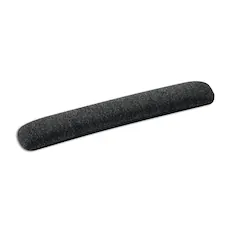
Staples TECH - Beaded Non-Skid Wrist Rest, /Gray (23943) - Black
Techtober Deal$12.99The price was $19.29
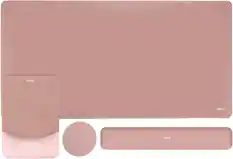

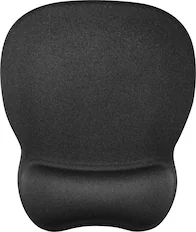


More to consider
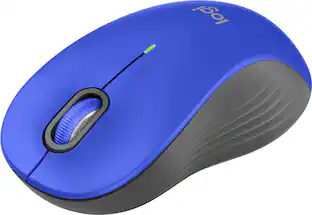 $24.99The price was $29.99
 $8.29The price was $22.09


Explore tech essentials Sponsored






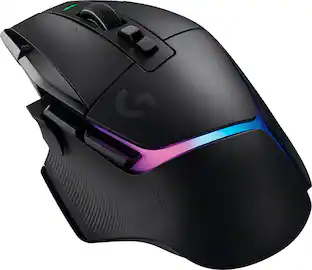
Keep exploring
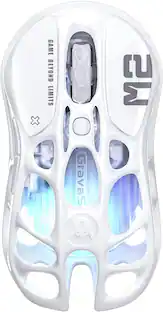 $79.95The price was $109.95