Logitech - Combo Touch iPad Air 13-inch - Latest Model (M2, M3 & M4), iPad Air (5th gen) Keyboard Case with Detachable Keyboard - Sand
Customers are saying
Customers are delighted by the high-quality keyboard and the overall ease of use that this product offers. Users also frequently praise the reliable tablet protection, the flexible kickstand, and the well-thought-out design. While the case is highly functional, some users have noted that it adds a significant amount of weight to the device.
Color
SandFeatures
Compatibility
iPad Air 13-inch - Latest Model (M2, M3 & M4) - A2898, A2899, A2900
Use-your-way Modes
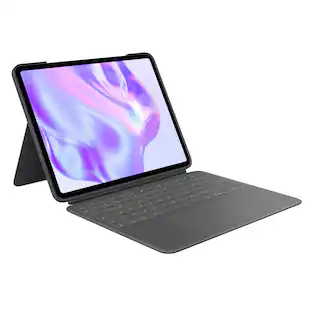
Multiple use modes and infinite possibilities; switch it up to type, sketch, watch videos, read, or hop on a video call without removing your iPad Air from the keyboard case.
Flexible kickstand, Detachable Keyboard
Find your perfect angle for the task at hand with the ultra-flexible kickstand; detach the keyboard to sketch, watch or read with total freedom.
Large Multi-Touch trackpad
It’s the biggest trackpad yet, giving you that intuitive tracking experience; familiar Multi-Touch gesture controls let you swipe, pinch, double-tap, and more.
Secure, form-fit protection
The uniquely sturdy, yet lightweight iPad keyboard case keeps your iPad safe from scuffs and scratches, so you can take it anywhere with total peace of mind
Type away, day or night
The adjustable wireless backlit keyboard glows elegantly with precise lighting, so your mood-lit work sessions are even more enjoyable than ever.
Smart Connector
Seamless, instant, secure connectivity on your Combo Touch iPad Pro keyboard case with no charging required—it’s powered by your iPad.
More sustainable
Uses FSC-certified paper for responsible packaging.
Specifications
- Model CompatibilityApple iPad Air (M4) 13" 2026, Apple iPad Air (M3) 13" 2025, Apple iPad Air (M2) 13" 2024Operating System CompatibilityApple iPadOS
Reviews
Rating 4.5 out of 5 stars with 263 reviews
- Keyboard Quality (89)
- Ease of use (38)
- Protection (27)
- Kickstand (12)
- Design (11)
- Weight (9)
Customer Images
The vast majority of our reviews come from verified purchases. Reviews from customers may include My Best Buy members, employees, and Tech Insider Network members (as tagged). Select reviewers may receive discounted products, promotional considerations or entries into drawings for honest, helpful reviews.




Compare similar products

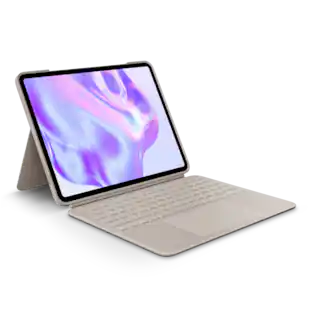
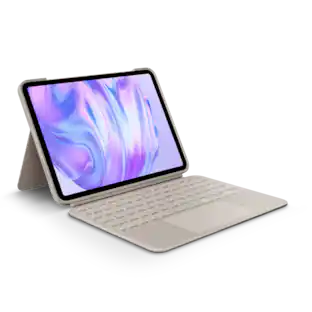
Type, sketch, view and read with the Combo Touch keyboard case. A flexible kickstand and a full-size, detachable keyboard give you multiple use modes for any task. Take iPad further with a bigger trackpad that gives you superior, intuitive tracking experience with familiar Multi-Touch gesture controls.

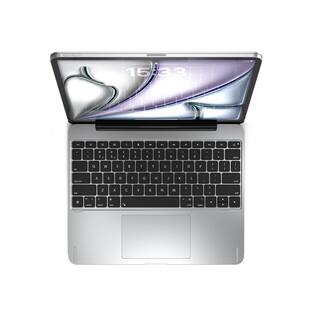
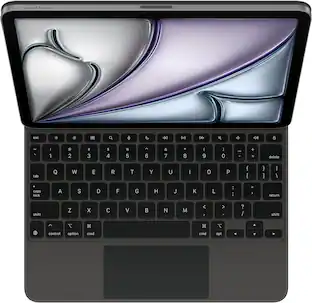
Magic Keyboard is the perfect companion for iPad Air. It delivers an amazing typing experience and a trackpad for precision tasks in a sleek, portable design. The keyboard includes a 14‑key function row, a USB‑C connector for pass‑through charging, and front and back protection for your iPad. The floating cantilever design smoothly adjusts to multiple viewing angles and a large glass trackpad expands how you can work with iPadOS.

Unleash the productive capabilities of your Apple iPad Pro 12.9" with the Pro Keys Wireless Keyboard & Detachable Case. It has everything you need to make any surface an effective workspace. The Pro keyframe has a smooth, precise key travel for fast, accurate touch typing, while the case allows your stylus to attach magnetically to your iPad. Forward-facing speaker cutouts, backlit keys, and adjustable stand create an ideal user experience. Compatible with Apple iPad Air (M3) 13" 2025, iPad Air (M2), iPad Pro 12.9" (3-5 gen).

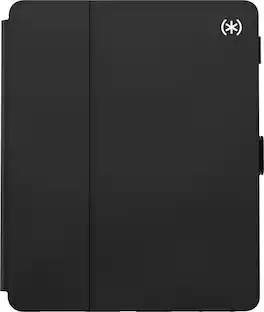
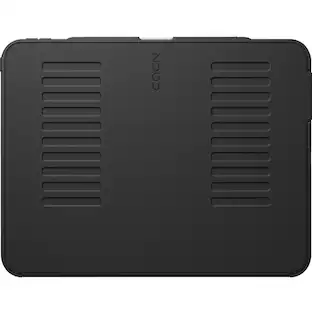
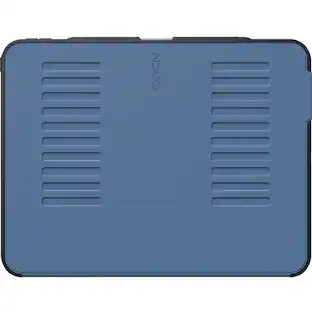
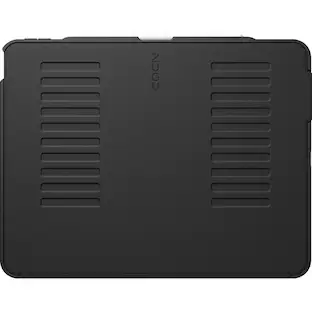
Balance Folio is a slim and chic tablet case. Providing superior durability and protection, an interior liner helps protect your screen against scuffs and abrasions on your tablet, while the outer shell shields against bumps and dents when dropped up to 4 feet. A secure latch closure also keeps everything in place for peace of mind in the event of a fall.
| Pros for Logitech - Combo Touch iPad Air 13-inch - Latest Model (M2, M3 & M4), iPad Air (5th gen) Keyboard Case with Detachable Keyboard - Sand | |||
|---|---|---|---|
| Keyboard Quality, Ease of use, Protection, Design, Kickstand | Design, Overall Performance, Portability, Typing Experience, Connectivity | Keyboard Quality, Ease of use, Protection, Battery Life, Price | Protection, Build Quality, Fit, Weight, Compatibility |
| Cons for Logitech - Combo Touch iPad Air 13-inch - Latest Model (M2, M3 & M4), iPad Air (5th gen) Keyboard Case with Detachable Keyboard - Sand | |||
| Weight | There were no cons for this product— | Weight, Magnet Strength, Stand, Compatibility | There were no cons for this product— |
Specs
Customers often buy these together
 Clearance$17.99The price was $24.99
 Clearance$209.99The price was $349.99
Samsung - Odyssey G30D 24" LED FHD AMD FreeSync Premium 180Hz 1ms Gaming Monitor (DisplayPort, HDMI)
Top Deal$119.99The price was $199.99










More to consider
 $37.99The price was $64.99









Explore tech essentials Sponsored



Discover related products
 $319.99The price was $399.00