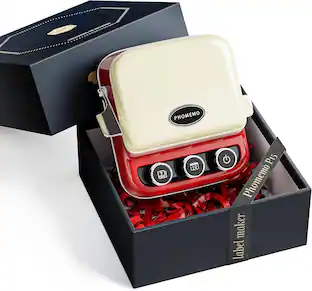
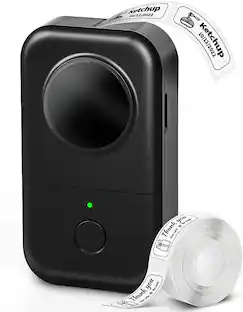
Nelko - P21 Bluetooth Thermal Label Printer with 14x40mm 100pc & 180pc Label Rolls - Black
Reviews coming soon
About this product
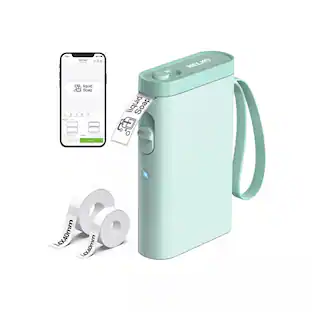
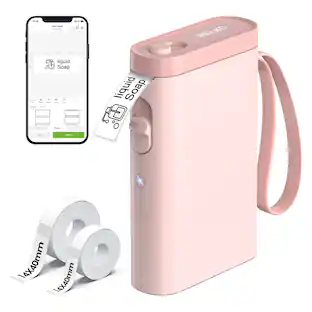
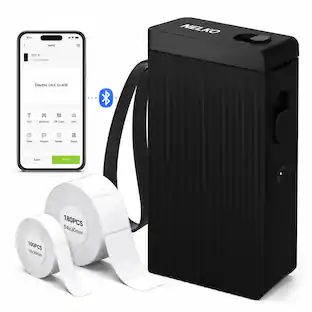
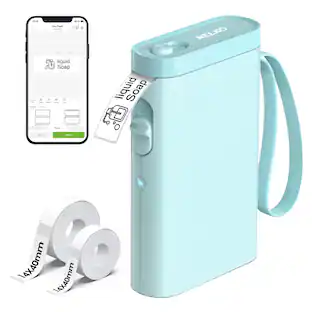
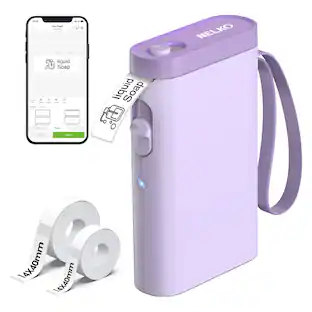
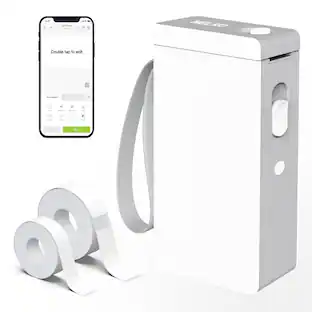
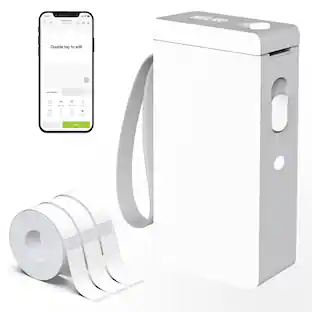
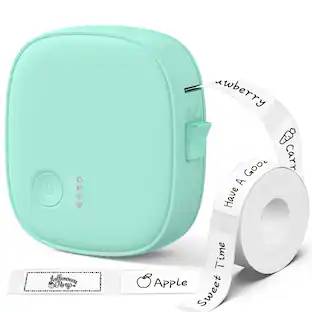
The Nelko P21 Bluetooth Thermal Label Printer is a compact, portable label maker designed for home, office, school, organization, and small business labeling. It connects wirelessly to iOS and Android devices through the Nelko app, allowing users to create custom labels with text, barcodes, QR codes, icons, borders, images, time, and templates. Direct thermal printing means no ink, toner, or ribbons are required, helping keep labeling simple and cost-effective. This black P21 label printer includes two 14x40mm label rolls, one 100-piece roll and one 180-piece roll, so users can start printing labels right away. With a lightweight handheld design, rechargeable built-in battery, USB-C charging, 203 DPI print resolution, and monochrome black printing, it is ideal for organizing files, jars, storage bins, school supplies, office items, name tags, product labels, and more.
Features
Portable Bluetooth Label Printer
Compact Nelko P21 label printer connects to iOS and Android devices through the Nelko app for wireless mobile label printing.
Ink-Free Thermal Printing
Direct thermal technology prints crisp black text, QR codes, barcodes, icons, and labels without ink, toner, or ribbons.
Includes Two Label Rolls
Comes with 14x40mm 100-piece and 14x40mm 180-piece label rolls for home, office, school, and small business labeling.
Rechargeable and Portable
Lightweight handheld design with a built-in rechargeable battery and USB-C charging makes it easy to carry and use anywhere.
Custom Label Creation
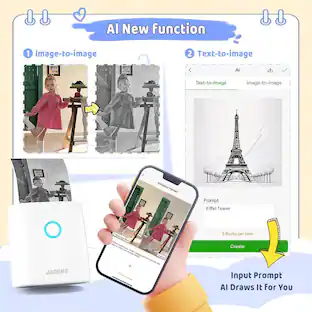
Use the Nelko app to create labels with text, borders, icons, QR codes, barcodes, images, templates, and organization designs.
Specifications
- BrandNelkoProduct NameNelko P21 Bluetooth Thermal Label Printer with 14x40mm 100pc & 180pc Label Rolls - BlackColorBlackWarranty - Parts1 yearProduct Width1.18 inchesProduct Height5.19 inches
Reviews
This product doesn't have any reviews yet.
Compare similar products
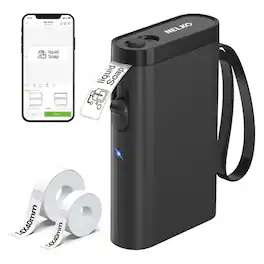
The Nelko P21 Bluetooth Thermal Label Printer is a compact, portable label maker designed for home, office, school, organization, and small business labeling. It connects wirelessly to iOS and Android devices through the Nelko app, allowing users to create custom labels with text, barcodes, QR codes, icons, borders, images, time, and templates. Direct thermal printing means no ink, toner, or ribbons are required, helping keep labeling simple and cost-effective. This black P21 label printer includes two 14x40mm label rolls, one 100-piece roll and one 180-piece roll, so users can start printing labels right away. With a lightweight handheld design, rechargeable built-in battery, USB-C charging, 203 DPI print resolution, and monochrome black printing, it is ideal for organizing files, jars, storage bins, school supplies, office items, name tags, product labels, and more.
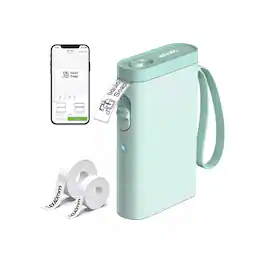
The Nelko P21 Bluetooth Thermal Label Printer is a compact and portable wireless label maker designed for home, office, school, and small business organization. Featuring Bluetooth connectivity and app-based control for iOS and Android devices, this rechargeable label printer allows you to quickly create customized labels, QR codes, barcodes, tags, and stickers directly from your smartphone. Using inkless thermal printing technology, the P21 eliminates the need for ink, toner, or ribbons while delivering crisp 203 DPI monochrome printing. The lightweight handheld design makes it ideal for labeling storage containers, office files, cables, kitchen jars, school supplies, and retail products. This bundle includes one 14x40mm 100-piece label roll and one 14x40mm 180-piece label roll for immediate use right out of the box. The printer supports multiple label sizes and includes customizable fonts, borders, symbols, and templates through the Nelko mobile app. Perfect for organizing homes, offices, classrooms, and small businesses, the Nelko P21 combines portability, wireless convenience, and clean thermal printing in a sleek compact design.
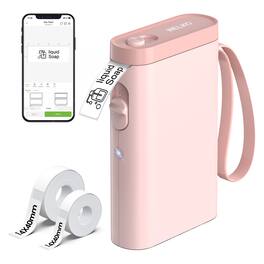
The Nelko P21 Bluetooth Thermal Label Printer is a compact and portable wireless label maker designed for home, office, school, and small business organization. Featuring ink-free direct thermal printing technology, this lightweight label printer delivers crisp black-and-white labels without the need for ink, toner, or ribbons. Compatible with iOS and Android devices through the Nelko mobile app, the P21 allows users to create customized labels with text, QR codes, barcodes, borders, icons, and templates directly from their smartphone. The rechargeable built-in battery and Bluetooth connectivity make it easy to print labels anytime and anywhere. This bundle includes two 14x40mm label rolls with 100 and 180 labels, making it ideal for organizing storage bins, kitchen containers, office supplies, school items, cables, cosmetics, files, and more. With 203 DPI print resolution and support for multiple label sizes, the Nelko P21 delivers sharp, durable, and easy-to-read labels in a compact handheld design.
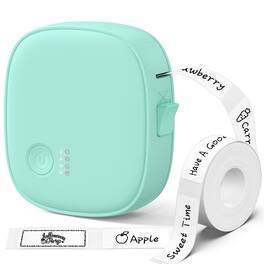
This inkless thermal label maker delivers sharp, smudge-proof monochrome prints at zero ongoing cost—just pair via the app and print in seconds. Experience instant, distraction-free printing with no login, no ads, and no subscription. Perfect for home organization, office filing, classroom supplies, and small business pricing, it comes with a powerful editing app featuring templates, barcodes, QR codes, OCR, and image import. The smart alignment system reduces waste, while the built-in cutter ensures clean, professional edges. Available in multiple colors and sizes. These laminated labels are water-resistant, oil-resistant, and scratch-resistant, yet remove cleanly without residue. Compact, beginner-friendly, and an ideal gift for teachers, students, and organization lovers alike.
Specs
Be the first to ask a question.
We’ll try to get your question answered within 24 hours by a Best Buy customer or brand representative.
Customers often buy these together
More to consider
 Clearance$15.99The price was $29.99

Explore tech essentials Sponsored
 Our 365-day lowest price$129.99The price was $249.99



Keep exploring
 $35.99The price was $44.99
 $35.99The price was $45.99
 $18.99The price was $19.99