NQ1700E Embroidery Machine Includes BES Lettering Software + Brother Magnetic Hoop + Embroidery Magic Video - White
Reviews coming soon
About this product
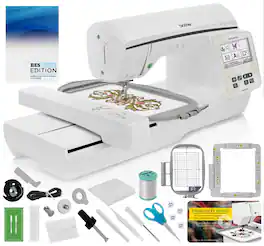
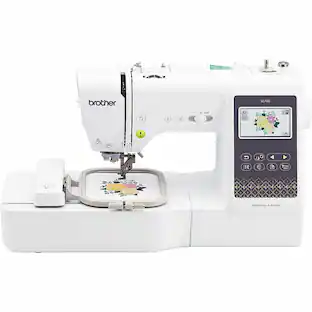
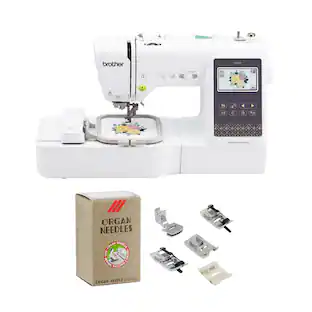
The perfect machine to launch your embroidery journey, the NQ1700E has a host of premium features to get you started. With the NQ1700E, you can embellish and personalize all of your DIY projects with 258 built-in embroidery designs, 140 frame pattern combinations, and 13 embroidery lettering fonts, plus a large 6" x 10" embroidery area so you can tackle those big projects. Edit your creations right at your fingertips on the generous 4.85" color LCD touch screen display and when connected to a wireless network, send designs to your machine using Design Database Transfer (no USB needed). The automatic thread trimming cuts both upper and lower threads at the end of each thread color. The NQ1700E is equipped with a Thread Cutter Button that allows you to cut both the upper and lower threads with the touch of a button whenever you like. A conveniently located Function Panel is located right in front of the user, allowing easy access to the Programmed Thread Trimming Button, Needle Up/Down Button and Start/Stop Button. When installing a bobbin in the NQ1700E Embroidery Machine simply drop in a full bobbin, thread in the direction of the arrow and you are ready to sew. With the NQ1700E you can position your design wherever you like, rotate your design, reflect your design and increase the size of your design right on the NQ1700E's LCD Touch Screen. The NQ1700E also has On-Screen instructions to help you better understand and utilize your machine.
Features
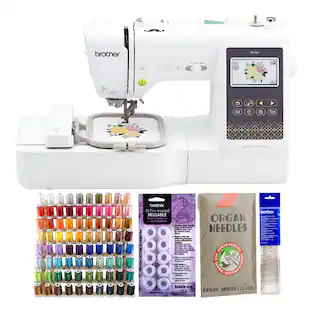
Includes Brother BES BLUE Embroidery Software Included Free!
BES Blue has lots of Embroidery and Lettering Features such as On-Screen Typing, Sewing Order, Font Categories, Fills and Underlay, and more! Includes 800+ Embroidery Designs - There's a Design for Almost any Occasion with BES Blue! Also includes 199 Built-In Digitized Fonts - Add Beautiful Lettering to your Designs using Various BES Blue tools
Includes Brother Magnetic Sash Frame Embroidery Hoop
This 5” x 7” Magnetic Flat Frame is Lightweight and Easy to Use. With Six Strong Magnets, you can Hoop and Embroider Materials up to 2MM in Thickness.
Includes Embroidery Magic: A Quick Start Guide Video
Includes Embroidery Magic: A Quick Start Guide to Your Embroidery Machine by Mr. Vac & Mrs. Sew Video - Learn About Applique, Free Standing Lace (© Copyright 2023, All Rights Reserved - Not for Resale)
Your Creativity is Limitless!
The Extra Large 6" X 10" Embroidery Field is Perfect For Large Projects like Jacket Backs
4.85" Full Color LCD Touch Screen
View your Embroidery Designs in Full Color - Position Your Design Wherever you Like, Rotate your Design, Reflect your Design, Trace your Design and More with On-Screen Editing Capabilities
Specifications
- BrandBrotherModel NumberNQ1700EProduct NameBrother NQ1700E Embroidery Machine Includes BES Lettering Software + Brother Magnetic Hoop + Embroidery Magic VideoColorWhiteWarranty - Parts2 Year Service Labor and PartsWarranty - Labor2 Year Service Labor and Parts
Reviews
This product doesn't have any reviews yet.
Compare similar products
The perfect machine to launch your embroidery journey, the NQ1700E has a host of premium features to get you started. With the NQ1700E, you can embellish and personalize all of your DIY projects with 258 built-in embroidery designs, 140 frame pattern combinations, and 13 embroidery lettering fonts, plus a large 6" x 10" embroidery area so you can tackle those big projects. Edit your creations right at your fingertips on the generous 4.85" color LCD touch screen display and when connected to a wireless network, send designs to your machine using Design Database Transfer (no USB needed). The automatic thread trimming cuts both upper and lower threads at the end of each thread color. The NQ1700E is equipped with a Thread Cutter Button that allows you to cut both the upper and lower threads with the touch of a button whenever you like. A conveniently located Function Panel is located right in front of the user, allowing easy access to the Programmed Thread Trimming Button, Needle Up/Down Button and Start/Stop Button. When installing a bobbin in the NQ1700E Embroidery Machine simply drop in a full bobbin, thread in the direction of the arrow and you are ready to sew. With the NQ1700E you can position your design wherever you like, rotate your design, reflect your design and increase the size of your design right on the NQ1700E's LCD Touch Screen. The NQ1700E also has On-Screen instructions to help you better understand and utilize your machine.

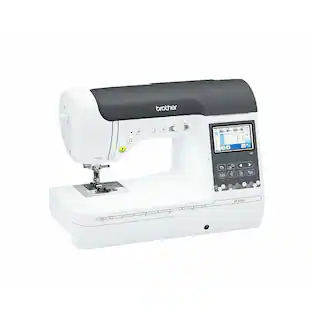
The perfect machine to launch your embroidery journey, the Innov-ís NQ1700E has a host of premium features to get you started. With the NQ1700E, you can embellish and personalize all of your DIY projects with 258 built-in embroidery designs, 140 frame pattern combinations, and 13 embroidery lettering fonts, plus a large 6" x 10" embroidery area so you can tackle those big projects. Edit your creations right at your fingertips on the generous 4.85" color LCD touch screen display and when connected to a wireless network, send designs to your machine using Design Database Transfer (no USB needed)
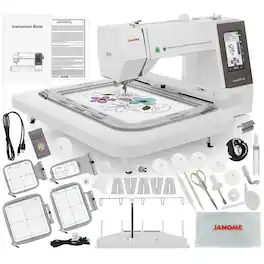
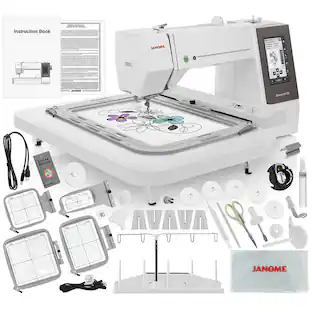
The Janome Memory Craft 550E Embroidery Machine provides all the tools you need to enhance your creative projects. Featuring a spacious 7.9" x 14.2" embroidery field, a vibrant color LCD screen, 180 built-in designs, 6 fonts, and monogramming options, the 550E simplifies the process of creating and personalizing stunning embroidery work. Plus, with its USB port for importing designs and advanced on-screen editing features, you can seamlessly turn your creative ideas into reality.

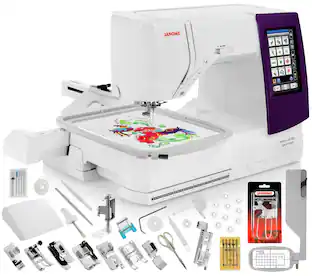
Now designers can create projects to reflect their personal sense of style with the Memory Craft 500E Limited Edition. It's easy to personalize, embellish, and monogram home décor items, garments, and accessories. With 160 built-in embroidery designs and 6 fonts for monogramming, the possibilities are endless. The MC500E Limited Edition has a maximum embroidery size of 7.9”x11” and designs are easily imported through the direct port and edited through the machine's advanced on-screen editing functions. Navigation through all of these features has become easier with the MC500E Limited Edition’s new LCD color touchscreen.
Specs
Questions & Answers
Does this machine BROTHER NQ1700E come with EVERYTHING pictured in the photo for 2199.99(sale price ) Magnetic hoop - regular hoop - scissors - spool of thread - tools - etc Is the shipping free? (Live in Oregon,OH)
Answered by BrotherWe would love to hear from you to be able to better assist you. Our Brother Customer Support Team is available to assist you directly: https://www.brother-usa.com/support/NQ1700E

Customers often buy these together
 $1,499.00The price was $1,599.00
 $1,039.00The price was $1,099.00
 $1,249.99The price was $1,349.99
More to consider
- $1,249.99The price was $1,349.99
- $1,499.00The price was $1,599.00
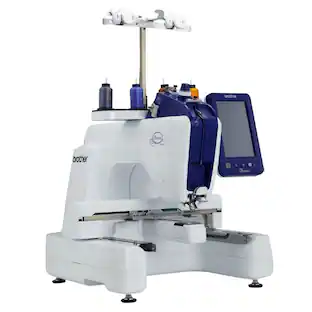 $3,999.99The price was $4,499.99
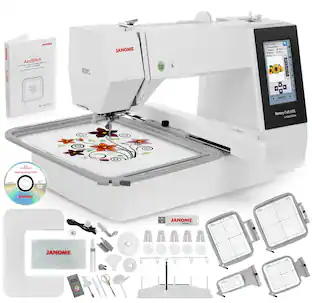
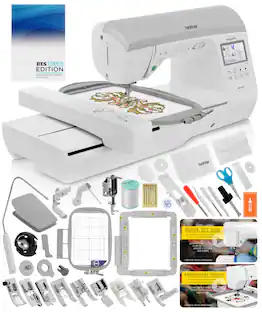
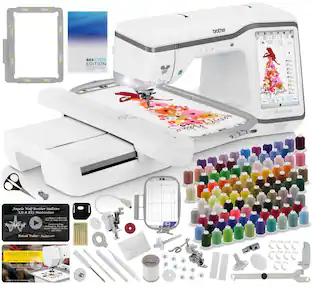
Explore, Play, Collect Sponsored
 $1,940.11The price was $2,749.99
- $1,039.00The price was $1,099.00
- $1,499.00The price was $1,599.00
 $1,799.90The price was $2,374.99
Keep exploring
 $690.99The price was $799.99
- $1,249.99The price was $1,349.99
 $167.31The price was $199.90
 $159.99The price was $161.99
- $3,999.99The price was $4,499.99
 $195.99The price was $209.99