Toshiba - Canvio Advance 4TB External USB 3.0 Portable Hard Drive - White
About this product
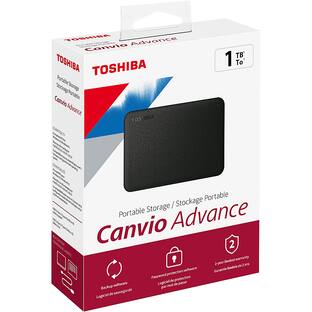
The Canvio Advance portable external hard drive allows creators to do what they do best–anywhere their lives take them offering high storage capacity, easy access to your stored content and the time-tested reliable performance they need. Whenever and wherever creativity strikes, Canvio Advance offers the space to save your greatest work yet. With up to 4TB of storage, Canvio® Advance can store thousands of pictures, videos, music, and other files in the palm of your hand. Whether for backups at home or data access on the road, this stylish hard drive makes it great for your creative endeavors. The Canvio Advance portable external hard drive features a stylish, textured design in four trendy colors that fits your lifestyle. With USB 3.0, you can transfer and back up files on the go while powering the drive through your laptop’s USB connection.
Color
WhiteStorage Capacity
4000GBFeatures
Design
Compact, easy-to-hold design with a stylish, textured finish
Color
Four color options to fit your lifestyle – Black, Red, White, Green
Storage Capacity
Up to 4TB of storage capacity to store your growing files and content
Ports
USB 3.0 and USB 2.0 compatible with no external AC power cord needed
Warranty information
Includes Toshiba 2-year standard limited warranty
Specifications
- Storage Capacity4000 gigabytesStorage Drive TypeHDDInterface(s)USB-A (USB 3.0 Gen2), USB-A (USB 2.0 Gen2)
Reviews
Rating 4.6 out of 5 stars with 16 reviews
The vast majority of our reviews come from verified purchases. Reviews from customers may include My Best Buy members, employees, and Tech Insider Network members (as tagged). Select reviewers may receive discounted products, promotional considerations or entries into drawings for honest, helpful reviews.
Compare similar products
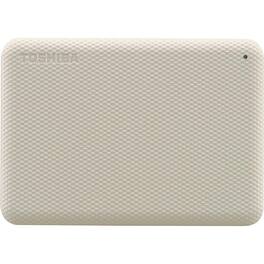
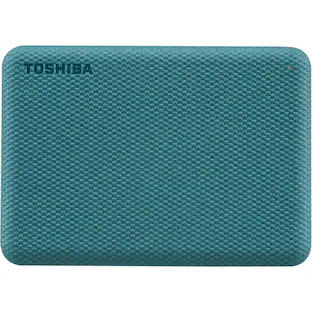
The Canvio Advance portable external hard drive allows creators to do what they do best–anywhere their lives take them offering high storage capacity, easy access to your stored content and the time-tested reliable performance they need. Whenever and wherever creativity strikes, Canvio Advance offers the space to save your greatest work yet. With up to 4TB of storage, Canvio® Advance can store thousands of pictures, videos, music, and other files in the palm of your hand. Whether for backups at home or data access on the road, this stylish hard drive makes it great for your creative endeavors. The Canvio Advance portable external hard drive features a stylish, textured design in four trendy colors that fits your lifestyle. With USB 3.0, you can transfer and back up files on the go while powering the drive through your laptop’s USB connection.
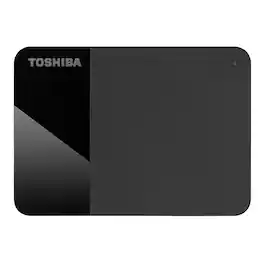
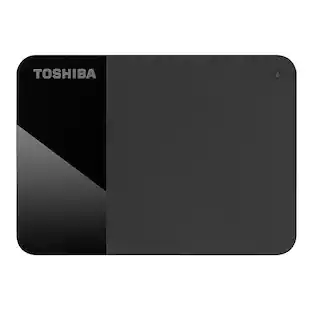
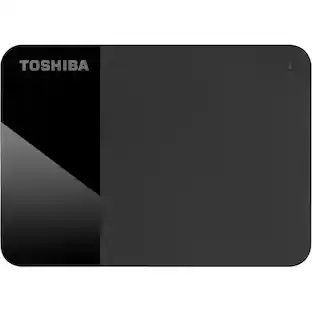
Keeping data storage simple, the Canvio Ready portable external hard drive offers plug & play operation with up to 4TB storage capacity to let you collect and store your favorite content with ease. This portable drive comes ready to use with your PC4 with no software to install. Simply drag and drop to save your files, and you’re ready to go. The Canvio Ready features a sleek, compact design with a unique two-tone matte & gloss black finish that’s stylish and easy to carry. With USB 3.0 technology, you’ll be able to transfer files on the go while powering the drive through your laptop’s compatible USB connection. Store your files effortlessly and safely on Toshiba’s Canvio Ready portable external hard drive. This durable external hard drive is built to Toshiba’s world-class quality standards and comes with a standard 1-year warranty so you can feel confident that your files are safe.
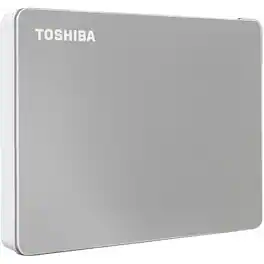
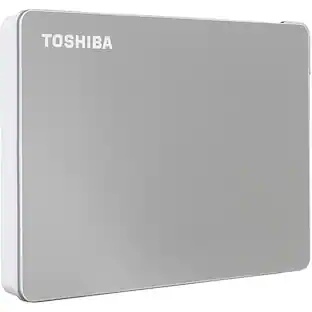
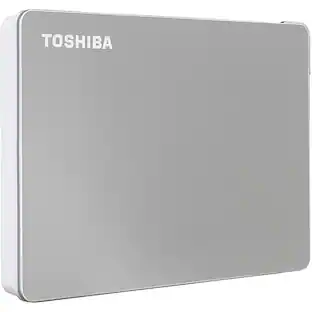
Enjoy ultimate flexibility for your storage needs with the Canvio Flex portable external hard drive. With up to 4TBof storage capacity that can be accessed on any compatible USB device, the Canvio Flex offers a smart, versatile solution to save, secure, and protect your files. Combining compatibility and portability, the Canvio Flex is designed to work interchangeably with most major USB devices and operating systems. The Canvio Flex is compatible with both Mac and Windows PC, as well as iPad Pro and other compatible tablet devices with USB-C port. Enjoy the convenience and flexibility for your storage needs with the Canvio Flex - your smart storage companion.
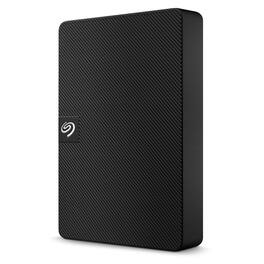
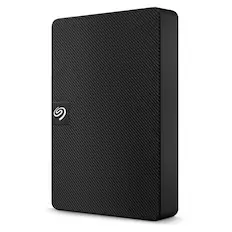
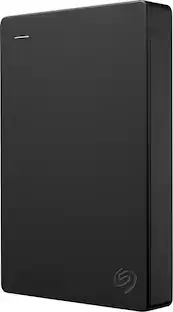
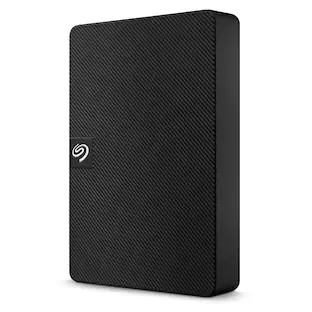
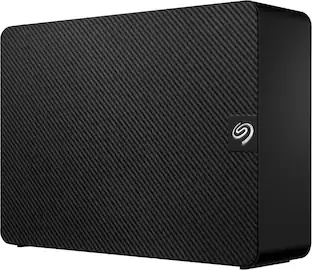
Expansion portable drive is an easy-to-use solution for instantly adding storage to Windows or Mac—and taking those files on the go. Take advantage of fast data transfer speeds with USB 3.0 and consolidate files into a single location. Free up space on your computer with a simple drag and drop—file saving is that easy. Plus, Seagate Expansion comes with Rescue Data Recovery Services for additional peace of mind.
| Pros for Toshiba - Canvio Advance 4TB External USB 3.0 Portable Hard Drive - White | |||
|---|---|---|---|
| There were no pros for this product— | There were no pros for this product— | There were no pros for this product— | Overall Performance, Storage Capacity, Ease of Use, Size, Design |
Specs
Questions & Answers
I want to move this between multiple computers to use for backup. That includes an older Win7 machine AND several Chromebooks. Are there any issues with using this device for them?
Answered by Toshiba Customer CareHi there! This hard drive system requirement is only for Microsoft Windows 10,Windows 8.1, macOS v10.15/v10.14 / v10.13 Toshiba Support Angela

Can recorded video on a a Dish dvr be transferred to this portable hard drive. The dvr are set up to do a transfer.
Answered by Toshiba Customer CareHi Walter, Yes, you can be able to transfer it. Please follow thesse steps: 1. Pleass press the DVR button 2. Please press the RED COLOR or Options button 3. Please select Manage Recordings 4. Please press arrow to and select the recording(s) you want to transfer Renee Toshiba Support
does it work for playstation and x box
Answered by Toshiba Customer CareHi Juan! Yes, It will work on PlayStation and Xbox. Toshiba Support Alvin http://tvna.compal-toshiba.com/us/en/
Durability, does it break when falling onto floor?
Answered by DW99It's a small item, with no padding, so a fall might damage it. That said, no one can answer this question because there are too many variables: the height from which it falls or is dropped, the nature of the surface it falls on / is dropped on, and whether it falls naturally or is hurled with velocity. I have seven of the older Canvios (I like to triple-back-up my stuff) -- bought them between 2013 and 2017 -- and I've never had a problem with any of them not working, or being balky, or falling (each comes with a short cord -- about 12" -- so the item has to stay near the laptop of desktop you've attached it to). I use them like giant thumb drive, and I back up my laptop every 11 days -- so the portable hard drives don't stay attached to my laptop but instead spend most of their time safely put away. Note that the oldest is eight years old and it's still fine.
What is the country of origin?
Customers often buy these together
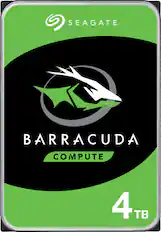
Seagate - Barracuda 4TB Internal Hard Drive for Desktops
$159.99The price was $289.99
More to consider
 $233.49The price was $259.64
Explore tech essentials Sponsored
 $329.99The price was $423.99
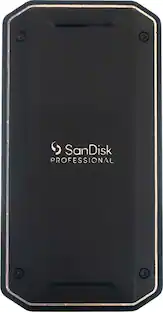 $539.99The price was $638.99
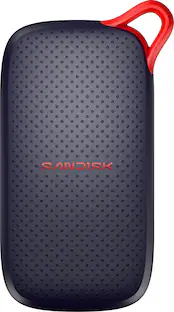 $99.99The price was $119.99
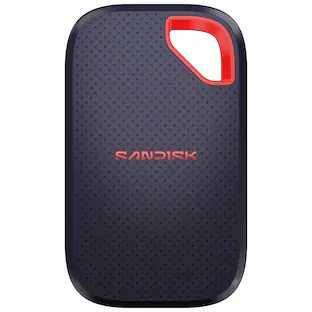 $799.99The price was $1,099.99
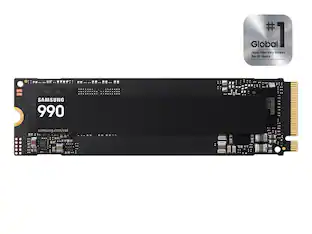 $189.99The price was $229.99
Discover related products
 $249.00The price was $275.00
 $12.99The price was $13.99
 $149.99The price was $169.99












Keep exploring
 $69.76The price was $99.99
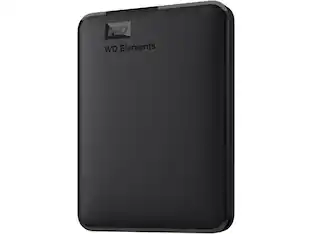 $176.49The price was $254.49
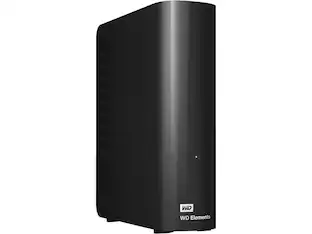 $333.99The price was $349.11
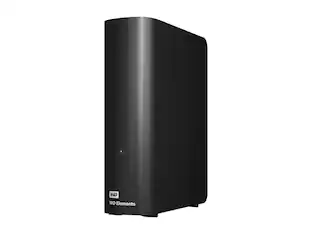 $508.99The price was $558.62