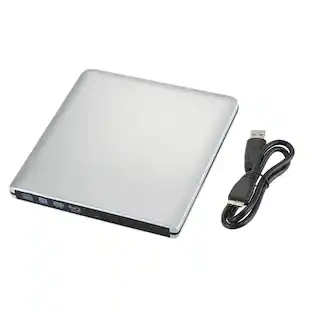
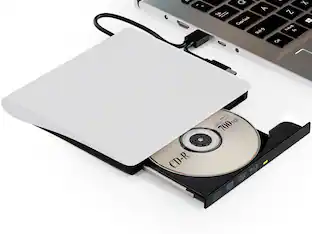
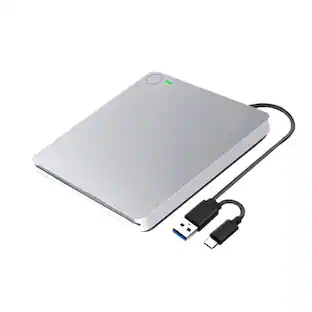
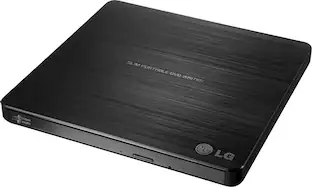
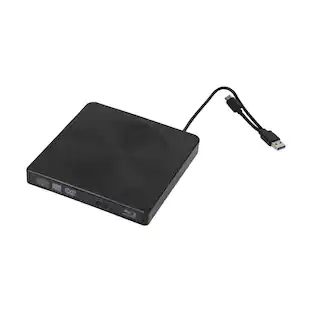
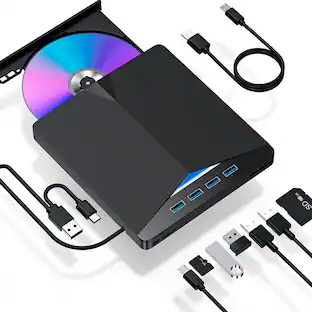
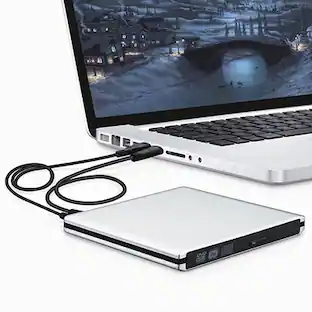
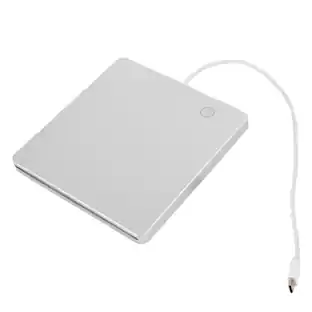
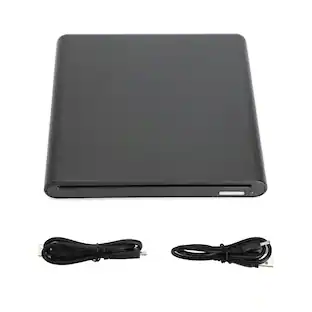
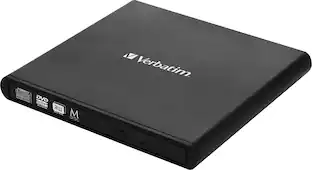
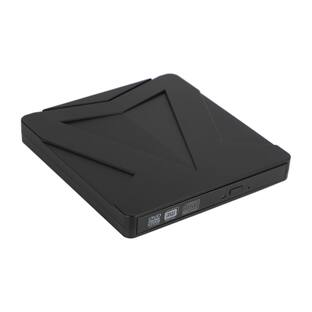
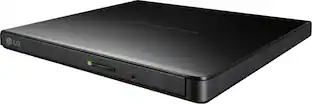
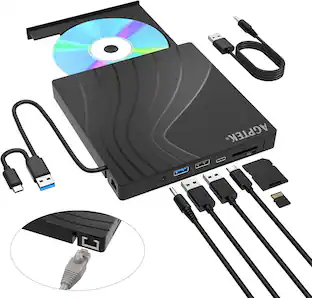
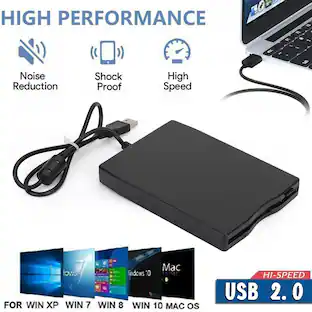
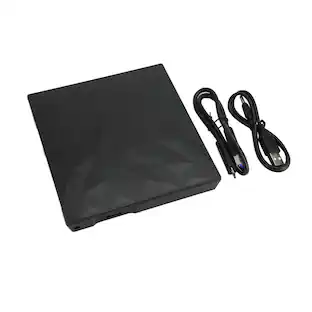
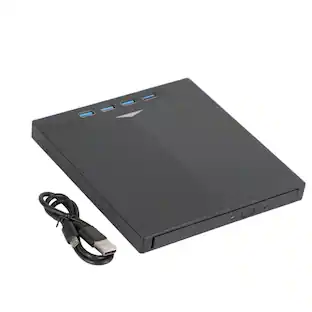
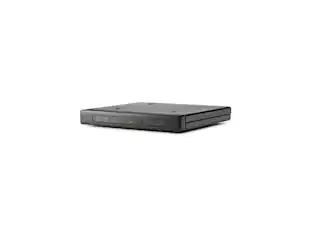
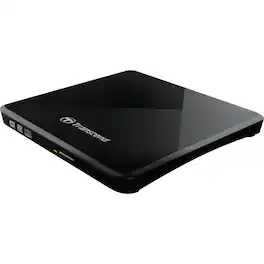
Transcend - DVD-Writer - External - Black - DVD-RAM/±R/±RW Support - 24x CD Write/24x CD Rewrite/24x CD Read
Reviews coming soon
About this product
Transcend DVD-Writer - External - Black - DVD-RAM/±R/±RW Support - 24x CD Write/24x CD Rewrite/24x CD Read - 8x DVD Write/8x DVD Rewrite/8x DVD Read - Double-layer Media Supported - USB 2.0 - Slimline
Transcend DVD-Writer - External - Black
Transcend DVD-Writer - External - Black - DVD-RAM/±R/±RW Support - 24x CD Write/24x CD Rewrite/24x CD Read - 8x DVD Write/8x DVD Rewrite/8x DVD Read - Double-layer Media Supported - USB 2.0 - Slimline
- BrandTranscendProduct NameTranscend DVD-Writer - External - Black - DVD-RAM/±R/±RW Support - 24x CD Write/24x CD Rewrite/24x CD ReadInterface(s)USB 2.0Product Width5.6 inchesProduct Length5.8 inchesProduct Weight0.85 pounds
Reviews
This product doesn't have any reviews yet.
Compare similar products
Transcend DVD-Writer - External - Black - DVD-RAM/±R/±RW Support - 24x CD Write/24x CD Rewrite/24x CD Read - 8x DVD Write/8x DVD Rewrite/8x DVD Read - Double-layer Media Supported - USB 2.0 - Slimline

Copy your favorite movies and music to disc with this LG AP70NS50 double-layer DVD±RW/CD-RW drive, which features an overall maximum DVD write speed of 8x for speedy burning. The slim design allows easy portability.

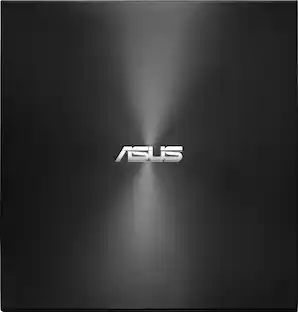
Archive your files on disc with this ASUS ZenDrive external DVD writer. M-DISC support offers safe, durable archive-quality storage for videos and photos, while Nero BackItUp delivers comprehensive media and data backup. This ASUS ZenDrive external DVD writer boasts high-level disc encryption with encoded file name functionality and password control for enhanced security.

Store and play files on disk with this portable LG external DVD writer. Its 8x DVD and 24x CD write speeds let you produce optical copies efficiently, and its silent play technology optimizes read speed while reducing noise. This slim LG external DVD writer supports M-DISC formats for high-quality data storage.
| Pros for Transcend - DVD-Writer - External - Black - DVD-RAM/±R/±RW Support - 24x CD Write/24x CD Rewrite/24x CD Read | |||
|---|---|---|---|
| There were no pros for this product— | Ease of use, Compatibility, Size, Price, Performance | Ease of use, Overall Performance, USB, Compatibility, Size | Ease of use, Overall Performance, Price, USB, Size |
| Cons for Transcend - DVD-Writer - External - Black - DVD-RAM/±R/±RW Support - 24x CD Write/24x CD Rewrite/24x CD Read | |||
| There were no cons for this product— | Software | There were no cons for this product— | Software |
Specs
Customers often buy these together
![PlayStation. SONY. Disc Drive / Lecteur de disque / Unidad de disco / Unidade de disco For PS5 Digital Edition consoles model group slim] PAYPI consoles Pour les consoles PS5 édition numérique Modele mince ot les consoles PS5 Pro Para consolas PS5 edición digital grupo de modelo delgado* consolas PS5 PNS Para consoles PS5" Edición Digital grupo de modelo slim? consoles PUS PAy IMPORTANT NOTICE](https://pisces.bbystatic.com/image2/BestBuy_US/images/products/7417d34f-fca1-492b-9169-40f617f59482.png;maxHeight=232;maxWidth=233?format=webp)

More to consider
 $36.99The price was $39.99