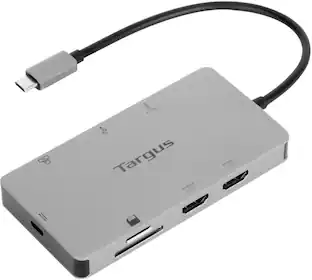
Targus - USB-C Universal Dual HD Docking Station with 80W PD Pass-Thru - Black
Customers are saying
Customers praise the overall performance of this product, noting that it consistently meets their needs. Users also appreciate the reliable connectivity and the convenient, portable size that makes it easy to carry. Additionally, the inclusion of extra USB ports is frequently highlighted as a beneficial feature for daily use.
Features
Designed for most laptops with USB ports
Including Windows, Mac, Android, ChromeOS, Ubuntu
Supports single 2K (2560 x 1440 @50Hz) or dual HD (2048 x 1152 @60Hz) video
Via HDMI 1.4b.
1 USB-C (power in only) port
Supports PD Pass-Thru Fast Role Swap up to 100W.
Compacy size
4.13” x 4.13” x 1.13”
Connect your favorite accessories
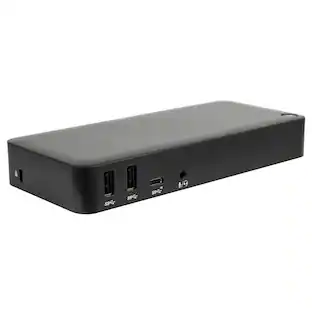
With 2 USB-A ports (10 Gbps) and 1 USB-C port (10 Gbps), it’s simple to add the latest keyboard, external drives, and other peripherals to customize your travel workspace experience.
Perfectly portable
Slim and light, this dock is perfect for the home, office, or anywhere in between. Great for mobile workers or those in hoteling or hot desking environments.
Charge and power host device
With up to 100W Power Delivery pass-thru, this dock allows you to power and charge your USB-C laptop or host simply by connecting the laptop’s power adapter into the USB-C port. Great for laptops with only one USB-C port.
Specifications
- Maximum Number of Displays Supported2Number of DisplayPort Outputs (Total)0
Reviews
Rating 4.6 out of 5 stars with 58 reviews
- Overall Performance (23)
- Connectivity (12)
- Portability (11)
- Port Quantity (3)
Customer Images
The vast majority of our reviews come from verified purchases. Reviews from customers may include My Best Buy members, employees, and Tech Insider Network members (as tagged). Select reviewers may receive discounted products, promotional considerations or entries into drawings for honest, helpful reviews.
Compare similar products

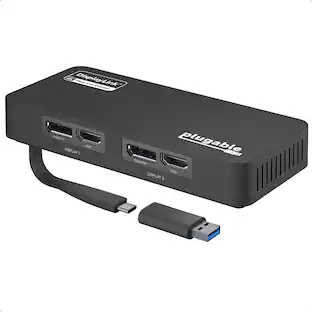
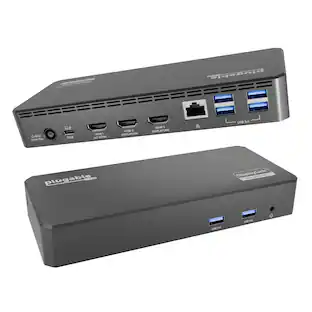
Streamline your on-the-go workspace with Targus USB-C Universal Dual HD Docking Station with 80W PD Pass-Thru. Its stow-away host cable, compact, lightweight design makes it easy to slip into the pocket of your backpack or luggage, and ensures it doesn’t take up valuable working real estate if you’re working remotely. A rubber-padded bottom provides grip so the dock stays in one place. Equipped with DisplayLink technology, this tiny dock offers compatibility with most laptop brands and supports single 2K 2560 x 1440 video or dual HD 2048 x 1152 video via HDMI. Additionally, it comes with a USB-A host adapter so you can use it with new or legacy laptops.

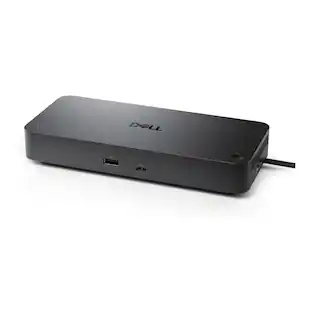
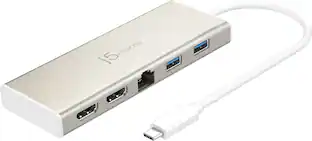
Turn your laptop into a dual video workstation with the compact USB-C Alt. Mode Dual HDMI 4K Docking Station with 100W PD Pass-Thru. Connect your USB-C-enabled devices to two HDMI monitors, while also connecting to a Gigabit Ethernet network, and plugging in your key peripherals — like mice, keyboards, flash drives, or hard drives — into the USB-A ports. Plus, access your data with the SD and Micro SD card reader/writer. You can even keep your laptop charged and powered by connecting the laptop USB-C power adapter to the USB-C port on the dock. This dock also provides transfer speeds up to 5Gbps per port. It supports up to 100W (20V/5A) charging max. Compact and lightweight, it’s easy to take it along with you anywhere you go.

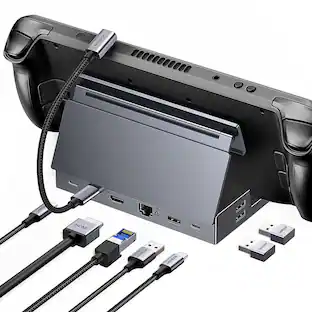
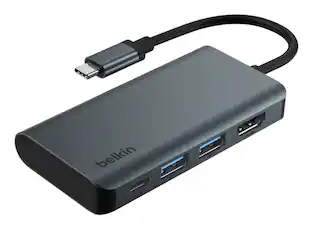
Connect your laptop to a 4K monitor, projector, and other devices with our USB-C 4-in-1 Multiport Adapter. This compact USB-C adapter is the perfect solution for home, the office, or in-between workstations. It features two USB-A ports to charge and connect your smartphone, tablet, keyboard, thumb drive, mouse, or other high consumption device while its HDMI port connects your MacBook Pro, Chromebook, or other USB-C laptop to a display with up to 4K resolutions. This Belkin USB-C Hub supports pass-through charging up to 100W so you don’t have to choose between port expansion and power. Gain up to 5 Gbps of bandwidth between connected devices, for quick data transfer between computer and peripheral devices. This computer docking station also supports high-definition display resolutions up to 4K through the HDMI Port. Encased in a sleek aluminum finishing that matches popular devices, this compact USB port hub is a stylish addition for your work, study, or play setup.
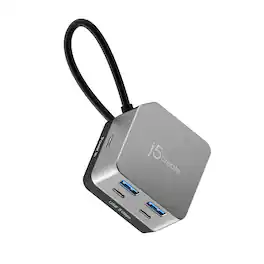
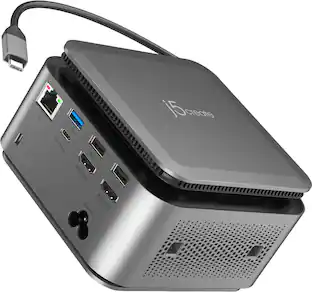
The Flexible Ports USB-C® 4K144 HDMI™ Hub - Cube Plus 6 in 1 provides extra connectivity for your computer. Features 4K144 HDMI™, four USB™ data ports, and charging - all in one compact device. The multi-adapter’s small size makes it easy to carry and helps save desk space. The HDMI™ port allows you to connect to a 4K monitor or TV. Supports USB™ 5Gbps for quickly transferring files and connecting high-speed devices. This is a plug-and-play device that does not require driver installation so you can use it right away!
| Pros for Targus - USB-C Universal Dual HD Docking Station with 80W PD Pass-Thru - Black | |||
|---|---|---|---|
| Overall Performance, Connectivity, Portability, Port Quantity | Ease of use, Overall Performance, HDMI, Connectivity, Size | Overall Performance, Ease of use, HDMI, Connectivity, Size | Overall Performance, Portability, Port Functionality, Power |
| Cons for Targus - USB-C Universal Dual HD Docking Station with 80W PD Pass-Thru - Black | |||
| There were no cons for this product— | Heat, Compatibility, Cord Length, Charging Speed, Monitor Support | Heat, Price, Cable Length | There were no cons for this product— |
Specs
Customers often buy these together
 $48.22The price was $59.99
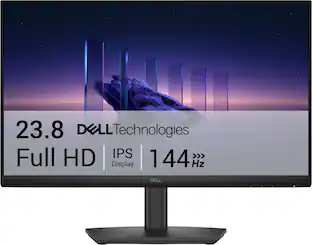 Top Deal$89.99The price was $119.99
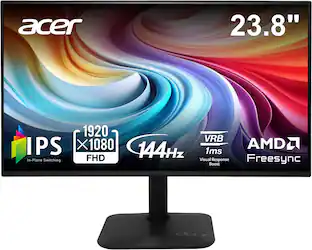 Top Deal$79.99The price was $119.99
 $26.99The price was $29.99
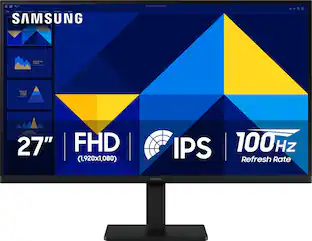
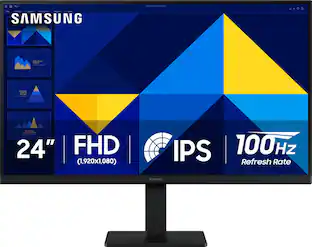


Customers ultimately bought
 Clearance$79.99The price was $99.99
 $49.99The price was $59.99




Explore tech essentials Sponsored



Discover related products
 $12.99The price was $13.99