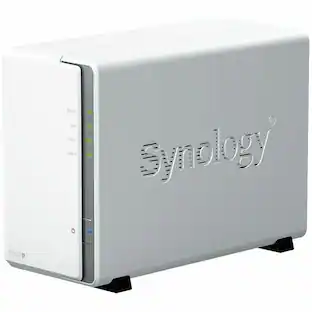
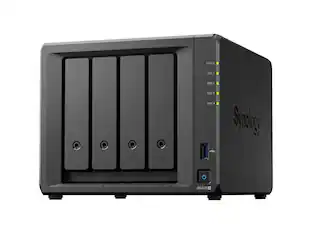
Network attached storage (NAS) is like your own privately-owned version of cloud storage. It is accessible to multiple devices via your internet network, which allows users to access and save files to a shared location. NAS also offers a place to store system backups so that you do not lose information if your computer crashes.
Because it is good for group projects, NAS is popular with businesses, but it can be helpful at home as well. Backing up documents is crucial to maintain security, and you may want to store documents off your computer to clear space on the hard drive and improve your computer’s performance. If you do not want to organize multiple external hard drives and USB flash drives, you can enjoy the convenience of an NAS drive.
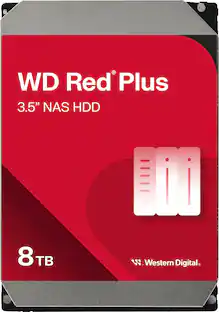
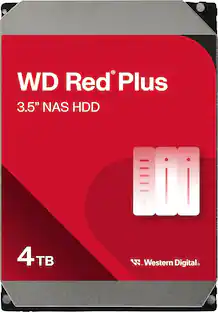
For many homes, NAS with 2TB to 7TB of storage space is all you need, but if you work from home or you are choosing NAS for your small business, you may want NAS with 8TB+.
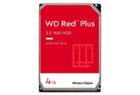
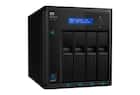
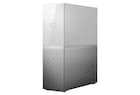

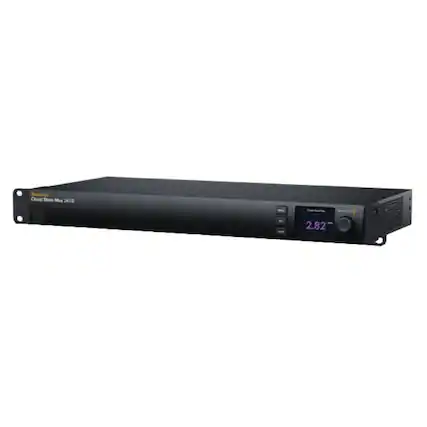
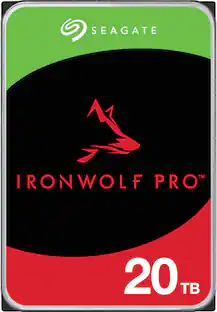 $669.99The price was $719.99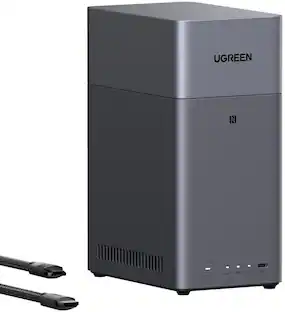
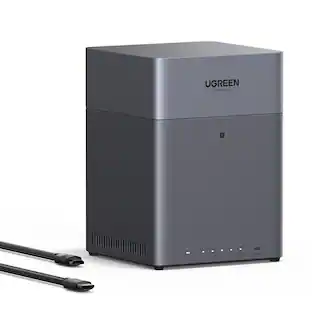
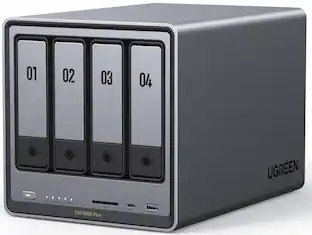

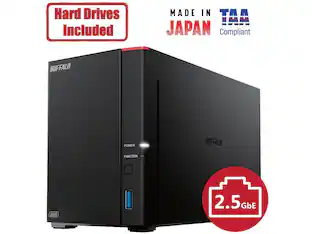
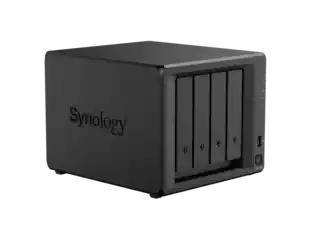
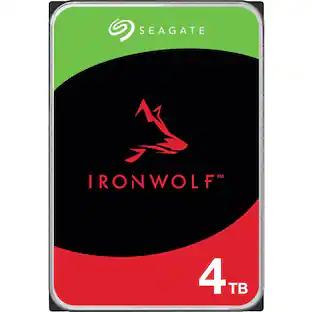
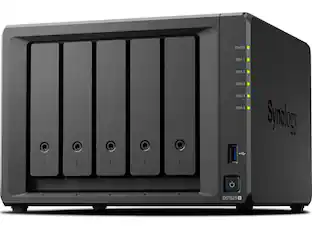


 $1,299.00The price was $1,479.00
 $263.99The price was $279.99
 $1,449.00The price was $1,499.00
 $449.99The price was $499.99
 $1,039.99The price was $1,099.99
 $2,399.99The price was $2,599.99