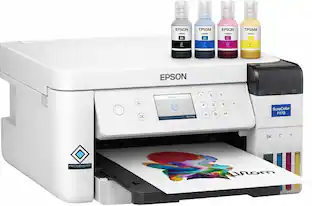
Epson - EcoTank ET-2400 Wireless Color All-in-One Cartridge-Free Supertank Printer with Scan and Copy - Black
Customers are saying
Customers value the high print quality and the straightforward setup process that makes this printer easy to use. While users appreciate its overall performance and compact size, some have noted minor frustrations regarding connectivity limitations with 5G networks. Additionally, a few customers mentioned concerns regarding occasional noise levels and infrequent paper jams.
Innovative Cartridge-Free Printing
No more tiny, expensive ink cartridges; each ink bottle set is equivalent to about 80 individual ink cartridges (2)
Dramatic Savings on Replacement Ink
Save up to 90% with replacement ink bottles vs. ink cartridges (1) – that’s enough to print up to 4,500 pages black/7,500 color (3)
Stress-Free Printing
Up to 2 years of ink in the box (4) – and with every replacement ink set – for fewer out of ink frustrations
High-Capacity Ink Tanks
Epson’s exclusive EcoFit ink bottles make filling easy and worry-free
Zero Cartridge Waste
By using an EcoTank printer, you can help reduce the amount of cartridge waste ending up in landfills
Impressive Print Quality
Unique Micro Piezo Heat Free technology produces sharp text – plus impressive color photos and graphics – on virtually any paper type
Built-In Scanner & Copier
High-resolution flatbed scanner for easy document management
Modern Connectivity
Features wireless, plus hands-free voice-activated printing (5). Easily print from your smart device (6) with the intuitive Epson Smart Panel app (7)
Use Genuine Epson Ink
For optimal print quality and performance. Non-genuine ink could cause damage not covered by the printer’s limited warranty
- NetworkingWireless, WiredENERGY STAR CertifiedYesPrinter TypePrinter, Copier, ScannerISO Color Print Speed5 pages per minuteISO Mono Print Speed10 pages per minuteOutput Tray Capacity30
Reviews
Rating 4.3 out of 5 stars with 524 reviews
- Print Quality (161)
- Ease of use (110)
- Overall Performance (57)
- Setup (21)
- Price (9)
- Connectivity (20)
- Noise Level (7)
- Paper Jam (3)
Customer Images
The vast majority of our reviews come from verified purchases. Reviews from customers may include My Best Buy members, employees, and Tech Insider Network members (as tagged). Select reviewers may receive discounted products, promotional considerations or entries into drawings for honest, helpful reviews.
Compare similar products
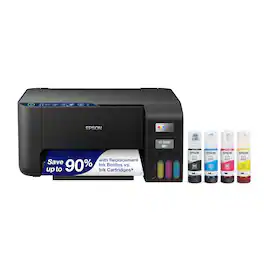
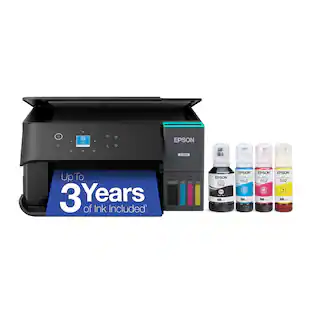
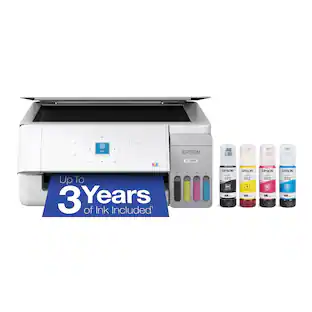
You’re looking for an easy-to-use Supertank printer that will get the job done. That’s why we developed the EcoTank ET-2400 – an innovative cartridge-free solution that uses high-capacity, easily refillable ink tanks. So you’ll worry less about running out of ink, and save a lot on replacement ink (1). The ET-2400 features genuine Epson print quality and a high-resolution flatbed scanner – making it a convenient choice for essential, everyday home printing.

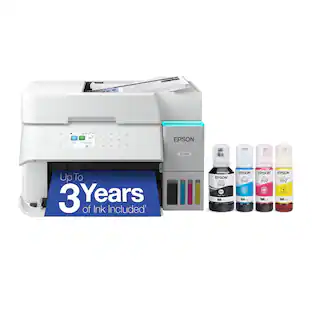
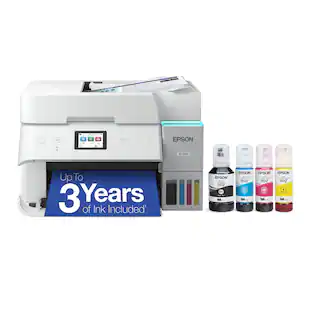
Introducing the EcoTank ET-2980—The Perfect Family Printer. Say goodbye to expensive cartridges with the Epson EcoTank ET-2980. Combining simplicity with a modern design, the ET-2980 features advanced technology that enhances both performance and print quality, making it an ideal choice for everyday family printing – including content created by AI. Powered by PrecisionCore Heat-Free technology, the ET-2980 delivers print speeds 50% faster than its predecessor (1). And unlike conventional thermal inkjet printers, its unique permanent printhead is engineered to last the life of the printer. Designed to be simple and error-free, refilling ink is a breeze with large ink tanks and uniquely keyed EcoFit bottles that help prevent ink from drying out. And with enough ink included to last up to three years (2), you'll enjoy affordable color printing without the hassle of frequently replacing cartridges. Featuring built-in USB and Wi-Fi for seamless connectivity, along with the user-friendly Epson Smart Panel app (3), you can easily print, scan, and more directly from your computer or mobile device (4).
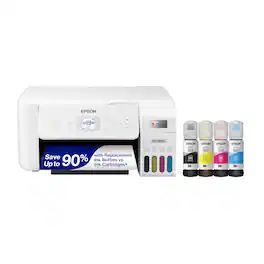
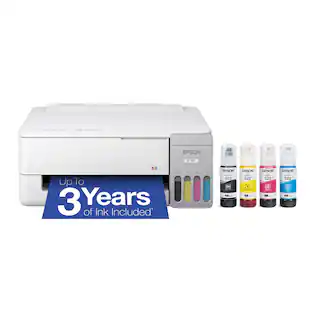
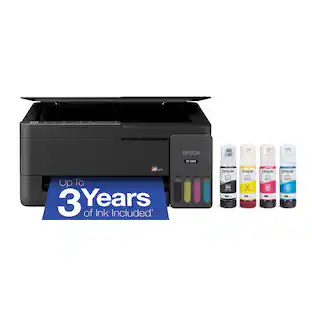
Your family needs a printer that’s fast, affordable, and easy to use. That’s why we developed the EcoTank ET-2800 – an innovative cartridge-free solution that uses high-capacity, easily refillable ink tanks. So you’ll worry less about running out of ink, and save a lot on replacement ink (1). The ET-2800 features genuine Epson print quality, a high-resolution flatbed scanner, and convenient color display – making it the ideal basic home printer.
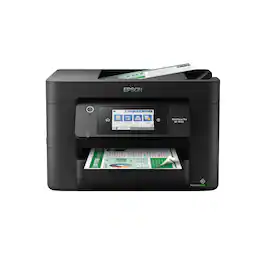
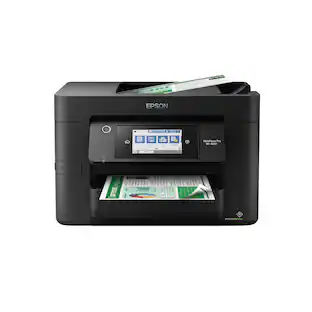
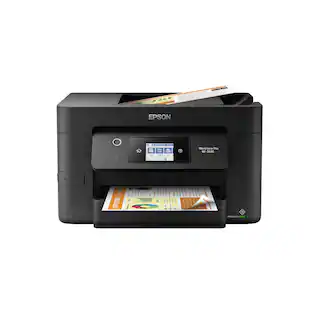
Experience the power of high-performance business printing with the WorkForce Pro WF-4820. Providing high-speed printing, the WF-4820 blazes through high-volume print jobs at an astounding 25 black/12 color ISO ppm†. Built for productivity, this reliable printer consistently delivers sharp, professional-quality prints with innovative PrecisionCore Heat-Free Technology and vivid DURABrite Ultra instant-dry pigment inks. An efficient, easy-to-use solution, the WF-4820 offers convenient features designed to enhance efficiency and streamline workflow, including a large, 4.3" color touchscreen for intuitive navigation, a 250-sheet paper capacity, auto 2-sided printing, wireless connectivity and more.
| Pros for Epson - EcoTank ET-2400 Wireless Color All-in-One Cartridge-Free Supertank Printer with Scan and Copy - Black | |||
|---|---|---|---|
| Print Quality, Ease of use, Overall Performance, Setup, Price | Print Quality, Connectivity, Size, Setup Ease, Noise Level | Print Quality, Ease of use, Overall Performance, Setup, Size | Print Quality, Ease of use, Overall Performance, Setup, Connectivity |
| Cons for Epson - EcoTank ET-2400 Wireless Color All-in-One Cartridge-Free Supertank Printer with Scan and Copy - Black | |||
| Noise Level, Connectivity, Paper Jam | There were no cons for this product— | Noise Level, Paper Tray | Scanning |
Specs
Does the ink dry up if you don’t print much?
Answered by EpsonHello Mary. The ET-2400, along with all Epson printers, uses inkjet technology. If the printer sits without usage for some time, you can potentially run into print-head-related issues. We recommend doing simple user maintenance such as nozzle check printouts, which use minimal ink and head cleanings to help avoid ink clogging on the printer. Please see the User's Guide on our official Epson Support page for more helpful maintenance information. Regards, Kevin - The Epson Team.
What USB cable do I need for this printer?
Answered by EpsonHi BB, The EcoTank ET-2400 takes a standard USB 2.0 Type-A to Type-B cable. Regards, Mark - The Epson Team.
Is this a sublimation printer?
Answered by EpsonHi Peanut. The Epson ET-2400 was not designed for dye-sublimation printing nor the use of non-genuine Epson ink cartridges. Using sublimation ink in this printer could damage the print head and impact warranty coverage. Regards, Kevin - The Epson Team.

Why should I choose this Epson printer?
Choosing this printer, you can help reduce the amount of cartridge waste ending up in landfills.
This question and answer was generated by AI based on customer and product data.What kind of connectivity does this printer offer?
This printer features wireless connectivity.
This question and answer was generated by AI based on customer and product data.

Customers often buy these together
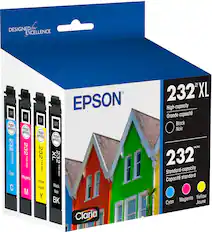
Ink Cartridges
Copy and Multipurpose Paper



More recommended items
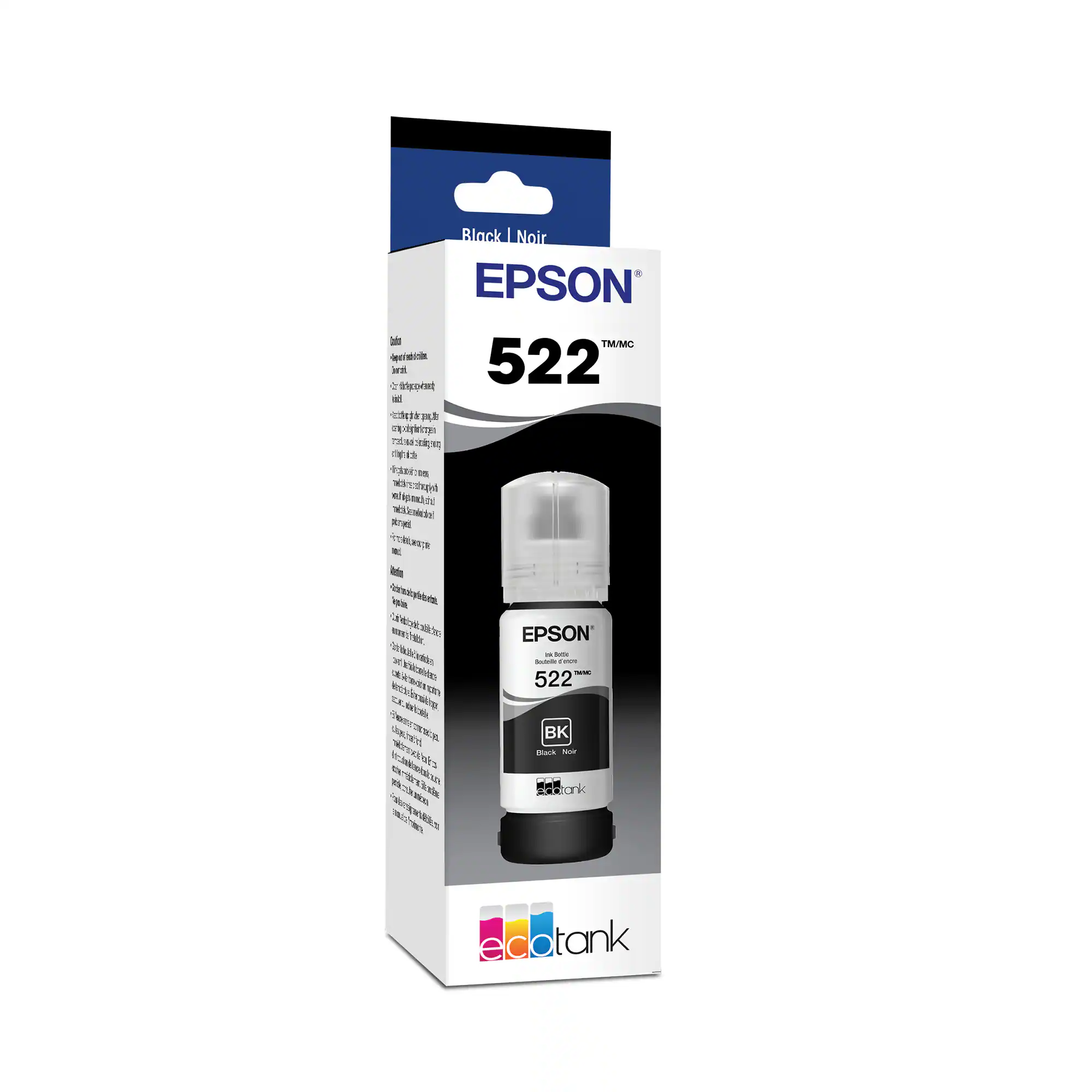 Ink Bags and Bottles
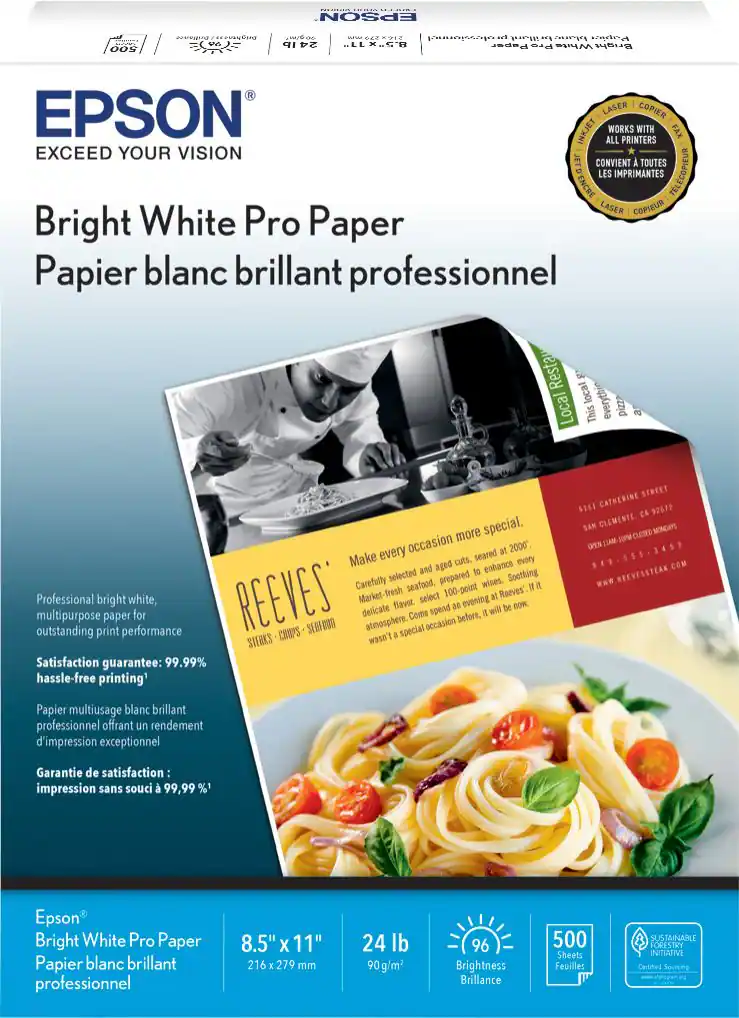 Printer Paper
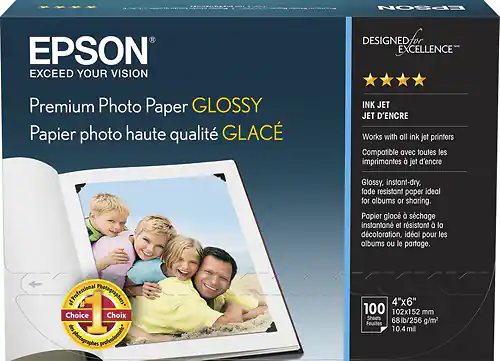 Photo Paper
More to consider
 Top Deal$199.99The price was $239.99

Explore tech essentials Sponsored
 $22.43The price was $24.02
 $2,299.00The price was $2,499.00
 $2,599.00The price was $2,799.00
 $2,899.00The price was $3,099.00
 $1,799.00The price was $1,999.00

Discover related products
 $64.99The price was $89.99
 $13.99The price was $19.99
 $429.99The price was $455.99






Keep exploring
 $209.98The price was $220.98
 $265.98The price was $280.98
 $1,799.00The price was $1,999.00
- $2,299.00The price was $2,499.00