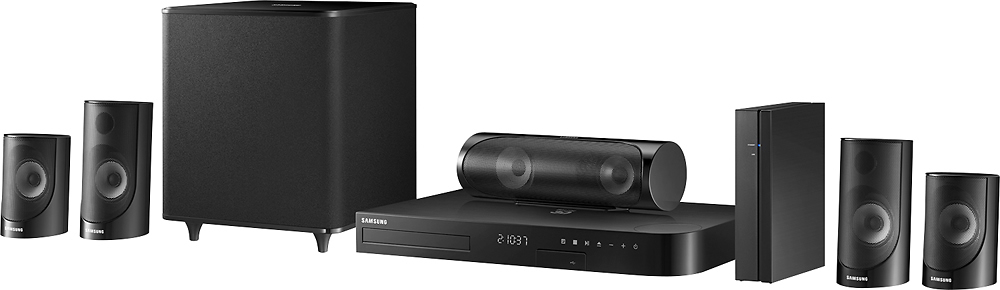
A:AnswerYes it has an LAN line...No headphone jack but does have a USB port in the front. The satellite box (dvr) goes into the TV and the TV into the Blu-ray.
A:AnswerNo you were not doing nothing wrong the rear speakers do not work I have received this unit for Christmas and. Rear speakers do not work well at all
A:AnswerYes it would. All you need is a digital optical out from the TV. I set it up in a large bedroom and it sounds very good. The wireless rear speakers made setup a lot easier.
A:AnswerThere's a separate receiver that plugs into the wall and the rear speakers hook to that, so essentially yes, but you're still running speaker wires to a remote box that must be plugged into the wall, but you don't have to connect them to the front receiver/bluray player.
A:AnswerI have connected a Samsung TV, Samsung 5500 mini system, and Samsung 4K Blu-ray player using HDMI and ARC channel. I am able to use my AT&T remote for power on/off of the main units, channel selection, close caption, DVR functions, and volume up/down with no problems. Try it you'll like it.
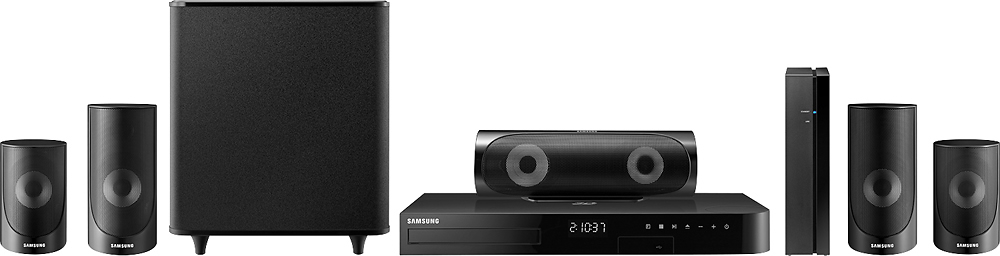
A:AnswerNot out of the box, but you can buy a 3.5mm male to RCA adapter on eBay for 2 or 3 bucks and then you will be good to go as this has RCA audio in.
A:AnswerYou do not need a 3D TV for this devise to work. It is fully backward compatible and works with any TV you will just not have the advantages of 3D but you will have the advantages of the sound that is better than TV speakers!
A:AnswerMost Samsung "Home Theater In a Box" have an AUX In for left, right analog audio (RCA type) connections. Also most Samsung HTIB usually have an OPTICAL (External Digital Audio In) port. According to the HT-J5500W owners manual - online. Depending on your Sirius base unit model - if it has one of these ports and or connections it should work. These are pretty much standard for audio -otherwise adaptors might be used to connect the two devices.