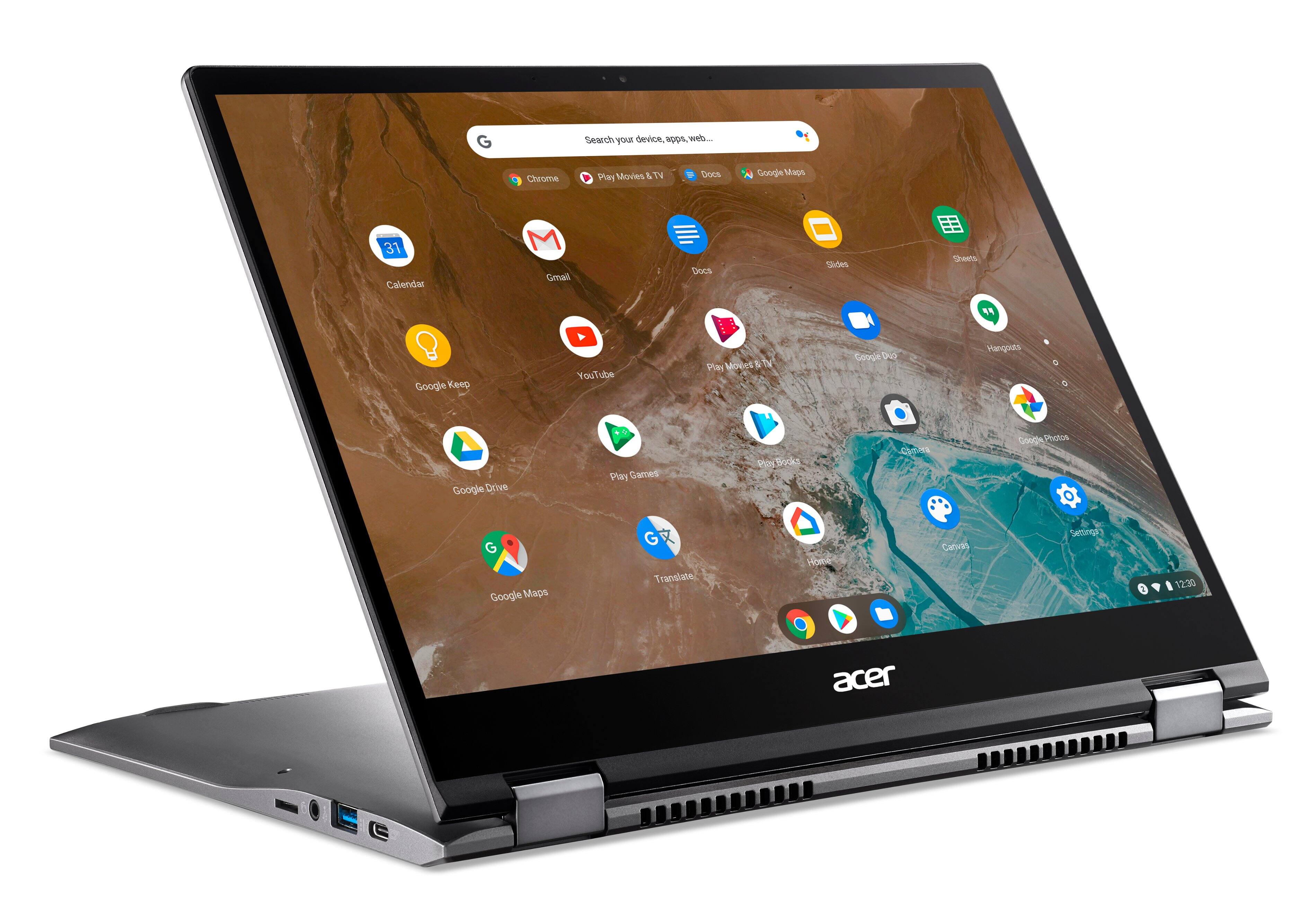
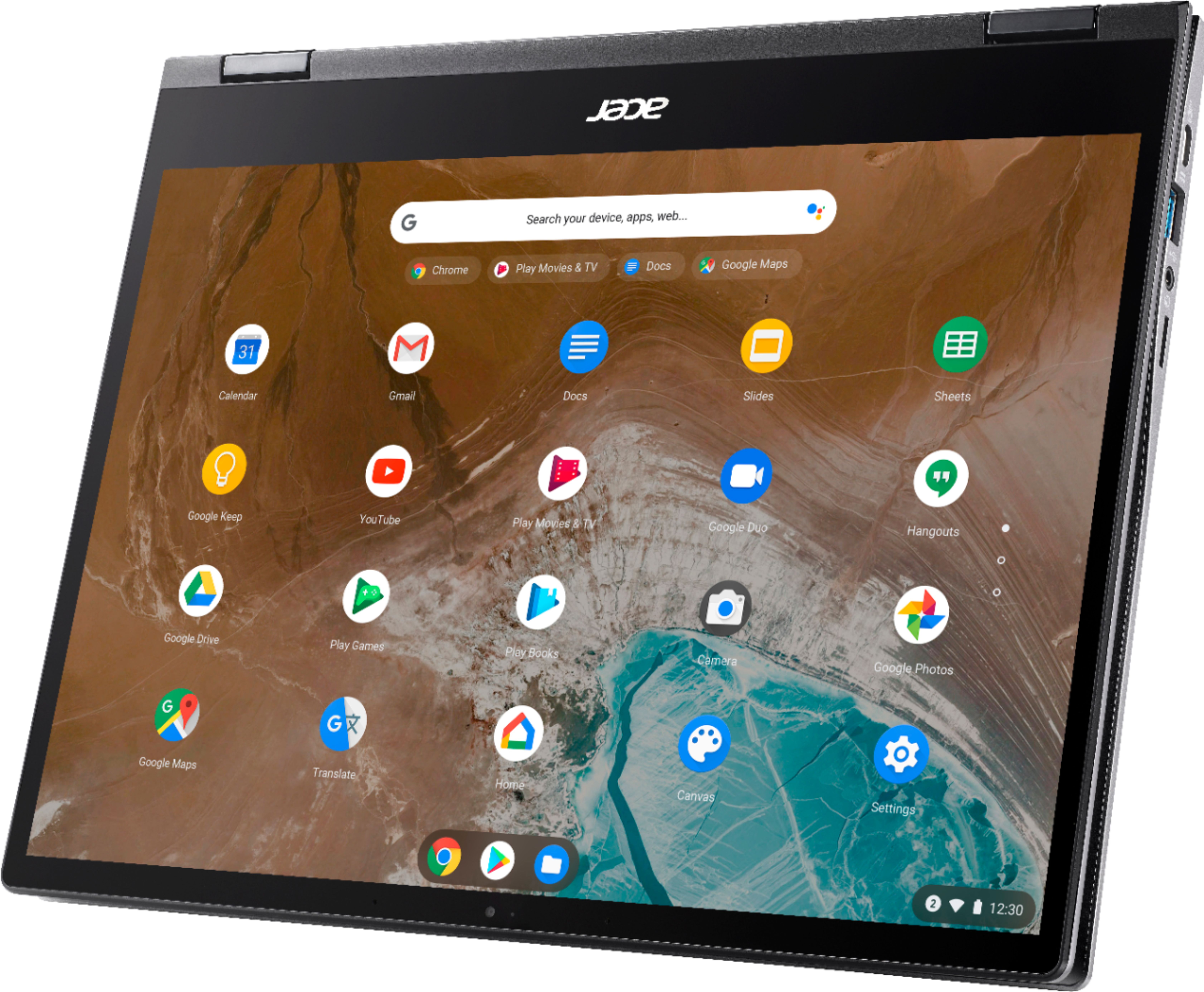
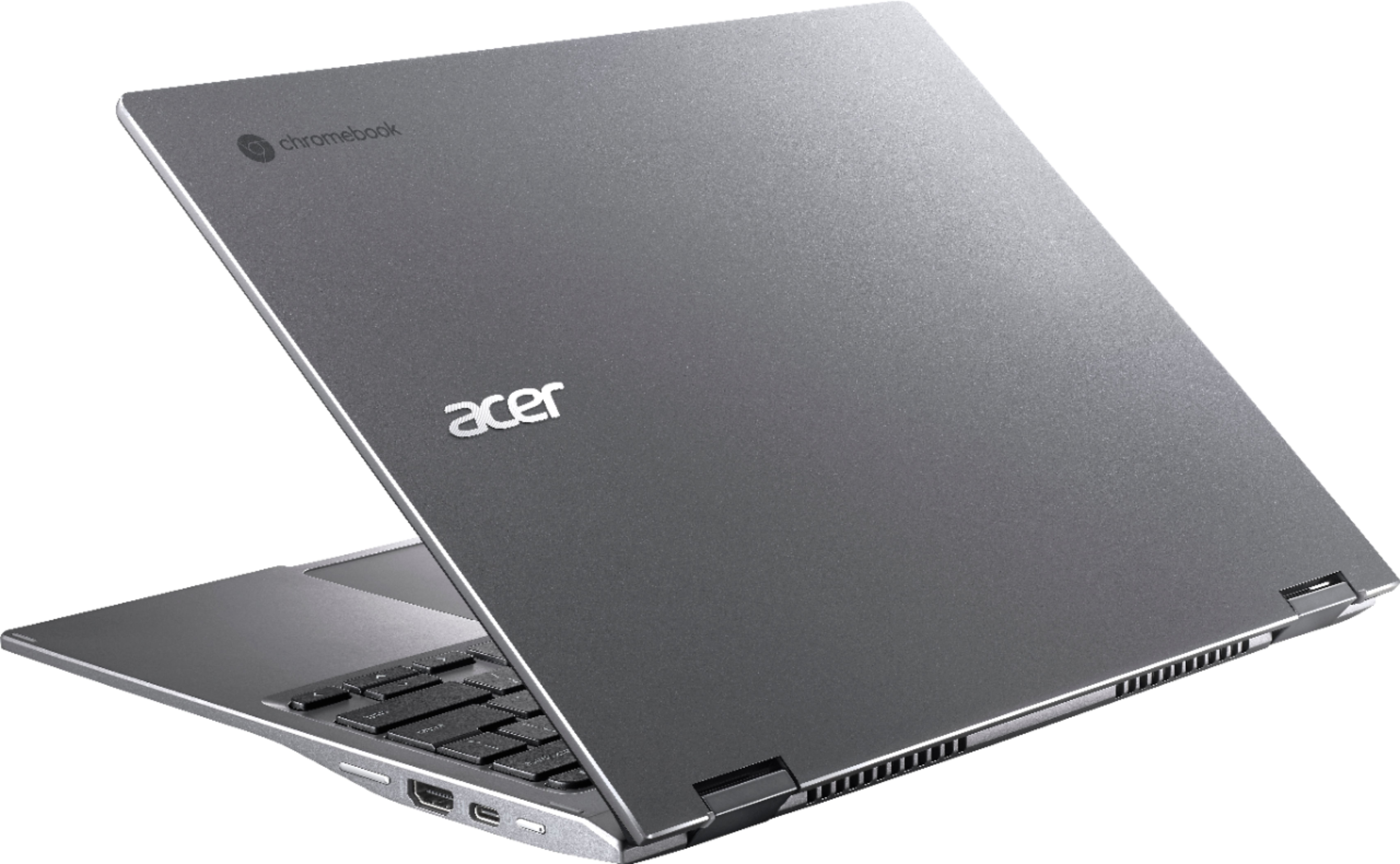
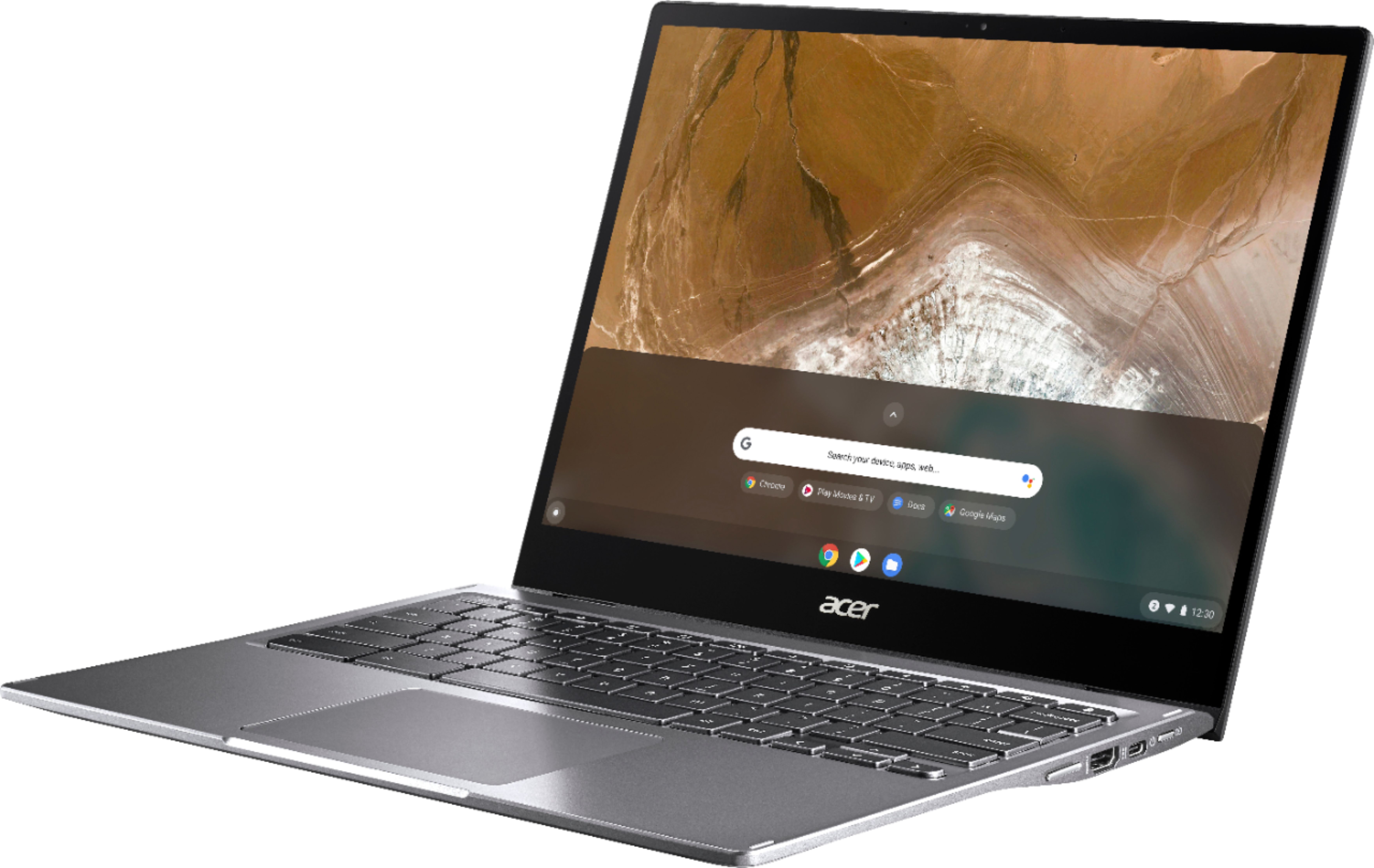
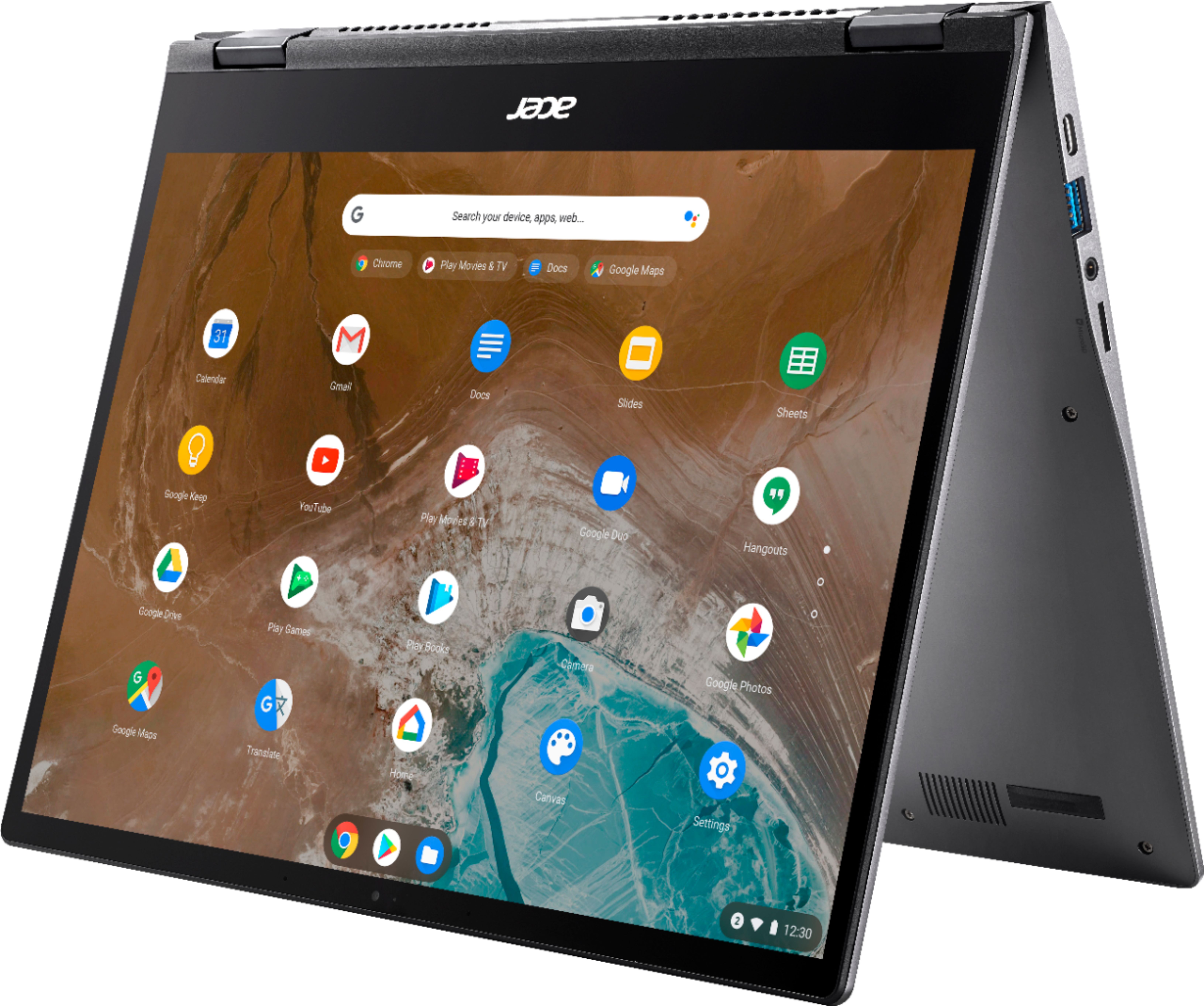
A:AnswerUnlike a Windows laptop, Chromebooks do not need antivirus protection because you cannot download or run .exe files on these devices. Chromebooks come with built-in malware and virus protection, with multiple layers of security. Here is a link that has information on this you might find helpful: https://www.chromebookhq.com/antivirus-for-chromebook/
A:AnswerAnswering my own question, as I since bought this Chromebook. Yes it runs a 1080p external monitor. it works in mirror mode and extended display. However, I do not see a way to use external monitor only?? must use both the built-in screen and external always?? also youtube music videos got a tad "sticky" when using extended display. the videos were buffered well ahead of the play point, but occasional pops in the sound, as if i was overloading the laptop a little.
A:AnswerThis laptop runs Chrome OS, which you can learn all about here: https://www.google.com/chromebook/chrome-os/
Chrome OS is a lightweight, easy to learn, user friendly operating system that primarily runs Chrome specific applications and Google Play Store (Android) applications, as well as some Linux applications.
Unless you're in need of running some specific Windows or Mac applications, a Chromebook is an excellent choice for a laptop and you can get pretty much any task done on it that you could using a traditional Windows or Mac computer.
If you're in need of a new laptop I encourage you to take this Chromebook home. You can always return it within the return window if you're not liking it.
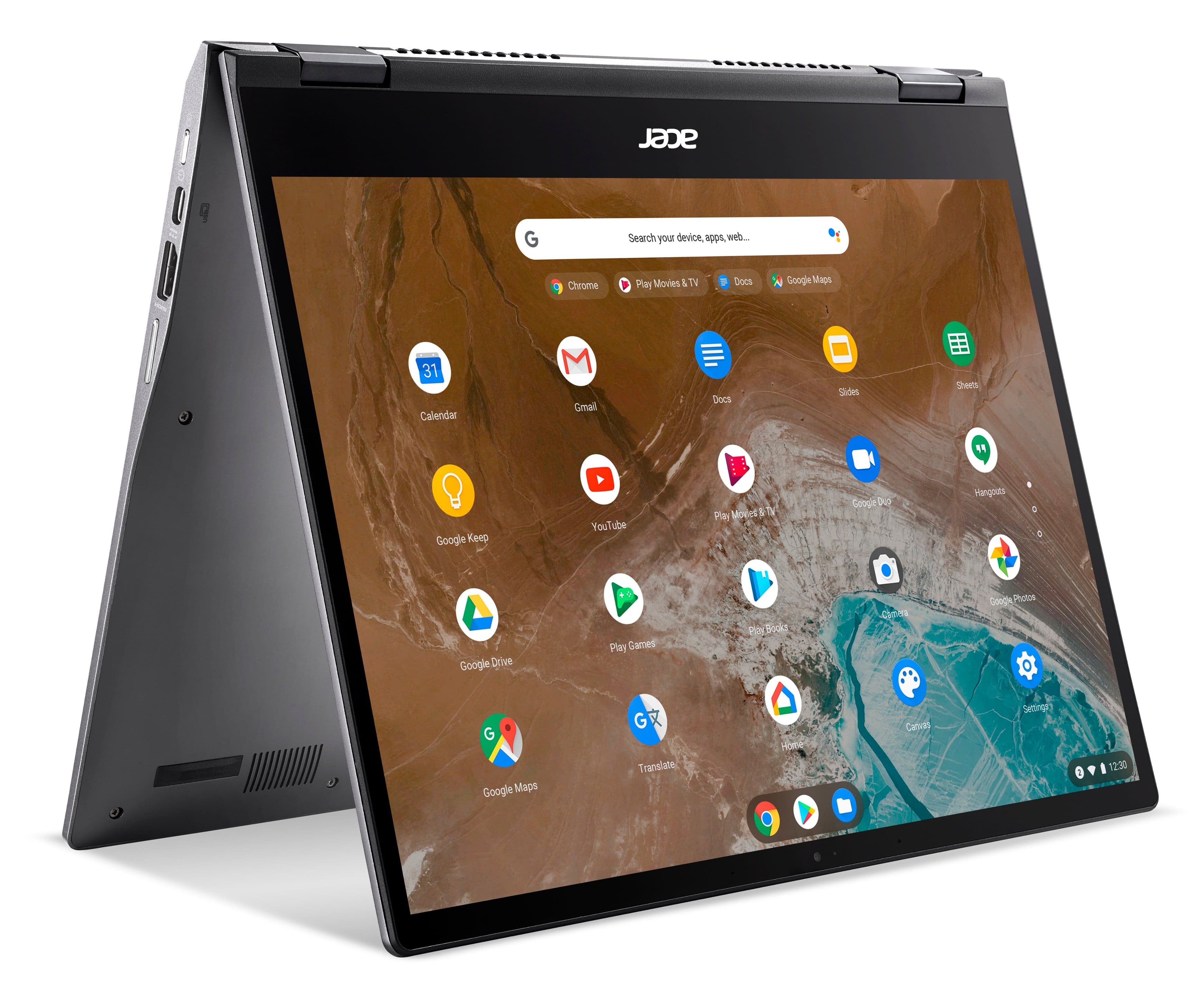
A:Answeryes. Get the i5 model. I play games with a window open playing youtube videos, and it works without a stutter. You can split the screen and browse simultaneously. Your job will be none the wiser lol. It can multitask but in some cases, but 2 Android apps may not work simultaneously. An Android and a chrome browser will always work, but sometimes the browser may partially block some of the android app (some Android apps are full screen only, and cannot be resized. The chrome browser will always be resizeable)
A:AnswerThey can be viewed without an issue. There are black "bars" top and bottom to account for the difference in aspect ratio, but honestly I have watched hundreds of youtube and Netflix videos and movies and I do not notice them at all. The screen is beautiful and deep! This computer is awesome!
A:AnswerI have no complaints about the camera. The mic isn’t terrible but wish it was louder. Headphones help or a Bluetooth speaker we use make it perfect. We use zoom on it all the time.