A:AnswerThis will do fine for editing videos or photos. We recommend you check that the laptop specifications will meet or exceed the specifications of the editing software you use.
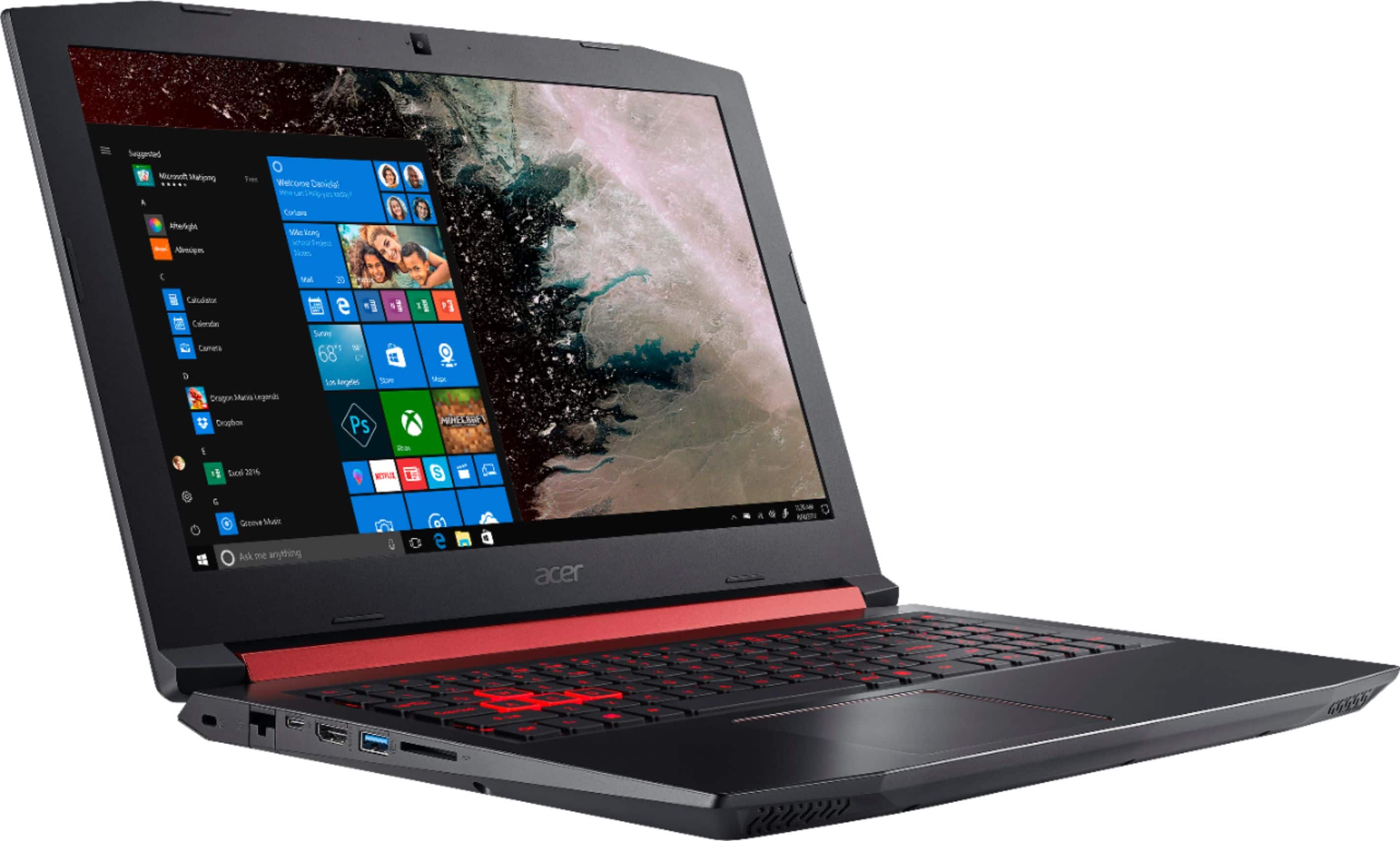
A:AnswerThe Nitro 5 supports DDR4 2400/2666 SODIMM memory interface design:
• DDR4 SODIMM slot x 2
• Maximum memory is up to 32GB
This model does not support DDR4 3000 memory.
A:AnswerI steam and play, but it doesn't overheat. I play the Sims and they run super smooth on the highest setting. But I'm not sure what a more demanding game might do.
A:AnswerWhile Acer does not test many gaming applications we would recommend you check that the computer meets the system requirements of the application/game to determine if it will work. You can also contact the software vendor to see if they can provide information on compatibility with their software. You might also post your question on the Acer Community where there are many users that post questions and offer help and advice on Acer products. The link is: https://community.acer.com/
A:AnswerThe AN515-53-52FA laptop ships with a 2.5" 1TB SATA3 hard drive, but it does have a slot if you want to add an M.2 SSD for more storage. The M.2 slot supports SATA 3 or PCI-e Gen3 x4 SSD drives.
A:AnswerThe 1050ti is more powerful than the 1050, and an SSD drive does not have moving parts like a standard SATA hard drive, plus it is faster. Here are a couple links you might find helpful:
https://www.quora.com/Whats-the-difference-between-NVIDIA-GTX-1050-and-GTX-1050-Ti
https://www.storagereview.com/ssd_vs_hdd
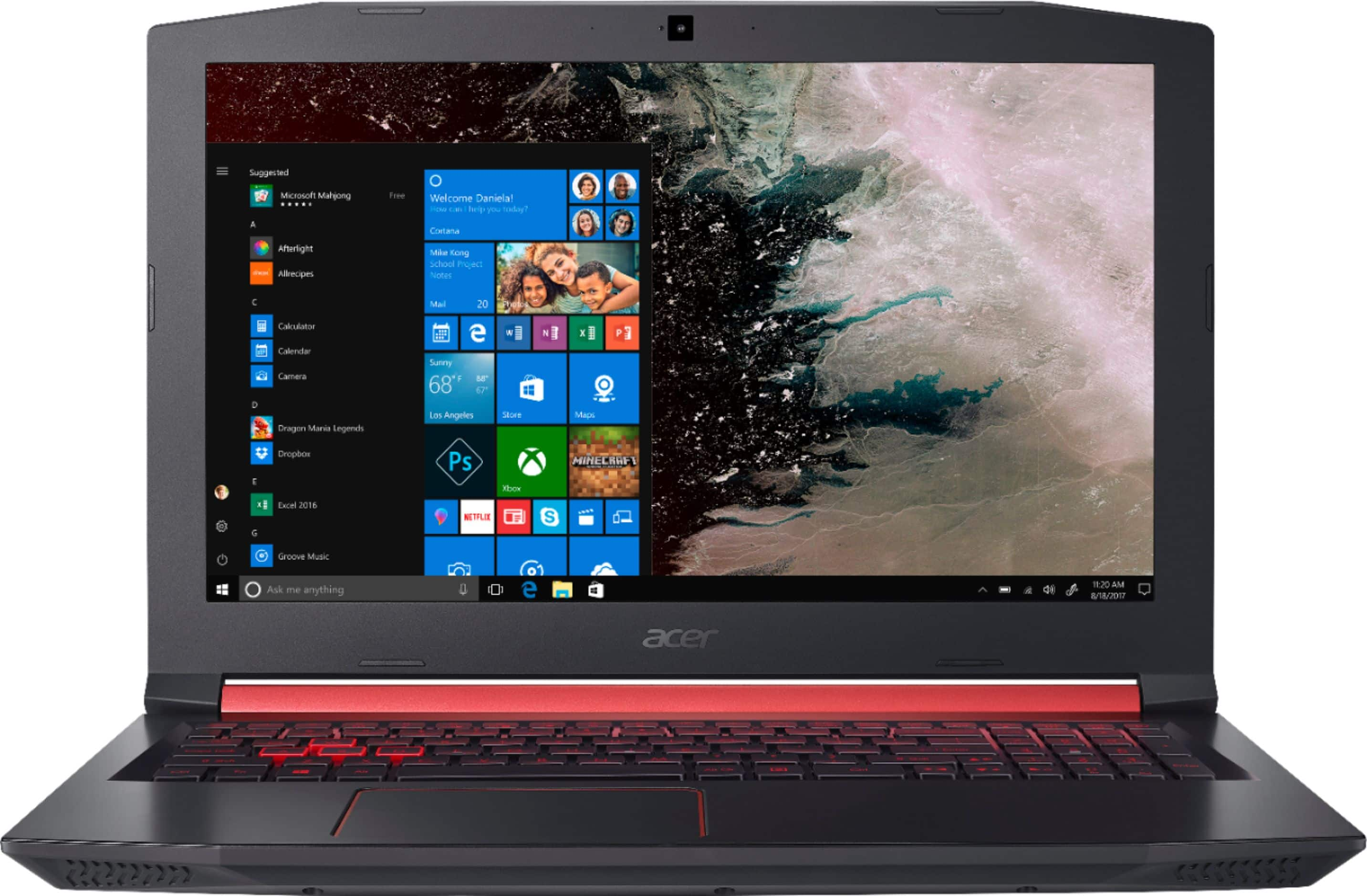
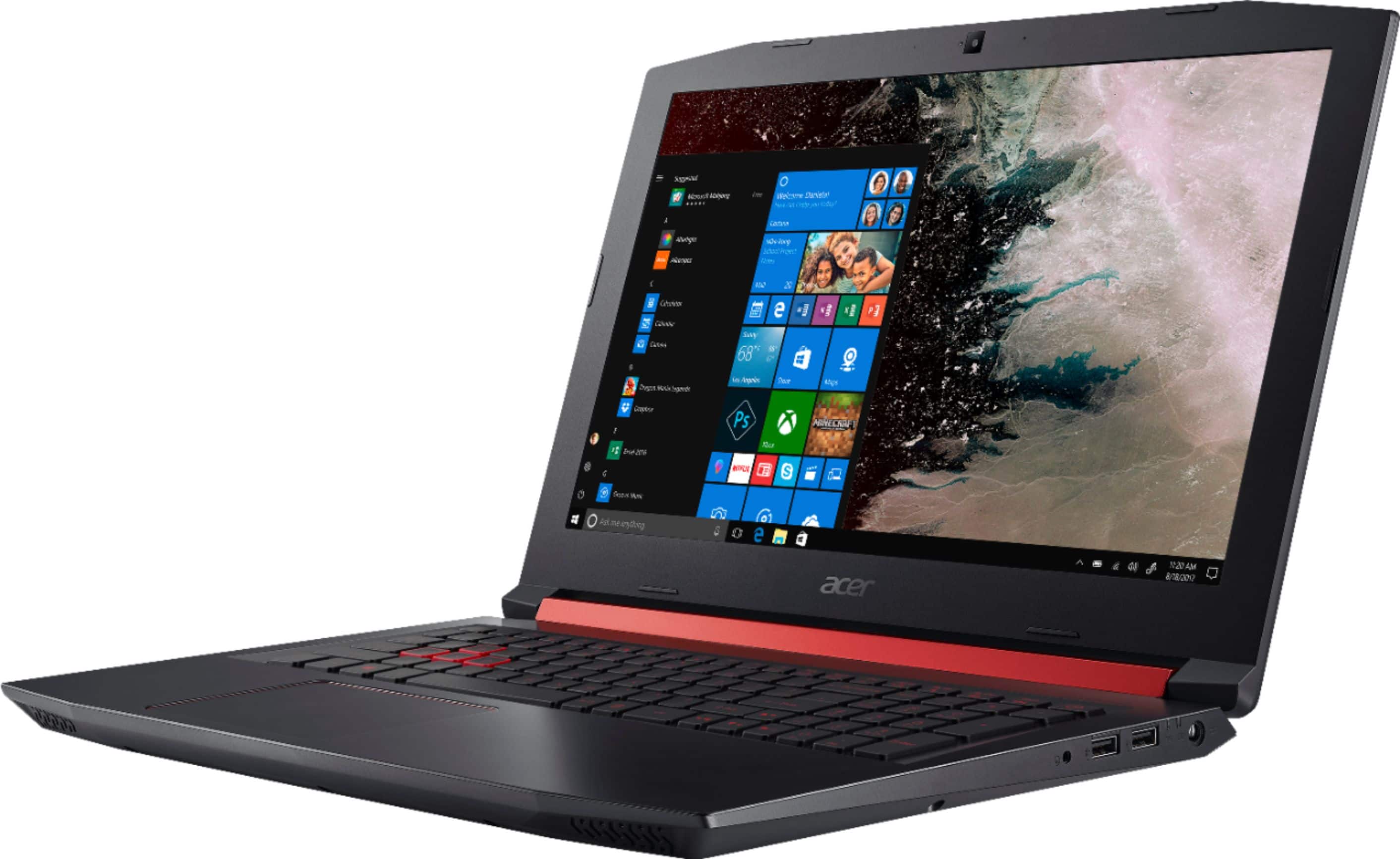
A:AnswerThis Nitro laptop has a 15.6" screen, measured diagonally and while we are not sure what you mean buy number of p, if you are talking about the resolution the LCD resolution is full HD 1920 x 1080.
A:AnswerAlthough the Nitro 5 is not VR ready, we have had reports from users saying they could get it to work with Steam VR and Microsoft Mixed Reality. We would suggest you check the Acer Community where there are many gamers that post questions and offer help and advice on Acer products. The link is: https://community.acer.com/
A:AnswerWhile this model does have an M.2 SSD slot, it is not considered user accessible because the lower case assembly must be removed and the unit dismantled to access that slot.
A:AnswerWhile Acer does not test many gaming applications we would recommend you check that the computer meets the system requirements of the application/game to determine if it will work. You can also contact the software vendor to see if they can provide information on compatibility with their software. You might also post your question on the Acer Community where there are many gamers that post questions and offer help and advice on Acer products. The link is: https://community.acer.com/