A:AnswerWhile Acer does not test many gaming applications we would recommend you check that the computer meets the system requirements of the application/game to determine if it will work. You might also post your question on the Acer Community where there are many users that post questions and offer help and advice on Acer products.
A:AnswerThis model uses an improved AC adapter connection that must be fully inserted for the product to power on for the first time. Make sure the adapter is properly connected as shown in the user documentation and the support article https://us.answers.acer.com/app/answers/detail/a_id/66710
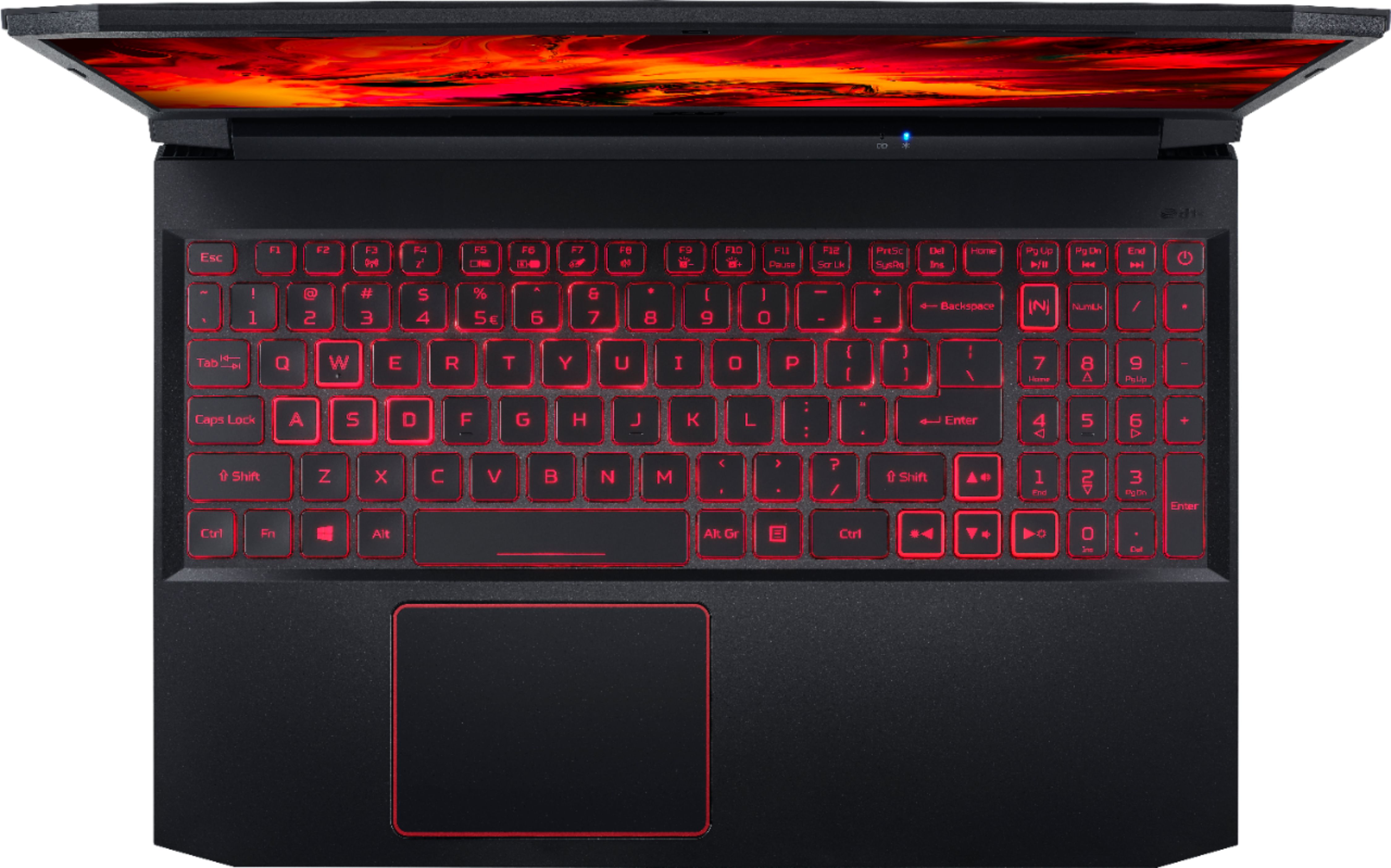
A:AnswerGo out to Acer's website and search for "NitroSense Key". This will tell you how to change some of the settings for the keyboard. The one that I bought does not look like it can do the color zones (and they note on the website that it may not be available to you). But it does let you chose to not dim the keyboard after 30 secs.
A:AnswerYes you can connect an external monitor to this laptop for extended desktop over the two screens. Please contact Acer support for assistance with this; they can be reached at 866-695-2237.