A:AnswerWhile Acer does not test many gaming applications we would recommend you check that the computer meets the system requirements of the application/game to determine if it will work. You might also post your question on the Acer Community where there are many users that post questions and offer help and advice on Acer products. The link is: https://community.acer.com/
A:AnswerWhile Acer does not test many gaming applications we would recommend you check that the computer meets the system requirements of the application/game to determine if it will work. You might also post your question on the Acer Community where there are many users that post questions and offer help and advice on Acer products. The link is: https://community.acer.com/
A:AnswerWhile Acer does not test many gaming applications we would recommend you check that the computer meets the system requirements of the application/game to determine if it will work. You might also post your question on the Acer Community where there are many users that post questions and offer help and advice on Acer products. The link is: https://community.acer.com/
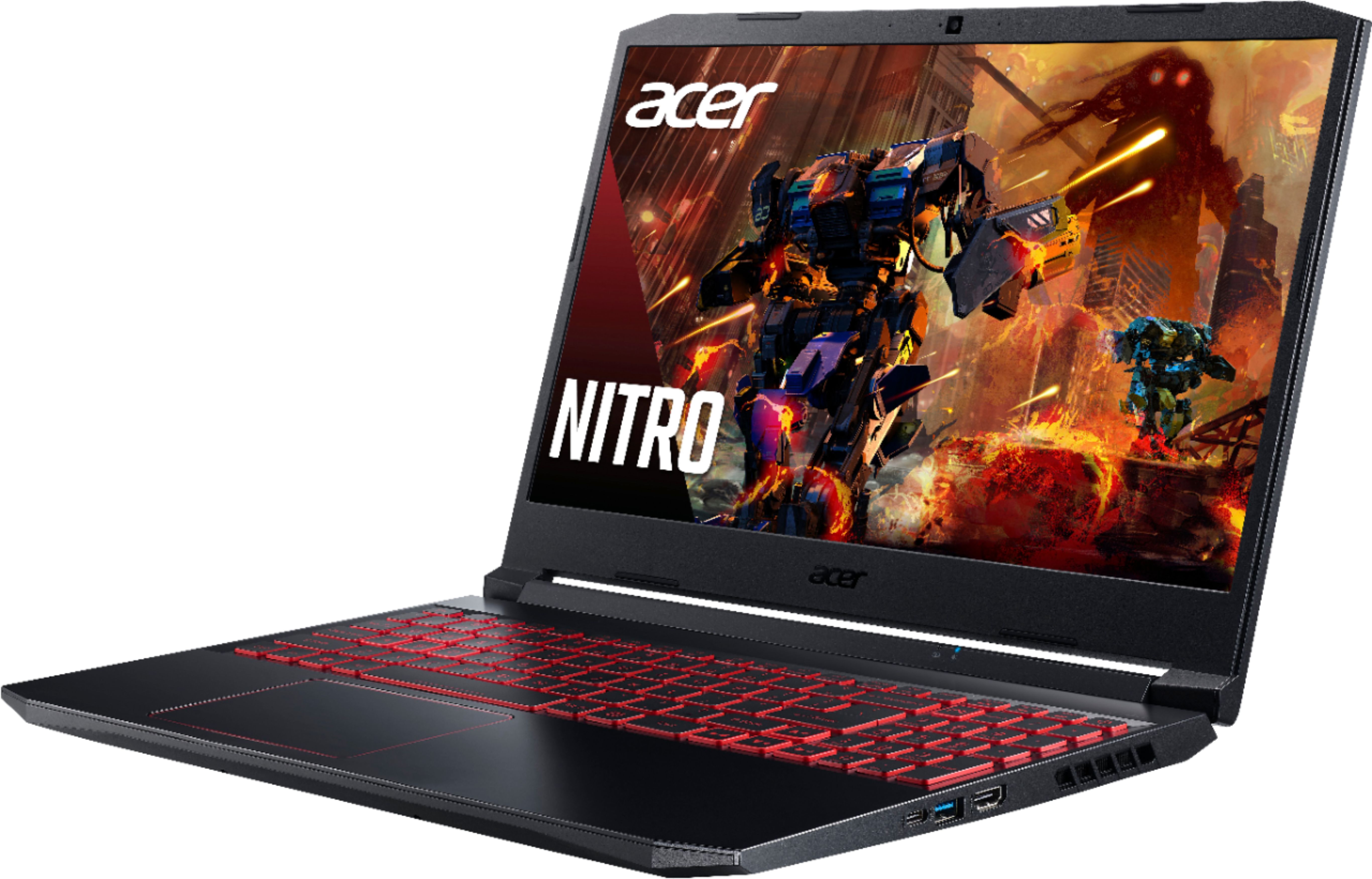
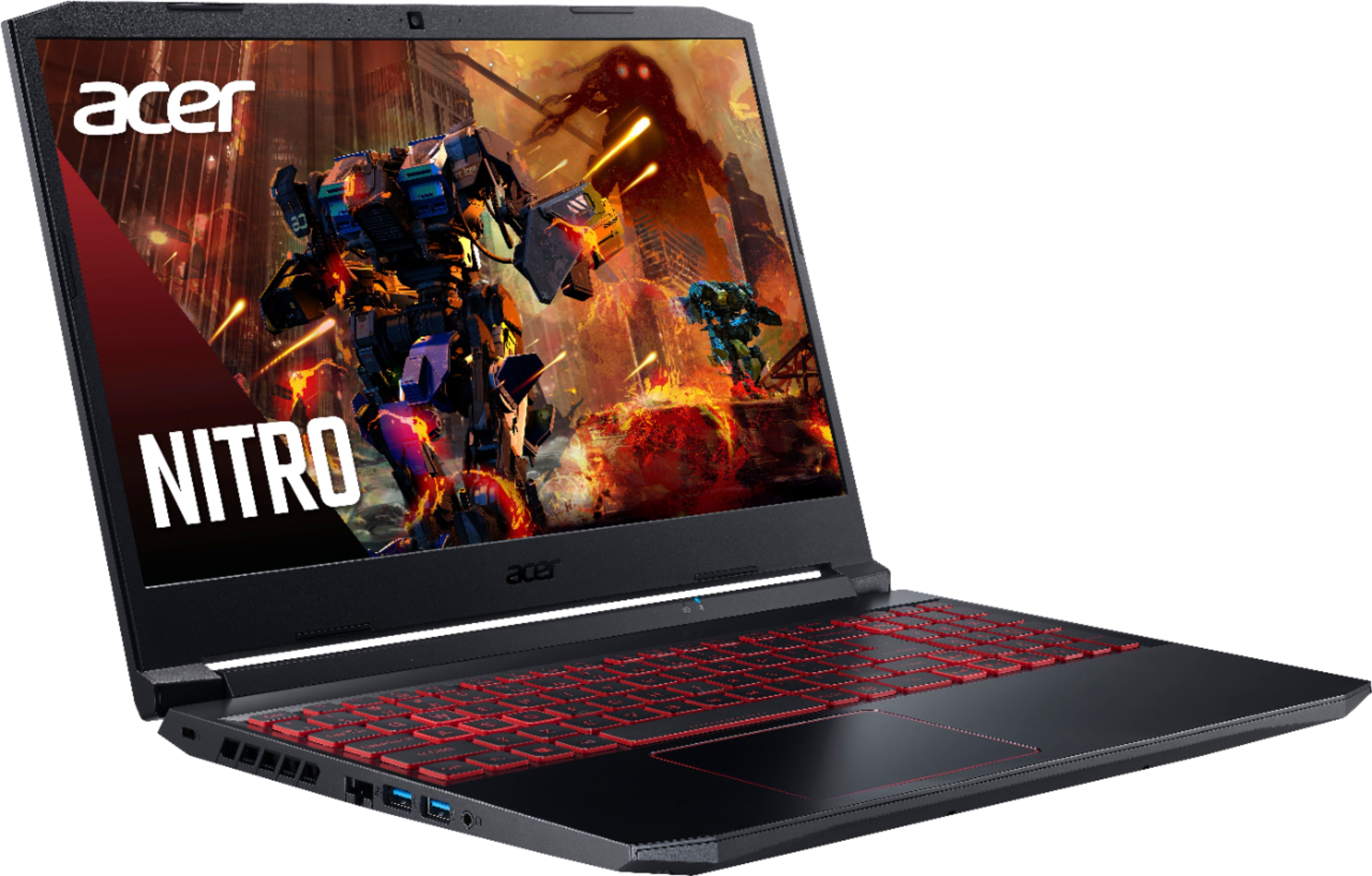
A:AnswerThis laptop has one M.2 SSD slot that has been tested up to 512GB, but also has a 2.5" slot to allow you to install a SATA3 or SSHD as well. Acer has tested those up to 2TB.
A:AnswerThis laptop has a 2.5" slot to add a SATA3 or SSHD for more storage. You can also upgrade to a larger M.2 SSD; Acer has tested up to a 1TB M.2 SSD, and a 2TB SATA3 hdd. This supports DDR4 3200 memory up to 32GB, using two memory slots.
A:AnswerYes, I play a lot of bedwars and skyblock it can put 200 FPS on the table. But don’t forget that since it’s a 60hz screen it’ll be the same compared 60 FPS to 200 FPS so no problem!
A:AnswerWhile Acer does not test many gaming applications we would recommend you check that the computer meets the system requirements of the application/game to determine if it will work. You might also post your question on the Acer Community where there are many users that post questions and offer help and advice on Acer products. The link is: https://community.acer.com/
A:AnswerAcer has not tested this type of device but you might post your question on the Acer Community where there are many users that post questions and offer help and advice on Acer products. The link is: https://community.acer.com/
A:AnswerWhile Acer does not test many gaming applications we would recommend you check that the computer meets the system requirements of the application/game to determine if it will work. You might also post your question on the Acer Community where there are many users that post questions and offer help and advice on Acer products. The link is: https://community.acer.com/