A:AnswerIt may not be normal but we suggest you contact support for assistance with this. They can be reached at 866-695-2237, 24/7 for in warranty products.
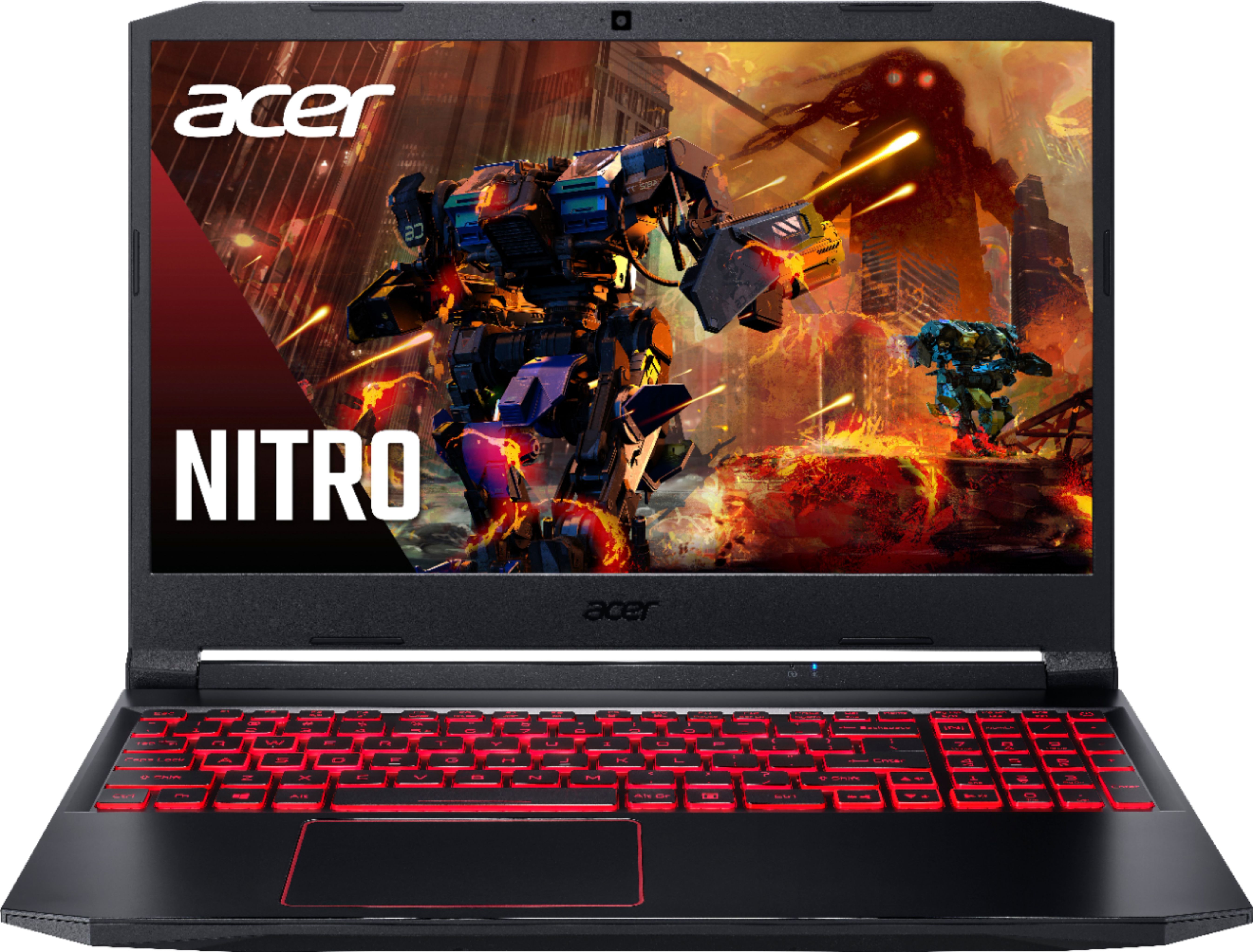
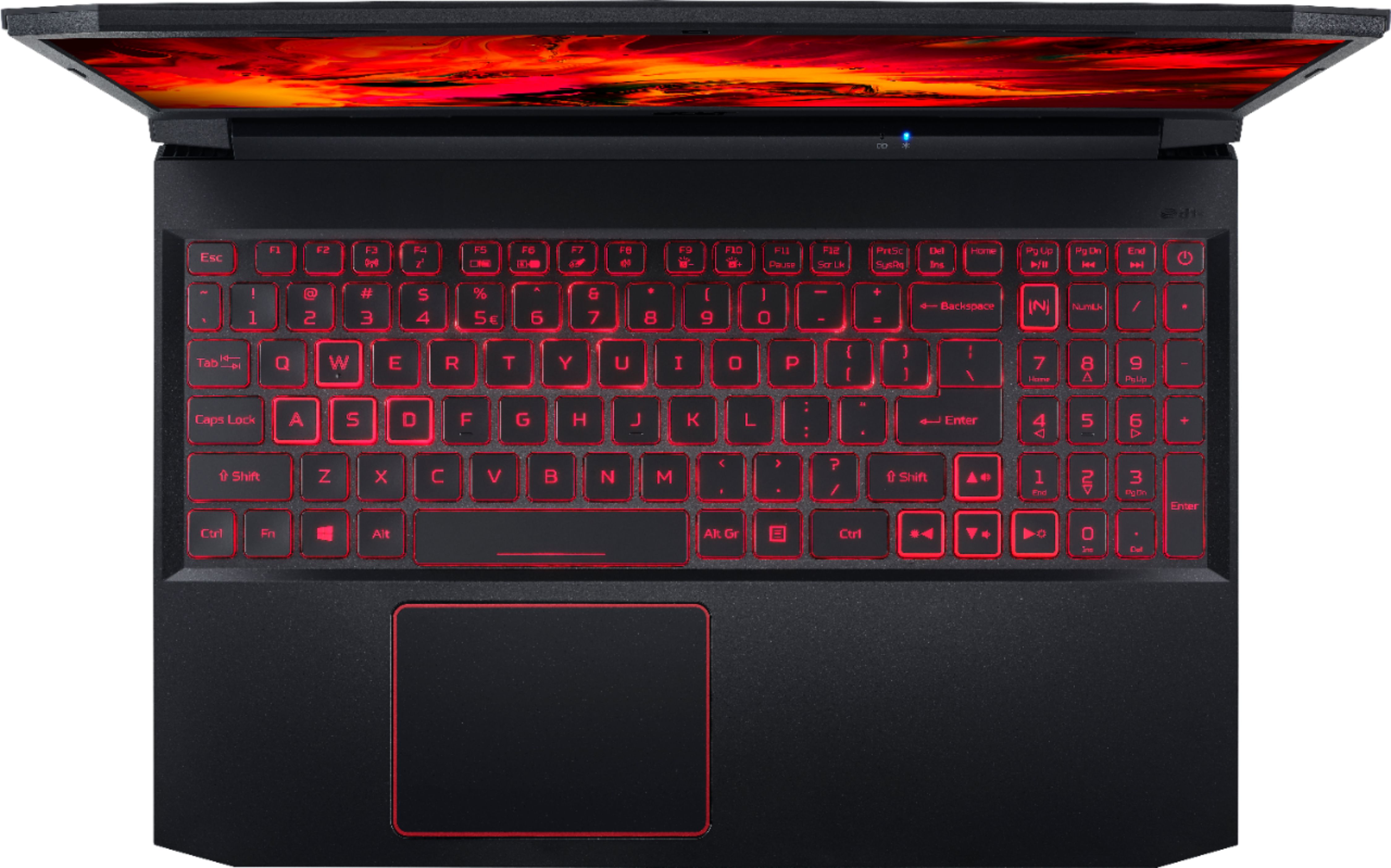
A:AnswerCan you change the keyboard color on Acer Nitro 5?
Yes you can, you need to download from Acer official site the "NitroSense". It allows you to modify each part of your keyboard with the color you want.May 17, 2018. This is what I found today not sure if it is for all models of nitro 5s though. Hope this helps:)
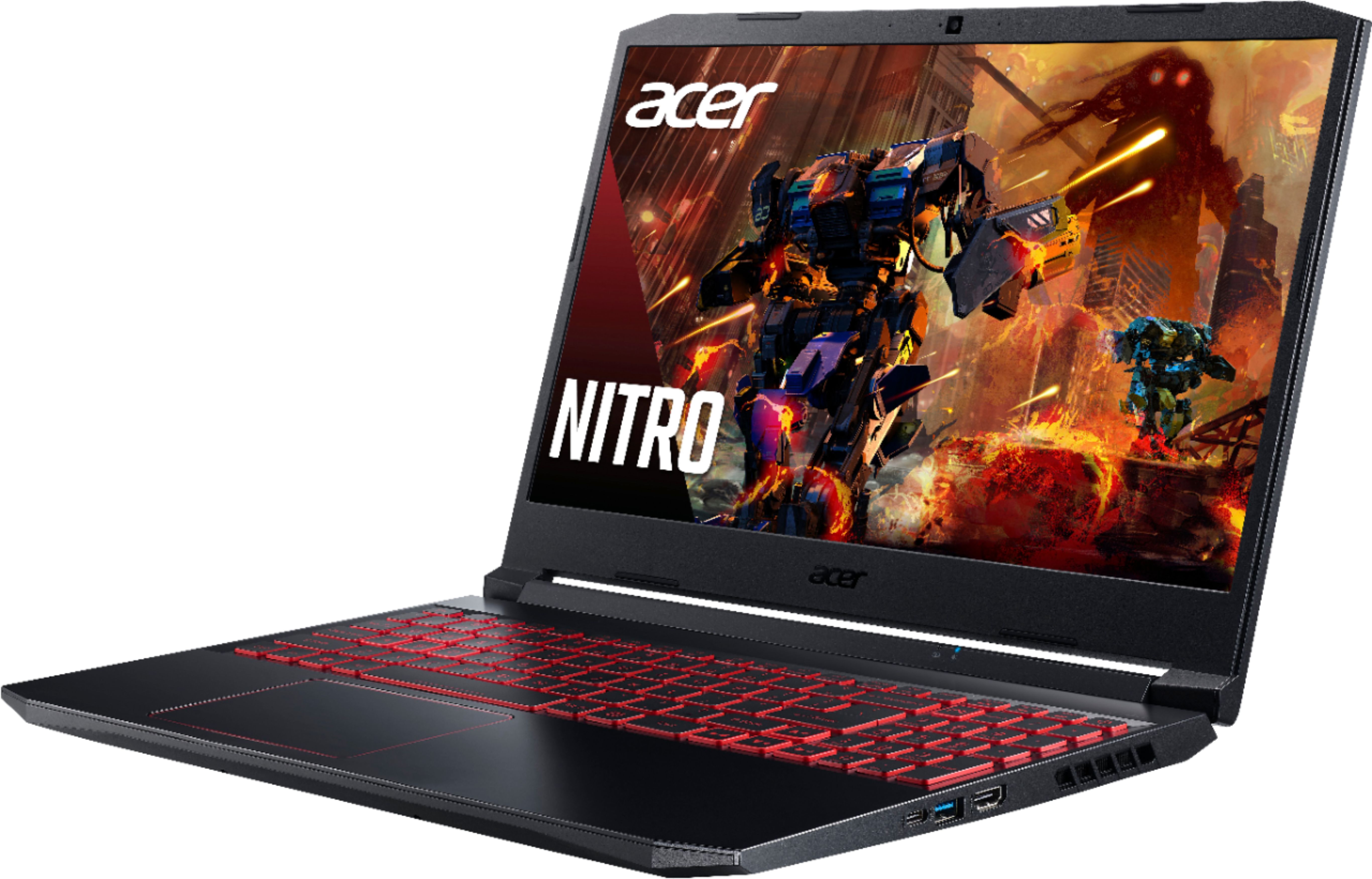
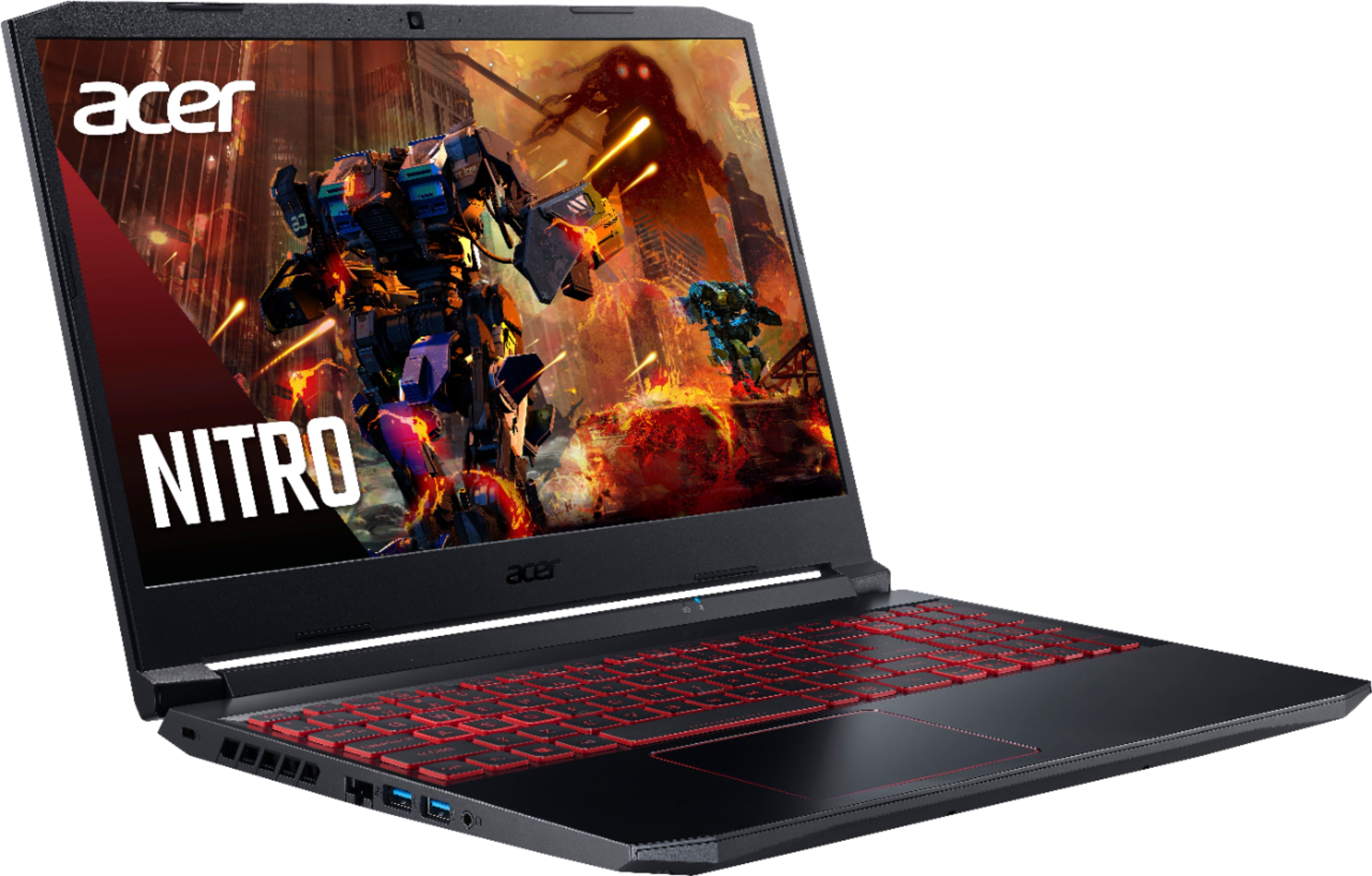

A:AnswerThere is one empty M.2 slot and one empty 2.5" hard drive slot, so you can install drives in either or both of these slots, if you need that much storage.The 2.5" hard drive slot can be used with a HDD or SSHD.
A:AnswerYou may need to have the drivers updated for the battery. For a day, mine wouldn't turn on unless I had the power plugged in. I followed instructions to essentially remove the battery drivers and restart which the computer would automatically reinstall the drivers and this fixed my issue.