Questions & Answers
- Model:
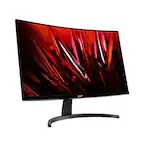
- ED340CU Sbmiipx
- |
- SKU:
- 6573613
Highly rated by customers for: Overall Performance, Screen Size, Refresh Rate
$249.99Your price for this item is $249.99
Comp. Value: $349.99
The comparable value price is $349.99
Page Showing 81-95 of 95 questions
Q: QuestionDoes it support an ethernet cable?
Asked by Anonymous.
- A:Answer No, this is not a smart monitor and has no internet capabilities, so no built in ethernet.
Answered by currentlyderanged
Q: QuestionCan you hook up external speakers to this month
Asked by JMONEY2169.
- A:Answer Yes, the monitor has a 3.5mm auxiliary input, which will take sound from the active HDMI or DisplayPort input.
Answered by currentlyderanged
Q: QuestionDoes this monitor allow the option of split screen so it acts as two monitors when multitasking?”
Asked by Joe.
- A:Answer yes it does
Answered by Anonymous
Q: Questiondoes this monitor come with a cord that can plug into a USB-A PC
Asked by Customer.
- A:Answer If you mean the hub connection so you can use usb ports off of the monitor, Unfortunately no.
Answered by MichaelF
Q: QuestionI cannot find this product on Acer's website, google search for it reveals no information at all... There is just nothing out there other than this best buy page...
Asked by ChristopherY.
- A:Answer From the name Nitro ED3 model, I know it doesn't make sense but for them it does lol. Here's the page: https://www.acer.com/us-en/monitors/gaming/nitro-ed3
Answered by MichaelF
Q: QuestionDoes this work with the Ps5
Asked by Anonymous.
- A:Answer This monitor has HDMI so it will work with a PS5. Please note that while the monitor supports up to 180hz, the refresh rate is limited to what the gaming console provides, which is 120hz for the PS5.
Answered by TeamAcer

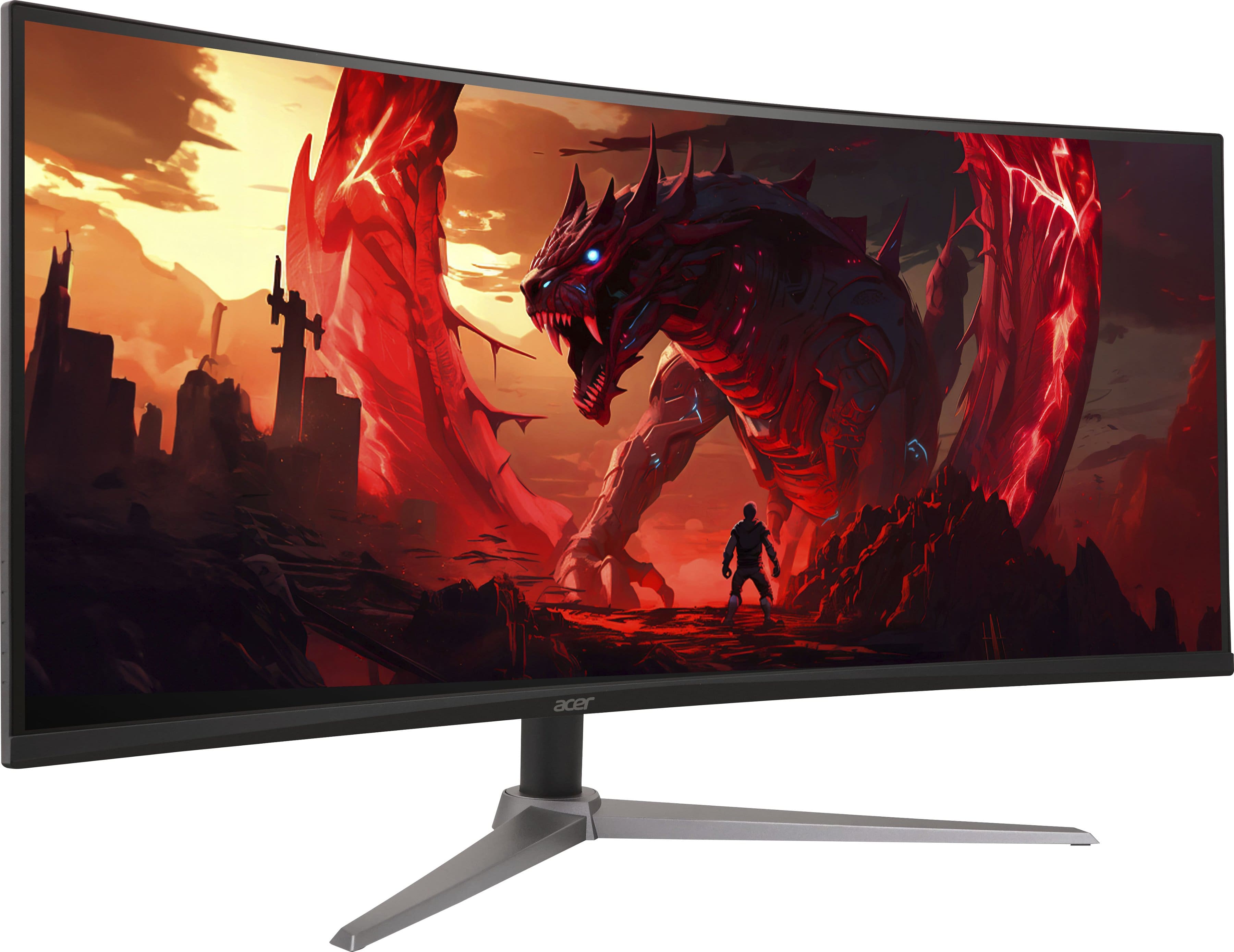
Q: QuestionIs there a monitor desktop mount for this?
Asked by AntonioH.
- A:Answer VESA mount compatible 100x100 wall or desktop mount.
Answered by MichaelF
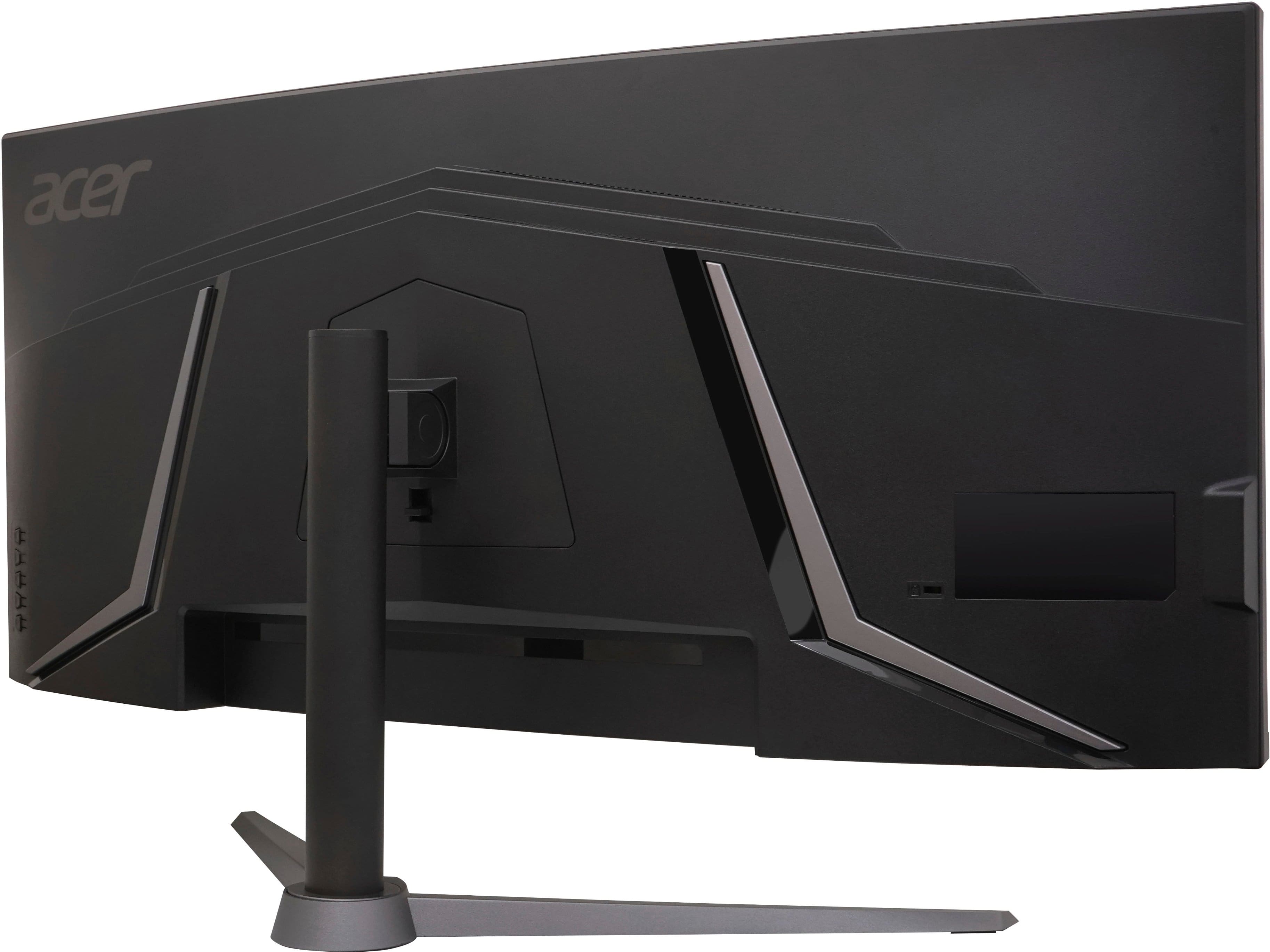
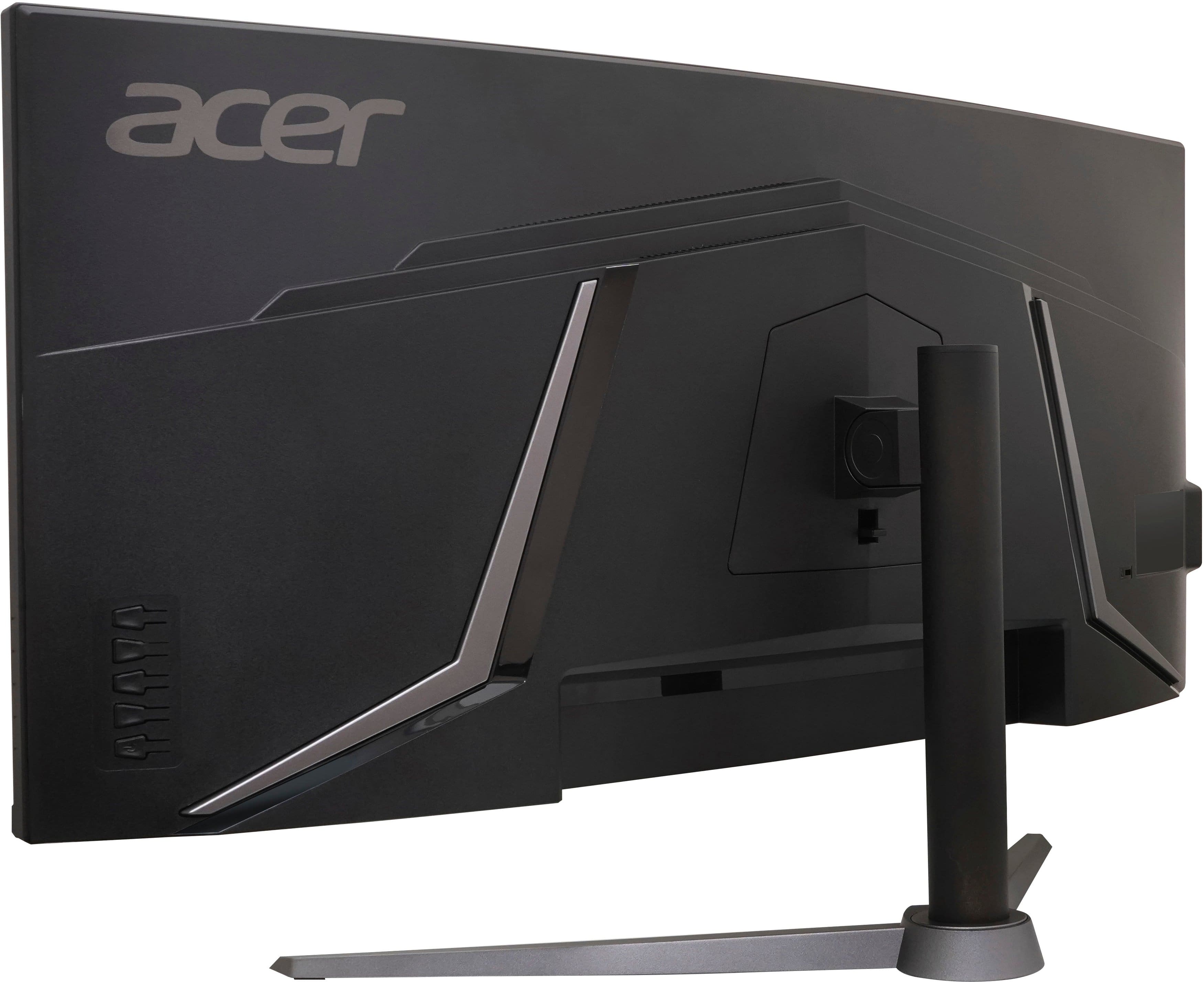
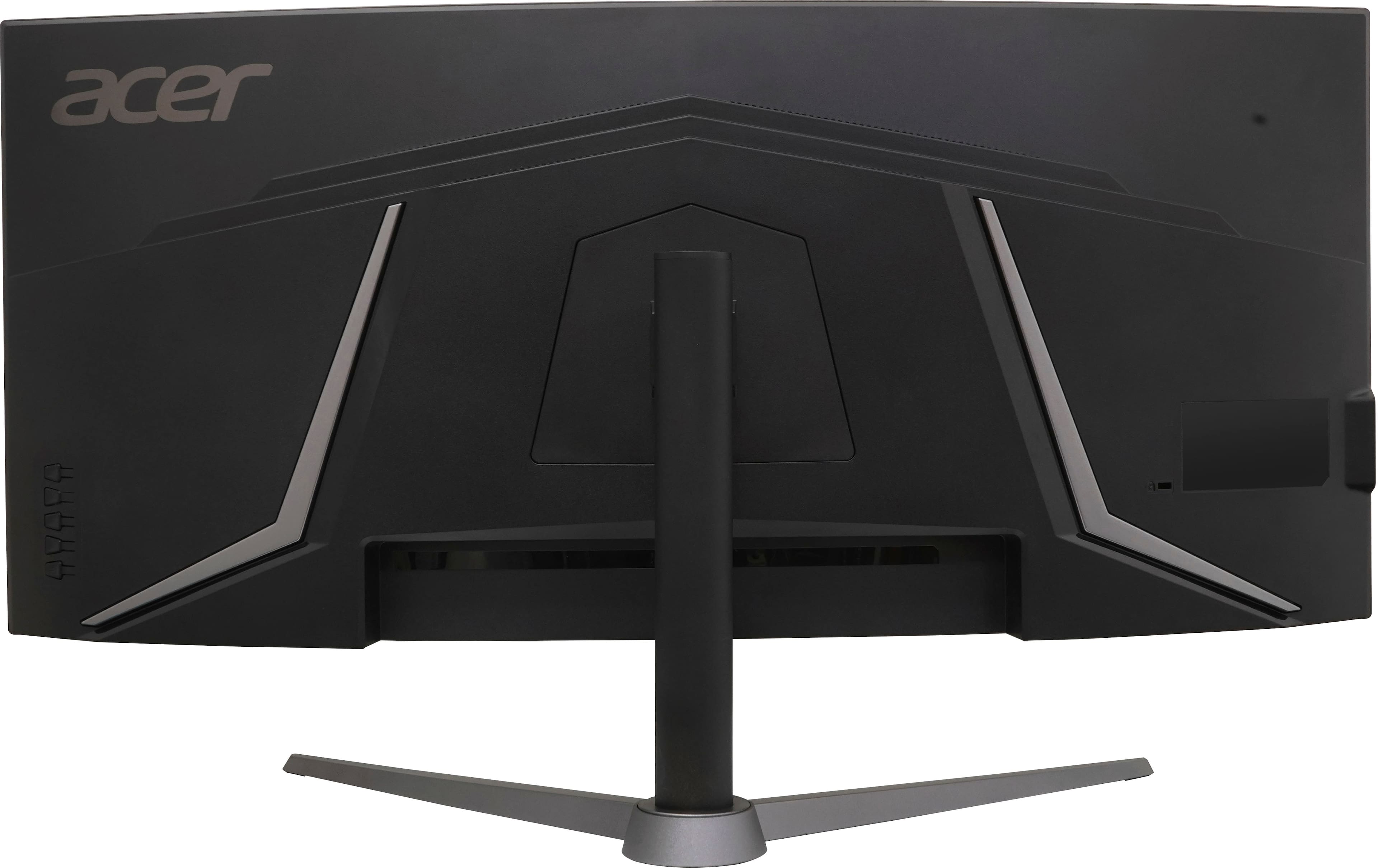
Q: QuestionHow do I get the sound to work on the monitor? Because no sound comes out no matter what I do.
Asked by Ethan001.
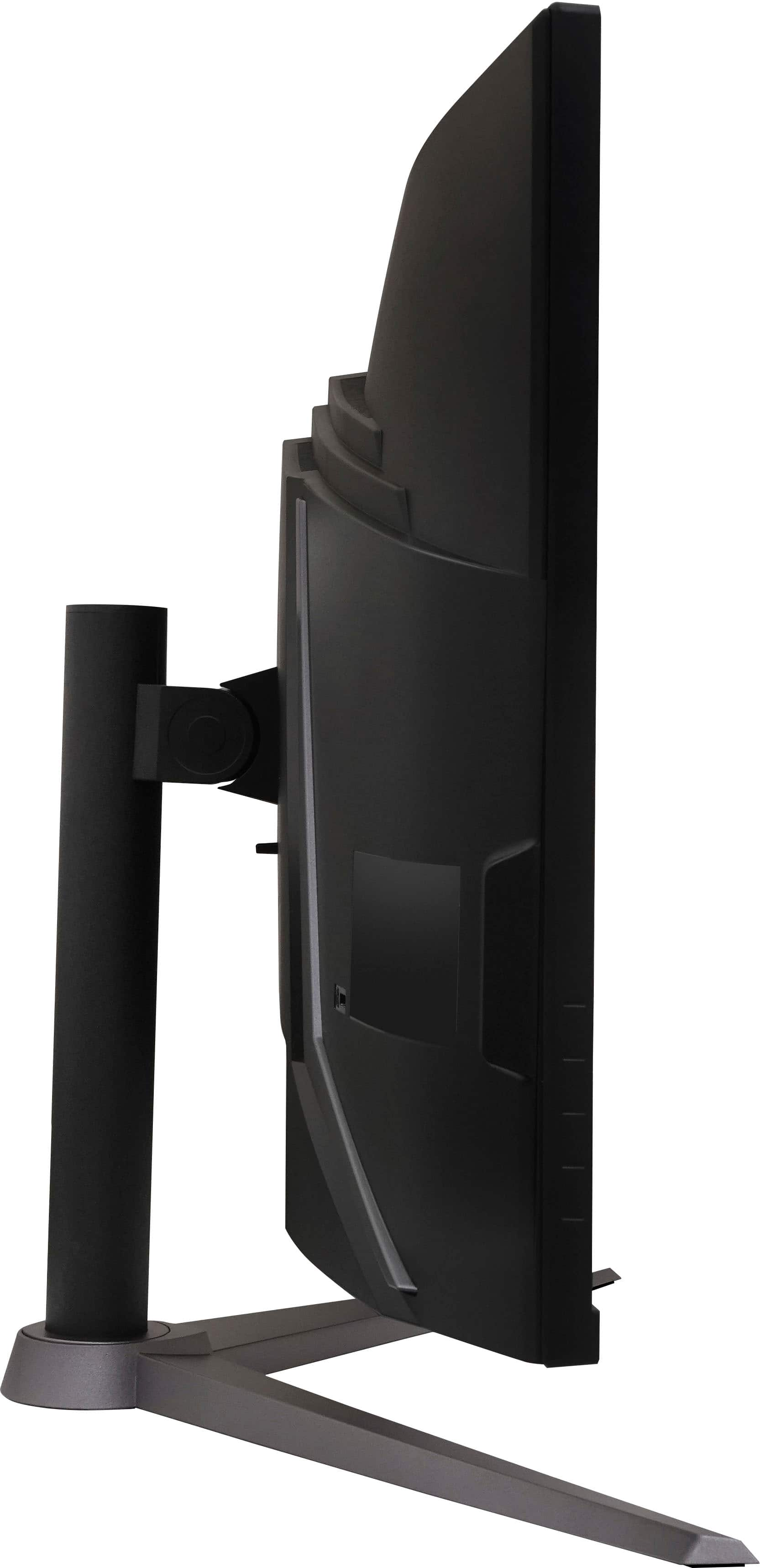
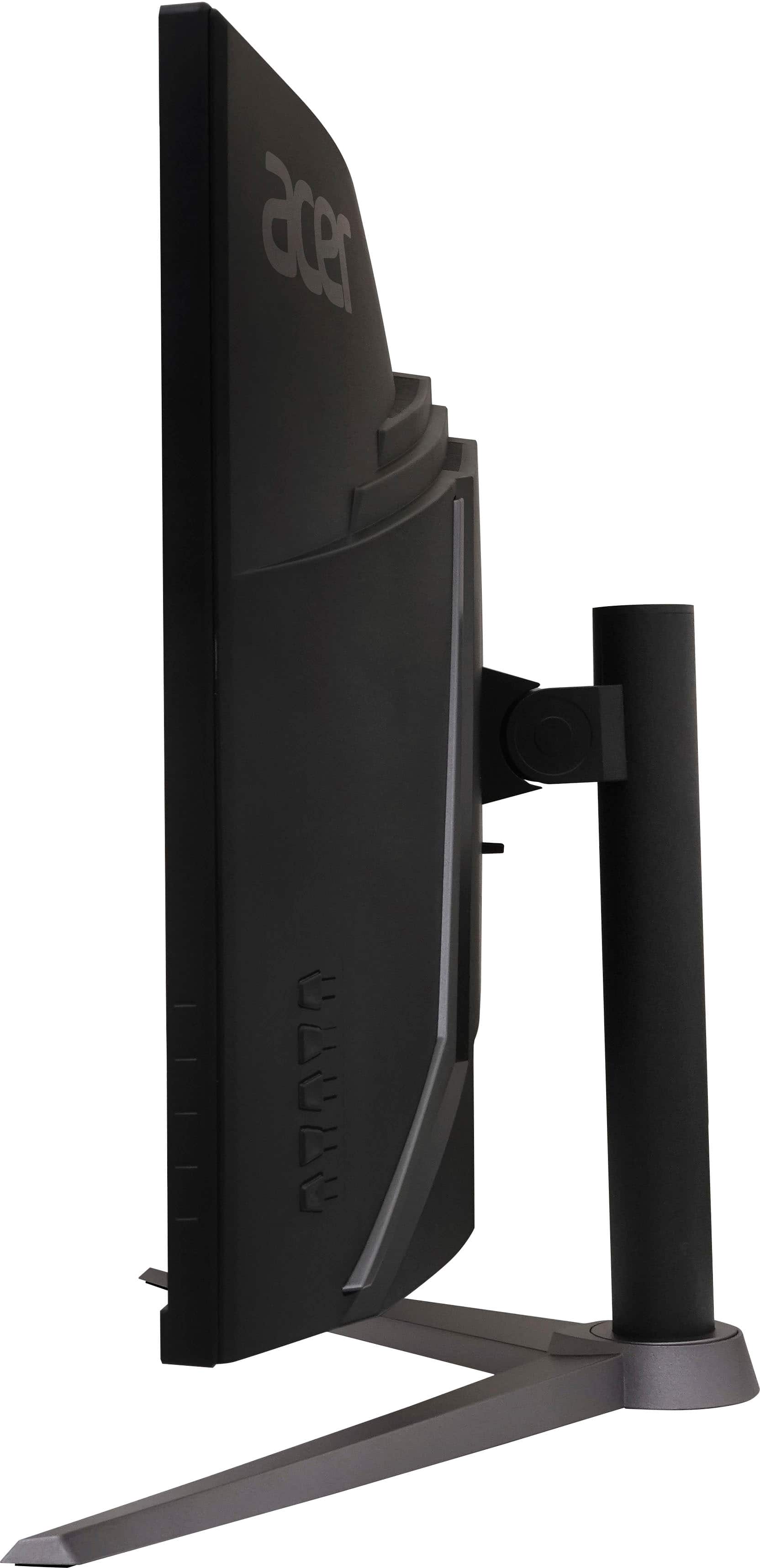
- A:Answer It is a bit of a pain but you have to play with the settings on the back side of the monitor. There are 5 buttons I think with one being the power. Get through those and you’ll find volume.
Answered by JoeC
Q: QuestionCan this monitor work on my MacBook?
Asked by Allen.
- A:Answer This monitor should work fine with most any laptop that has an HDMI or DisplayPort connections.
Answered by TeamAcer

Q: QuestionDoes this model support PBP?
Asked by Jack.
- A:Answer I dont think so, i dont see it in the menu
Answered by Anonymous
Q: QuestionHow can I connect my wireless USB keyboard and mouse?
Asked by CB.
- A:Answer This monitor does not have USB ports to connect a wireless dongle for peripherals.
Answered by TeamAcer

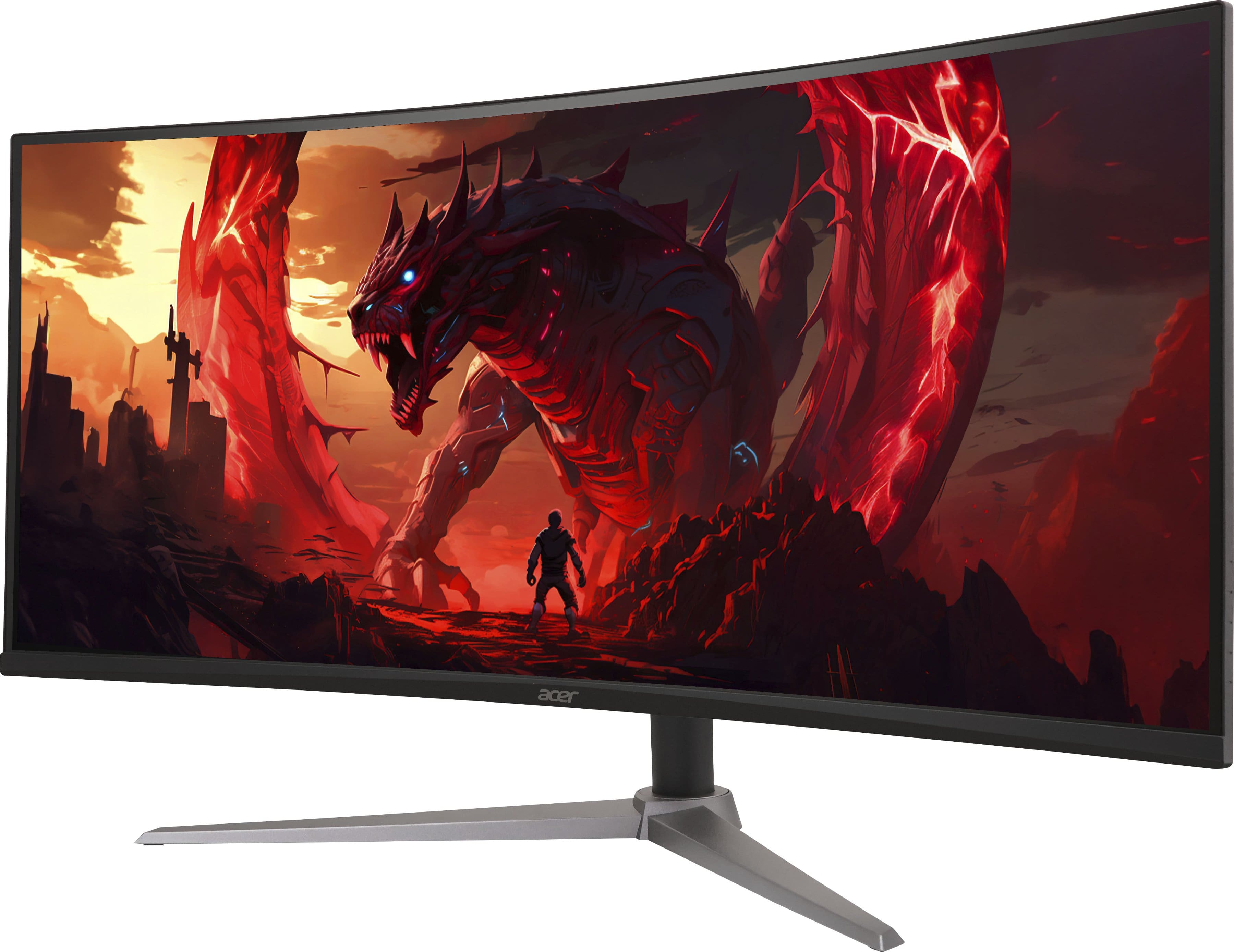
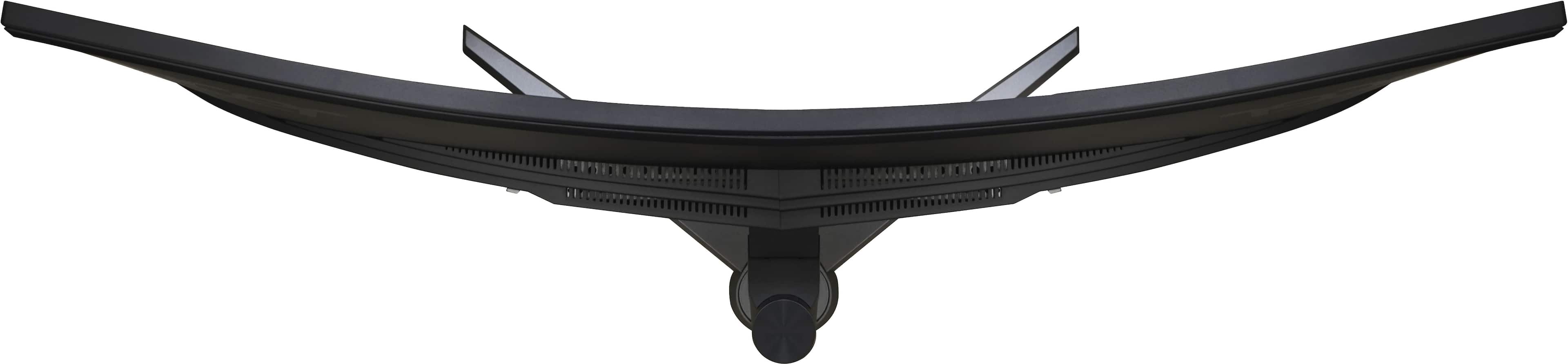
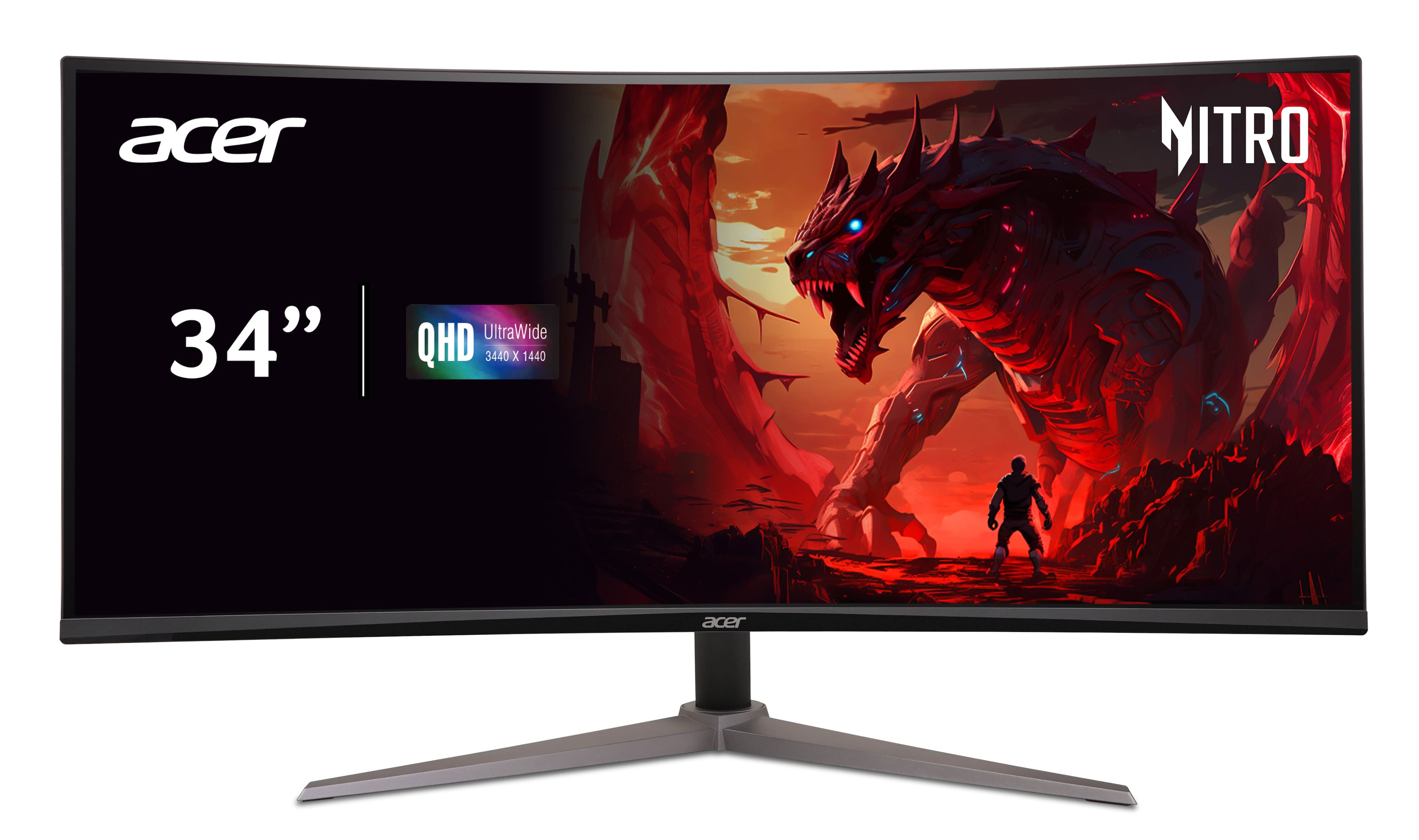
Q: QuestionWhat is the curve on the monitor?
Asked by ErnestoS.
- A:Answer The curvature of this monitor is 1500R.
Answered by TeamAcer

Q: QuestionWhy isn't my Switch 2 displaying on the screen
Asked by GerardoS.
- A:Answer If your Nintendo Switch 2 isn't displaying on an external monitor, here are some things to check. First, ensure the console is functioning properly in handheld mode and that you've installed the latest system update. Then, double-check that the monitor, cables, and dock are all compatible and properly connected. You might try a different HDMI cable as well. Finally, verify that the correct input source is selected on your monitor.
Answered by TeamAcer
Q: QuestionHow do I power up my new Acer curved monitor
Asked by Mike.
- A:Answer If you mean turn it on, Use the power button on the back right lower corner
Answered by MichaelF
Q: QuestionHow to change the volume on the monitor when plugged in to an x box
Asked by Anonymous.
- A:Answer Locate the physical buttons on the monitor. These are often found on the bottom or side of the monitor. Then press the menu button to bring up the OSD. Navigate to the audio settings section using the arrow keys on the monitor. Adjust the volume using the up or down keys to increase or decrease the volume level.
Answered by TeamAcer
Most-viewed items
- $199.99Your price for this item is $199.99$349.99The comparable value for this item is $349.99
- $379.99Your price for this item is $379.99$549.99The comparable value for this item is $549.99
- $179.99Your price for this item is $179.99$299.99The comparable value for this item is $299.99
- $99.99Your price for this item is $99.99$179.99The comparable value for this item is $179.99
- $189.99Your price for this item is $189.99$269.99The comparable value for this item is $269.99
- $1,499.99Your price for this item is $1,499.99$1,999.99The comparable value for this item is $1,999.99
- $79.99Your price for this item is $79.99$139.99The comparable value for this item is $139.99
- $179.99Your price for this item is $179.99$249.99The comparable value for this item is $249.99
- $1,299.99Your price for this item is $1,299.99
- $979.99Your price for this item is $979.99
- $209.99Your price for this item is $209.99$419.99The comparable value for this item is $419.99
- $999.99Your price for this item is $999.99$1,699.99The comparable value for this item is $1,699.99
- $249.99Your price for this item is $249.99$429.99The comparable value for this item is $429.99
- $1,199.99Your price for this item is $1,199.99
- $1,699.99Your price for this item is $1,699.99
- $359.99Your price for this item is $359.99$499.99The comparable value for this item is $499.99
- $749.99Your price for this item is $749.99$999.99The comparable value for this item is $999.99
- $499.99Your price for this item is $499.99$999.99The comparable value for this item is $999.99
- $279.99Your price for this item is $279.99$349.99The comparable value for this item is $349.99