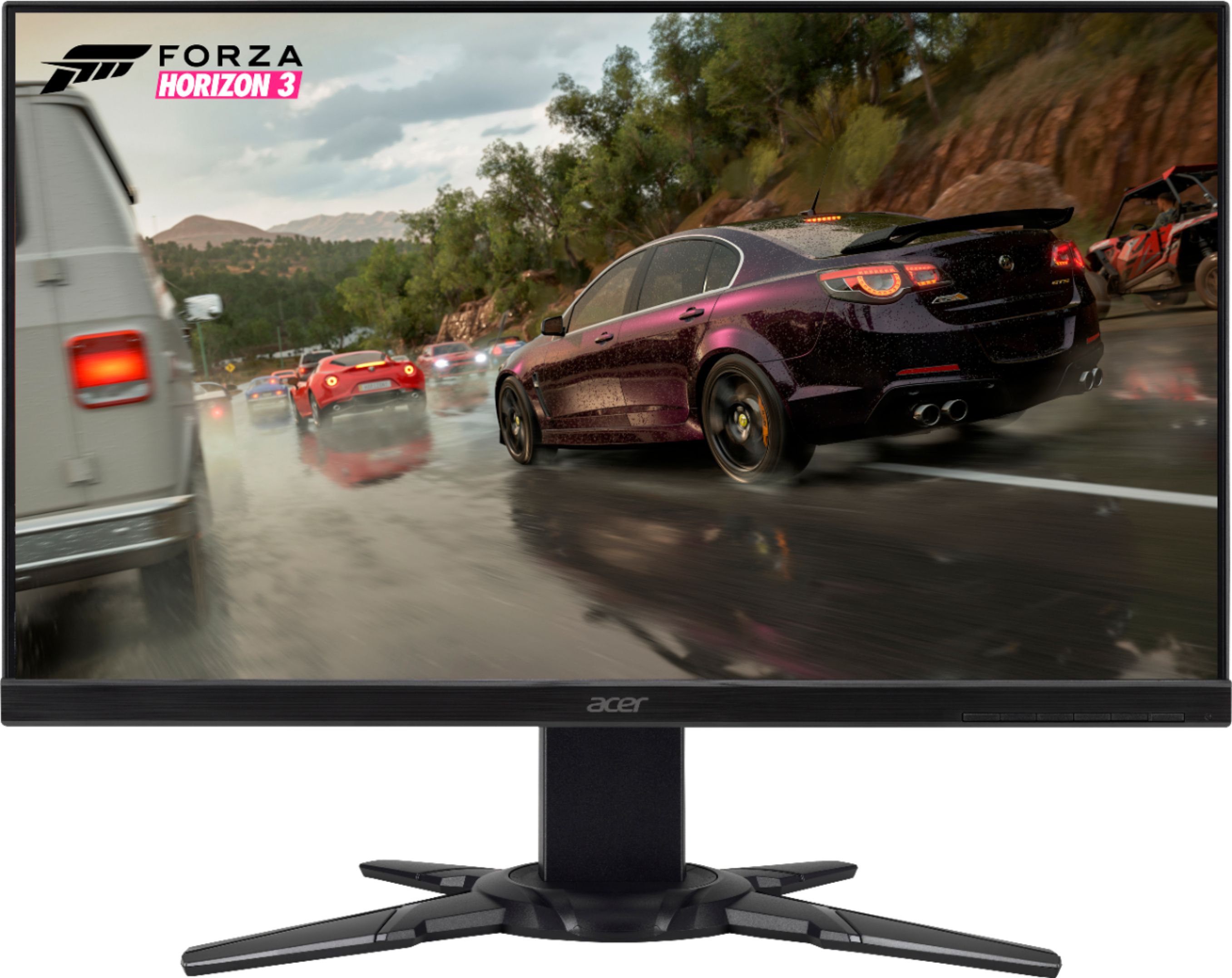
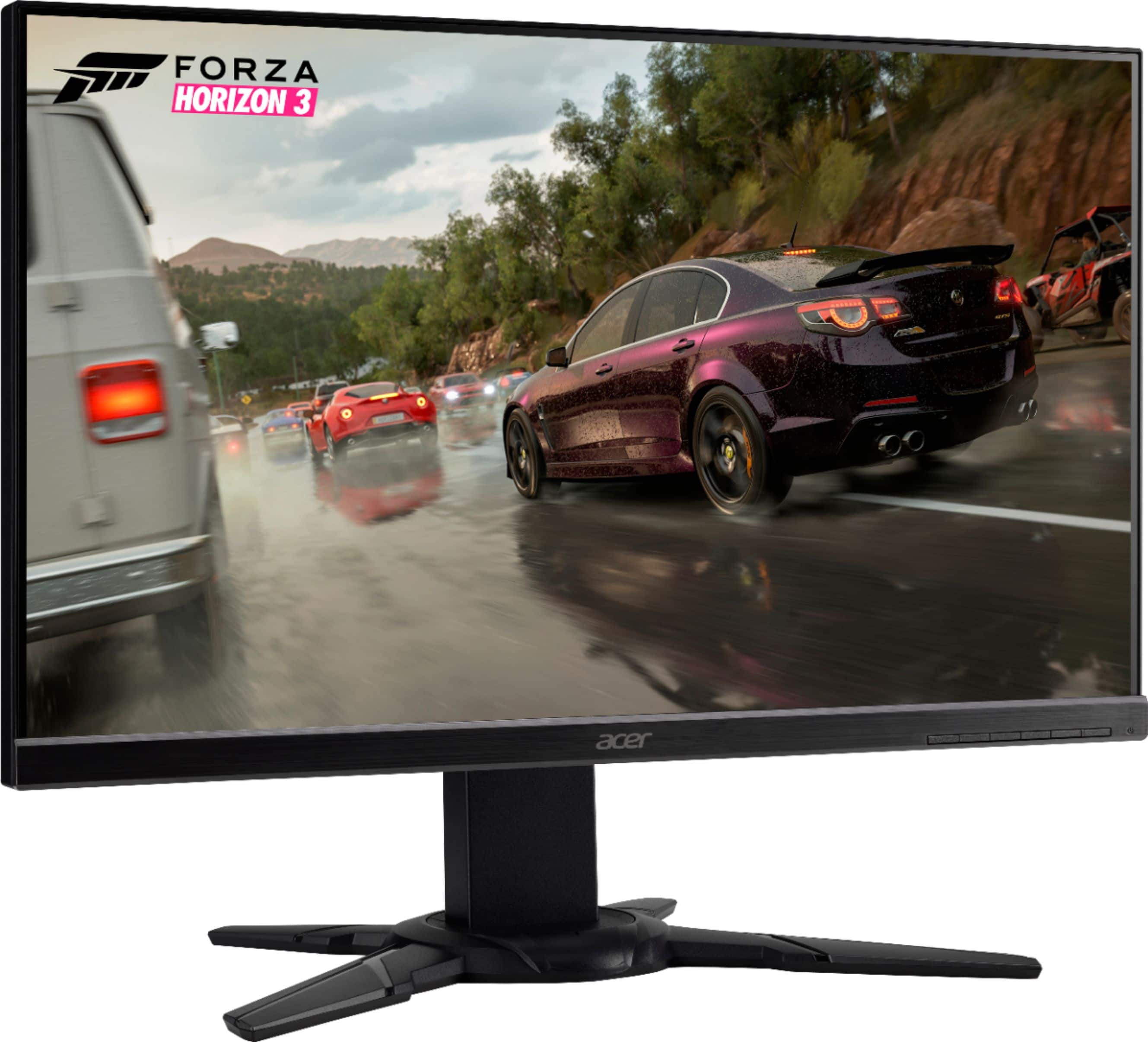
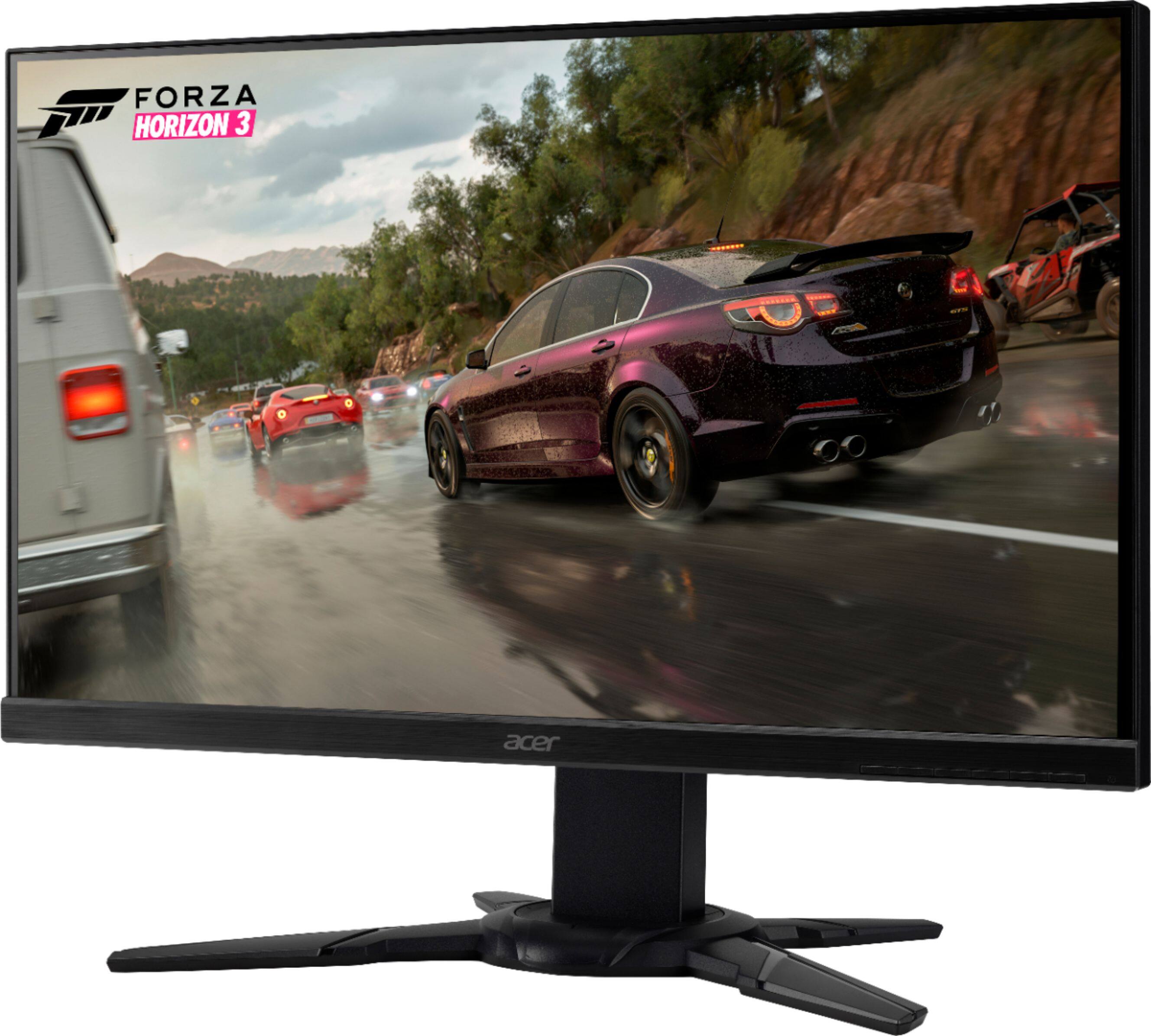
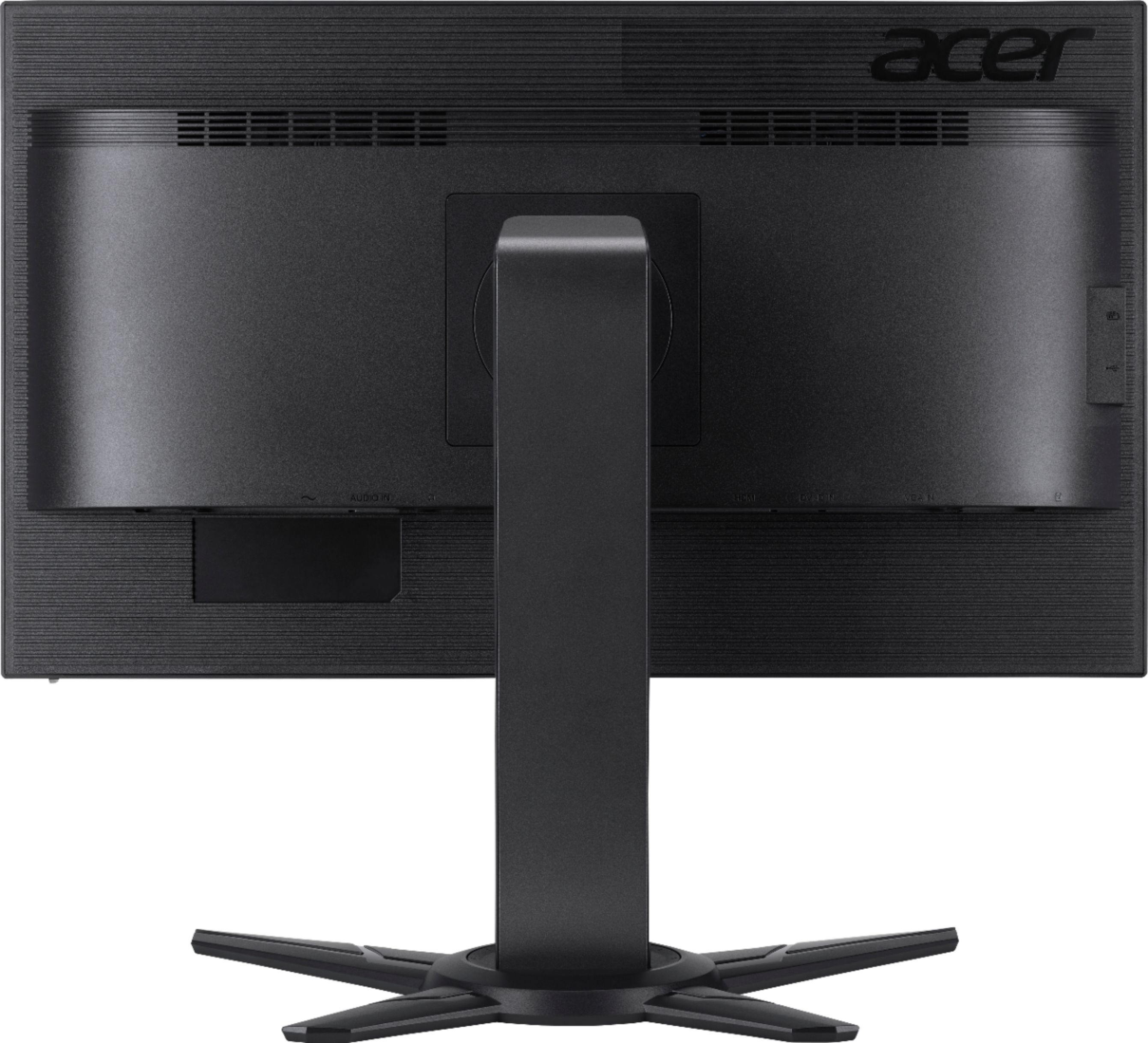
A:AnswerProbably just an AUX audio cord. There is no optical input on this monitor, but there is a headphone output & audio input via AUX cable that you can run from your preamp
A:AnswerWe are sorry to hear this- please contact Acer support for assistance with your monitor as they will be happy to help you get this resolved. Contact information is posted here for your convenience: https://www.acer.com/ac/en/US/content/service-contact