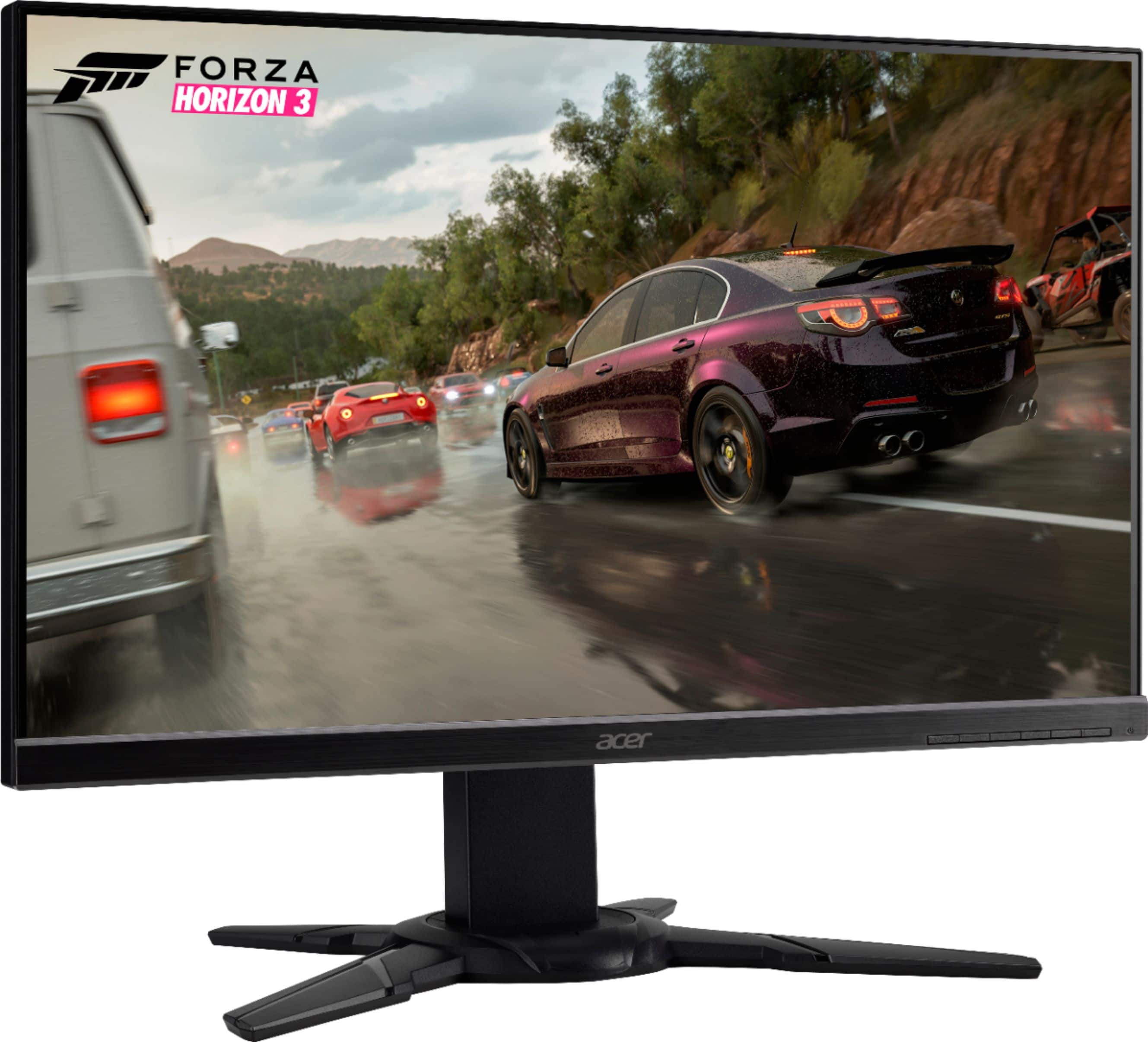
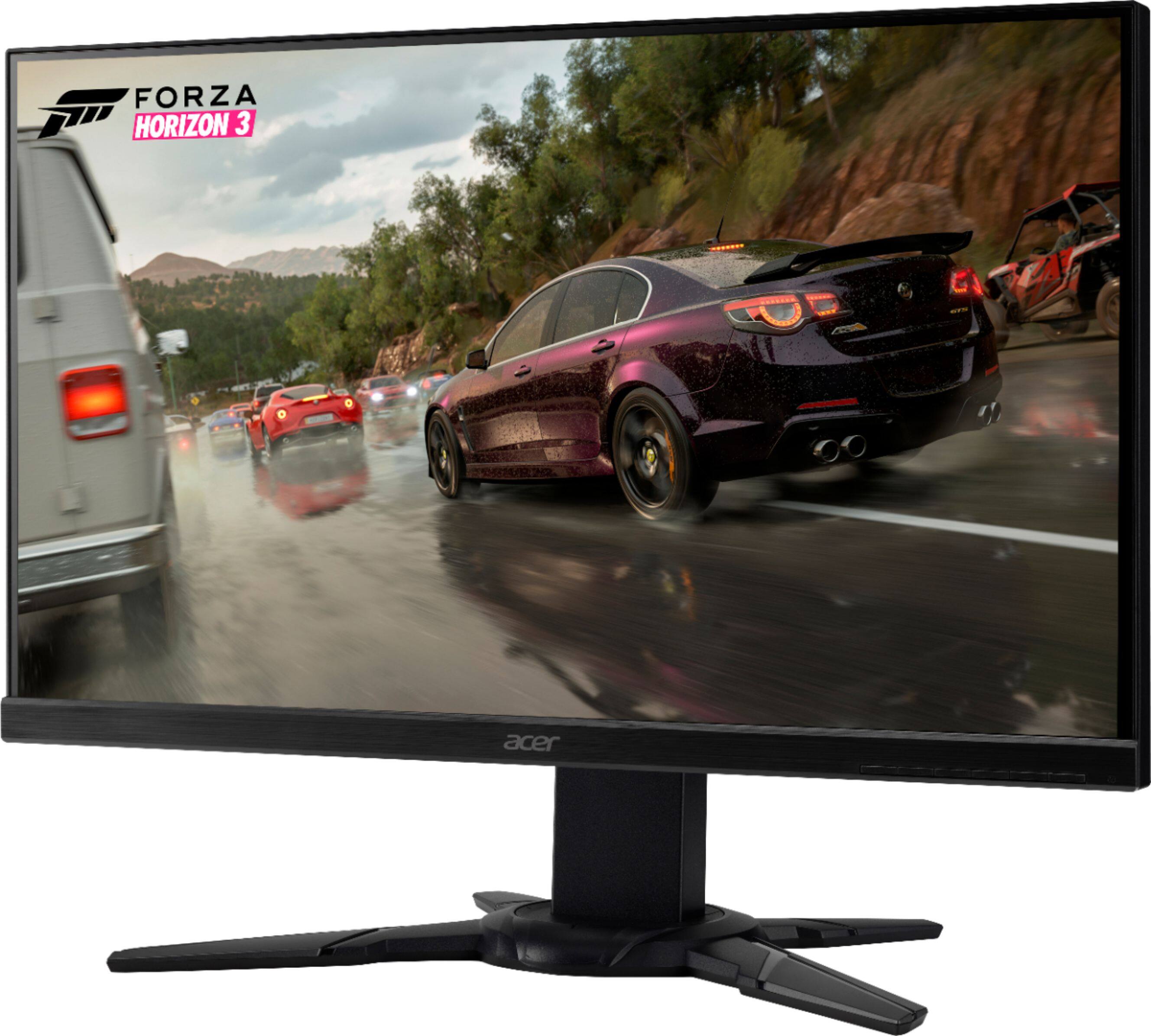
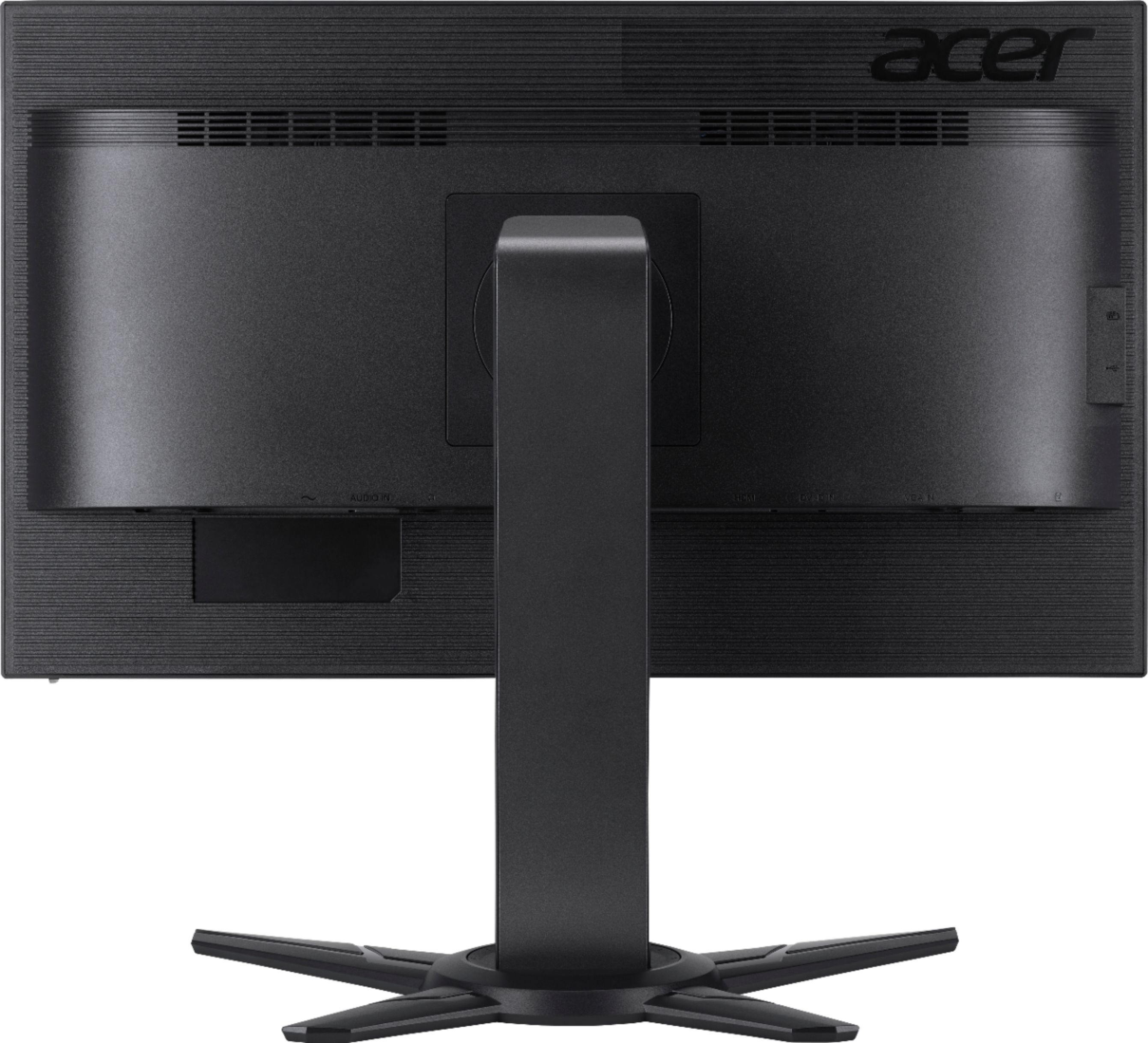
A:AnswerIt is a little difficult at first but there are two pegs on the stand that have to be depressed and hen the height adjusts and you can press the pegs again and it “locks” in place.
A:AnswerThere is a vesa mount located under the stand which is not listed anywhere. I researched everywhere to find out and no luck. Bought two of these on a good sale and took a gamble glad i purchased them.
A:AnswerYes. We have two synced. You can do wireless syncing if your PC allows but slows down FPS and refresh. It does not include the cable necessary to since as simultaneous use. You can buy a splitter or second HDMI at any local electronics retail store.
A:AnswerThe settings on the monitor are the only brightness settings for the monitor. If the display is far too dim after maxing out the brightness, we recommend you contact Acer support for assistance with this issue. Contact information is posted here for your convenience: https://www.acer.com/ac/en/US/content/service-contact
A:AnswerThe monitor itself supports AMD Freesync, however the video card in the laptop/PC you are using must also support Freesync in order for the settings to show up. Here is a link that has information on how to do this: https://www.amd.com/en/support/kb/faq/dh-013
A:AnswerNo, resolution is changed via the display settings in the operating system. In Windows 10 you right click on the desktop and select Display Settings.
A:AnswerIt should definitely work with any console as it has an HDMI port. I can't speak to fortnite specifically, but this is going to be better than a lot of TVs for any game as this is 75Hz Refresh Rate, which means quicker screen updates than you'd see on a TV or lower end monitors not geared towards gaming.
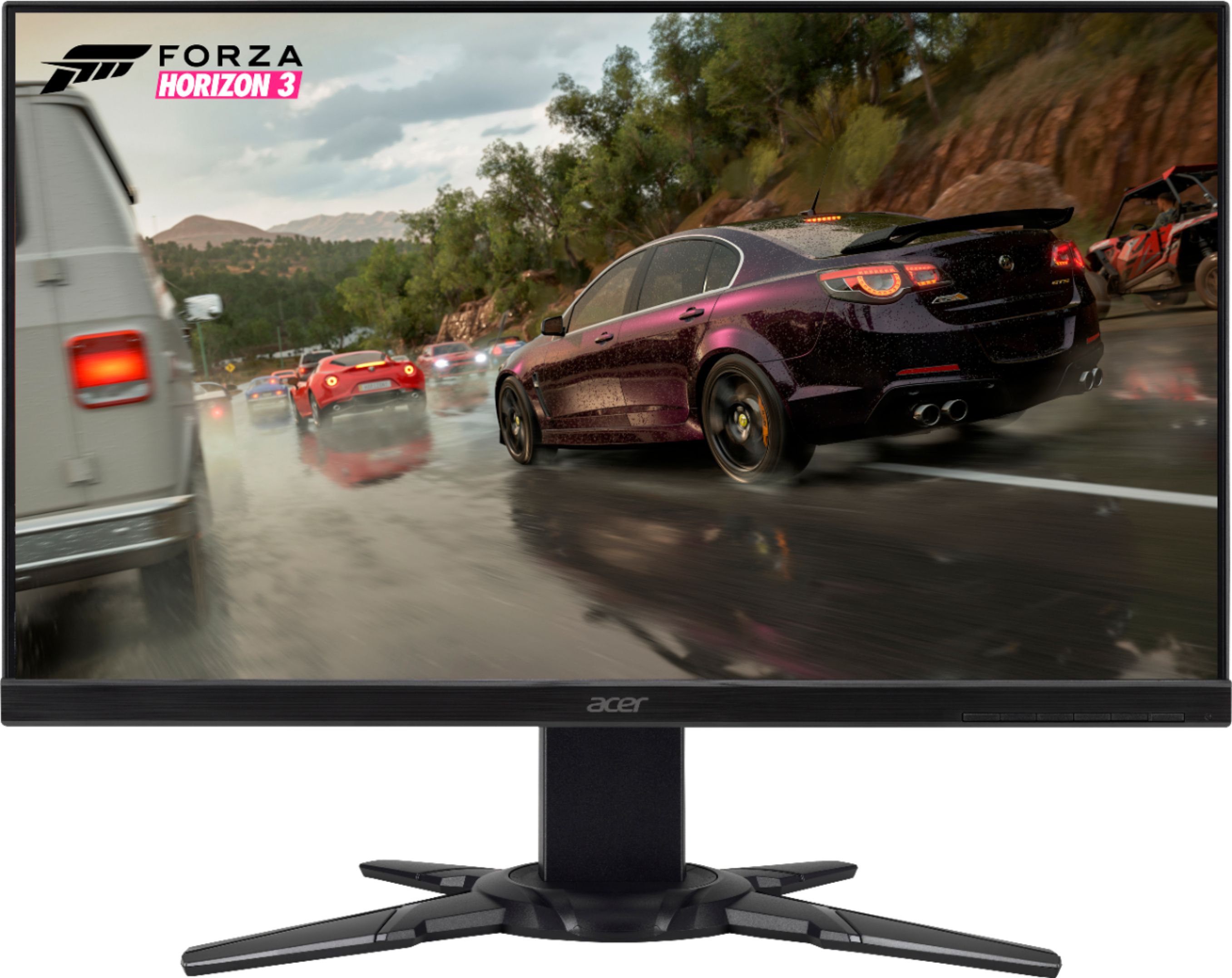
A:AnswerHonestly yeah this monitor would work I have it and the screen is a lot bigger than I thought and I game on it but yeah honestly it would be perfect.