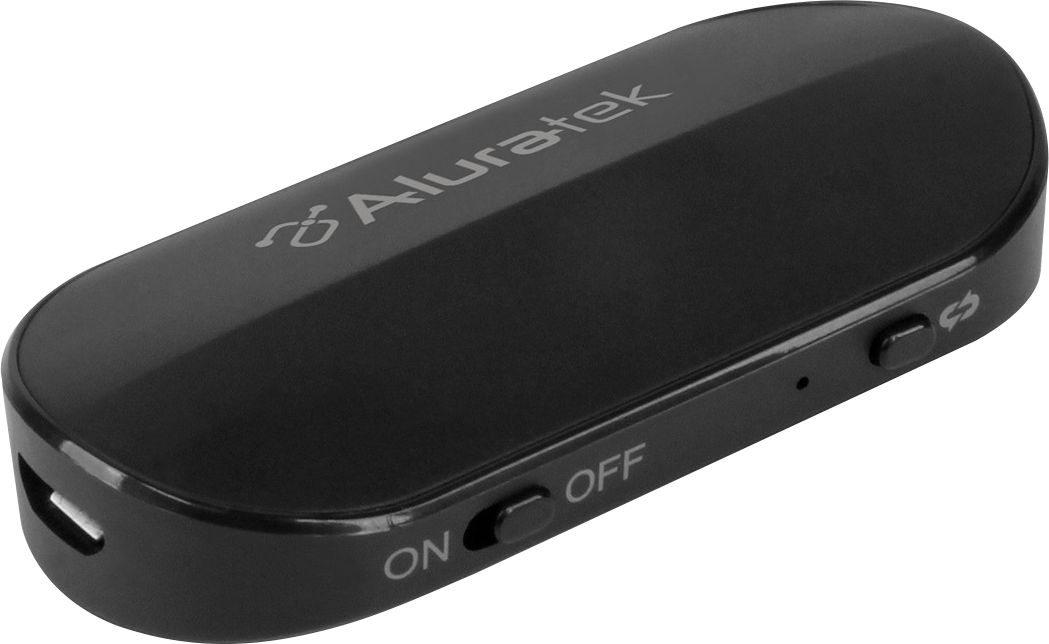
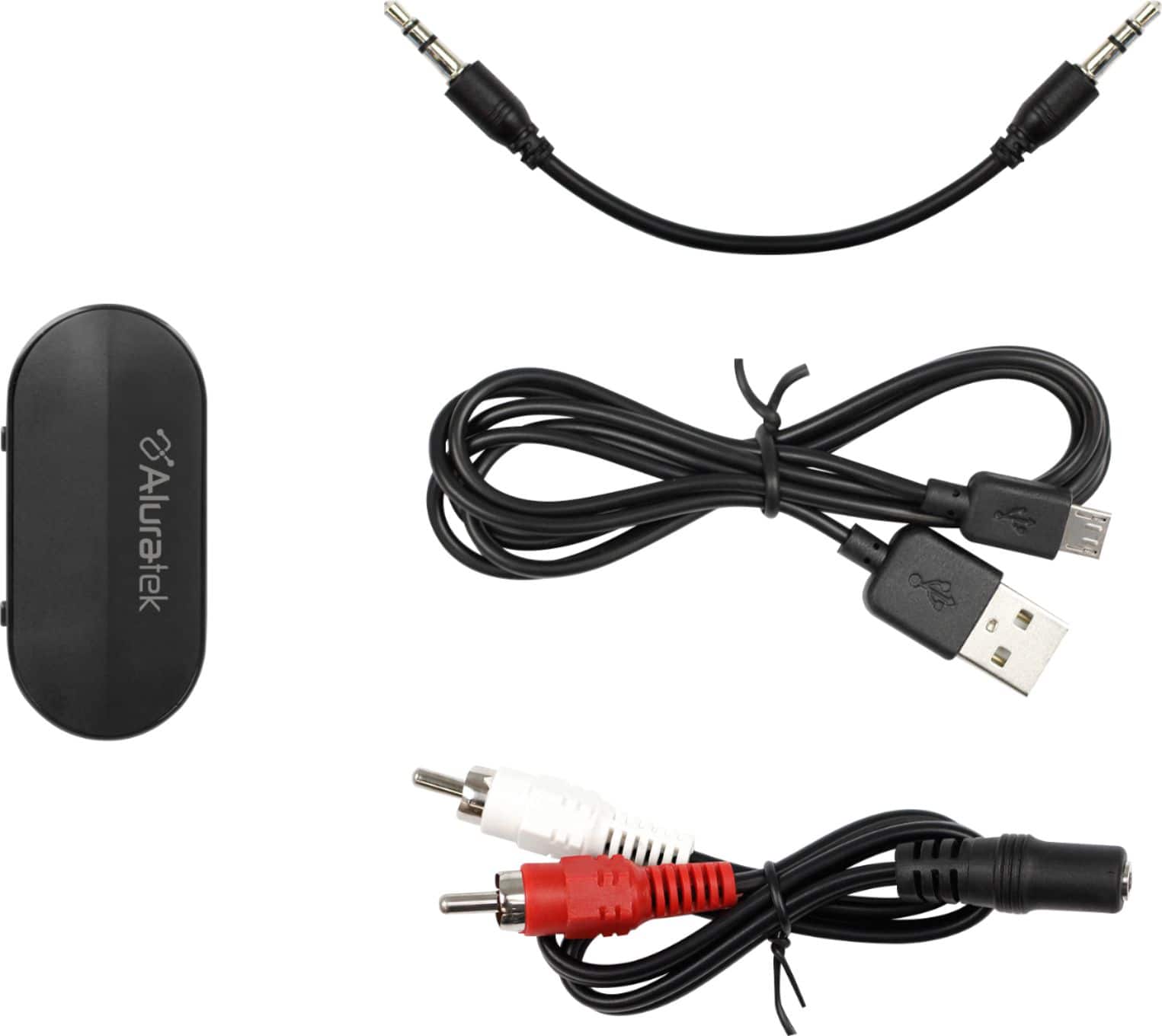
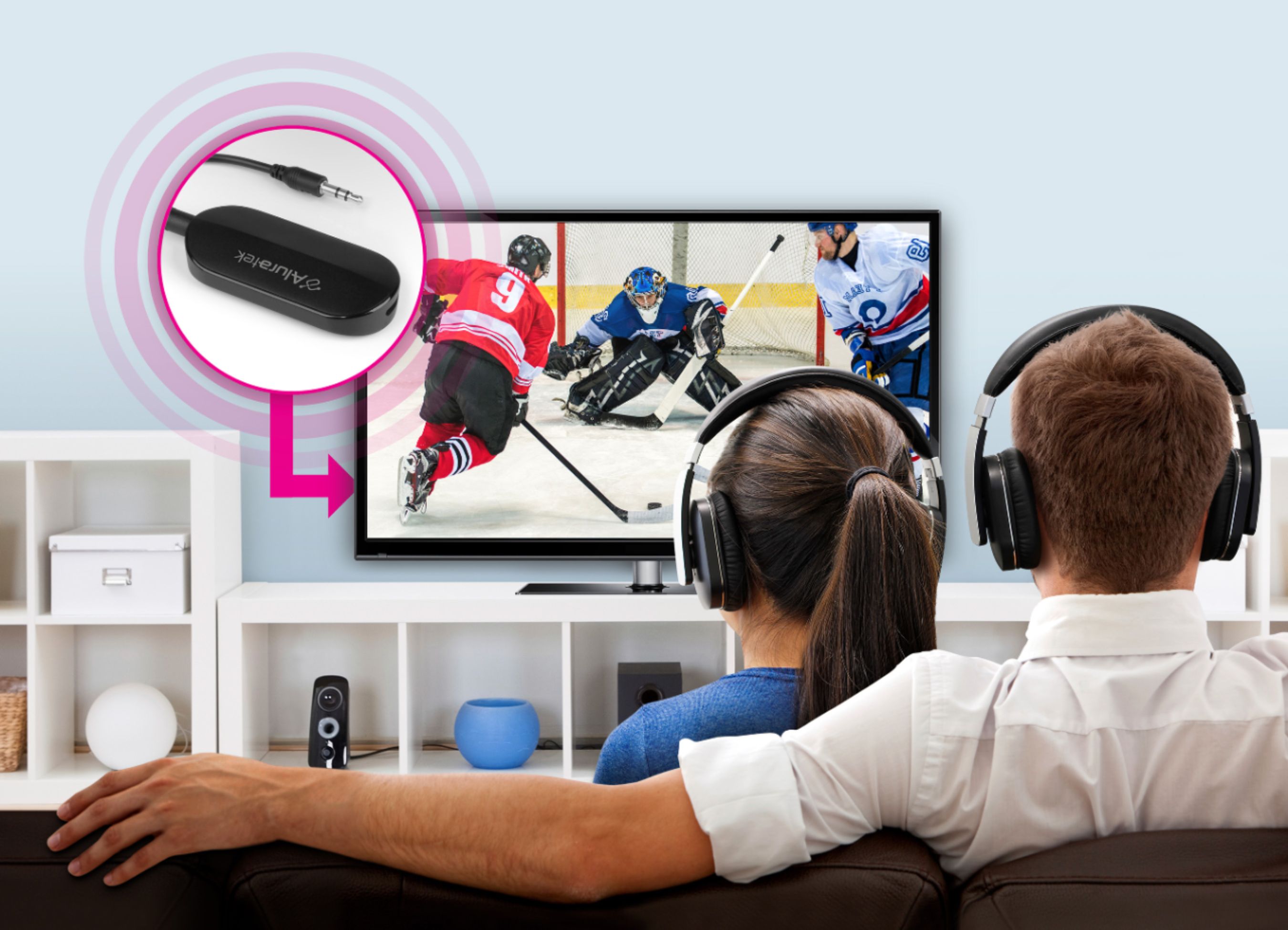
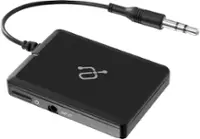
A:AnswerYes, it works with any device that has either a 3.5mm audio jack or RCA/Phono jacks. I used mine with a TV and plugged it into the headphone jack. A separate Bluetooth speaker sits next to me across the room from the TV (I used to have the TV volume very loud). But it could also be used with portable CD Players, Walkmans, or even a home stereo system. It is the perfect device to provide Bluetooth capability to non-Bluetooth devices or older audio equipment.
A:AnswerABT05F should work with your hearing aid as long you don't need an app to do the pairing process. We have many customers already using it for this application but unfortunately we don't have the make and model for the hearing aids.
A:AnswerYes, you can pair your Airpods to ABT05F. To enable pairing mode for your Airpods, please put the AirPods in the case and open the lid. Press and hold the button on the back of the case until you see the status light starts pulsing white, and then let go. Once it is powered on, it will be in pairing mode automatically if this is the first time you are using it. If not, you can quick press the pairing button to enable pairing mode.
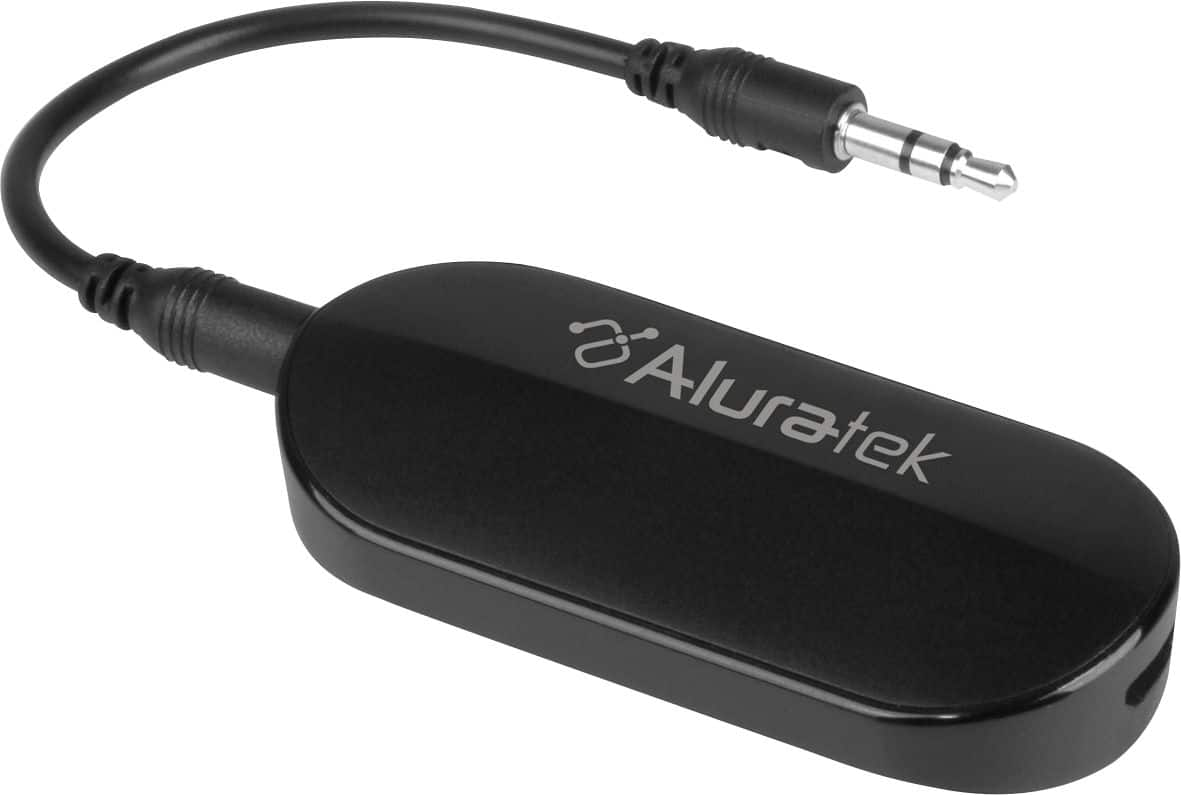
A:AnswerIt depends on your application. If you are planning to stream audio to the sound system, you will need a BT receiver instead of transmitter. If you are trying to stream from your sound system to a BT headset, then this device will work when you connect to the front headphone jack.
A:AnswerHello! I had the EXACT same problems with this device! I think it may be because the plug in jack size isn't the right size for most devices, like my TV!
My suggestion? Return it. Sorry, that's the best I've got.