A:AnswerI don't know if you have connect via HDMI but you can't cast from the tablet to the TV via Wi-Fi connection and if you have an Apple TV you can also use the tablet as a remote control for the TV
A:AnswerHello, there is no difference in the device it's self. The Kids Edition Tablet comes with some great kids bonuses including the Kid-Proof case (choice of blue, pink or purple), 2 year worry free warranty, and a 1 year subscription to FreeTime unlimited which has tons of kids content designed by Disney, Nickelodeon + more. Hope this helps!
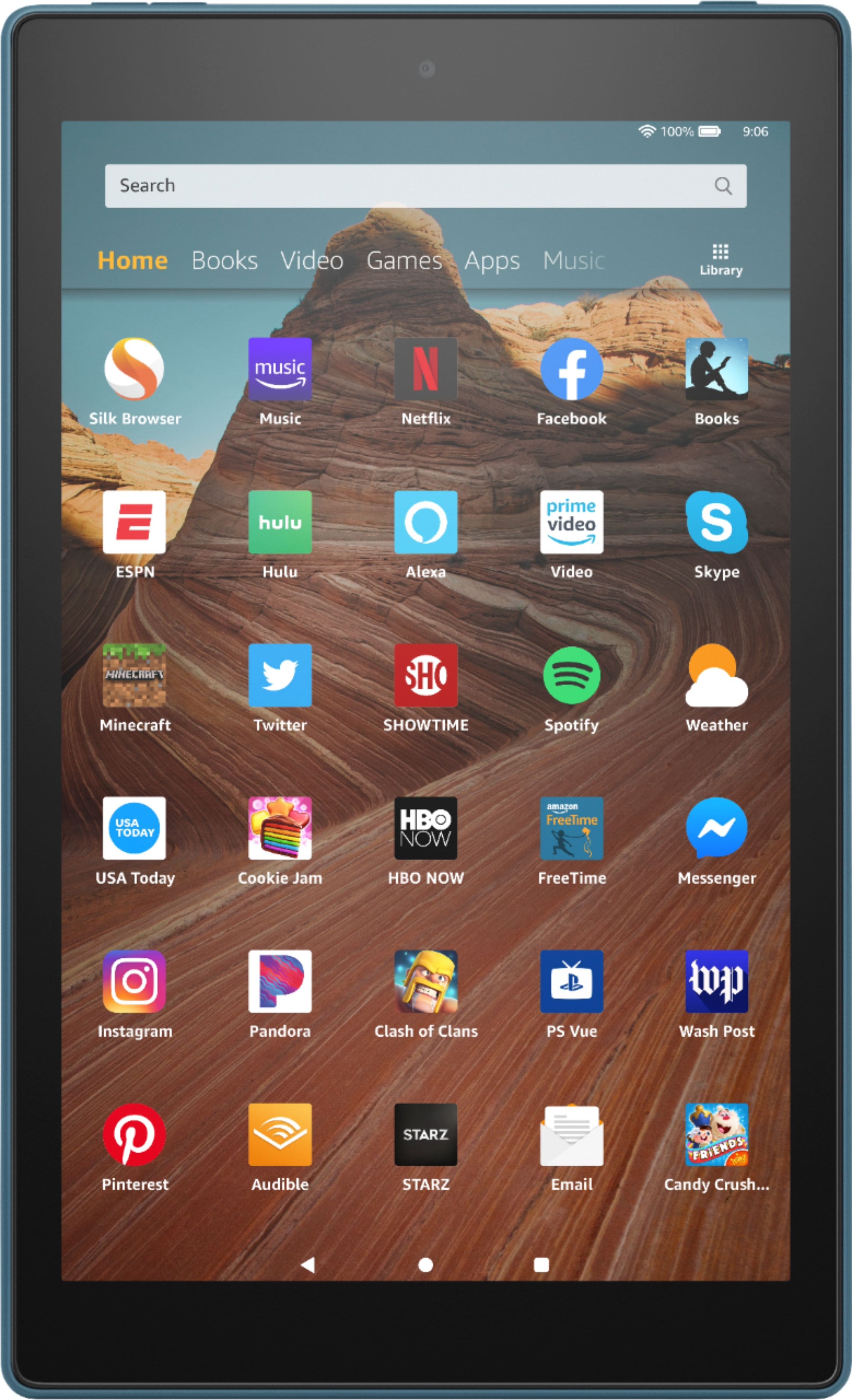
A:AnswerHello, Hoopla and Overdrive are two of the apps available for download from the Amazon AppStore that offer the option to borrow ebooks. Hope this helps!

A:AnswerThe only apps available to use on fire tables are thru the Amazon app store. Currently there are no apple apps on the Amazon app store for tablets.
A:AnswerIf you use android I would suggest something similar. The 10 inch Samsung device in the mid range ($200+).+ If Apple is what she is used to then an ipad.
A:AnswerI will say that you most likely will have to install an app for printer services, that is common for any tablet, look for the HP printer service or similar in the google play and install it.
A:AnswerHello Ricardo, Yes the Fire HD 10 can be used to read books, web surfing and emails. Fire Tablets do have backlit screens, however they are not e-ink displays as you would find on an e-reader such as the Kindle. E-readers are typically meant to used primarily for reading e-books, where as tablets offer more functionality with email + web browser. Hope this helps!

A:AnswerHello Momk, there is no difference in the devices themselves, however the Kids Edition Tablet comes with the rubberized "Kids proof" case, 1 year subscription to FreeTime Unlimited which includes games, apps and content curated by Disney, Nickelodeon + more for kids. It also comes with a 2 year worry free guarantee protection against cracks or spills on the tablet. Hope this helps!