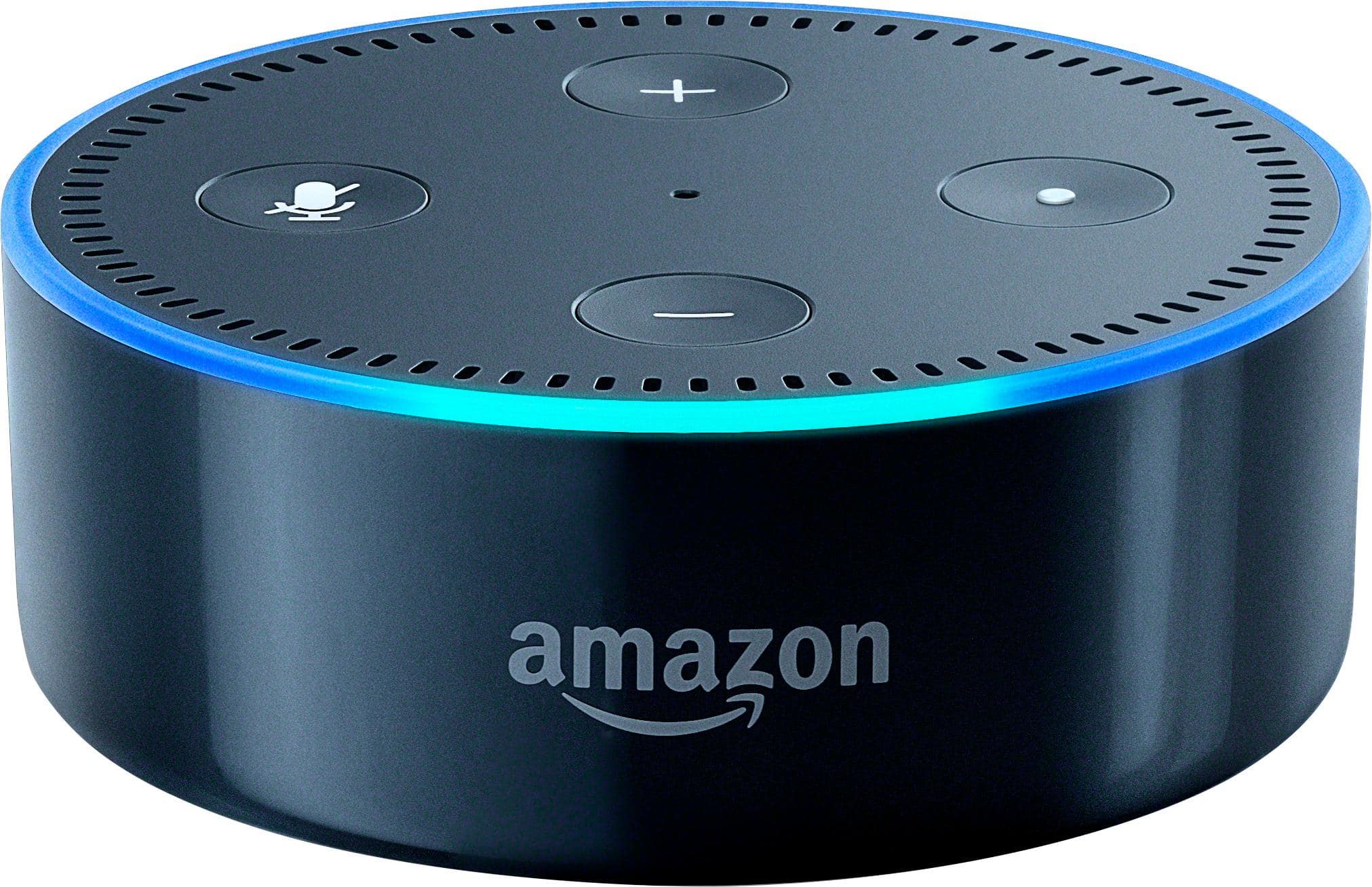
A:AnswerDo you see the device to the Alexa app? Home/Settings/Alexa Devices. Maybe check the Update Wi-Fi settings.Make sure its on same network, etc..
I have two Dot's as well, AND my Echo. One in my bedroom and one in my office. I also made sure to change the one in my office (since it's closer to the kitchen and where Echo lives) wake word to "Echo". Since my Echo in the kitchen wake word s "Alexa", so they don't both answer the same things.
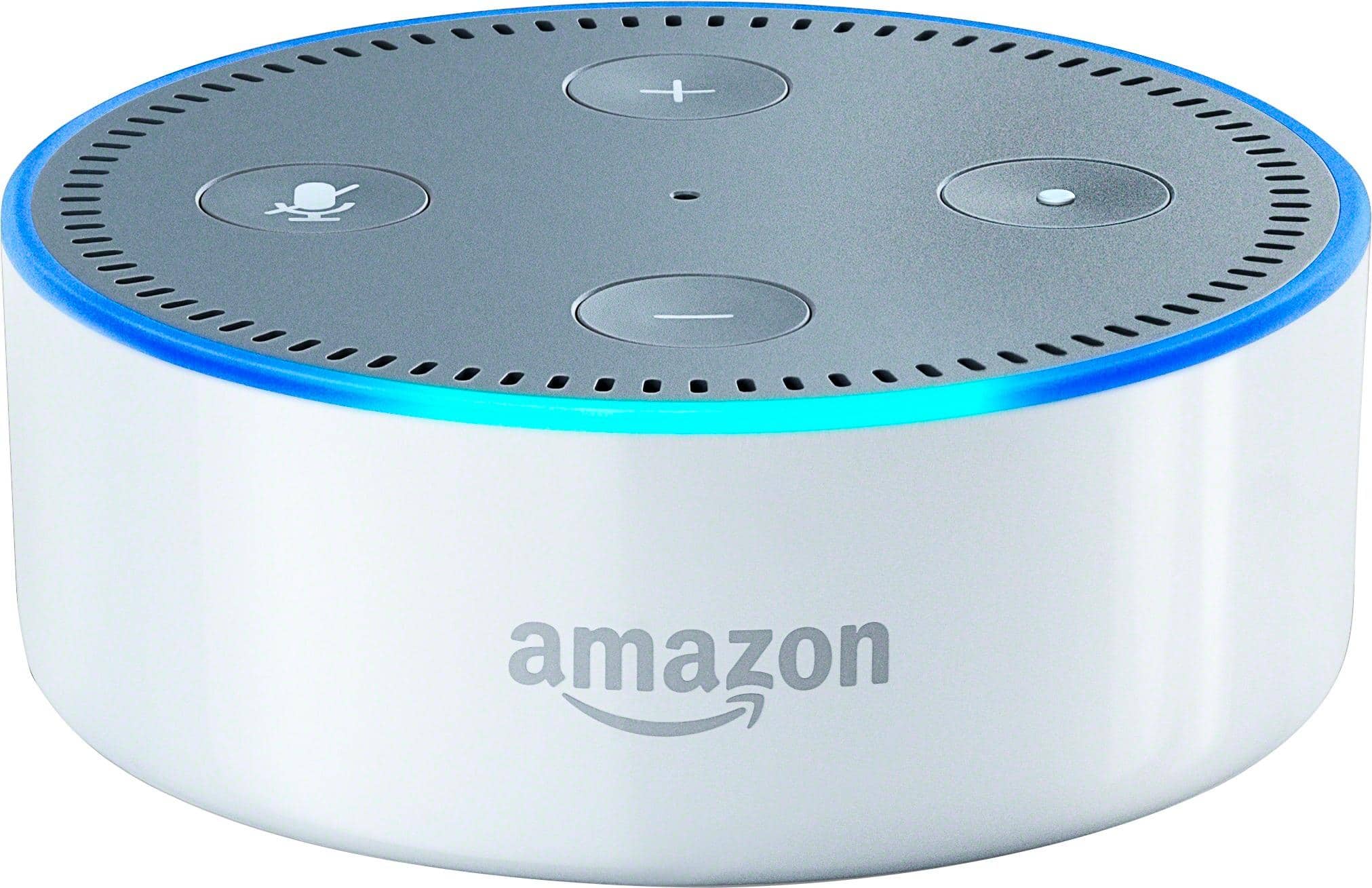
A:AnswerI have connected all three devices (Echo, Dot, and the Tap) at multiple locations in different households and in different parts of town. I have used both my smart phone and laptop. Never a problem. Amazon has the installation process of these devices down pat. Easy-peezie.
A:AnswerYes you can as long as it fits the device then you should not have a problem and as long as the device supports the 220v power supply then yes by all means you can use it in another country
A:AnswerTry searching
Amazon dot download for pc. There is a highlighted blue part kinda small but it's blue that says download for pc. Once you download to pc you can do the rest with ease.
A:AnswerYou need an app to configure the Echo or Dot. I don't own any apple products,but I would imagine the Alexa app would be in i-tunes to download to your laptop or tablet.
A:AnswerThe only requirement for this device to work in a wifi connection. Setup itself will require temporary access via a laptop or other smart device (such as a smart phone or tablet) that has wifi ability. After setup is completed, the only requirement the Dot/Echo/Tap requires is a wifi connection.
A:Answerno. English only at this point. Might add additional over time, but I will guess Spanish will be first. Then either French, Japanese, or Mandrin.
A:AnswerYup. Install the Amazon Alexa app from the Google Play Store if you have an Android phone. I use this app on my old Nexus 7 tablet as well as my current Samsung Galaxy S8 Edge smartphone.
A:AnswerYes, you can use them as an intercom system. You just have to say “Alexa, call (device name you want to call)”. The other room must then say “ answer call” and you are connected until you say “Alexa, end call by either party.
A:AnswerIt works on its own. You plug it for power and that is it. It does have a speaker so you can play music, it also has a 3.5mm plug if you want to plug it to speakers and I also believe it has BT built in if you want to connect it to BT speakers.
Set up is simple, download the amazon alexa app on your phone and in a few minutes you are done.