A:AnswerNo, it can not. However there is a skill you can add to Alexa that will enable contacts you enter as buddies to be contacted. Not sure how well it works as I did not enable that skill.
A:AnswerNo. the Echo can only pair to one Bluetooth speaker at a time. If you want to then use it for a different speaker, you would need to re-pair it. You can add additional Echos throughout the house and use each of them to play music, but you also cannot sync them currently to have whole-home audio. Supposedly this may be made available down the road via a software update, but I'm still waiting for it.
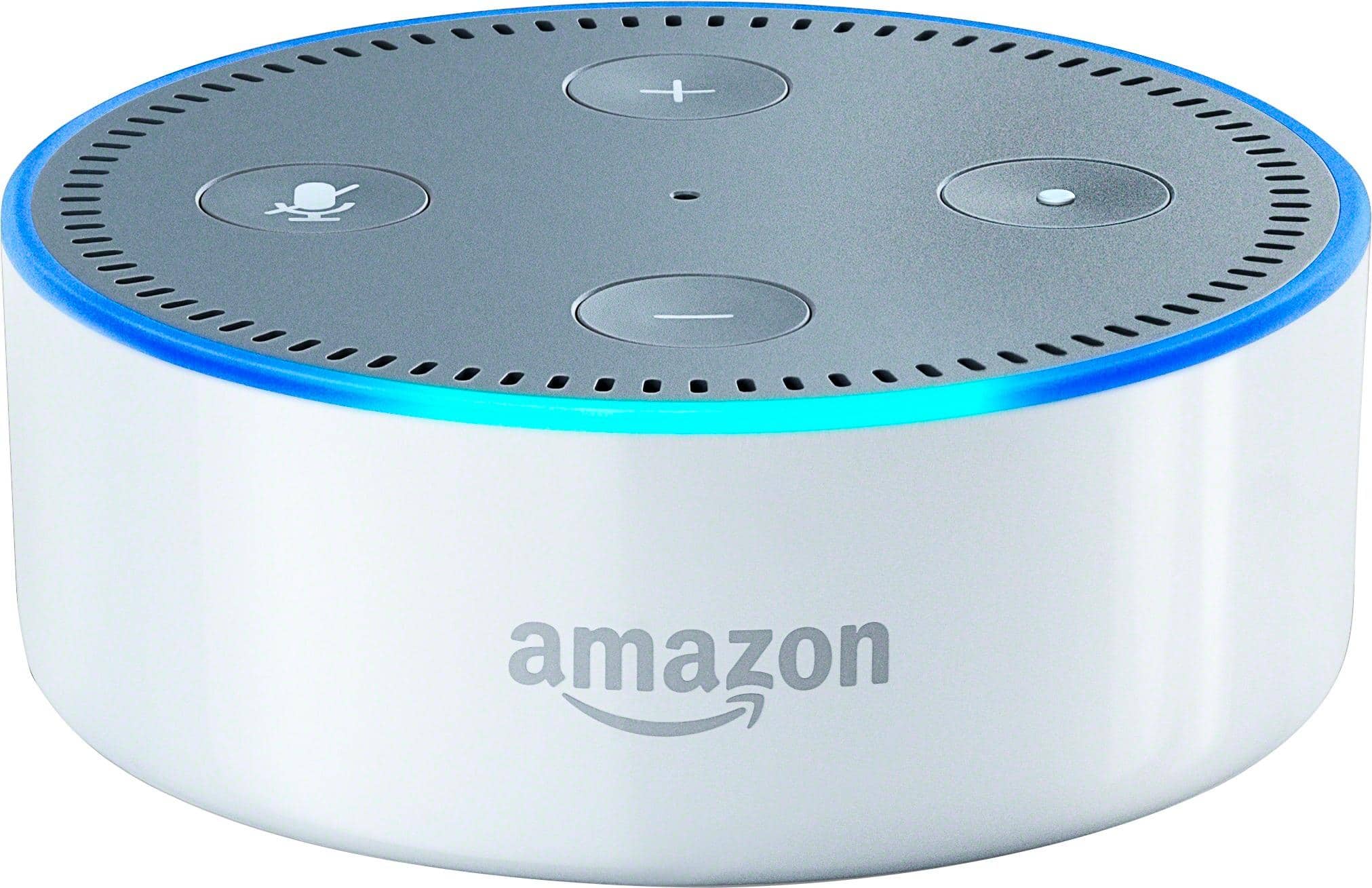
A:AnswerYou can use the Amazon Alexa App to set up, configure and control the Echo Dot:
https://www.amazon.com/gp/help/customer/display.html?nodeId=201602060
A:AnswerPower cable comes with the Dot. You can add Hue lights and Alexa can control them. I have the Nest Thermostat and she can control that,like as well. I believe there is a list online at Amazon that shows all the devices the Echo line can control.
A:AnswerYou need to have a smart phone or tablet to install the Alexa app so you can connect to it to set it up on an Amazon account (required). It doesn't need to be a Prime account. After setup you usually don't need to do anything further with the phone or tablet. Everything you do with Alexa is sent to the app or your online account so you can monitor anything that goes on from the phone or home computer. You can also delete any of these "card" reports.
My friend bought one after seeing mine and he set it up on a basic Amazon account and then added the Spotify app skill to play his Spotify playlists and music.
A:AnswerNo.
I just tried it by asking "how do you say hello in German". It responded with "I can't pronounce that, but I've written it down for you". It does display several written translations in the Alexa App, but you have to open the app.
I don't think it understands German or possibly can only understand one language at a time. I tried a few commands, but my German is also not that good. It kept responding "I didn't understand the question I heard."
A:AnswerEcho dot is voice activated right out of the box no purchase necessary...but the very first thing to do is make amazon account if you dont have one/download the corresponding app for your phone/ open the app/ follow step by step instructions to link your acct and network and that's it have fun/ enjoy..
( just a Reminder check all compatible device that you can link with echo, the more you do the more task that ALEXA can do for you )
A:AnswerIf you have prime you can get free prime music. You can also pay for unlimited which lets you play any song you want for free for 4 dollars a month if you sign up for it through the echo dot. If you don't want to do any of that the echo can also hook up to your iheart or pandora account plus a few others and use those to stream music as well. So you have multiple options for free music listening.
A:AnswerThey are available now in stores, I got mine right after the release date and that was Oct.12-13th. So you shouldn't have any problems finding them, but I could be wrong with Christmas just 3 weeks away! It would make a great gift to yourself or a stocking stuffier and FYI BB has the best price ;) Good luck.!
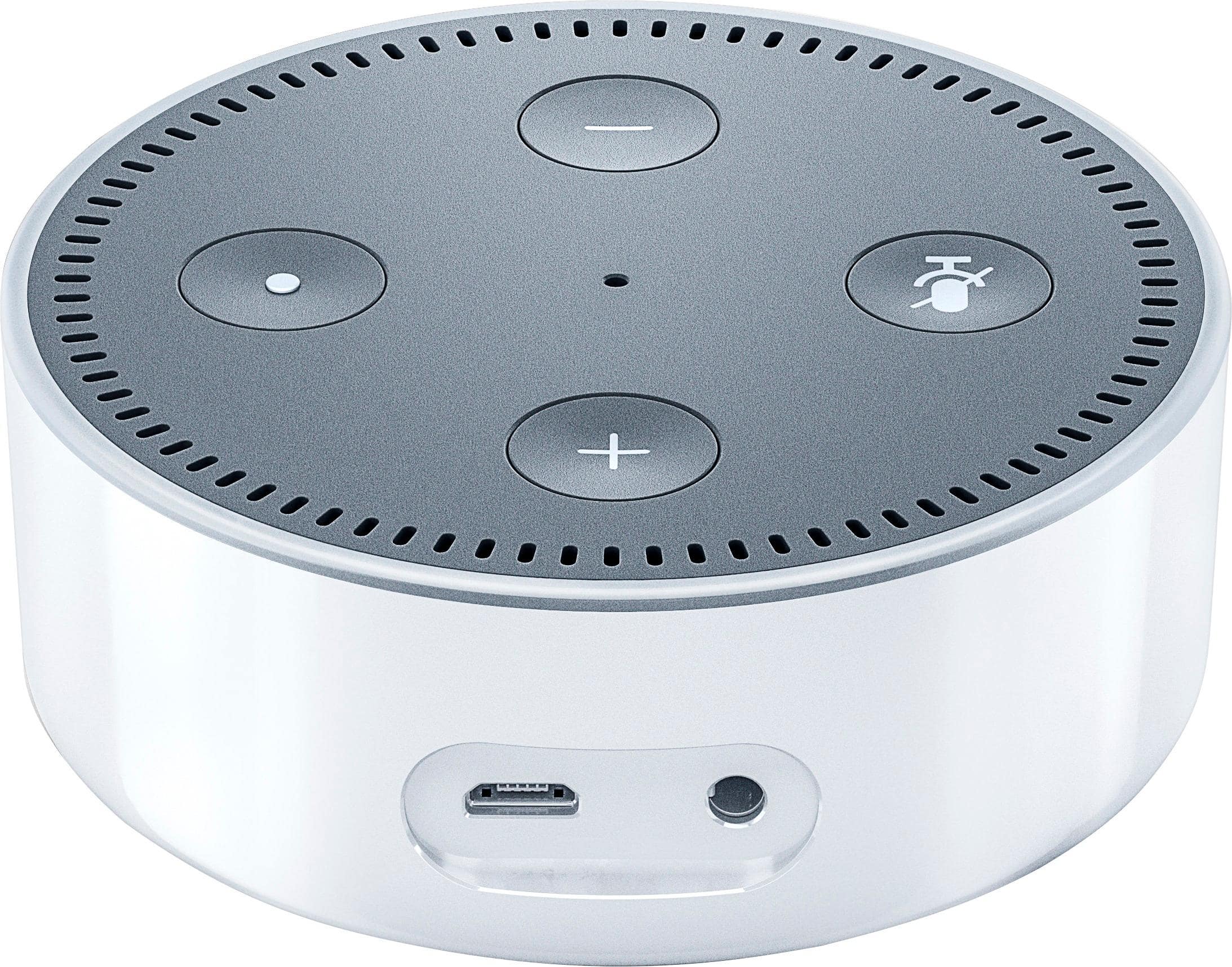
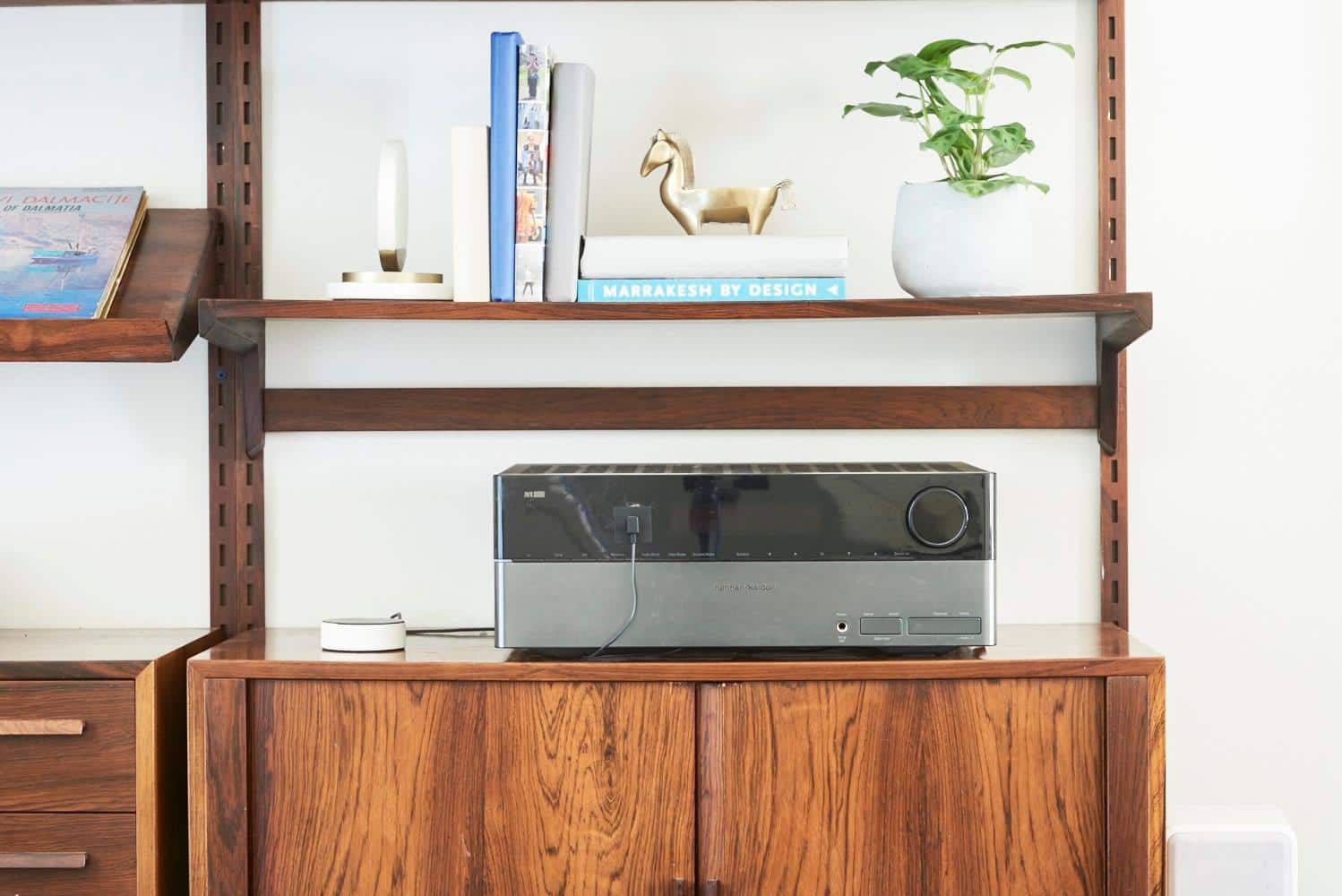
A:AnswerNo, they act independent but share the same profile. Its like moving the echo to a 2nd location. The dot is like the echo with a low quality speaker, however can pair with a Bluetooth speaker / sound system or using the inline canle option. In this way it's a better way to het quality sound if you have speakers already.
A:AnswerI leave my 2nd and 3rd Generations plugged up all the time. For years. Absolutely no issues. If you experience issues, Amazon support is very helpful.
A:AnswerI had this same problem a couple of times. I think once it was due to a power outage and when the power came back up the wifi did not automatically reset to all my devices. The fix was pretty easy, but required me to re-install the Echo Dot from the Alexa app.