A:AnswerDepend on what you're trying to do. The smart plug is a bridge between Alexa and your lighting components if you are not using a Home device. For example C by GE comes with a 4 light and smart plug package. With the bulbs by themselves you can not use Alexa. The smart plug creates the connection between Alexa and the lights.
A:AnswerYes, I own 6 devices and I have them in every room and I also use them as intercom system. It works really great. You can connect as many as you want
A:AnswerHi Kelly,
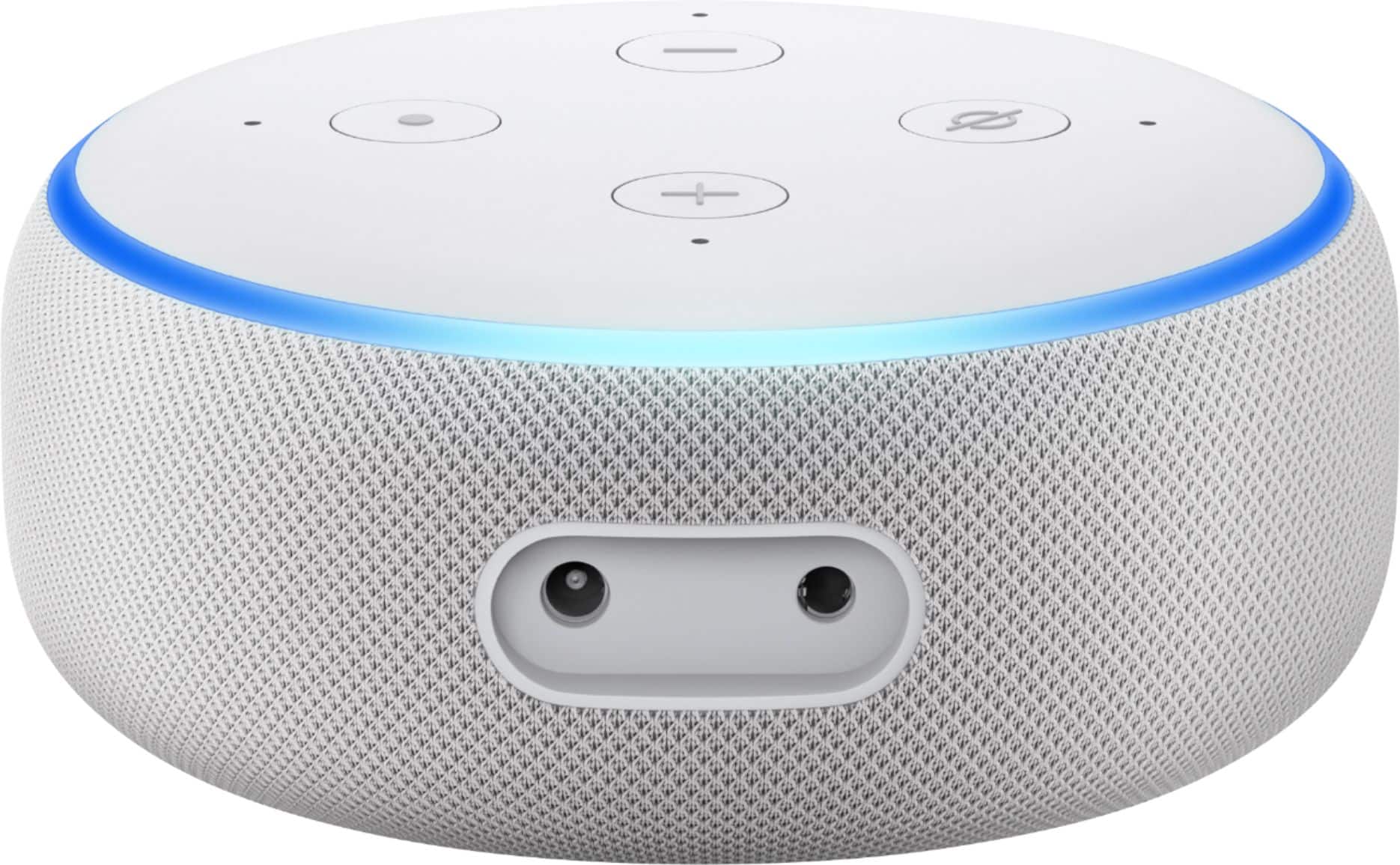
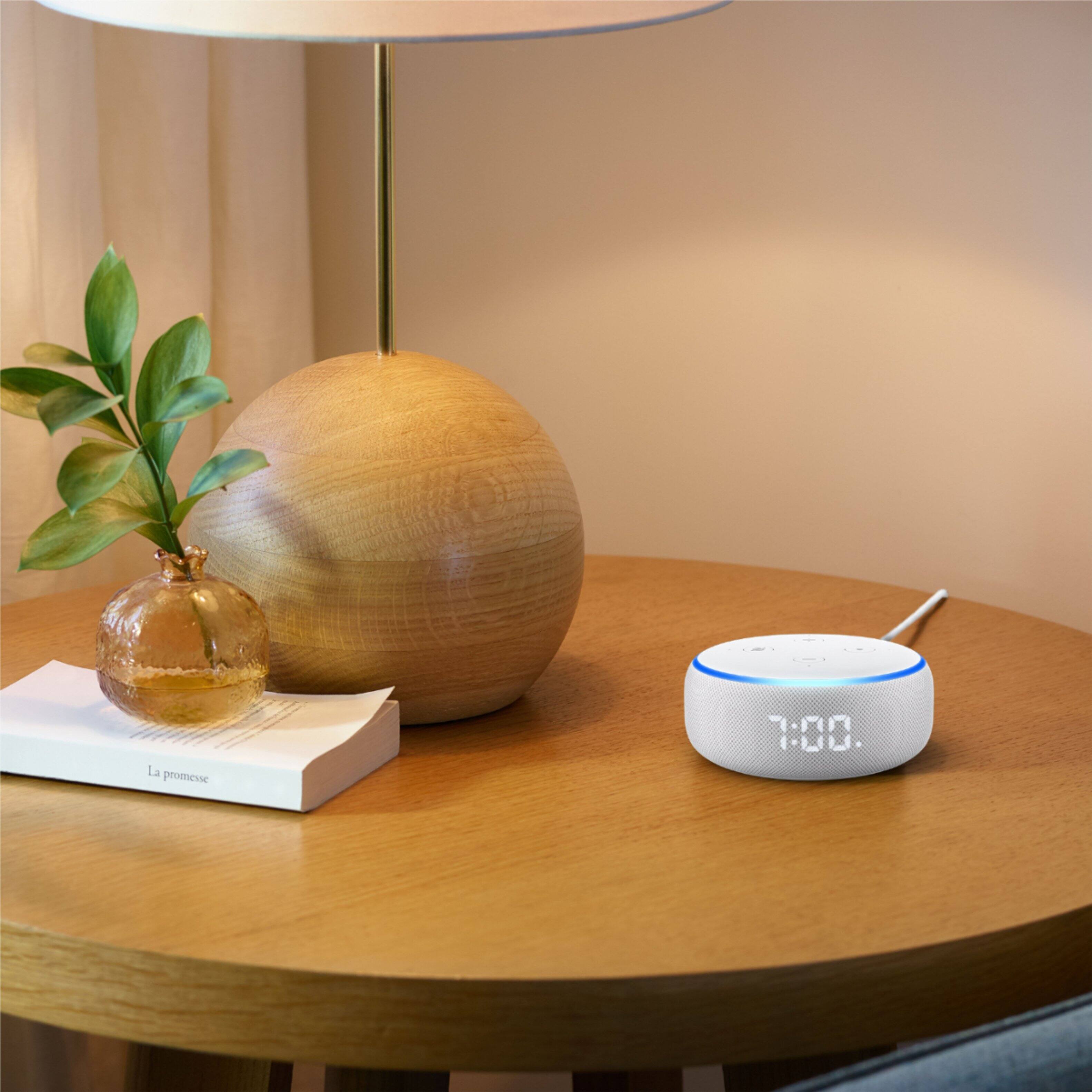
The echo dot comes with a power cord in the box. This device is not portable, and must be plugged into power at all times. Hope that helps.
A:AnswerYes it is compatible with ring and it's very easy to get them to work together especially if you have Amazon fire stick because you can bring it up on your TV
A:AnswerWhen a cable (headset or to an external speaker) is plugged in, the internal speaker is disabled for all outputs, including Alexa responses.
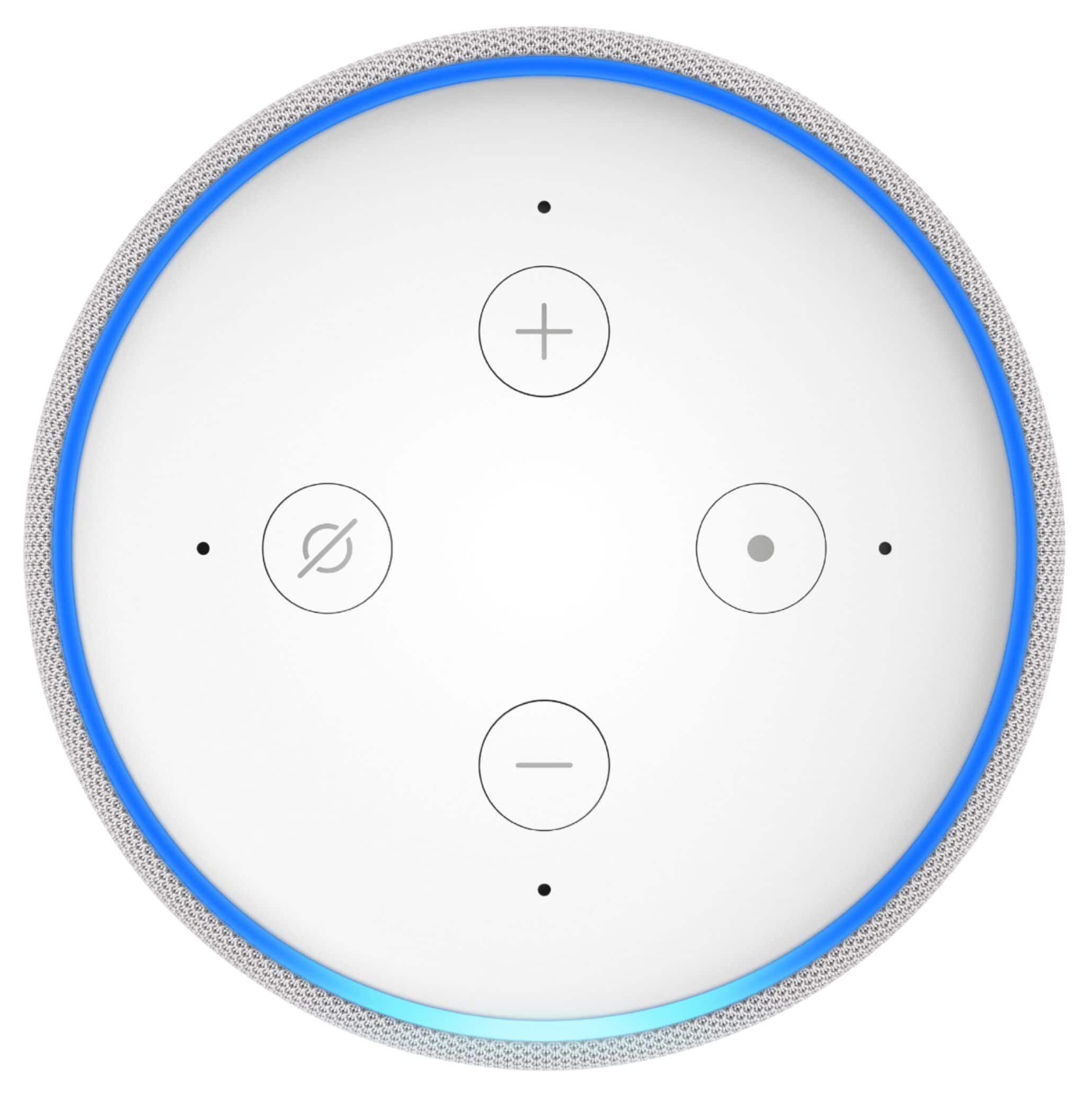
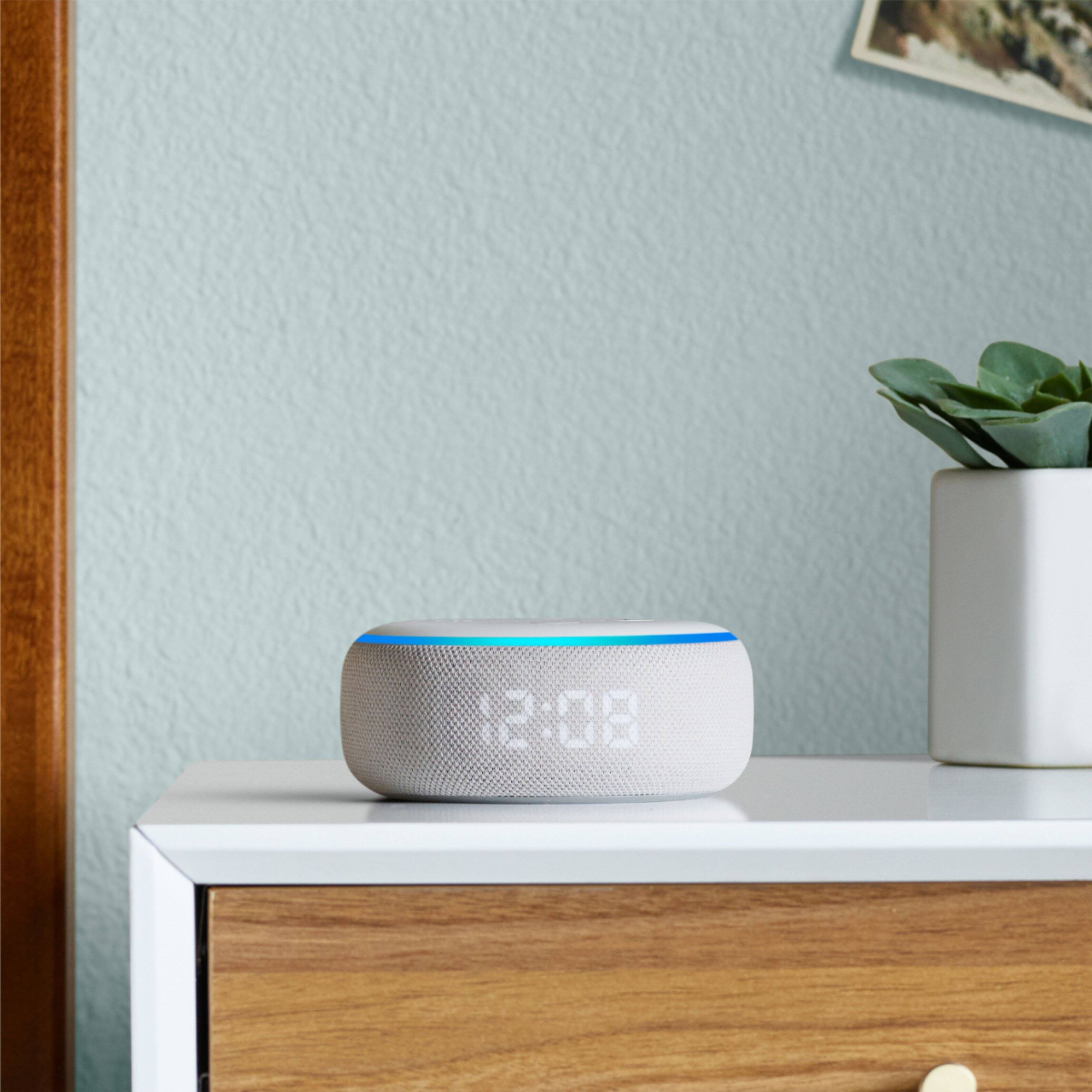
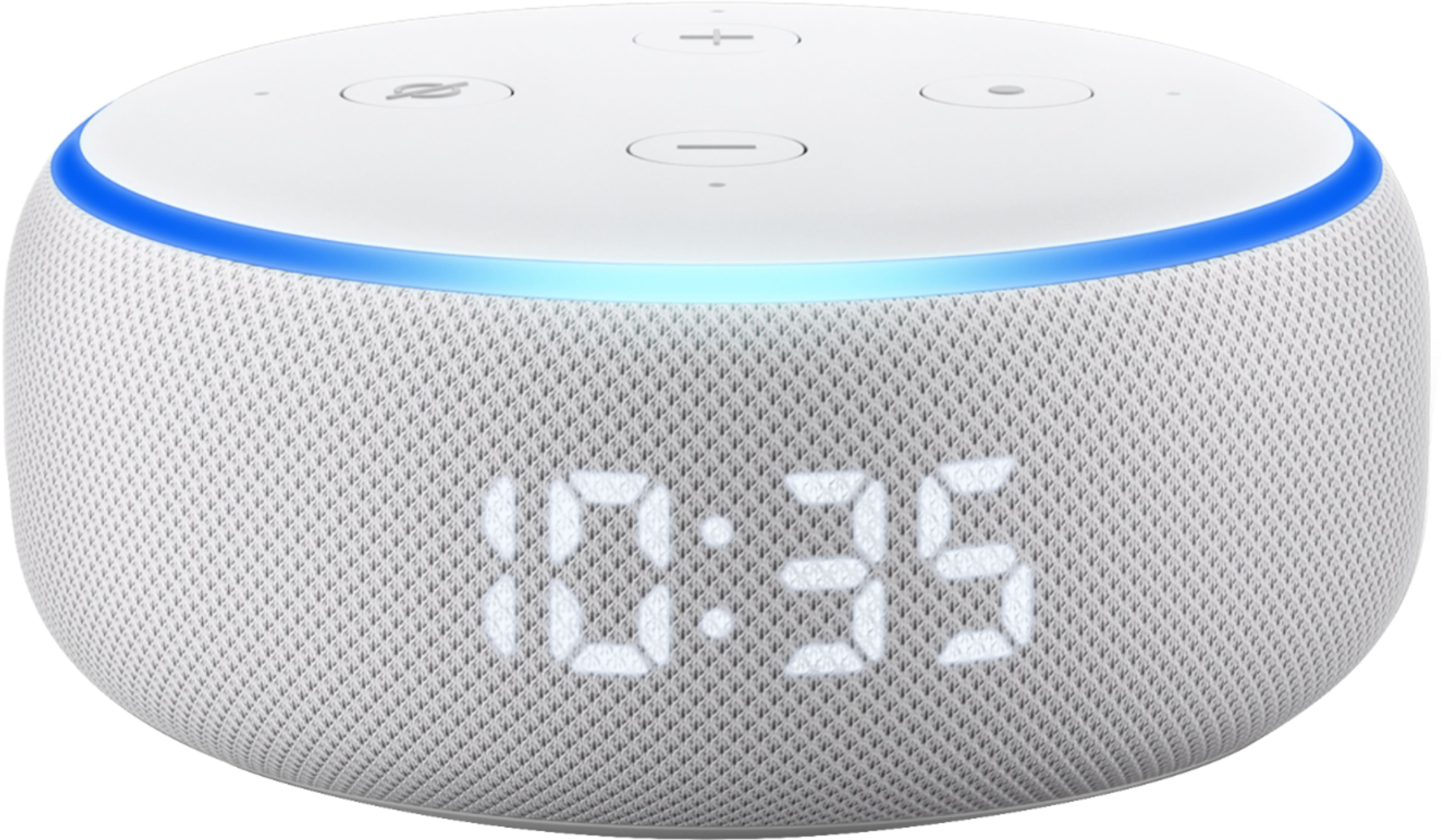
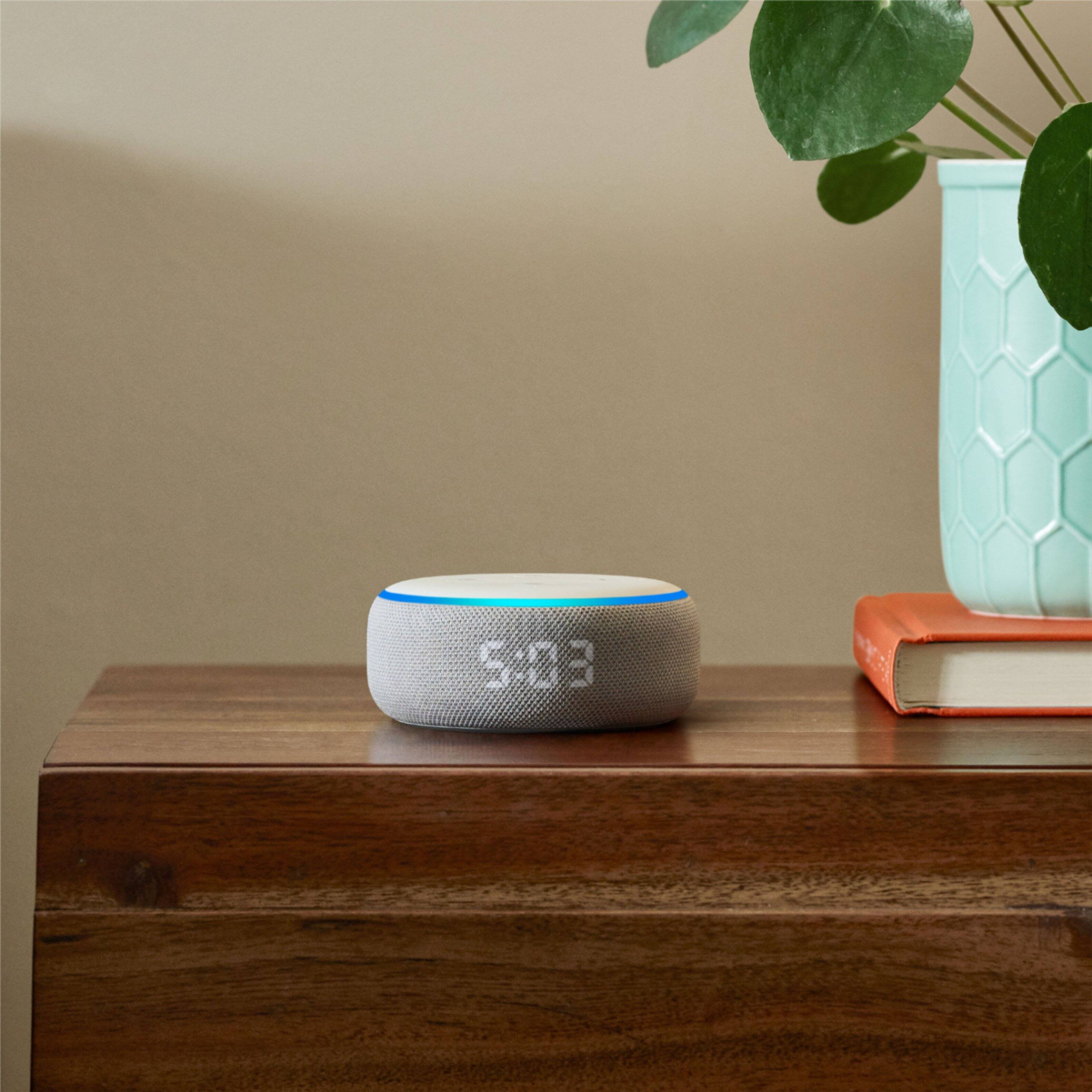
The device does have a light that rings the device around the top that lights up when you say the wake word alexa. Not sure if that would disturb another person in a dark room. Also, you mostly control the device with your voice, although if you use Amazon Music you can control the device via the Amazon Music smart phone app by connecting to the echo dot. You can also play sound from any bluetooth device like a smart phone and that will play through the external speaker. There is also an Alexa smartphone app for controlling the Echo Dot.
A:AnswerI don't believe what you are asking is possible. You can "cast" certain audio to it, but I don't believe all audio. You may be able to with a third party app.
A:AnswerYes, it streams numerous radio stations through iheartradio or radio.com, and there are probably other radio apps/stations as well that is can stream. It does not operate with a radio antenna though.
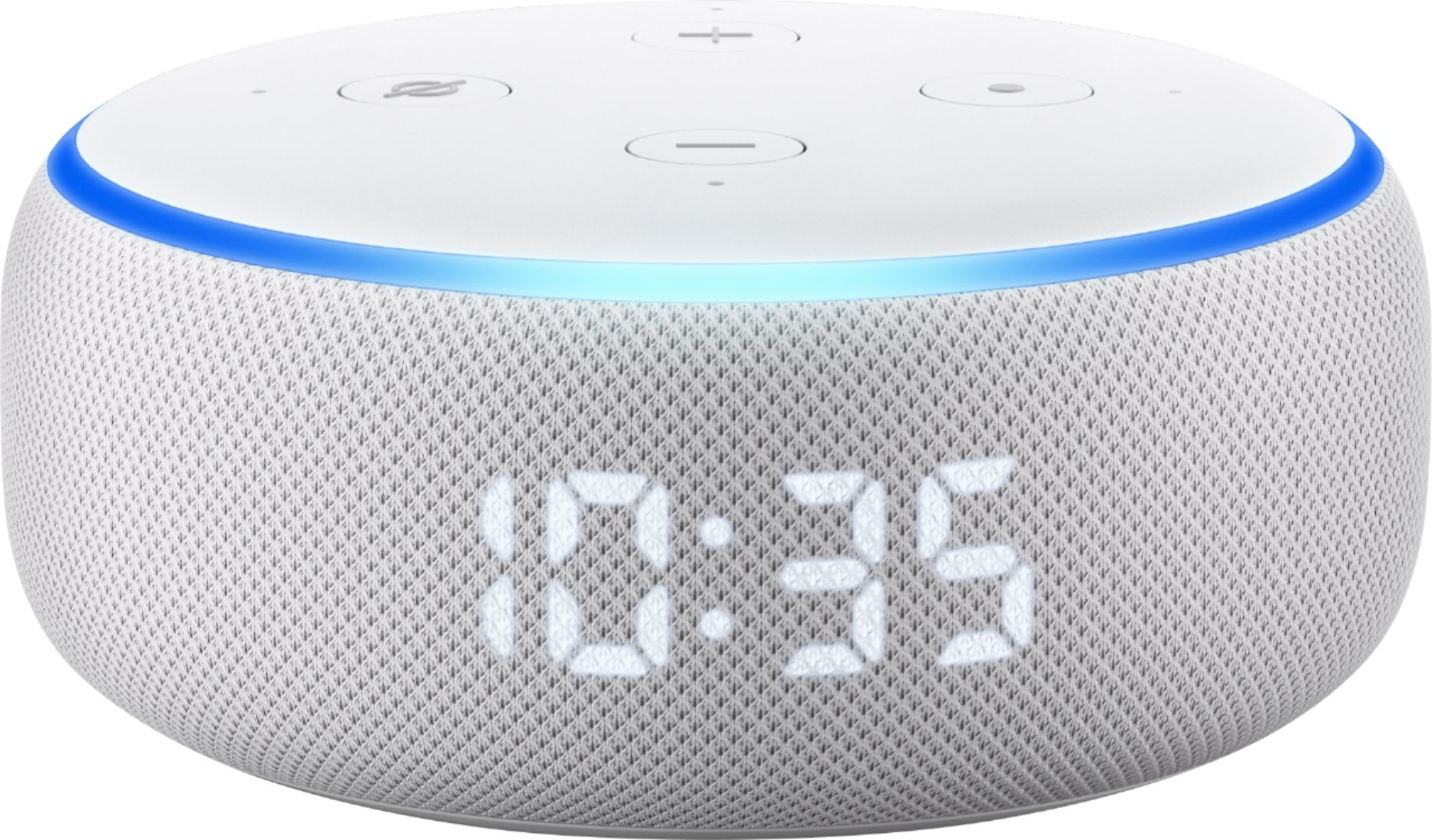
A:AnswerYes. If power is lost it will still have the alarm set and the correct time as long as power is restored and the Echo Dot has an Internet connection to be able to communicate with the Alexa app.
A:AnswerThis can be accomplished in the Amaznon Alexa app. Click the three bars to get to the settings menu...then click Device Settings...then click the Alexa whose wakeup word you want to change...the scroll down to 'Wake Word' and change it there.
A:AnswerHey there!
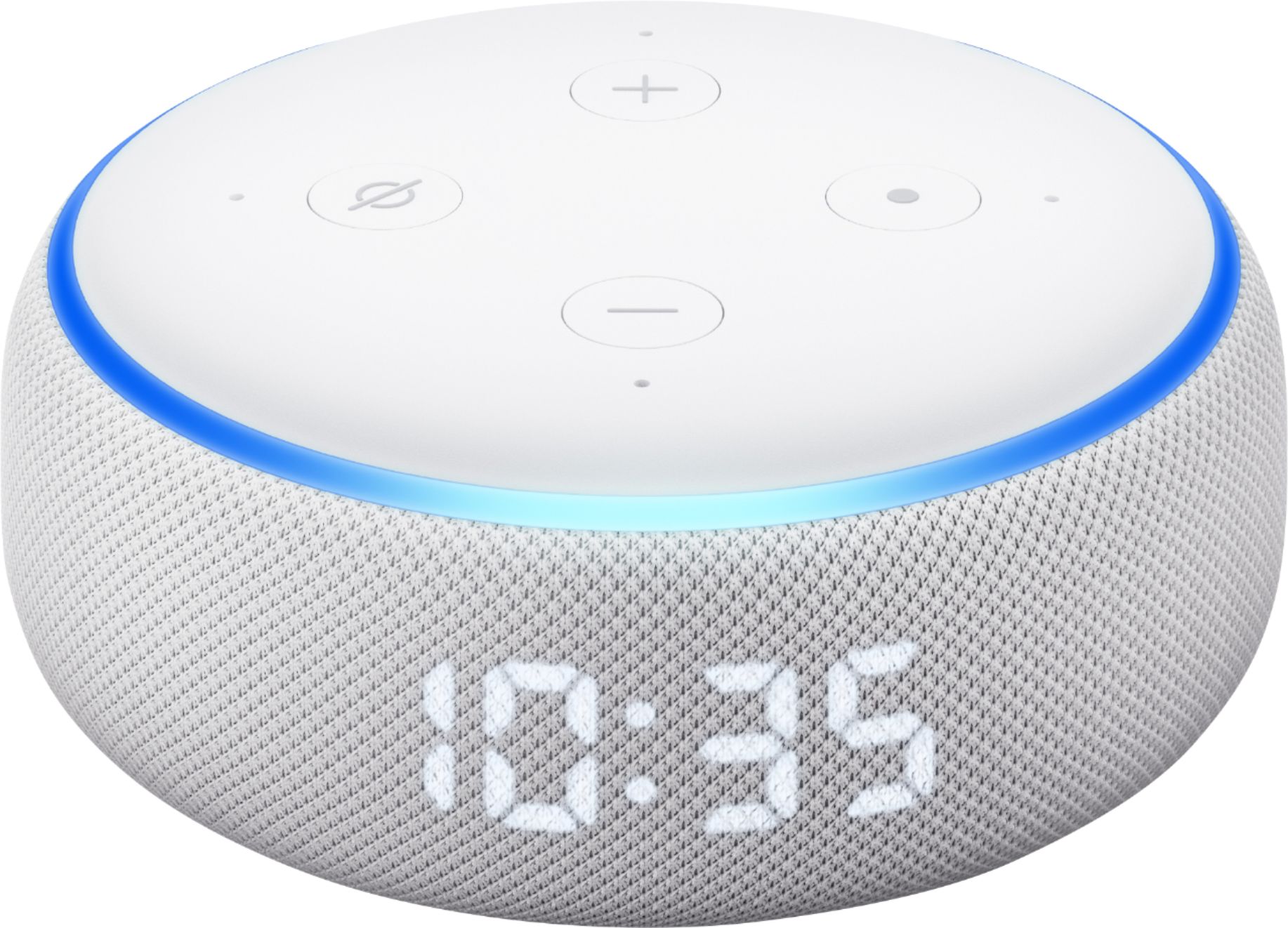
The lights on your Echo device are how the device communicates its status. In many cases, just ask Alexa, "What does your light mean?" and she will tell you. Here is a list of the colors and what they mean:
Yellow: A slow yellow burst, every few seconds, means that Alexa has a message or notification, or there's a reminder you missed. Say, "What are my notifications?" or "What are my messages?"
Cyan on blue: A cyan spotlight on a blue ring means that Alexa is listening. The light ring glimmers briefly when Alexa has heard and is processing your request.
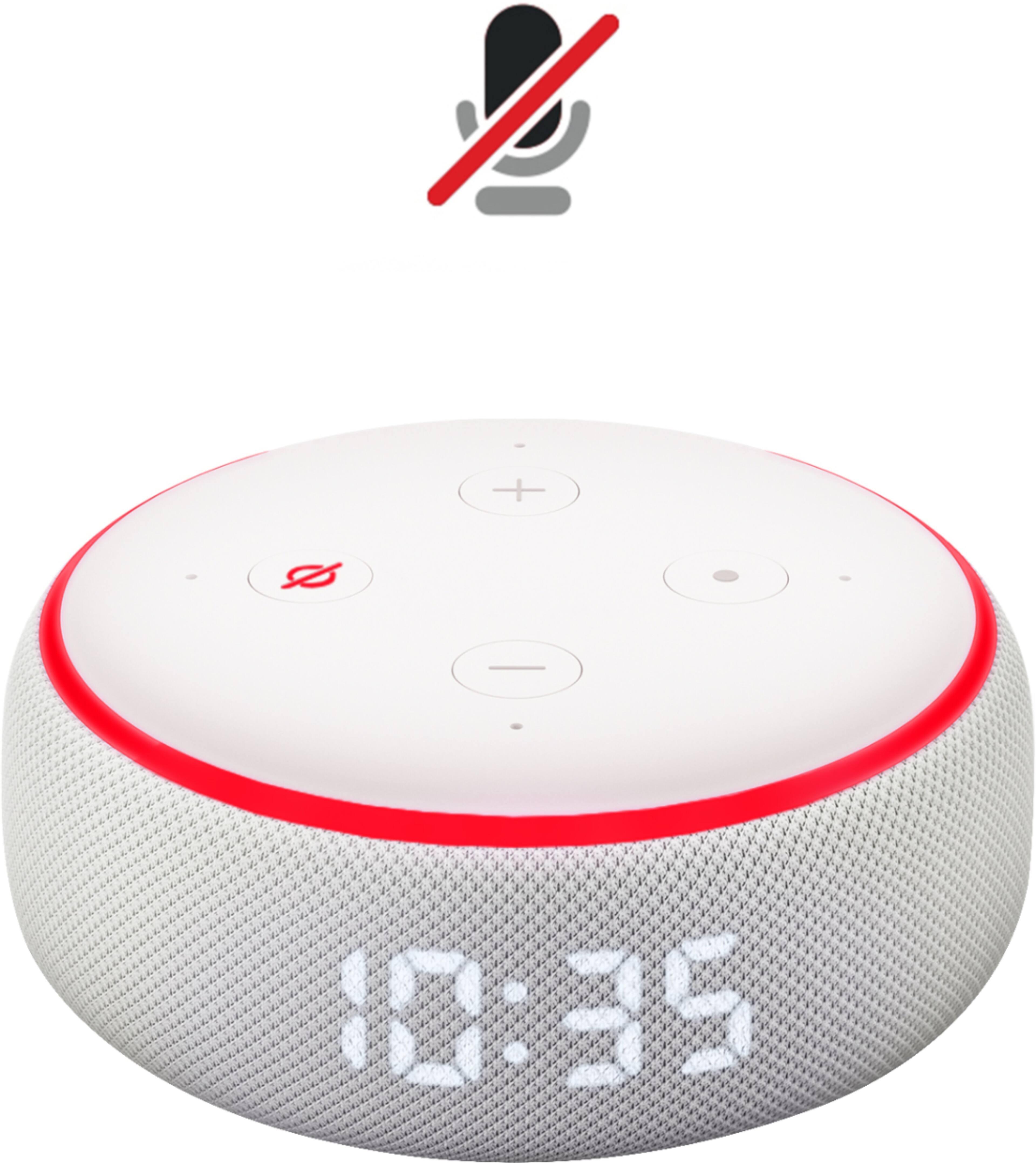
Red: Solid red light shows when the microphone on/off button is pressed. That means the device microphone is disconnected and Alexa is not listening. Press it again to enable your microphone. On Echo devices with a camera, a red light bar means that your video will not be shared.
Spinning cyan: Slowly spinning teal and blue means that your device is starting up. If the device has not been set up, the light turns to orange when the device is ready for setup.
Orange: Your device is in setup mode, or is trying to connect to the Internet.
Green: A pulsing green light means that a call is coming in on your device. If the green light is spinning, then your device is on an active caller or an active Drop In.
Purple: When the Do Not Disturb feature is on, the light briefly shows purple after you make any request. During initial device setup, purple shows if there are Wi-Fi issues.
White: When you adjust device volume, white lights show the volume levels. A spinning white light means Alexa Guard is turned on and in Away mode. Return Alexa to Home mode in the Alexa app.
I hope that helps! Have a great day!
A:AnswerHello Damooser!
Thank you for your question regarding Amazon Prime Music content and the Echo Dot. That is correct. Any content that you have access to currently on Amazon Music from your Prime account is also available on the Echo Dot at no additional cost. You can just ask Alexa to play music and the default music player will be Amazon Music. I hope this answers your question and that you have a great day!