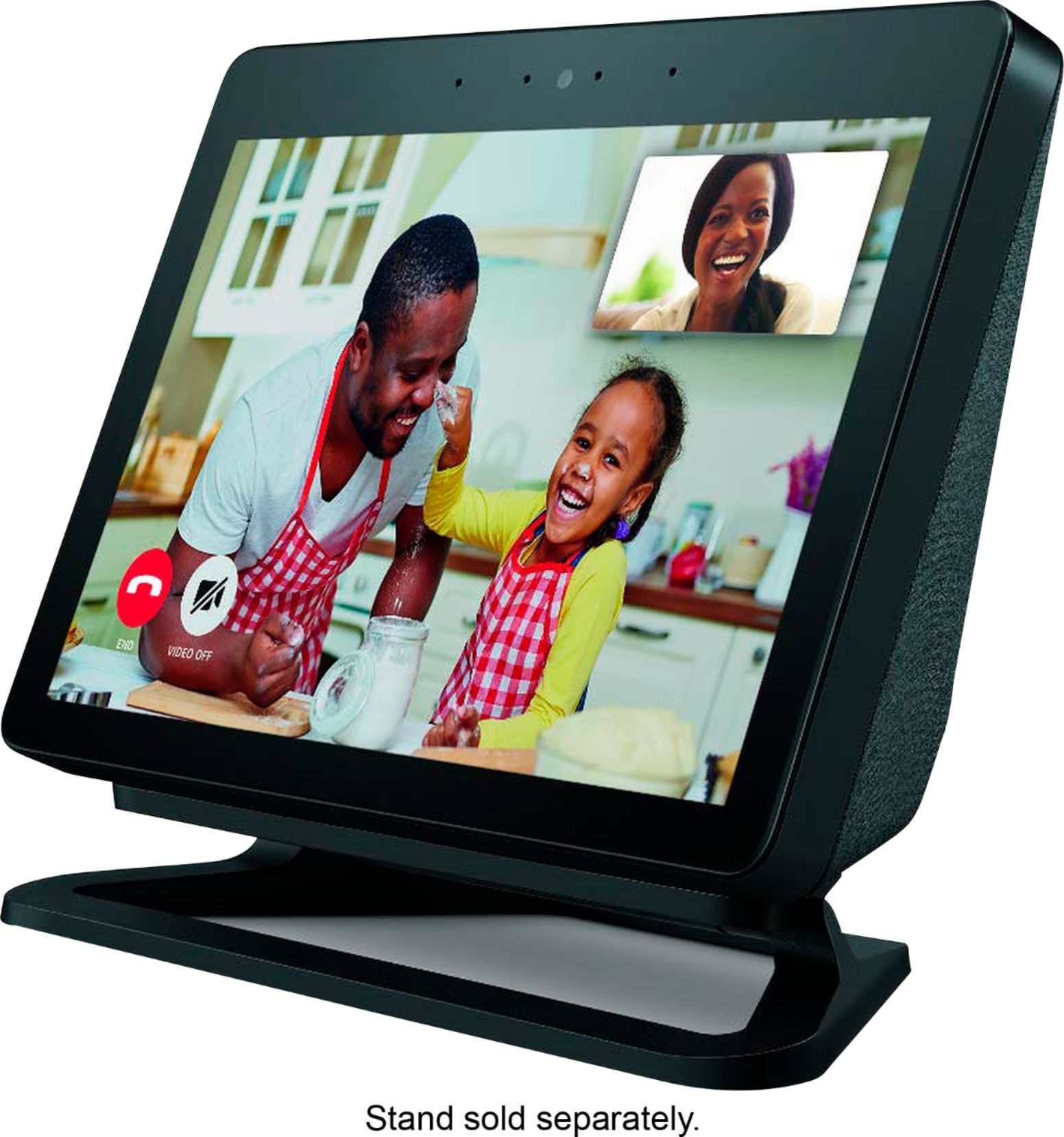
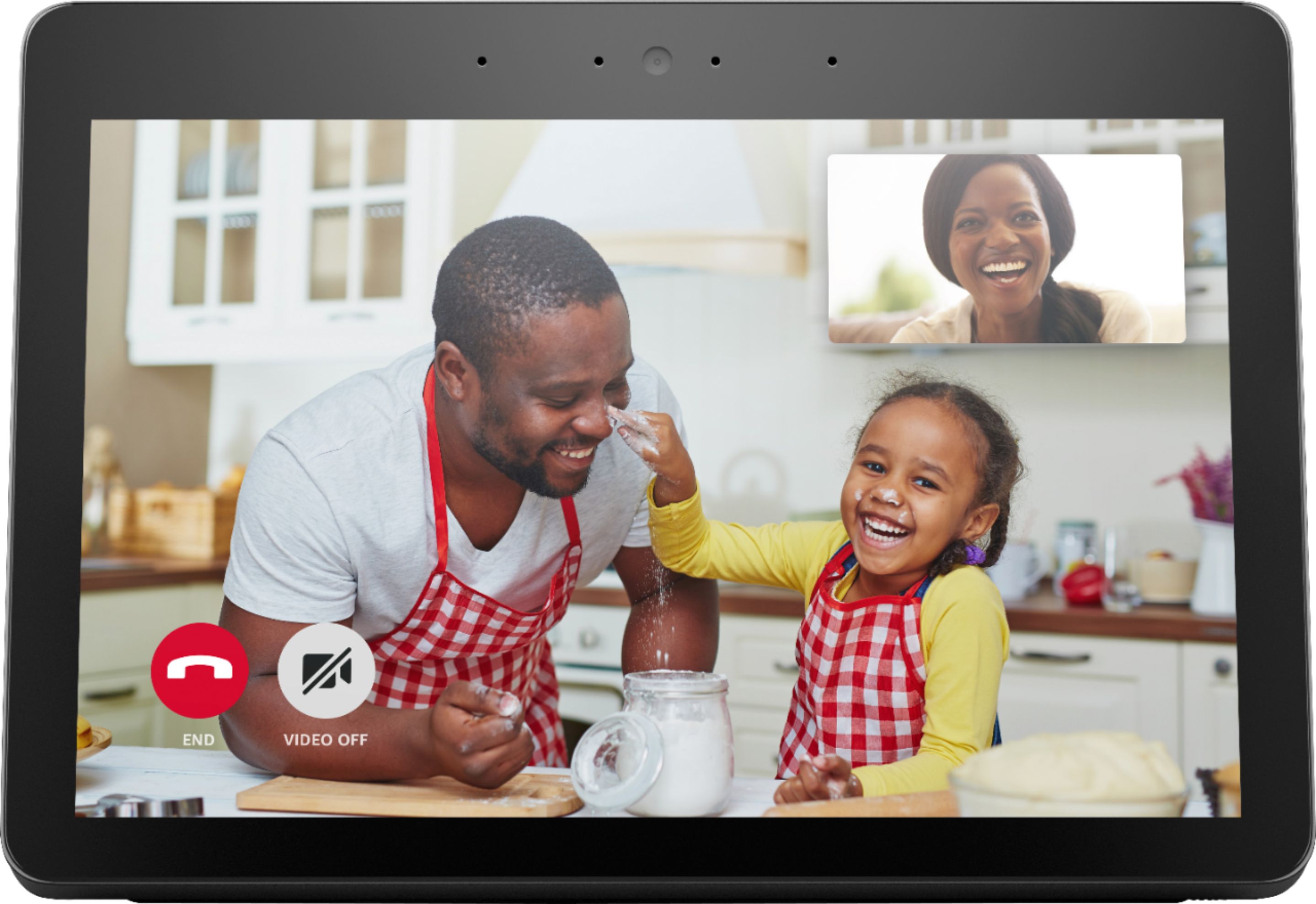
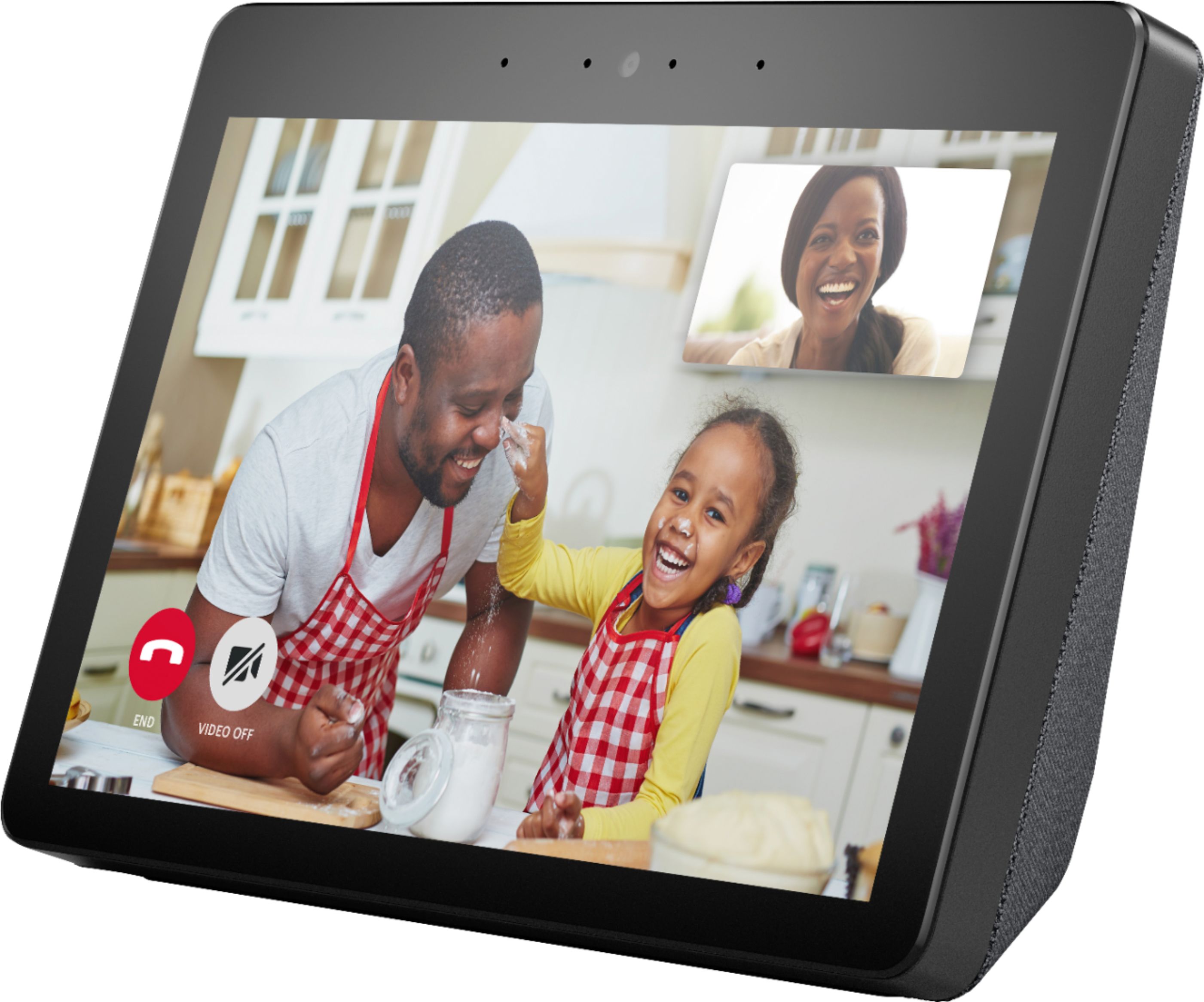
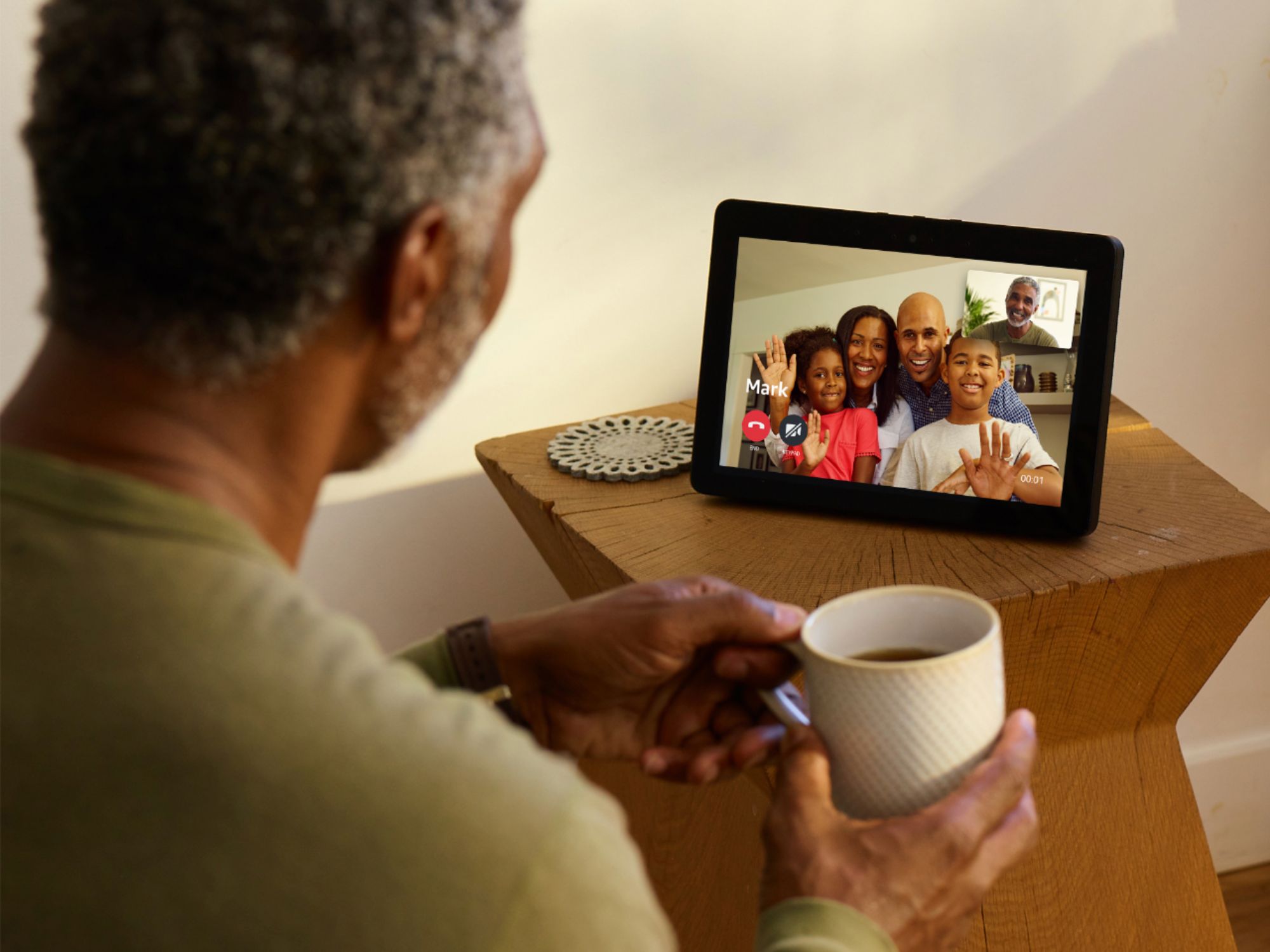
A:AnswerYes, as long as you have an internet connection you can use it. The only issue you might have is to set it up (amazon account needed) but you can easily create one for her. Did the same with my parents.
I can drop in at any time even though they're living on a different continent :)
A:AnswerYou can leave the Echo Show in Off Mode and it will only use .1 watts, or in Standby with the microphone and Canera both on it uses 4 watts, with Microphone on and Camera off it uses 2.5 watts. It automatically goes into standby mode after 5 minutes of inactivity so the majority of the time it is using less power per hour than the LED high efficiency light bulb we just bought which says it uses 8 watts and costs $1.10/year if we leave it on 3 hours per day. So I would say it is not going to make a noticeable difference in your utility bill. :)
A:AnswerYou can view prime shows or video or whatever you have enabled. It plays beautifully clear and HD. you simply ask play (game of thrones) of your favorite movies. The sound is awesome! You’ll love it !
A:AnswerIt is available as of today Thursday Oct 11, 2018. I took back my Echo Show Gen 1 (bought it two weeks ago), and exchanged it for the Gen 2. It was the last one left in inventory. Hope this helps.
Peace and blessings,
Azeke
A:AnswerHello, H3l3n0fNovember! Setting up an Amazon account is simple. The person would just need an email account to get the account set up. It doesn't cost anything to have the account. I hope that helps! Have a great day!
A:AnswerHello, Mikey! The Echo Show is not currently compatible with the Xfinity Stream app. You do have access to a web browser on the Echo Show, so you may be able to access your account through there, but the layout may not be as easy to navigate as an app may be. Things change often on what apps and services are available, so there is always a chance of the app being added at some point in the future. Have a great day!
A:AnswerYou can upload any photos you have on hand. Mine are stored in Apple iCloud and I can access and use them. You’ll need to upload photos from the Show directly from its touch screen - haven’t found a way to do it via the Alexa app. I’m not sure yet if you can make a slideshow of them, however.
A:AnswerHello, MrMike! Yes, if you enable the Nest Skill in the Alexa app, you will have control of your smart thermostat from there! Have a great day!
A:AnswerIt can be done, but you won’t be sending the file directly from your phone to his show. Say you have an online service that you can upload your video to (YouTube or cloud), give your dad the address, he can do through silk browser or YouTube
Seeings your dad is elderly, make a YouTube channel so your dad can give a shout out to Alexa to watch Michelle’s latest videos (make a YouTube channel easy for dad to remember) you can make private so the rest of the world doesn’t know. Love to hear back when your dad gets to see videos from you. Good luck and have fun’
A:AnswerHello Junior, yes you can. You simply have to enable the Google Nest Skill in the Alexa app. Open your Alexa App and navigate to Skills. Search for Nest and it should be the 1st option.
Have a great day!
A:AnswerThe Echo show's built in smart home hub allows functionality with compatible zigbee compatible lights, locks, sensors, plugs, and in-wall switches.
A:AnswerHi Linda,
There's not a way to set up the calling feature with Alexa through a desktop as of now. The only way to currently use the calling feature is with your existing devices (like you have set up) or using the app through a smartphone or tablet.
A:AnswerI am not sure about setting the Show to remote control but there are many videos on YouTube to show you how to use your Echo Show. The cuy in this video has lots of info on the operation and setup of the Show. https://www.youtube.com/watch?v=a5alDQr8V9U
A:AnswerHi Cofe
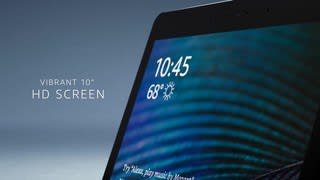
That is correct! The show comes in a 5 inch, 8 inch and 10 inch version! The 10 inch version also includes a smart home hub built into the device for a hassle free set-up with connected devices!

Have a great day!