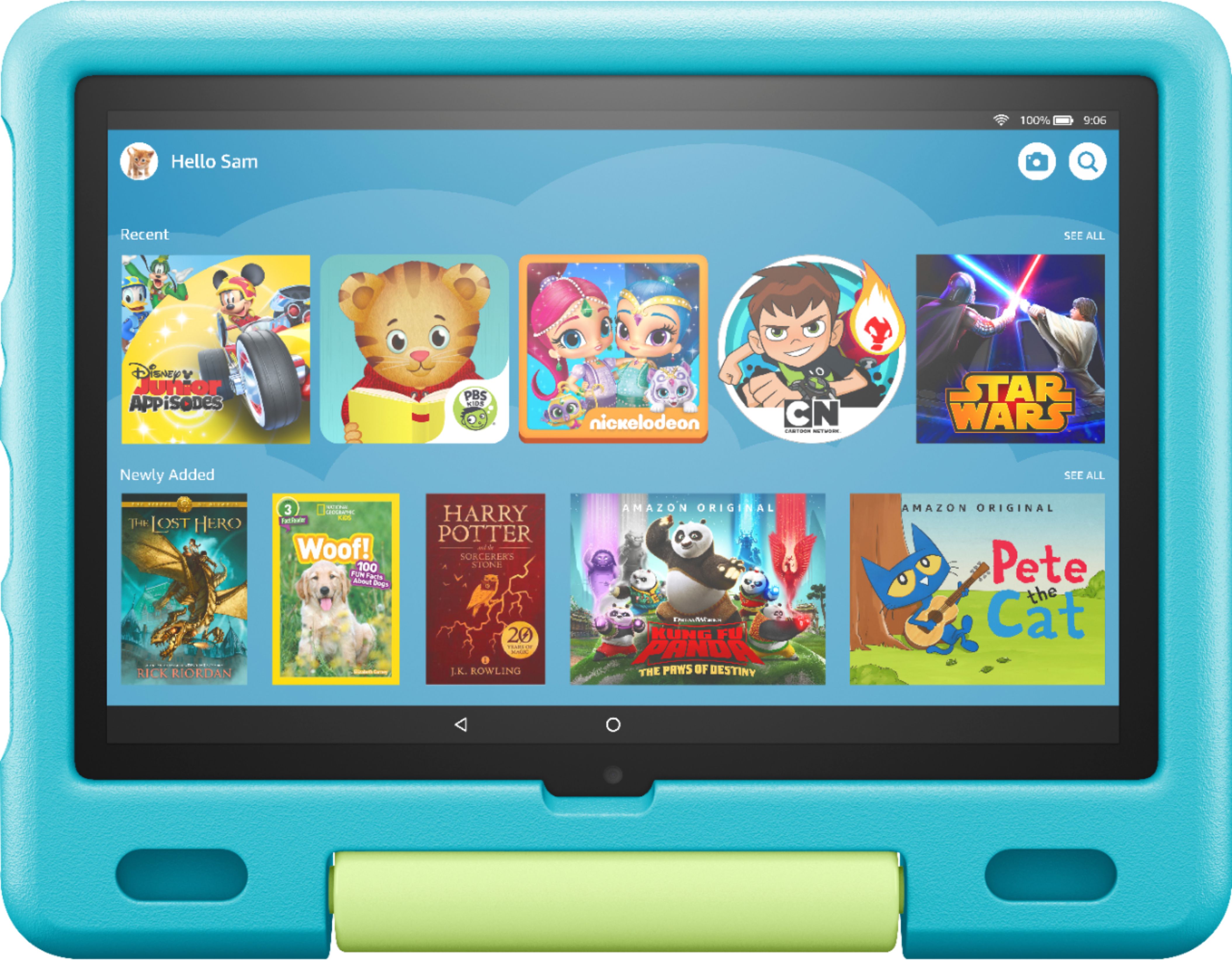
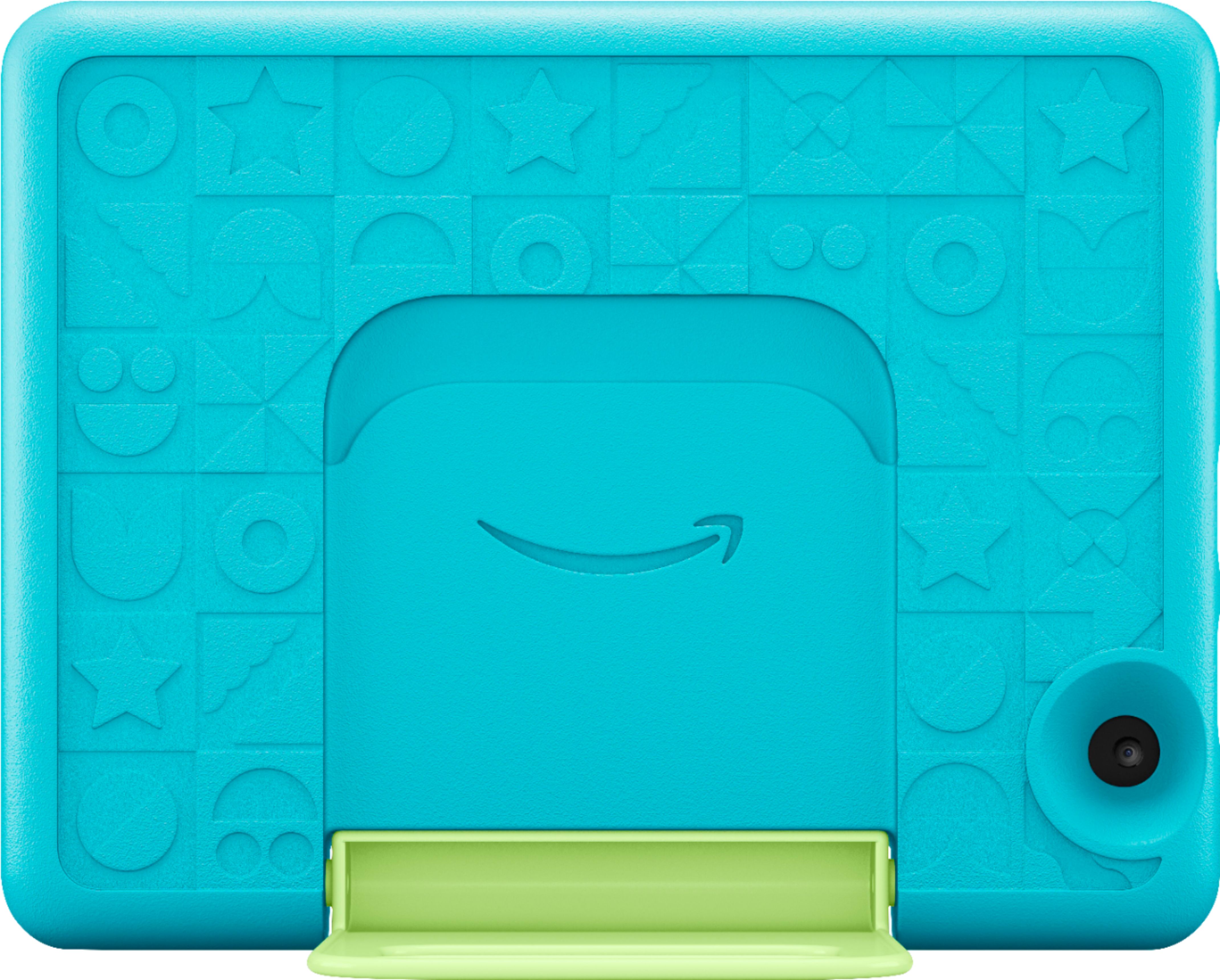
A:AnswerYes and it’s also a handle. Very convenient for little hands. The yellow part in the center is the stand and it has a hole so that it can be carried.
A:AnswerYes I bought in template for my grandson and granddaughter and they know how to watch movies in them and play games in them and I love this project very much
A:AnswerHello Ree1958! Yes, the Osmo app can be downloaded to your Fire Tablet. You can download games and apps and use them on the go by following these steps: 1. Select Games & Apps or open the Apps or Games app. 2. Select an app from your Library to download it or search for a new app in the Store. Have a great day!

A:AnswerHi culli! To change your account settings:
1. In Your Account, go to Login & security.
2. Next to the account information you'd like to update, select Edit.
3. Follow the on-screen instructions and select Save Changes.
4. After you've completed all your updates, select Done.
Alternatively, you can download the Amazon Kids+ app to your mobile device, and choose to receive push notifications from there for app download permissions instead of an email. Thanks for your question, have a great day!