A:AnswerNot to turn it on or anything, but we just cancelled our sub, it refunded the last payment, then the next time it connected to the internet all of my kid's apps were gone.
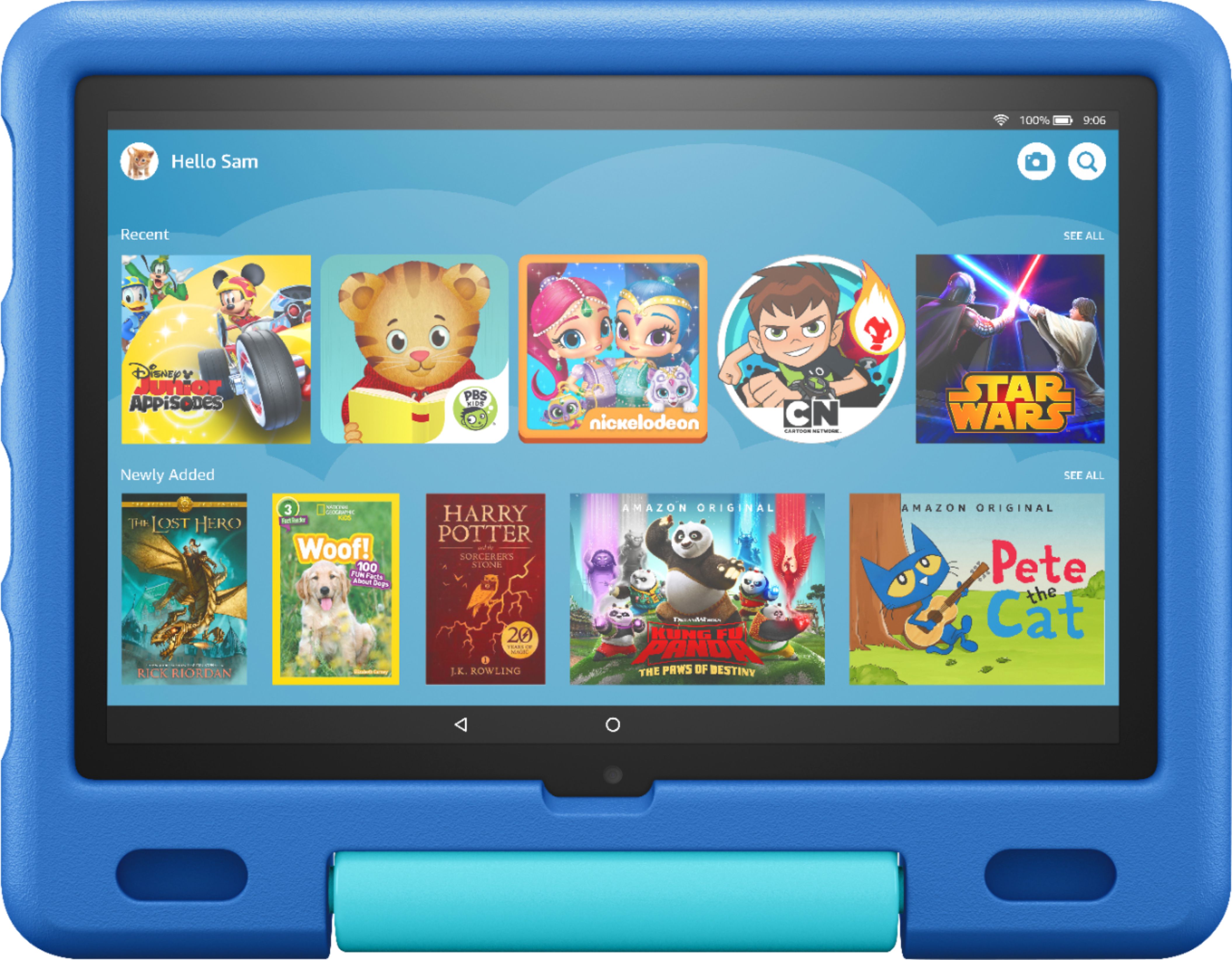
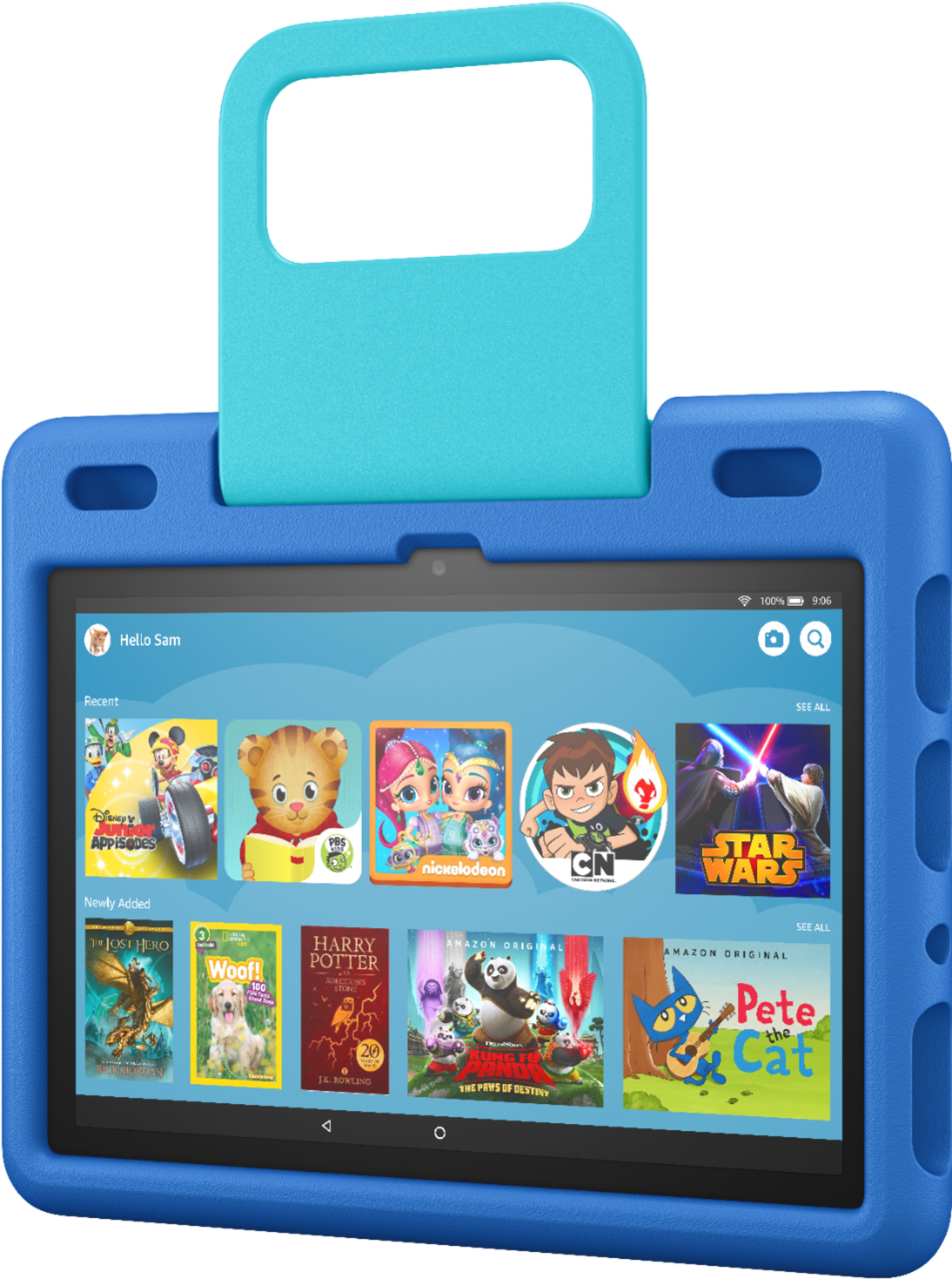
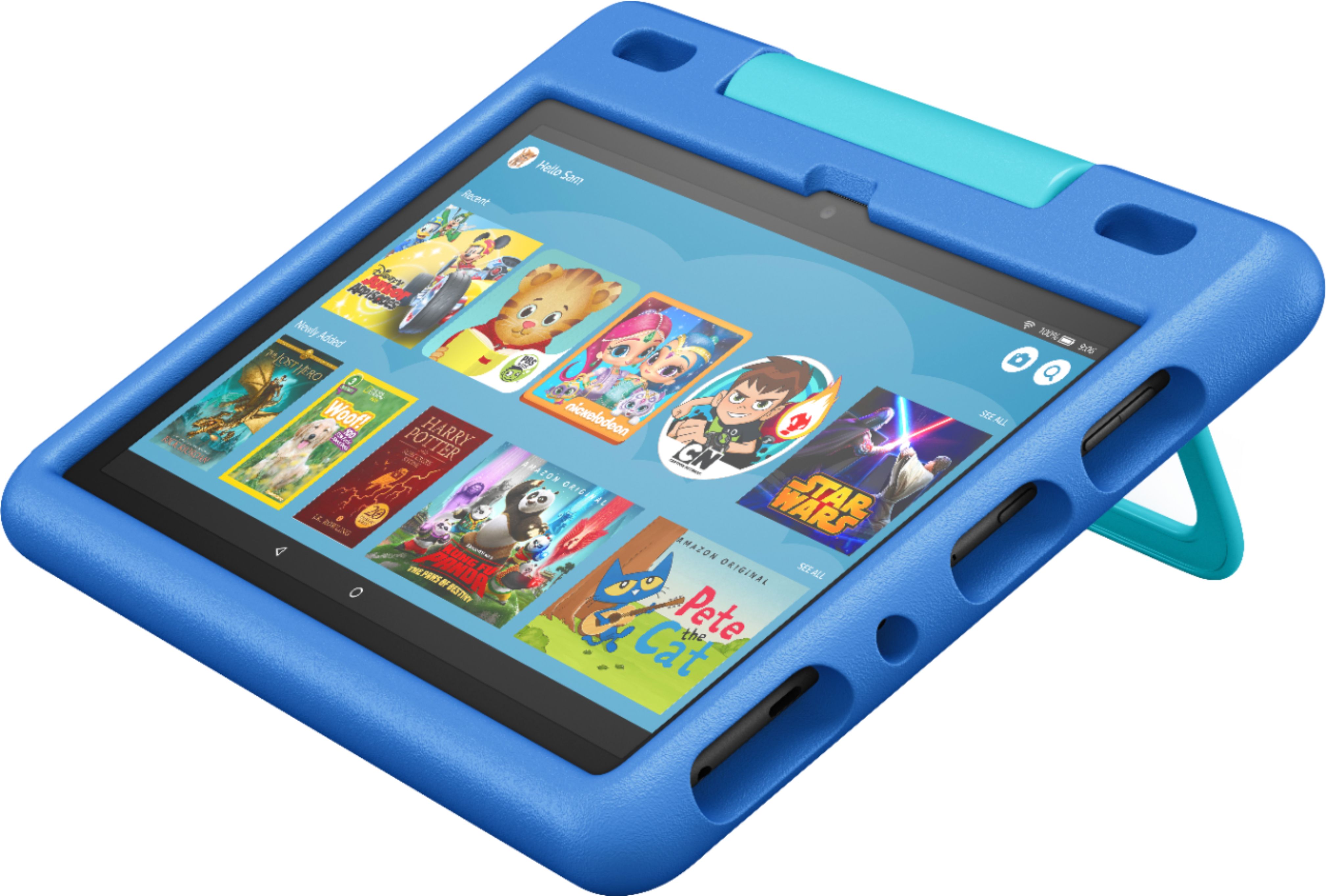
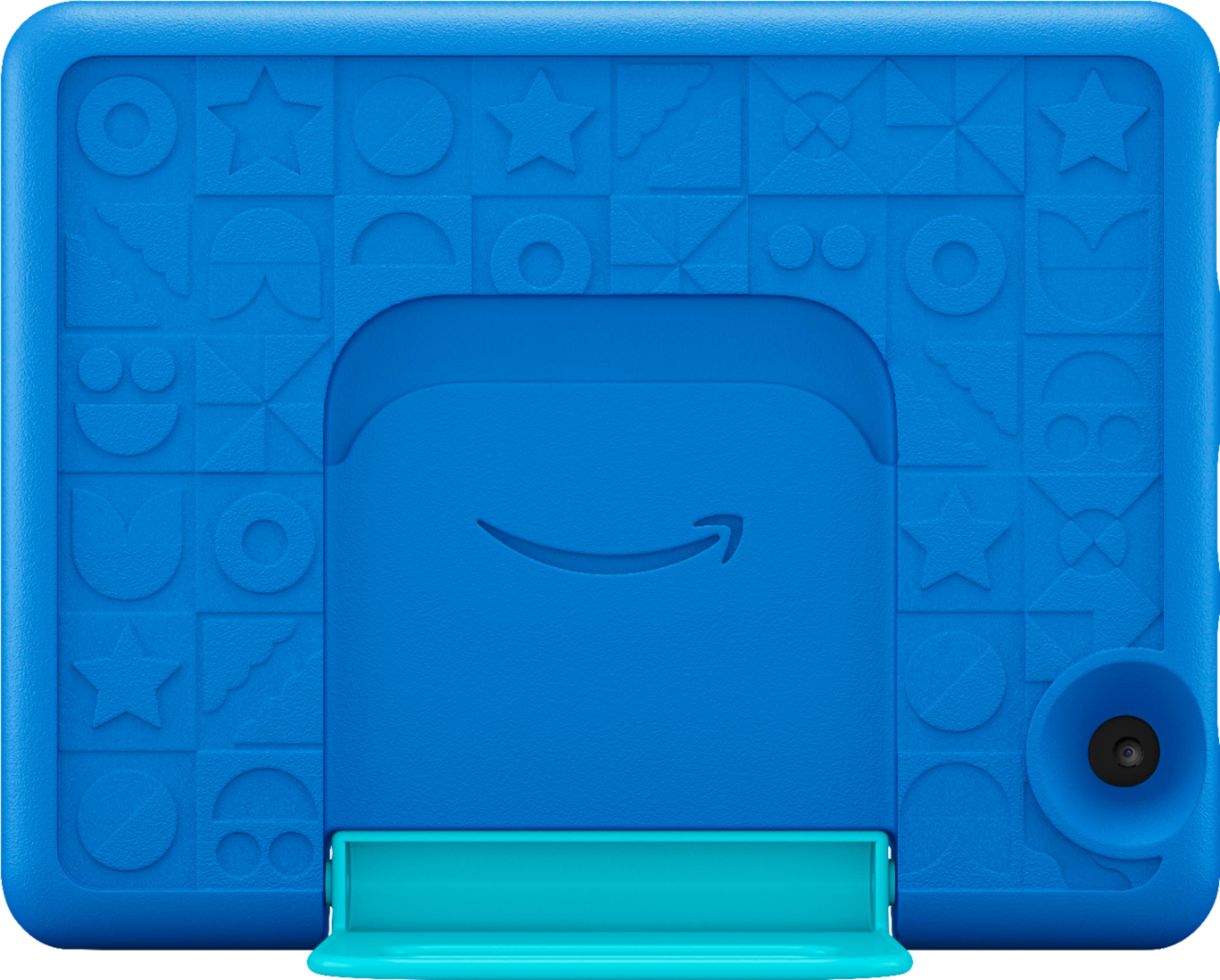
A:AnswerHello and thanks so much for your question on our Fire HD 10 Kids tablet. It does not currently come with a screen protector. This device does comes with a bumper case that protects it from dropping and wear and tear and also comes with a 2 year worry free guarantee that is handled through Amazon customer care. I hope this answers your question and that you have a great day!
A:AnswerHello LuisRey! Thank you for your question regarding YouTube and our Fire HD 10 Kids tablet. There are a multitude of different video streaming apps you can download and allow via the Store or Apps & Games icons on the tablet as well as a Youtube.com direct web link that can be downloaded from the Store and allowed via the Parent Portal.
To add content to your Child Profile on a Fire Tablet, follow these steps:
1. Go to the Parent Dashboard
2. Navigate to the child profile you wish to manage and select Settings.
3. Select Add content.
4. Select the desired content category using the tabs above the list of content.
5. Add or remove content by toggling the switch next to them.
One bit of advice though is that you will need to log in or create a child's Google profile within the YouTube website and utilize Google's parental settings to filter inappropriate content how you see fit within the site. I hope this answers your question and that you have an amazing day!
A:AnswerHi there! Yes, you can download both Disney + and Netflix on this tablet. 1. Turn on your Kindle tablet.
2. Tap the Home tab at the top of the screen. 3. Select the Appstore from the list of apps. 4. Tap the search icon at the top-right of the screen. 5. Start typing ’Disney Plus or Netflix’ until the device suggests the app. 6. Select the app to open the menu and tap Download to download the app on your device. The app will then appear on your home screen. Hope this helps. Have a great day!
A:AnswerHello Stiles7926,
No, unfortunately you cannot access Pokemon GO from your device. Hopefully, you are able to enjoy access to the many other kid friendly apps, shows, books, and movies available! I hope this helps, have a great day!
A:AnswerHi boatloaver777. The easiest way to transfer photos from an IPhone to the Amazon Fire 10 Kids tablet is by using Amazon Photos. You can download the Amazon Photo app through the Apple App Store on the IPhone and the Amazon App Store on the Fire 10 tablet. Once you upload the photos, you will be able to access them on any device that has the Amazon Photo app installed. I hope I have answered your question. Thank you.
A:AnswerHello! The Fire Tablet Kids Edition has a two-year worry-free guarantee. The warranty for the device is provided by Amazon.com Services LLC, and for specific instructions about how to obtain warranty service for your device, please contact Amazon Customer Service. I hope that helps. Have a great day!
A:AnswerHello, GXRA! Yes, the ABC Mouse app can be downloaded to your Fire Tablet. You can download games and apps and use them on the go by following these steps:
1. Select Games & Apps or open the Apps or Games app.
2. Select an app from your Library to download it or search for a new app in the Store.
Have a great day!
A:AnswerHello, Curious!
The Kids+ subscription would be attached to the Amazon account that is used when setting up the tablet. Whoever sets up the tablet will sign into an Amazon account which will tie the account to the tablet. The subscription can be cancelled at any time through the Amazon account of the user. I hope that information helps. Have a great day!
A:AnswerHello frank! This device does not come with any headphones in the package. Any 3.5mm standard headphones or Bluetooth headphones will work with it though. I hope this answers your question and you have an awesome day!
A:AnswerHello, 1976! While this tablet does currently have a USB-C type port that is also used for charging the device, it does not run on Windows. This runs on a Fire OS platform that is an overlay on an Android based system. As for the web browser that it utilizes, it does not use Internet Explorer, rather it uses Amazon's own Silk Browser. I do hope this helps you with your question and you have an awesome day!