A:AnswerHello! If you are streaming something through Prime Video, Netflix, and some other streaming services, you can use the Second Screen function to stream what you are watching to a compatible Fire TV Device. On the screen for the show you want to watch, you will see a link that gives you the option to stream to one of those devices you have set up in your home. As long as the device is online, it will give you the option to stream to it. I hope that helps! Have a great day!
A:AnswerHello, L! To connect your Fire Tablet to your local library, you first need to find out which app your library uses. Once you know the app, you can go to the app store, search for the app, and download the app (if available) to be able to connect you to your local library. Have a great day!
A:AnswerHi Tiff,
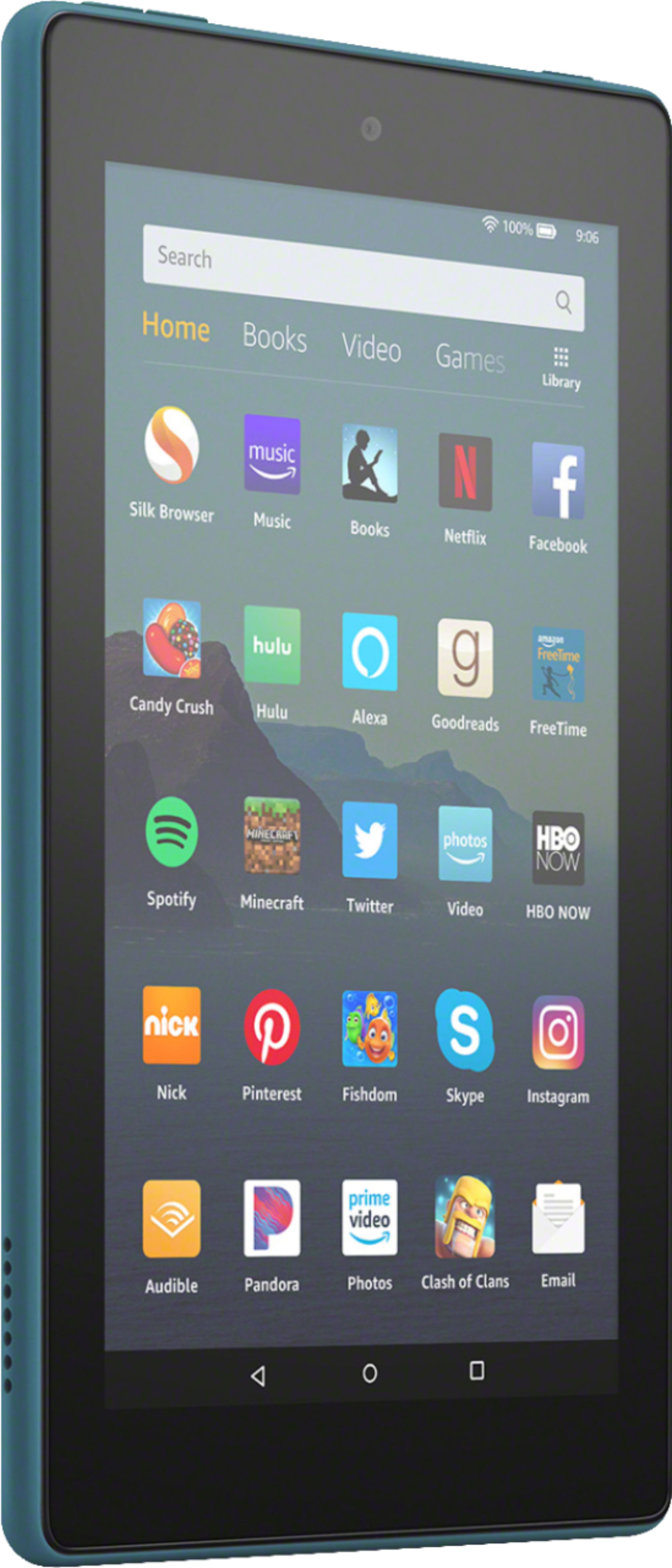
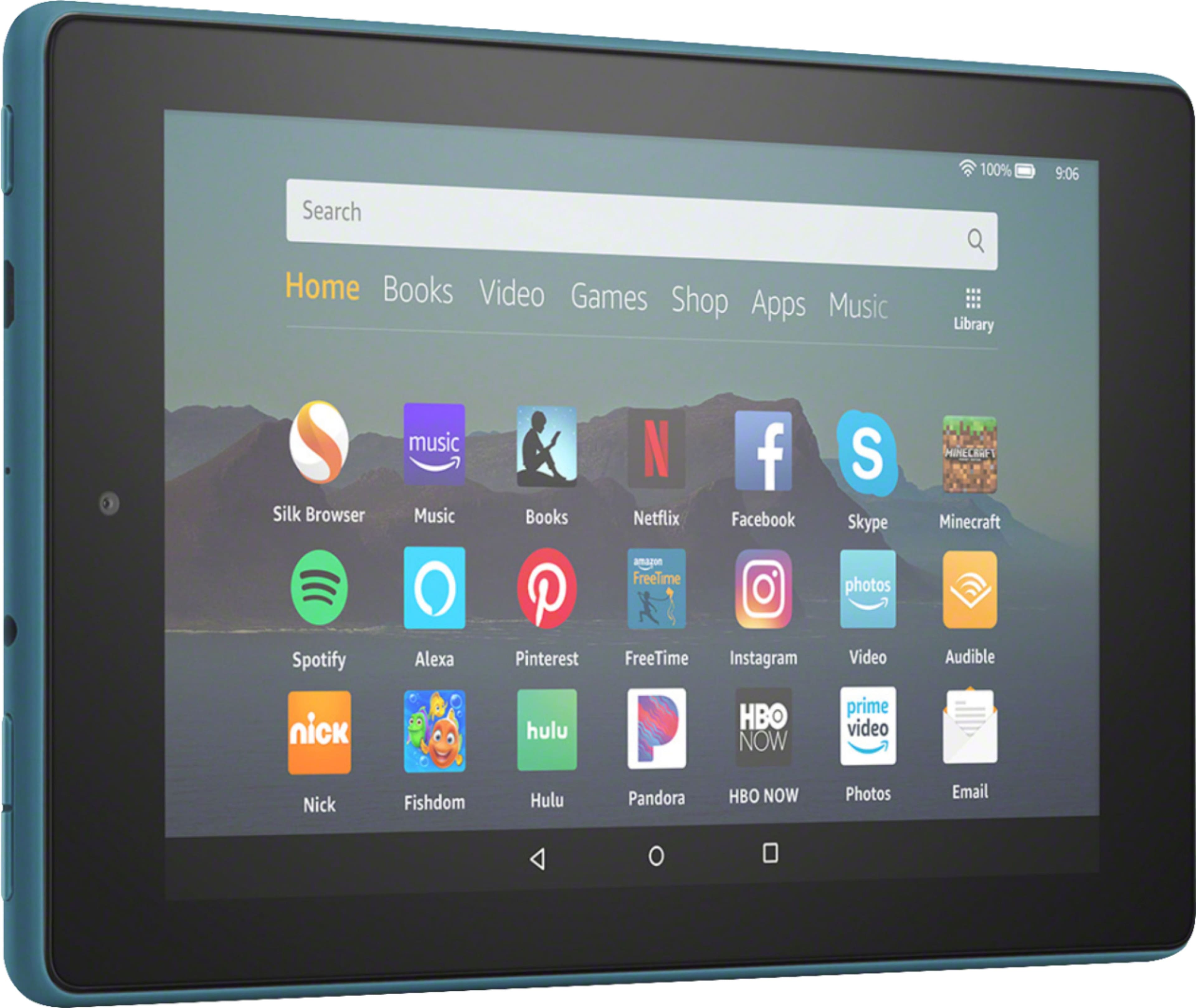
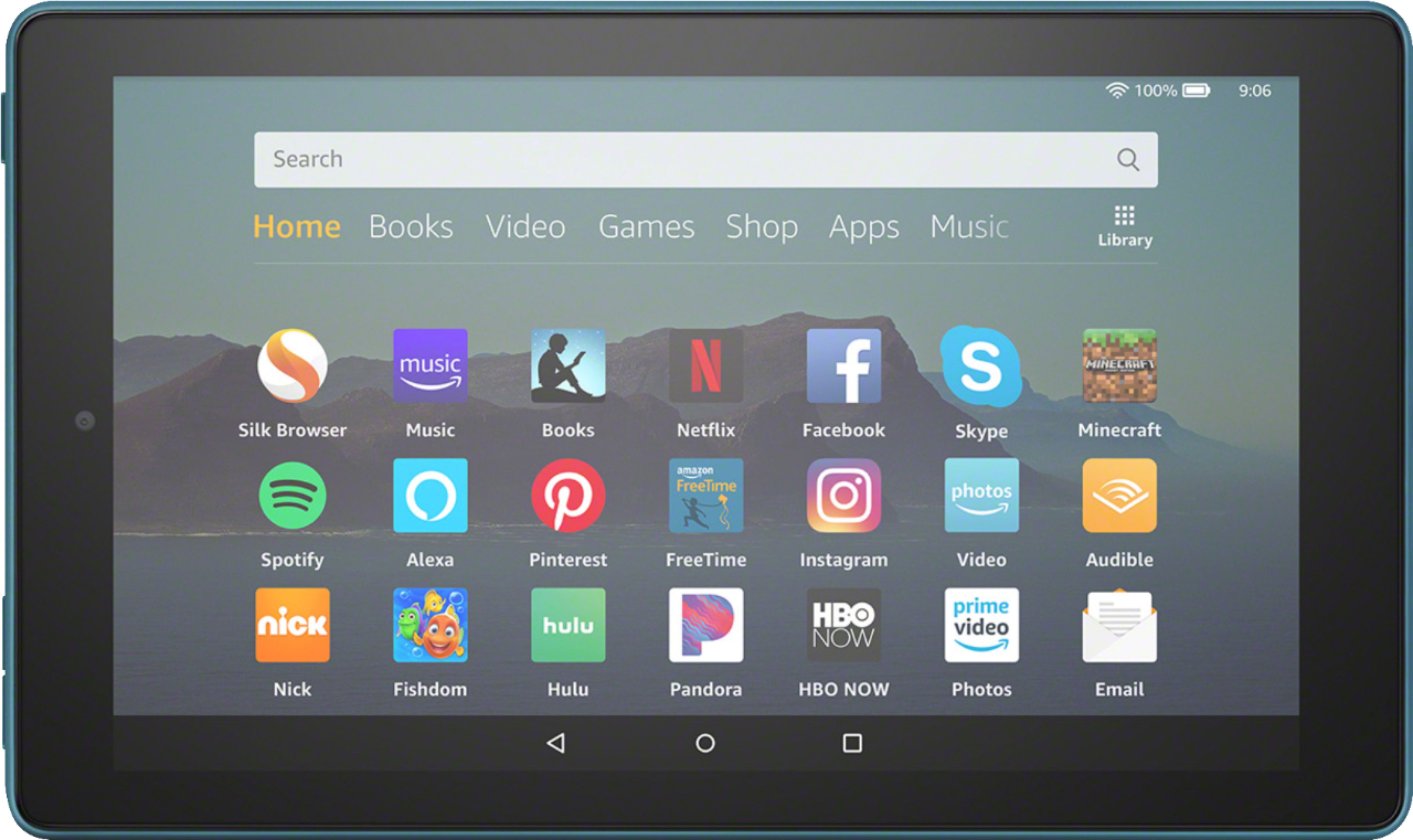
Here are some of the stats on this product:
Faster 1.3 GHz quad-core processor
Up to 7 hours of reading, browsing the web, watching video, and listening to music
Hands-free with Alexa, including on/off toggle
1 GB of RAM
Hope some of this helps.
A:AnswerHello Athena, you will need an Amazon account. It will prompt you during the initial setup process to set one up for free. If you already have an existing account you can just use that to log in.
Have a great day!
A:AnswerHello Alex, you cannot mirror your phone to the tablet. There are some apps available in the app store that will allow you to mirror your Amazon Fire Tablet to some Smart TVs and streaming devices.
Have a great day!
A:AnswerHello! Yes, you can use Zoom on the device. Facetime is specifically for Apple products, so that is not available for the Fire 7 tablet. Have a great day!
A:AnswerHello Lucy, there are thousands of apps and games available on this tablet. I personally play Candy Crush on mine way more than I care to admit. Hope that answers your questions.
Have a great day!
A:AnswerHello Waldo, when you delete the books off the tablet they are still stored in the cloud. You do have unlimited storage in the cloud so you won't have to worry about filling it up. If there is a book that you want to never see again, you can go into your Amazon account and permanently delete it.
Hope that answers your question, have a great day!
A:AnswerHello, pgott! Yes, when you are reading books, you can adjust the size of the font. It will make the text fit the screen to make it easy for your to continue reading. Have a great day!