Black Friday is hereAlso, shop the 24-Hour Flash Sale.Shop now

Main Content

Questions & Answers

Your price for this item is $139.99
Page Showing 81-100 of 218 questions
  • QuestionCan my grandson access YouTube from this pad

    Asked by Gina.

    • Answer Gina, "Hello! To add content to your Child Profile on a Fire Tablet, follow these steps: 1. Go to the Parent Dashboard 2. Navigate to the child profile you wish to manage and select Settings. 3. Select Add content. 4. Select the desired content category using the tabs above the list of content. 5. Add or remove content by toggling the switch next to them. And, Yes, you can access/add YouTube for your grandson on the Fire 8 Kids Tablet, I hope this helps, have a great day!

      Answered by Amazon Devices Customer Support

  • QuestionDoes the worry free guarantee cover water damage

    Asked by Valley79.

    • Answer Hello, Valley79! Yes, the 2 year worry free guarantee covers any damage done to the device within the first two years. For specific answers to warranty coverage, please reach out to Amazon customer support. Thank you, and have a great day!

      Answered by Amazon Devices Customer Support

  • QuestionIs this tablet good for 7 year olds?

    Asked by JoAnn.

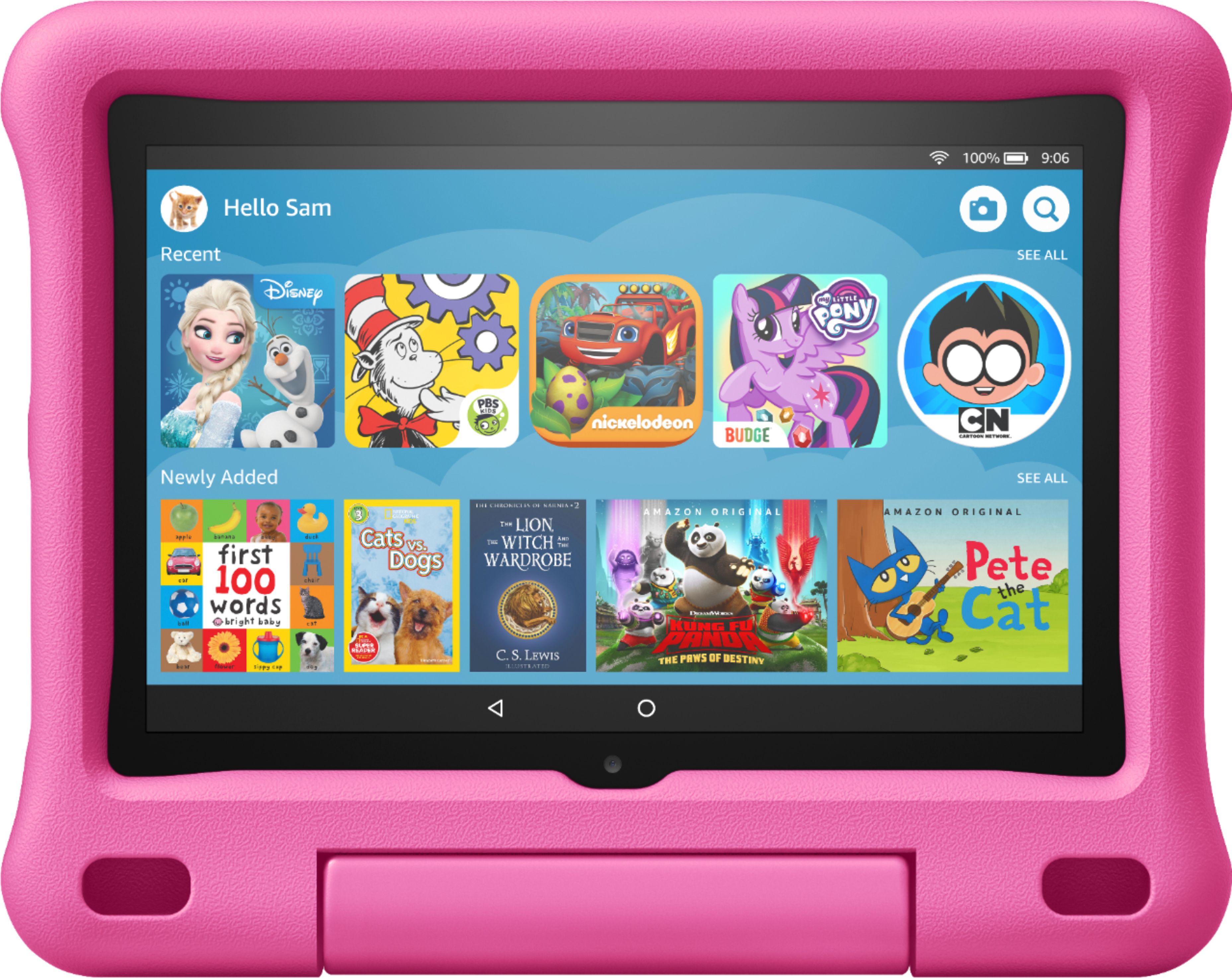
    • Answer Hi JoAnn! Yes! Amazon kids tablets are best suited for kids aged 3-12. It also comes with a free year of Amazon FreeTime Unlimited. Free Time offers over 20,000 books, movies, TV shows, and educational apps and games featuring kids' favorite characters from PBS, Nickelodeon, Disney, and more. Hope this helps, enjoy your day!

      Answered by Amazon Devices Customer Support

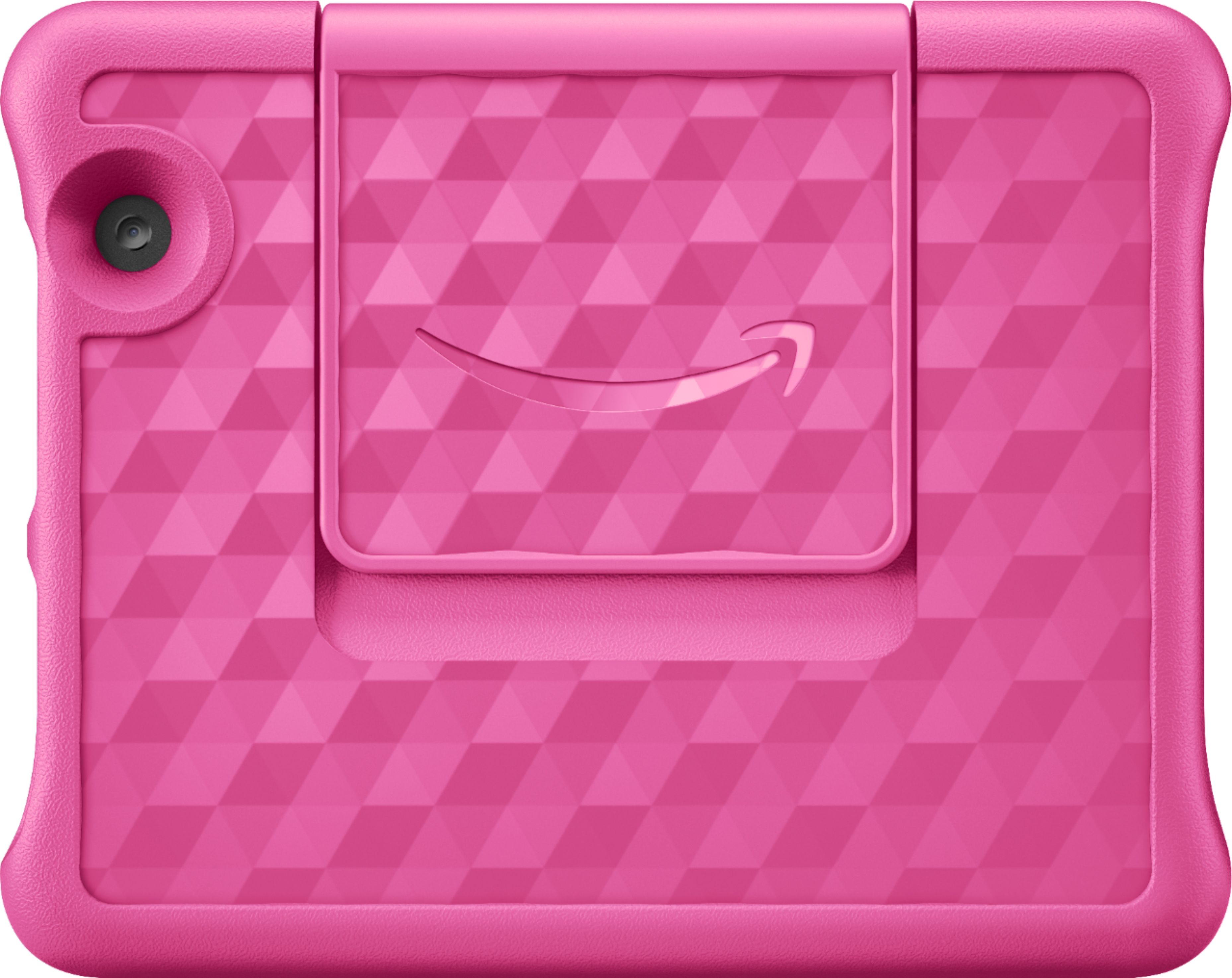
  • QuestionWhat accessories go with this tablet? Does it come with the purple case?

    Asked by Mar.

    • Answer It does come with the case and a charging cord.

      Answered by Ledtapelights

  • Questiondoes this tablet good for children over 7 years of age?

    Asked by granny.

    • Answer Hi granny! Yes! Amazon kids tablets are best suited for kids aged 3-12. It also comes with a free year of Amazon FreeTime Unlimited. Free Time offers over 20,000 books, movies, TV shows, and educational apps and games featuring kids' favorite characters from PBS, Nickelodeon, Disney, and more. They can also keep the tablet and remove any parental configuration to keep the tablet even longer! Hope this helps, enjoy your day!

      Answered by Amazon Devices Customer Support

  • QuestionI can't get anything to work on my kids profile

    Asked by Anonymous.

    • Answer I am sorry you are having trouble with this device. I would recommend that you reach out to Amazon Customer Support for this so they can narrow down and assist you better for your specific concerns. Without further details we are unable to properly answer your question.

      Answered by Amazon Devices Customer Support

  • QuestionAre you able to switch this tablet case ?

    Asked by Dana.

    • Answer Yes.

      Answered by Lulu

  • QuestionCan YouTube be downloaded or installed

    Asked by Anonymous.

    • Answer Yes from the Amazon account or your App Store

      Answered by MittieC

  • QuestionWould i be able to use thus tablet for zoom or chat/facetime thru messenger?

    Asked by Debit.

    • Answer Hi Debit! Hello! Yes, the Zoom, Skype, and Facebook Messenger app can be downloaded to your Fire Tablet. Facetime is not available. You can download games and apps and use them on the go by following these steps: 1. Select Games & Apps or open the Apps or Games app. 2. Select an app from your Library to download it or search for a new app in the Store. Hope this helps! Have a great day!

      Answered by Amazon Devices Customer Support

  • QuestionHi ! Does it include SIM card ?

    Asked by DonDidy.

    • Answer Hello DonDidy! Thanks for your question! This device is a WiFi only tablet meaning that it does not support cellular service that would need a SIM card. If your question is pertaining to possibly expanding the storage with a microSD card instead then you are able to do so with a compatible card that is sold separately and does not come with the product. I hope this answers your question and you have a terrific day!

      Answered by Amazon Devices Customer Support

  • QuestionWhen downloading movies from Disney + do you need internet to play or can you play offline

    Asked by Trace.

    • Answer Hello, Trace! Once you've downloaded a show or movie, it would be available to you to view with out without WiFi. You would not be able to stream movies or shows that have not been downloaded unless you are connected to WiFi, though. I hope that helps! Have a great day!

      Answered by Amazon Devices Customer Support

  • QuestionDoes the kindle fire 8 kids have ads on the Lock Screen?

    Asked by KL.

    • Answer Hello, KL! Yes, this device does have special offers. Special offers are ads that are displayed on the lock screen. Tap on an advertisement to see more details. Connect your device to Wi-Fi to receive the latest offers. To remove special offers from your Fire Tablet, follow these steps: 1. On Amazon's website, go to Manage Your Content and Devices. 2. Select Devices, and then select your device. 3. Under Special Offers, click "Remove offers". A pop-up window then displays the price to remove special offers. Select End Offers and Pay the Fee to proceed. I hope that information helps! Have a great day!
      Answered by Amazon Devices Customer Support

  • QuestionCan you downlaod youtube on this ipad?

    Asked by Jo.

    • Answer Hello, Jo! The Fire Tablets can have YouTube downloaded to them. You can also use the web browser on the device to access YouTube. You can download games and apps and use them on the go by following these steps: 1. Select Games & Apps or open the Apps or Games app. 2. Select an app from your Library to download it or search for a new app in the Store. Have a great day!

      Answered by Amazon Devices Customer Support

  • QuestionIs the kiddoland app compatible to download on this device

    Asked by Annette.

    • Answer Hello Annette! Thanks so much for your question! I am assuming you mean Kidloland which is currently available for download from both the Appstore on an adult profile or from Apps & Games on a kid profile. You can tap on either of the above and do a search for Kidloland to begin downloading. I hope this helps and that you have a great day!

      Answered by Amazon Devices Customer Support

  • QuestionDoes this need to be connected to wifi? Or does it have internet already?

    Asked by Ariel.

    • Answer Hello, Ariel! The Fire 8 Kids tablet would need WiFi to download apps, games, or books. Many apps would require the use of WiFi to use the apps, but not all of them would need it. The device does not have WiFi built into it. I hope you have a great day!

      Answered by Amazon Devices Customer Support

  • QuestionDo these tablets need an anti-virus

    Asked by Me.

    • Answer Hello, Me! You do not require an anti-virus software for the device, but are welcome to download one if you feel like you want or need it. I hope that helps! Have a great day!

      Answered by Amazon Devices Customer Support

  • Questionthe table shared with the YouTube kid app can be downloaded on that table?

    Asked by Jula.

    • Answer Hello Jula! Currently there is no supported YouTube Kids app available but you can use the YouTube app and set up a child profile within the YouTube app once you download YouTube and then allow it on the Parent Dashboard as follows: To add content to your Child Profile on a Fire Tablet, follow these steps: 1. Go to the Parent Dashboard 2. Navigate to the child profile you wish to manage and select Settings. 3. Select Add content. 4. Select the desired content category using the tabs above the list of content. 5. Add or remove content by toggling the switch next to them. I hope this answers your question. Have a great day!

      Answered by Amazon Devices Customer Support

  • QuestionDoes the fire hd 8 kids tablet come with a year free of prime video?

    Asked by Brezzy.

    • Answer Yes

      Answered by KireonaT

  • Questioncan I download TikTok?

    Asked by Anonymous.

    • Answer Yuuuuuuuup

      Answered by Papa

  • QuestionCan you add additional memory? If so, what MicroSD card is compatible?

    Asked by Mama.

    • Answer Yes

      Answered by KireonaT