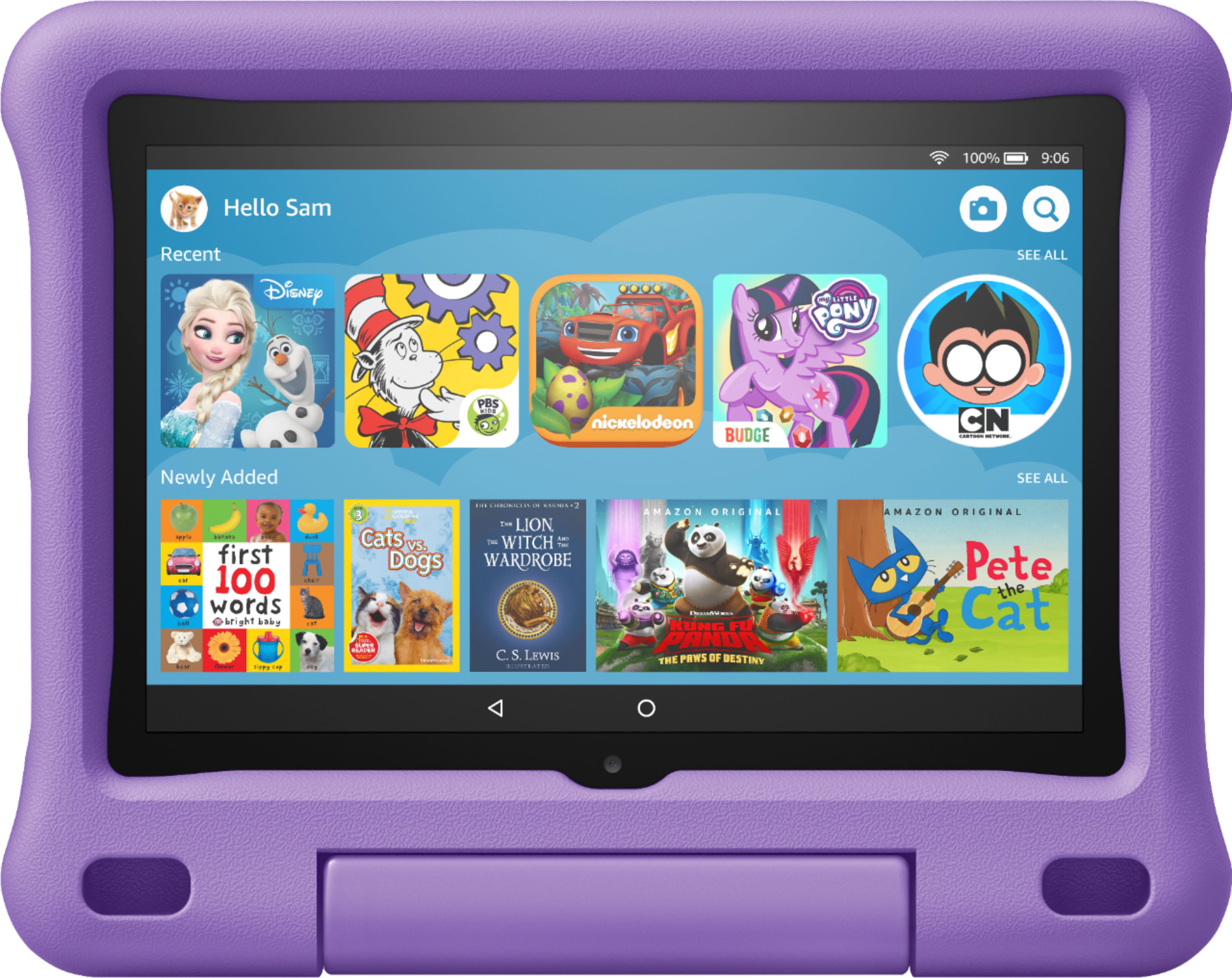
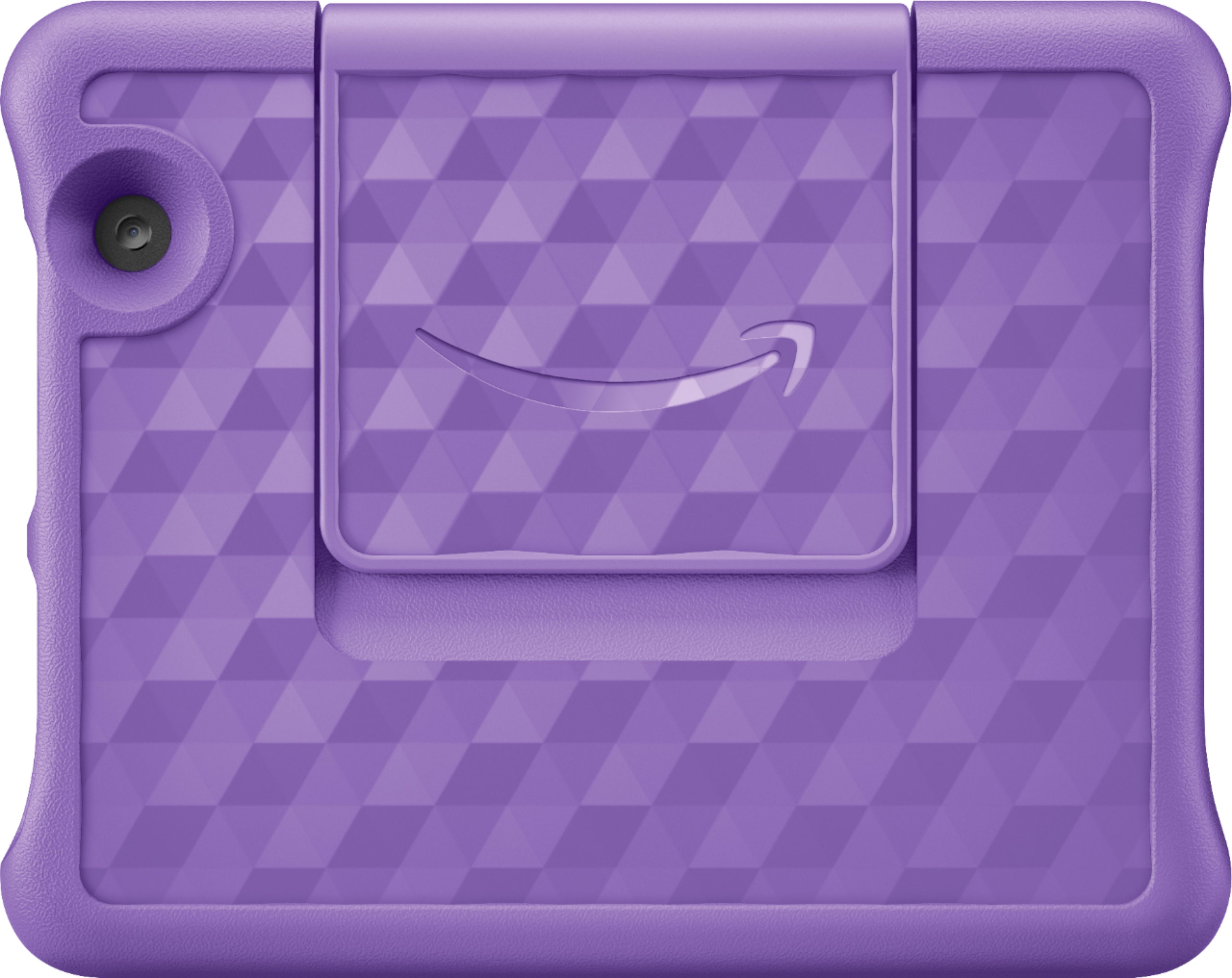
A:AnswerYup, the case is already included. it has a protective case which you can choose from either blue or pink. You better buy this tablet when it is on sale like 50% off.
A:AnswerHi Jesy,
Yes. This tablet comes with 1 year of Amazon Kids+ free for one year. After the year, you can choose to keep or stop. There are several subscriptions for this depending on the amount of children/devices you want to use it on, but it starts as low as $2.99/mth. The device warranty starts from the time you activate the device and set up using your Amazon account info. You do not need an Amazon Paid Prime membership to use this. You will be asked to sign in with your Amazon account, or create a free one when starting up the tablet. All Amazon accounts are free, the upgrade of adding a Prime Membership is what adds the additional cost and gets you things like free 2 day shipping on applicable merchandise. Hope this info helps. Have a great day!
A:AnswerAmazon always backs this tablet for 1 year including accidental damage! Examples cracked screen, and who else can say they will replace your electronic for free if you accidentally cracked your screen? No one beside Amazon that I am aware of! Thumbs up 100%!
A:AnswerHello and thank you for your question! Baby Rhymes is not available at this time from the Amazon Appstore. I hope this answers your question and that you have a great day!

A:AnswerHi Nursemom! Yes, the facebook messenger app can be downloaded to your Fire Tablet. You can download games and apps and use them on the go by following these steps:
1. Select Games & Apps or open the Apps or Games app.
2. Select an app from your Library to download it or search for a new app in the Store.
Hope this helps, enjoy your day!
A:AnswerHello Anne, the Fire Tablets will work anywhere there is a WI-FI connection. Some of the apps and Alexa features may not operate outside the U.S.
Have a great day!

A:AnswerHello,
The Fire Tablet Kids Edition has a two-year worry-free guarantee. The warranty for the device is provided by Amazon.com Services LLC, and for specific instructions about how to obtain warranty service for your device, please contact Amazon Customer Service. I hope that helps. Have a great day!
Thank you for your question.
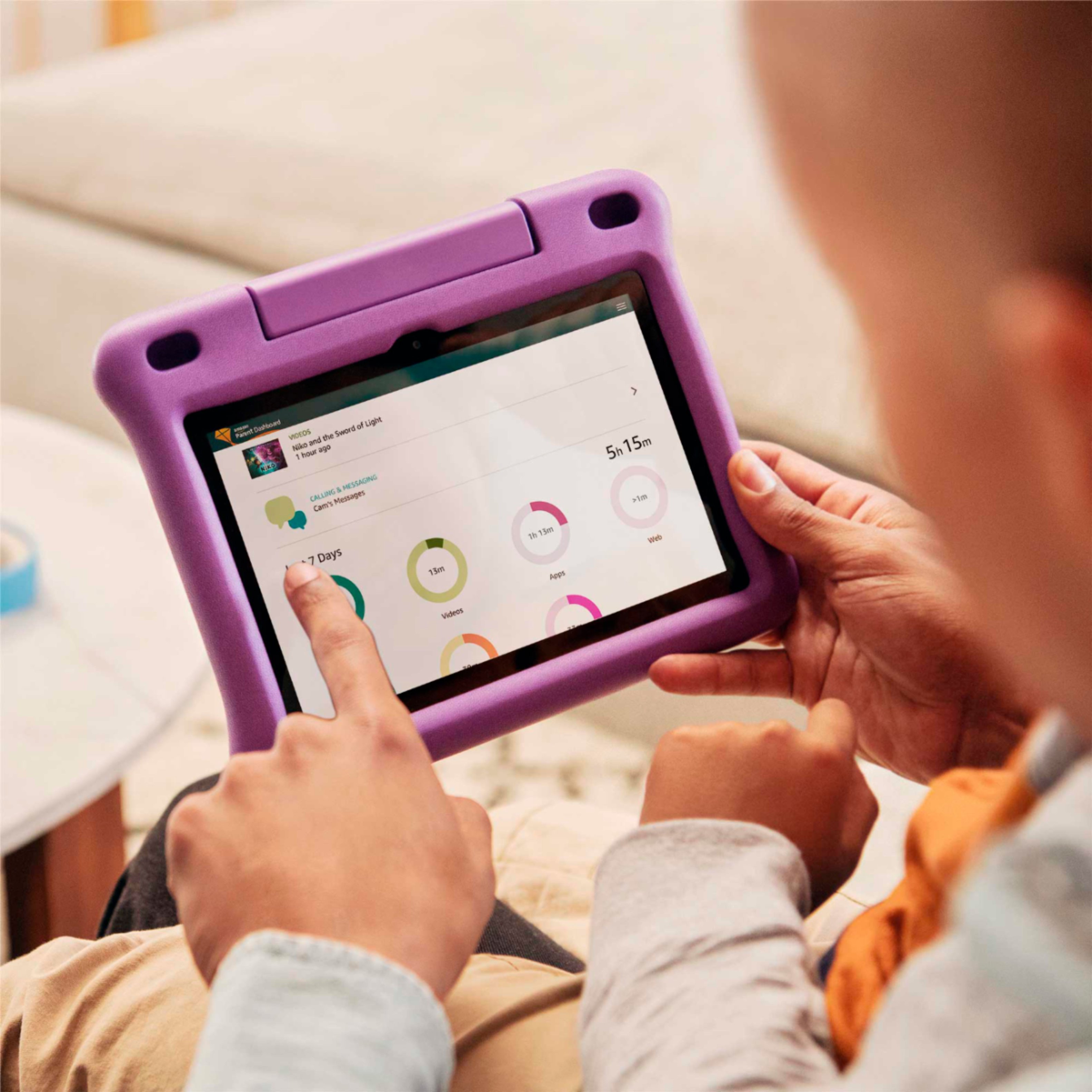
A:AnswerHello Pitachez! Yes, the YouTube app can be downloaded to your Fire Tablet. You can download games and apps and use them on the go by following these steps: 1. Select Games & Apps or open the Apps or Games app. 2. Select an app from your Library to download it or search for a new app in the Store. Next, to enable the app to be used on your child's profile, you will need to follow these steps: 1. Go to the Parent Dashboard 2. Navigate to the child profile you wish to manage and select Settings. 3. Select Add content. 4. Select the desired content category using the tabs above the list of content. 5. Add or remove content by toggling the switch next to them. Have a great day!