A:AnswerHi Hope,
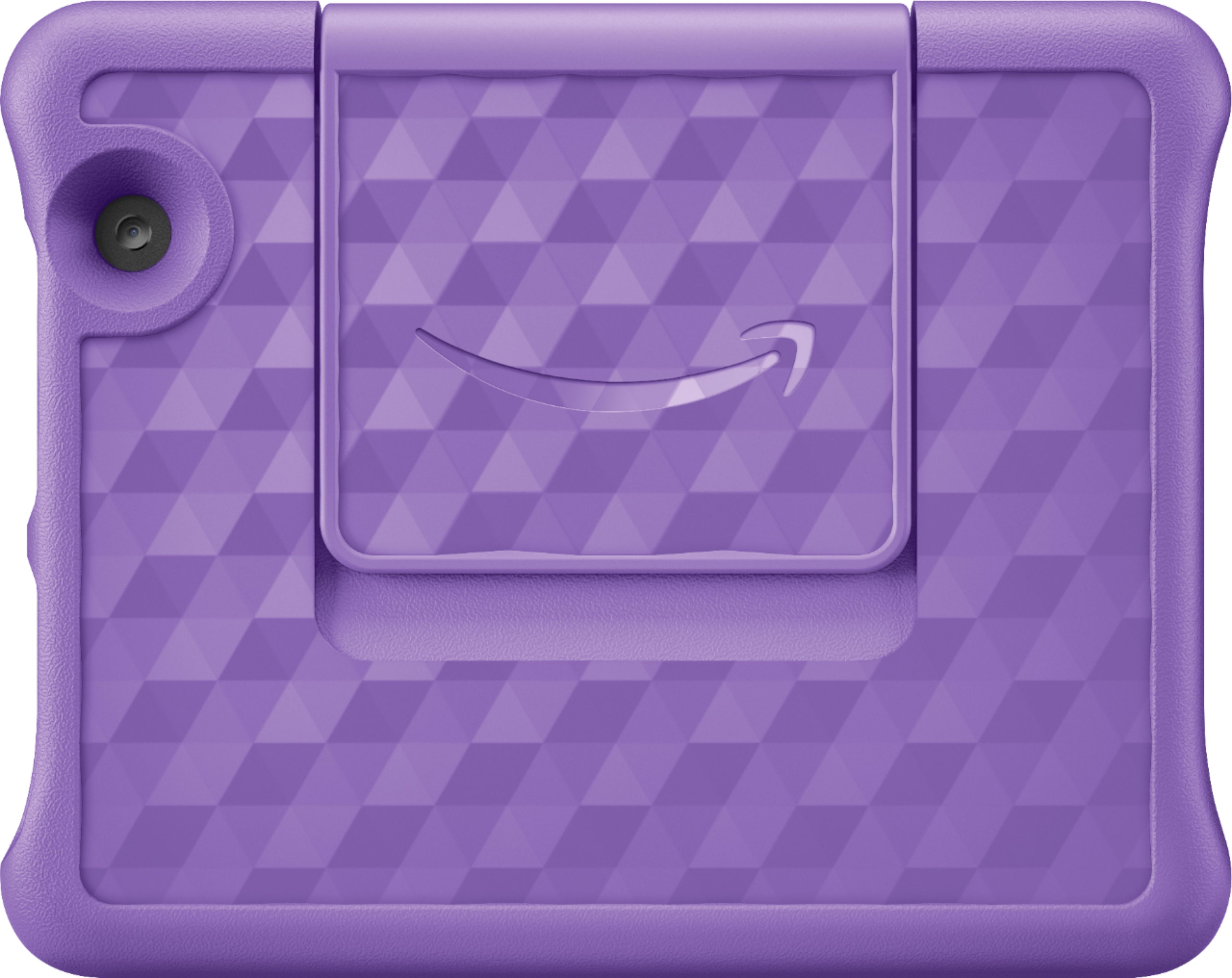
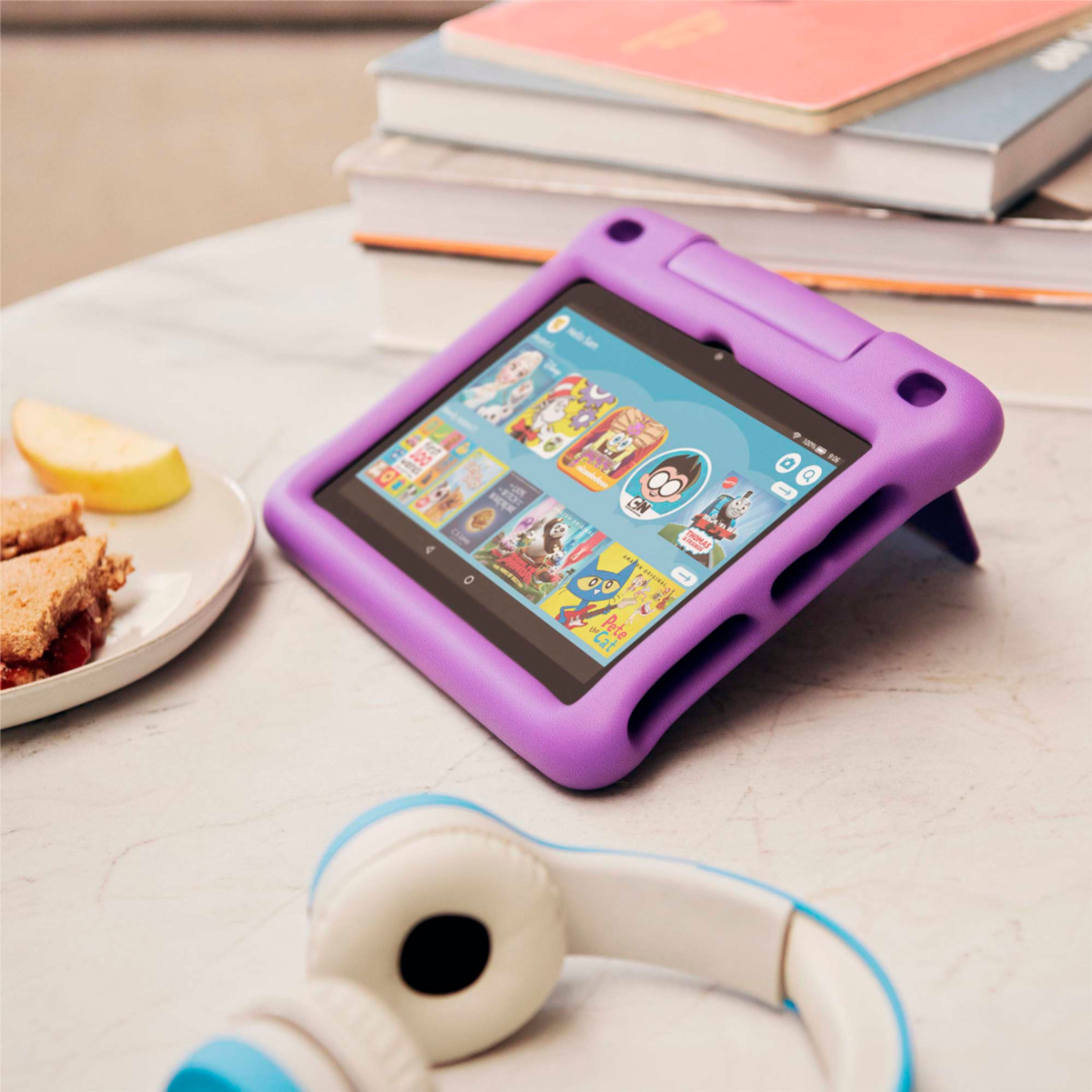
This version has USB C Charging port, as well as the updated Kid Friendly bumper with the kickstand for hands free viewing, as well as double the storage. Hope that info helps.
A:AnswerHello,
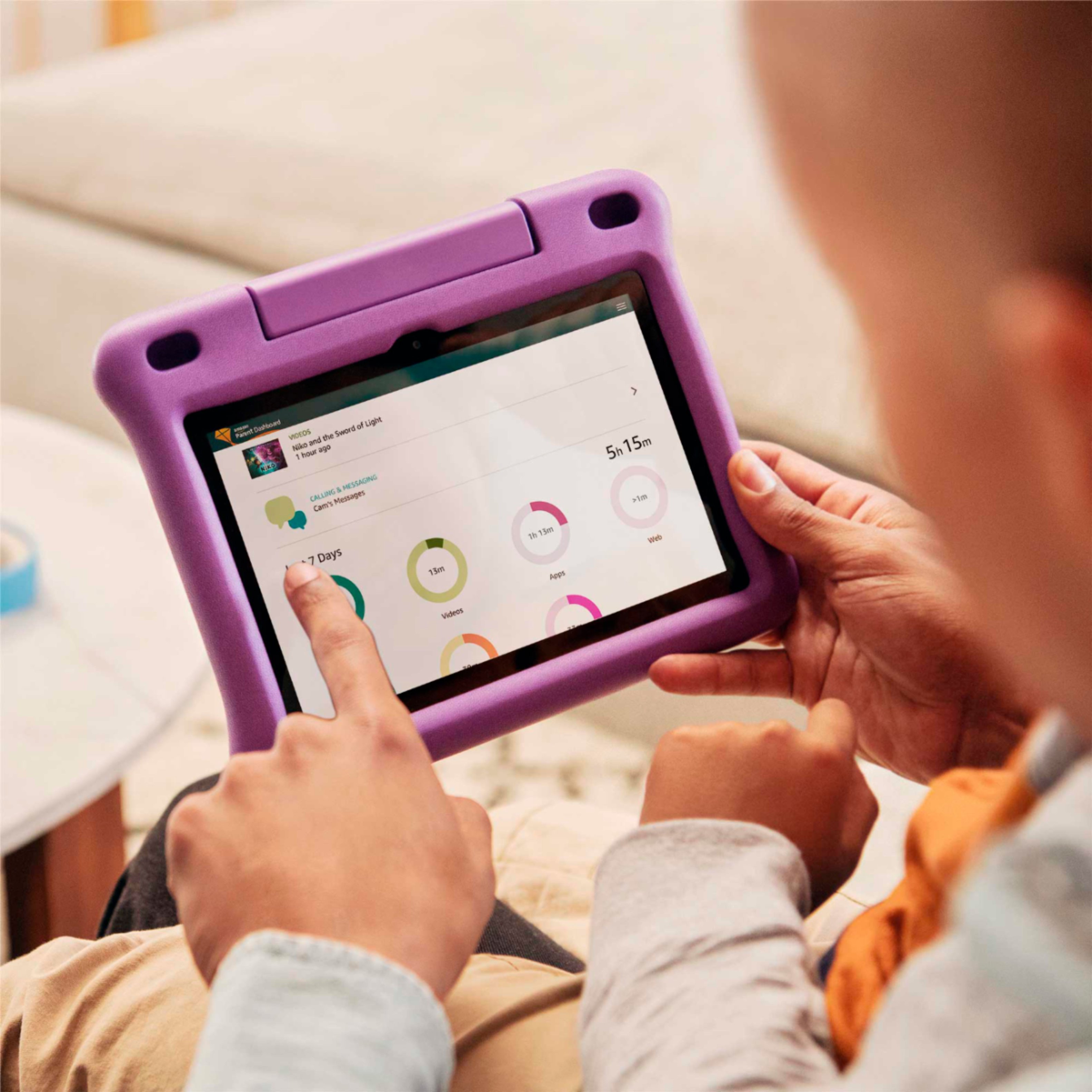
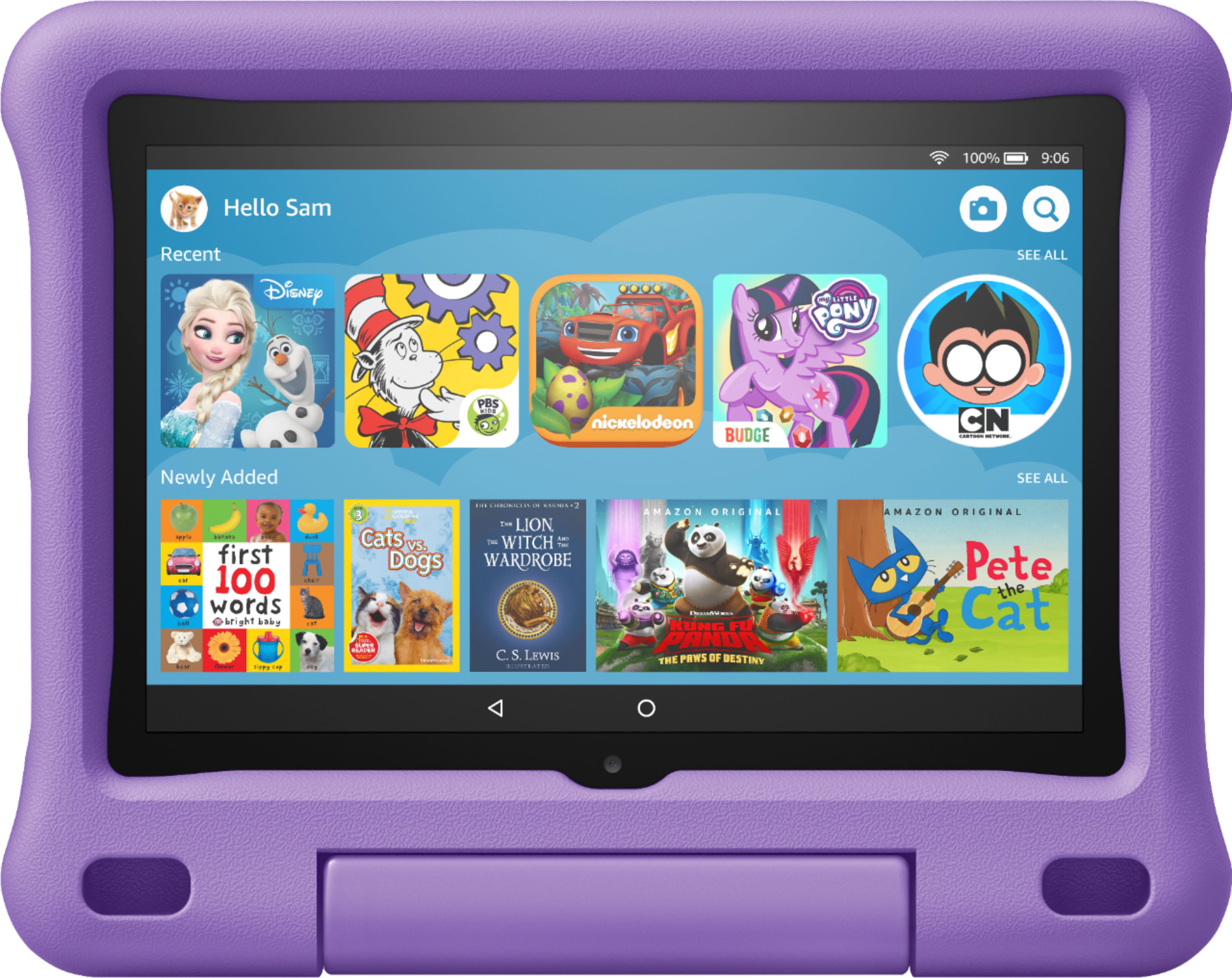
You Tube is available on this tablet, since it is a Kids Edition, you can decide and give permission for the apps that you would like your child to have access to.
A:AnswerHello Haku11525,
This tablet only has 2GB of RAM. That is the only option for the Fire Brand Tablets at this time. Hope that helps.
Have a great day.
A:AnswerHello Ari,
Have you tried to factory reset it? If not, try that. Turn power off (hold power button down until it shuts off) and then hold the volume up key as well as the power button until you see the Amazon logo appear, and then let go. Then the menu should come up to factory reset. Hope that helps.
A:AnswerHello Mike!
This would be a great start. Its easy to use, and set up, and you can use it for zoom. Sorry for the late reply, but I hope this finds you and gives you the answer you needed. Have a great day!
A:AnswerHello Ahass, the lock screen only appears when you tap the power button. When you are watching a video the tablet will stay awake so that you don't get interrupted while watching a video.
A:AnswerHello, Sherry! You do not need to have Amazon FreeTime for the tablet to work, but you would need to register the tablet with an Amazon account for it to work. It is free to set up an account, so it should be simple to get one set up for the device. Have a great day!
A:AnswerThe Amazon Fire tablets do not have the YouTube Kids app available. Fire Tablets use Amazon Fire OS which does not support the Google Play Store.
A:AnswerHello, Add2019! the Fire HD Kids Edition does not have built in WiFi. You will have to be somewhere with WiFi in order to access the features that require it. I hope that helps! Have a great day!