Black Friday is hereNew Doorbusters added. Ends 11/29.Shop now

Main Content

Questions & Answers

Your price for this item is $116.99
Clearance
The comparable value price is $179.99
Page Showing 1-20 of 51 questions
  • Questionwhy does the slate colored model cost more than other colors in both the 32 & 64 gb

    Asked by Anonymous.

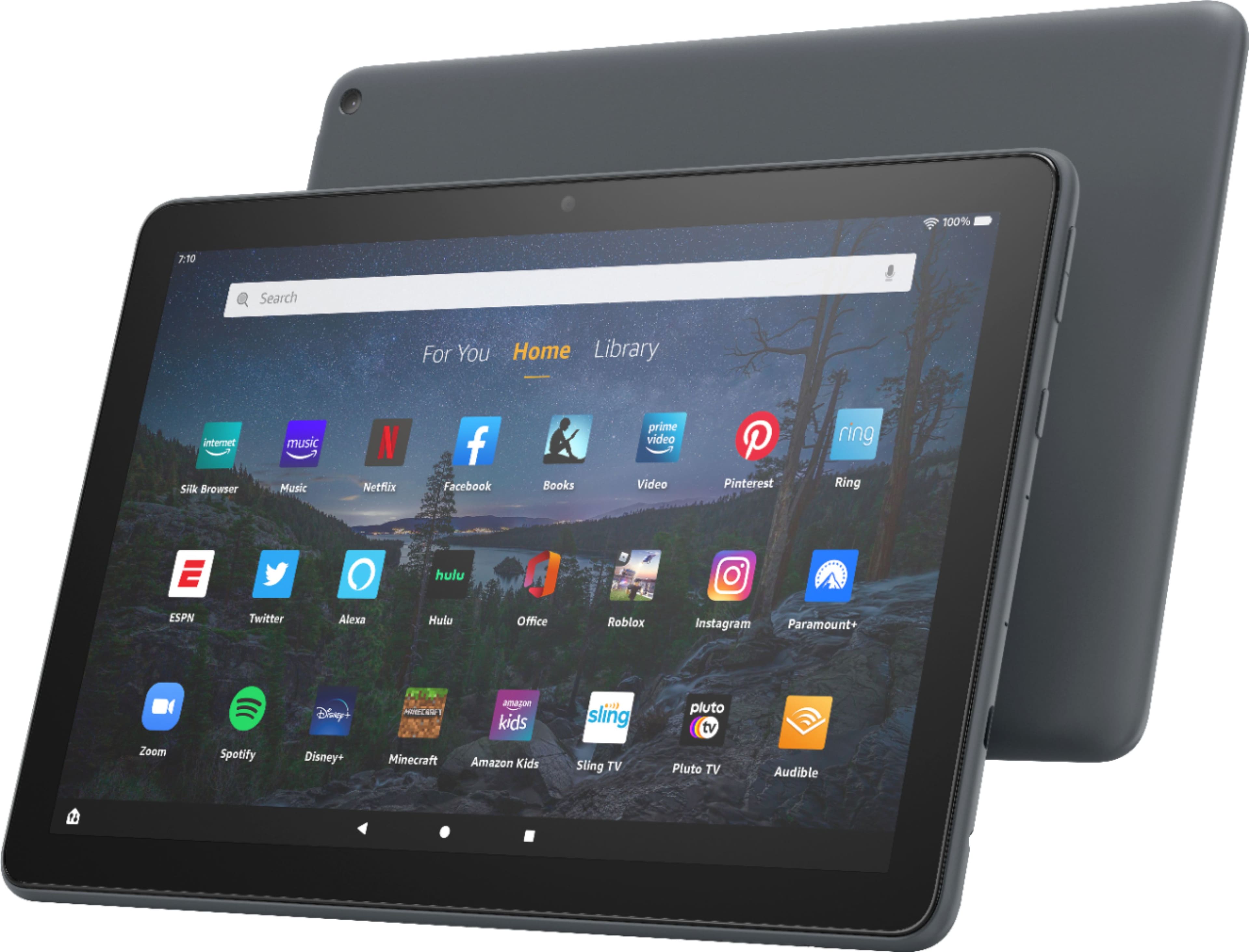
    • Answer Hello! The slate color is only in the Fire HD 10 Plus instead of the regular HD 10. With the new Fire HD 10 Plus tablet, you really do get more! With the octa-core processor and 4 GB of RAM, the device is fast and responsive! The HD 10 Plus has a long-lasting 12 hour battery and wireless charging capabilities. It also has a 10% brighter screen with more than 2 million pixels, a 5 MP rear camera, and expandable storage to 1 TB. The new tablet is 10% thinner and lighter than the previous generation, too! The HD 10 Plus also comes with a soft touch finish. I hope that helps to explain the HD 10 Plus tablet! Have a great day!
      Answered by Amazon Devices Customer Support

  • QuestionCan you use any wireless charger with the HD 10 plus? Or will it only wirelessly charge with the Amazon stand?

    Asked by Ingry.

    • Answer I did but a charging stand for it and it does work. I have also just used a USB cord and plugged it into a socket with USB charger and that worked too. Mine is in a case and on the stand I got you can charge right thru the case.

      Answered by Laura

  • QuestionWhat's in the package

    Asked by Vlastimir.

    • Answer The tablet, USB charging cord, and the wall adaptor for the cord to plug into.

      Answered by gocougs

  • QuestionCan games such as Solitaire and others be played on this model?

    Asked by What.

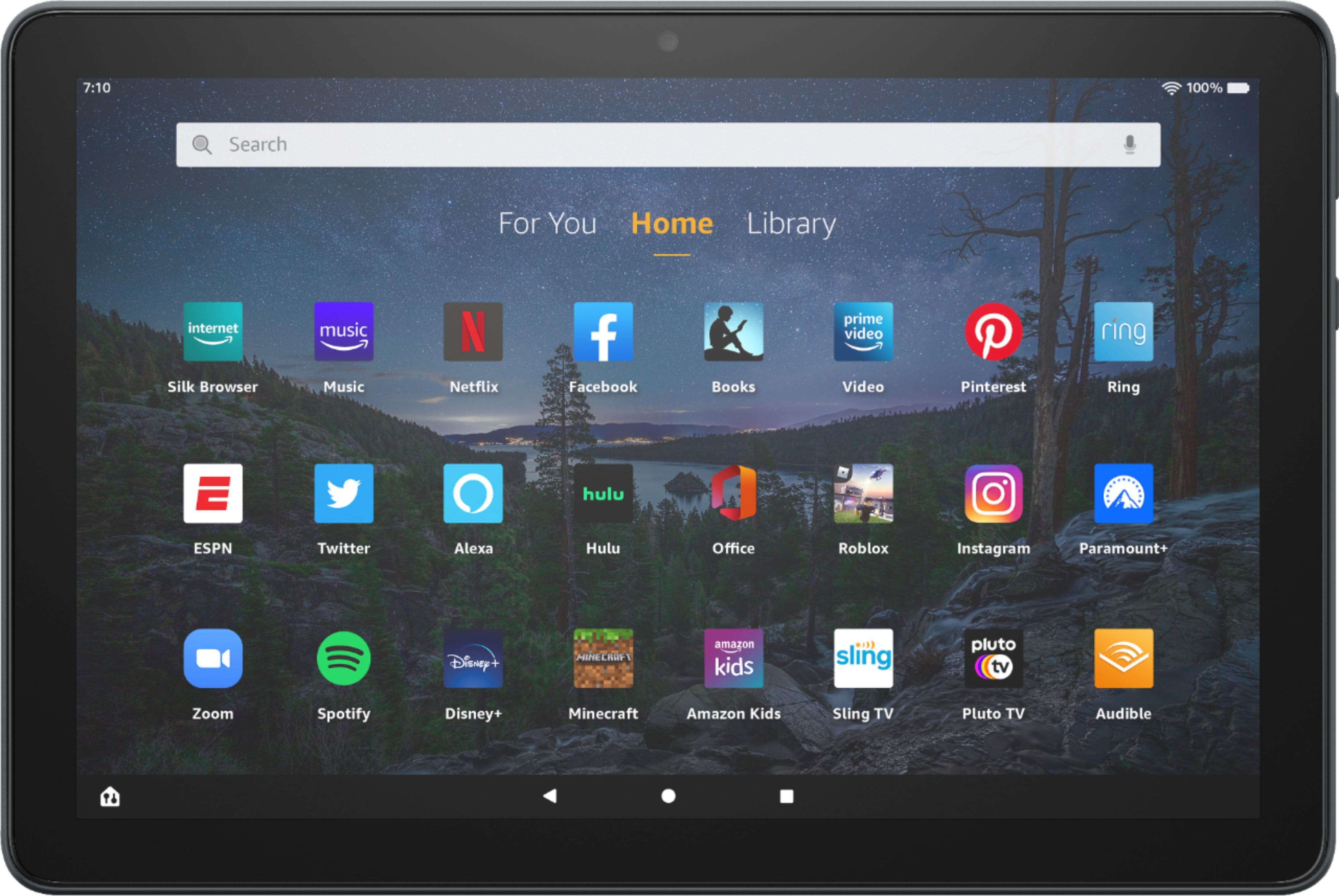
    • Answer Hi dontcare! Hello! Yes,many apps and games can be downloaded to your Fire Tablet. You can download games and apps and use them on the go by following these steps: 1. Select Games & Apps or open the Apps or Games app. 2. Select an app from your Library to download it or search for a new app in the Store. Have a great day!

      Answered by Amazon Devices Customer Support

  • QuestionCan you host in Zoom and control tolls and the break out room?

    Asked by Zoom.

    • Answer Hello Zoom, you want to know if you are able to host, control tolls and break out room in zoom on the All-New Fire HD 10 Plus. You are able to host in zoom on the All-New Fire HD 10 Plus, at the moment control tolls and break out room options are not available. Hope this has answered your questions. Have an amazing day!

      Answered by Amazon Devices Customer Support

  • QuestionDoes the Fire tablet support android apps?

    Asked by Anonymous.

    • Answer Not from the factory. It is possible to run android apps through third-party services. There is more info on this online.

      Answered by tbvrg

  • QuestionDoes this specific model have 4GB of ram ? Does it allow us to move APPS* to 'SD CARD' to prevent wasting the 32GB of storage ? Android 11 on the samsung a7 lite allowed us to do this when clicking "MOVE TO SD CARD". Does this have a similar feature ?

    Asked by TheExclusivist.

    • Answer Yes, it does have 4GB of ram; and does allow moving some apps (not all) to SD card. SD card needs to be formatted for internal storage.

      Answered by Ronny

  • QuestionI have a old Amazon Fire 10 in tablet that won't turn on

    Asked by Bigmac.

    • Answer Hello! Here are some troubleshooting steps you can follow to help fix the issues with your tablet not charging: 1. Make sure that your environment isn't too hot or too cold (tablets are sensitive to extreme temperatures). 2. Disconnect your device from charging equipment, such as the power adapter and cable. If you're using a wireless charging dock or mat, remove the tablet. 3. Press and hold the power button for 40 seconds or until your device restarts. 4. Reconnect your device to charge; plug in the cable to the power adapter and your device then plug the adapter into an outlet. The LED on most wireless chargers is solid white when charging. If your tablet still isn't charging, you may be eligible for a warranty replacement. I hope that helps! Have a great day!

      Answered by Amazon Devices Customer Support

  • QuestionIs this ad free?

    Asked by timbo.

    • Answer The Fire Tablet is ad-supported. It is just an ad on the lock screen. You can have that removed through your Amazon account for a small fee. Have a great day!

      Answered by Amazon Devices Customer Support

  • QuestionIs this ad-based?

    Asked by Anonymous.

    • Answer Hi! Yes, this tablet is an ad-supported option (also known as Special Offers or Lockscreen Ads), which displays sponsored screensavers on your device's lockscreen. To remove special offers from your Fire Tablet, follow these steps: 1. Go to Manage Your Content and Devices. 2. Select Devices, and then select your device. 3. Under Special Offers, click Remove offers. A pop-up window then displays the price to remove special offers. Select End Offers and Pay the Fee to proceed. Hope this helps. Have a great day!

      Answered by Amazon Devices Customer Support

  • QuestionCan I download E-Trade and Crypto.com apps? Is it fast enough to be able to day trade or does it have a delay?

    Asked by Brian.

    • Answer Hello Brian, you want to know if you can download E-Trade and Crypto.com apps on your Amazon Fire HD 10 Plus, and be able to trade. Those apps are not officially available for the Amazon Fire HD 10 Plus. As for trading the Amazon Fire HD 10 Plus has an available 4GB RAM and Octo-core 2.0 GHz CPU. Hope this has answered your questions. Have a great day!

      Answered by Amazon Devices Customer Support

  • QuestionHello, May I know if this Tablet has a camera/can take pictures? Thank you, Cristina

    Asked by Cristina.

    • Answer Hi Cristina, Yes, this tablet has a 2 MP front-facing and 5 MP rear-facing camera for taking pictures and videos. I hope this information helps. Have a great day.

      Answered by Amazon Devices Customer Support

  • Questionwill this product read a book to you. can you load and read books with this

    Asked by sonny.

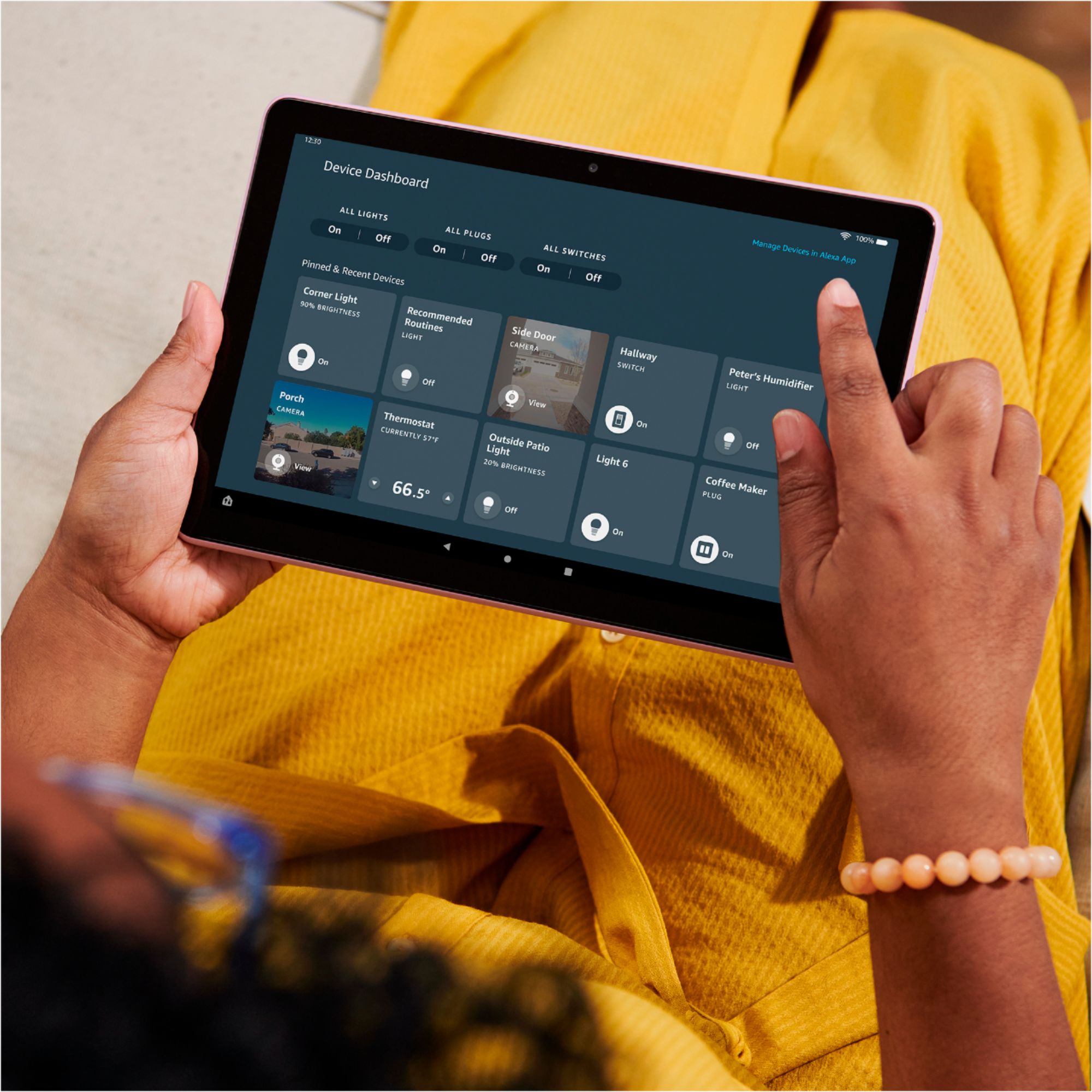
    • Answer Hi Sonny, You can download books from the Kindle App, Audible, and more on the The Fire HD 10 Plus! Alexa can start and stop new books and read them aloud through bluetooth. All you have to do enable Alexa on your Fire HD 10 and ask! You can pair headphones via bluetooth or utilize the tablets 3.5mm stereo jack. The Fire 10 Plus also has two built in microphones to give you the best sound! Hope that helps!

      Answered by Amazon Devices Customer Support

  • QuestionCan you print from this tablet? And do you need a wireless printer?

    Asked by Irish7.

    • Answer You can print from this tablet. I have an Epson NX400 printer.

      Answered by slim

  • QuestionCan you use or download google playbooks on this device?

    Asked by phats.

    • Answer Yes

      Answered by Curtisdiesel

  • QuestionCan an ethernet-to-USB-c adapter be used to connect a Fire 10 tablet to the internet?

    Asked by noman.

    • Answer I have WiFi & anywhere there is Wifi, my tablet can essily connect to the Internet.

      Answered by Veteran

  • QuestionCan I transfer my books from a old kinder fire?

    Asked by Marie.

    • Answer I just checked my library on my new kindle and found the books I had purchased on my previous tablet already there.

      Answered by SueB

  • Questiondoes model come a stand

    Asked by Anonymous.

    • Answer No but u can purchase a cover, that also can work as a stand. Thats what I have &'it is great.

      Answered by Veteran

  • QuestionCan USB C port be used for memory stick?

    Asked by Lew.

    • Answer Hi Lew! You can connect a compatible USB C memory stick to the USB C port on this tablet. There is also room for a micro SD card on this tablet as well. Hope this helps and have a great day!

      Answered by Amazon Devices Customer Support