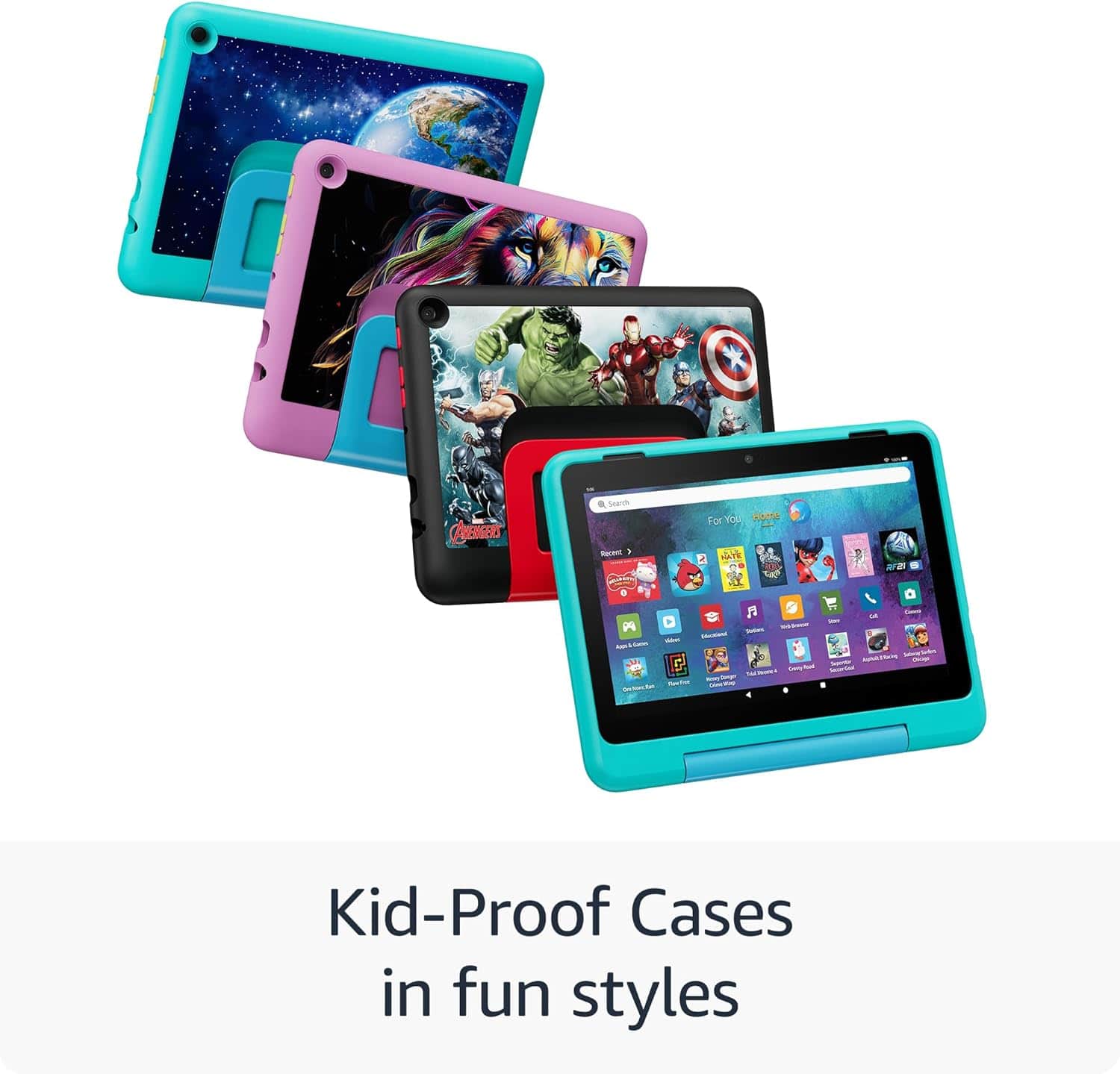
A:AnswerHello Grandma and thank you for your question! No, there is no way to remove the Avenger image off the back of the case on the Amazon Fire HD 8 Kids Pro Tablet. There are plenty of different case options available online to replace the current case. Hope this helps! Have a great day!
A:AnswerHello rdr67 and thank you for your question! The Amazon Fire HD 8 Kids Pro Tablet connect via WiFi connection (dual-band 802.11a/b/g/n/ac). That is the only way to connect to the internet. Hope this helps! Have a great day!
A:AnswerHello and thank you for asking this question. Fire tablets can be a great learning device for kids, and there are thousands of different educational apps for kids available to download on the app store. I hope this answers your question and that you have a great day.
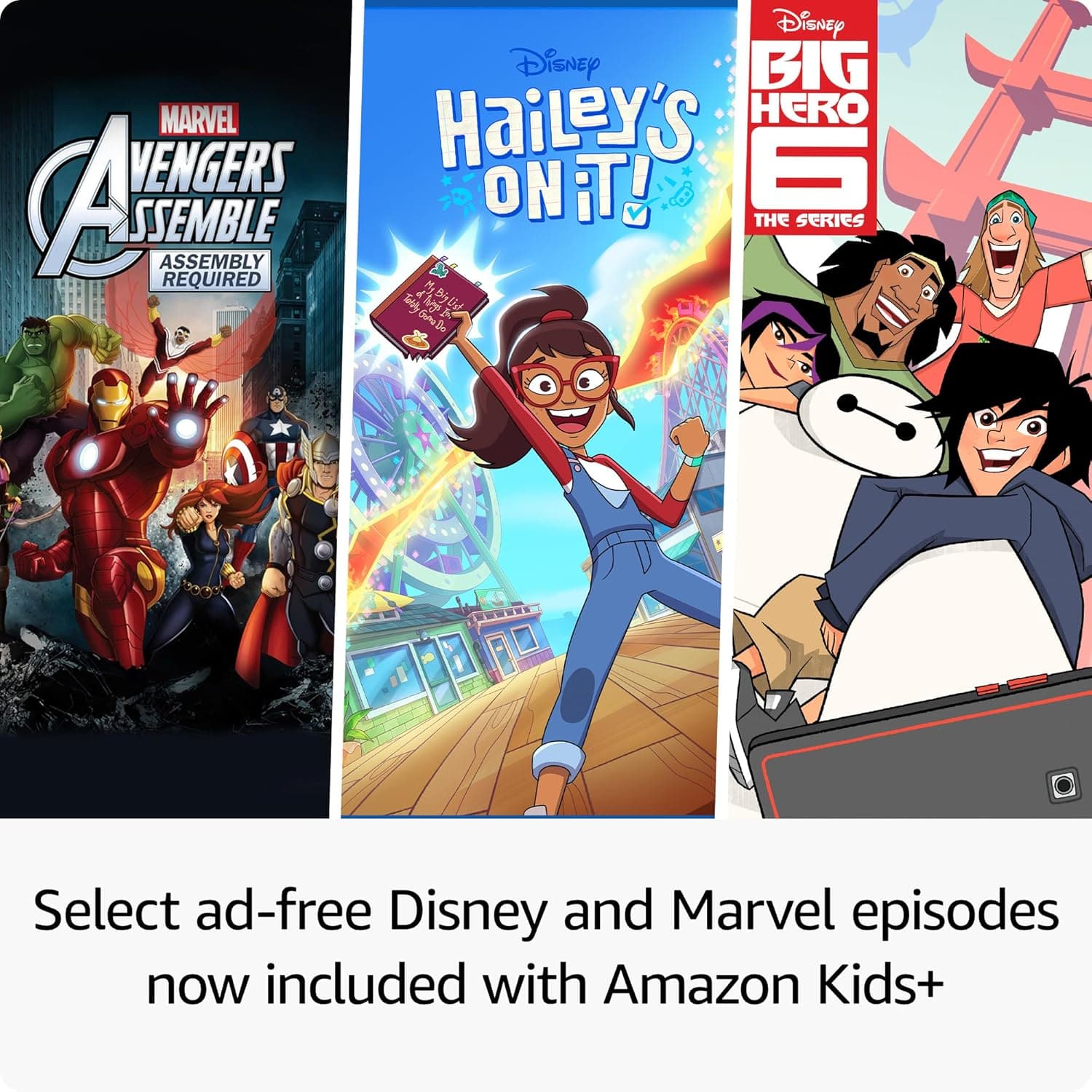
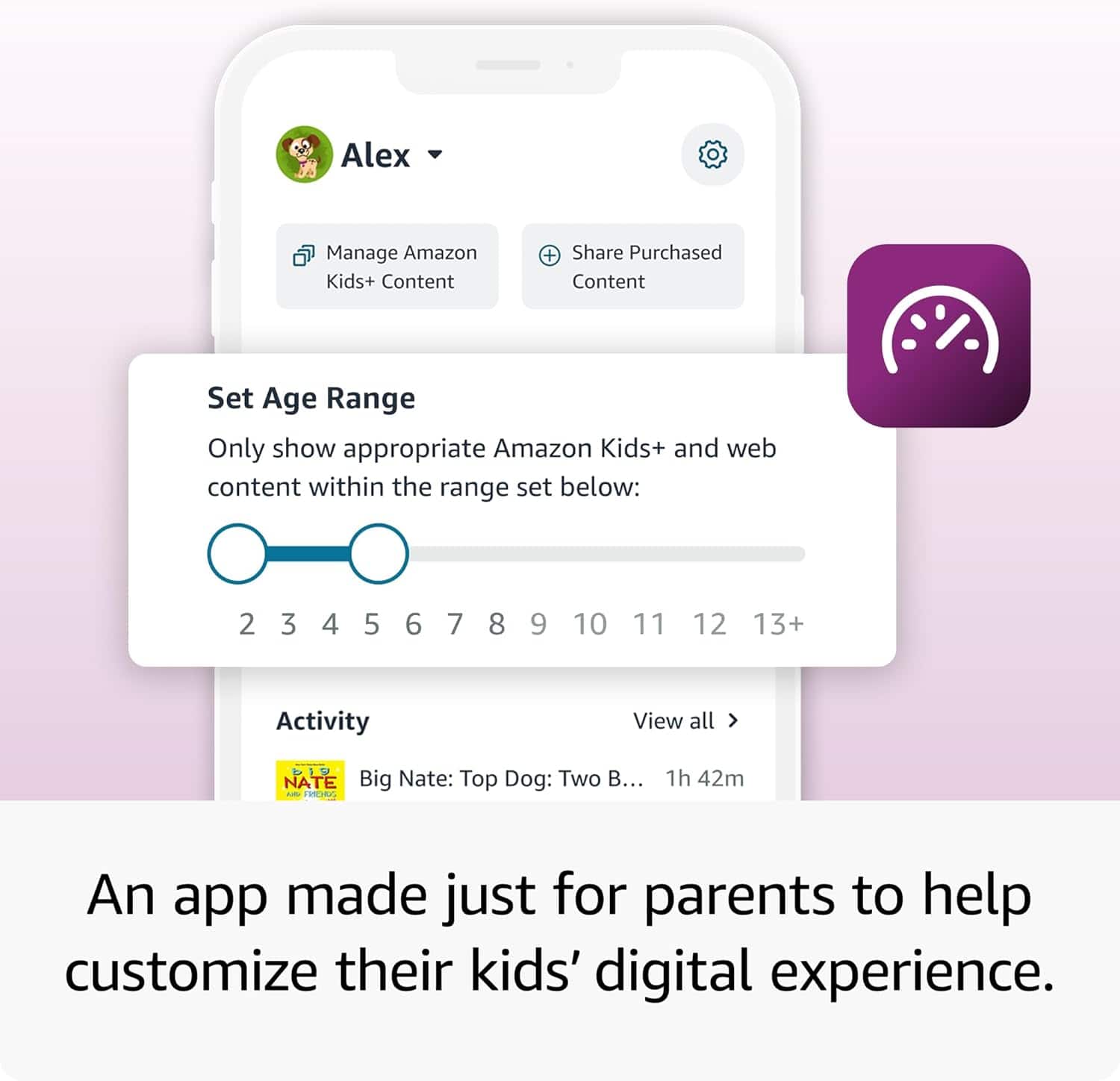
A:AnswerHi Me, Yes, you can download and use both Netflix and Disney+ on the Amazon Fire HD 8 Kids Pro tablet. These apps are available through the Amazon Appstore on the tablet. As this is a Kids edition, it involves a few steps due to the child-focused setup and parental controls. 1. Switch to the adult/parent profile or use the Parent Dashboard on amazon.com. 2. Open the Amazon Appstore on the tablet 3. Search for "Netflix" or "Disney+" and download/install it. 4. Add the app to the child's profile (Child's profile settings>Manager content>Amazon content>Apps tab>Toggle Netflix/Disney+ ON Hope you have a great day.
A:AnswerHello Adam! Thanks so much for your question and interest in the Fire HD 8 Kids Pro! This device is a Wi-Fi only device that would need to either share the hotspot services of your wireless phone if available or would need to be used on home or public Wi-Fi services. It does not contain a SIM card or cellular antenna. Thanks so much for your question and I hope you have an amazing day!
A:AnswerHi, thank you for your question! The Fire HD 8 Pro Tablet does have abilities to stay in touch, Kids can make voice and video calls over Wi-Fi to approved contacts with an Alexa-enabled device or the Alexa app. I hope this information helps, have a great day
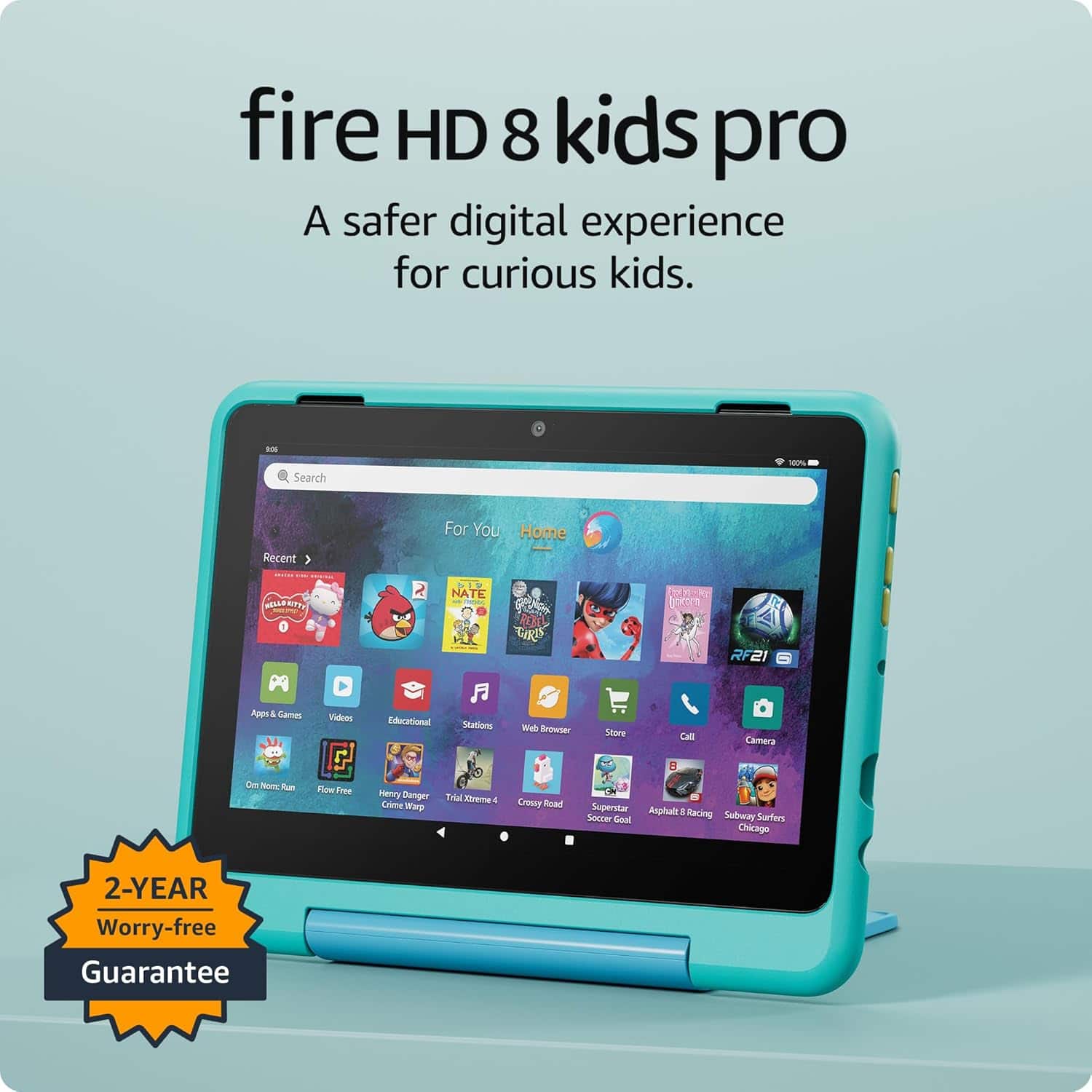
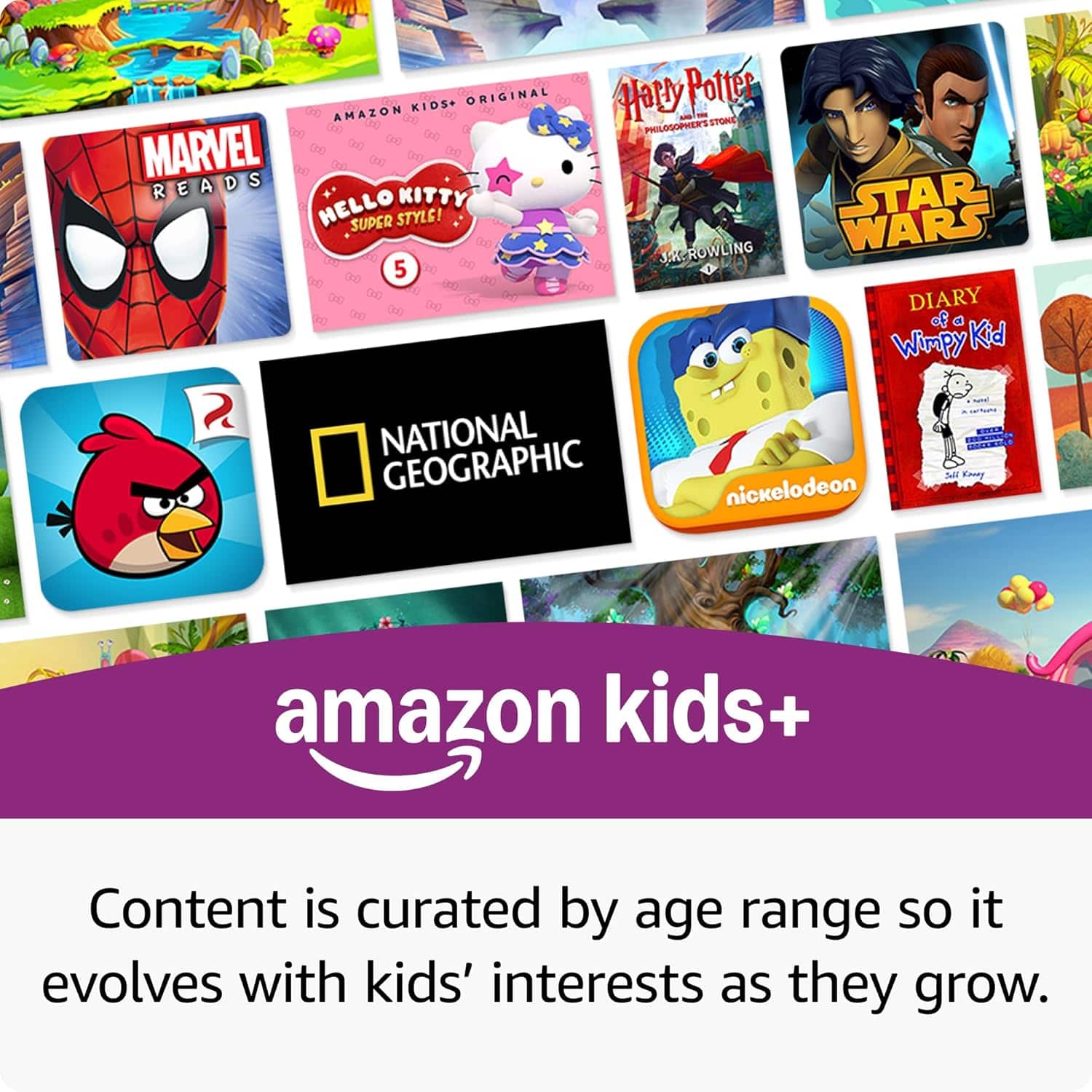
A:AnswerHi Lawrence! You don't need to use Kids+ with the Fire 8 Kids Pro, the tablet itself is the same hardware as the Fire HD 8. You'll be able to download apps like Netflix and Disney+, and can still set up a child profile for the better parental control options. You'll also still get the 2 year worry free guarantee even if you aren't a Kids+ subscriber. I hope that helps, have a great rest of your day!
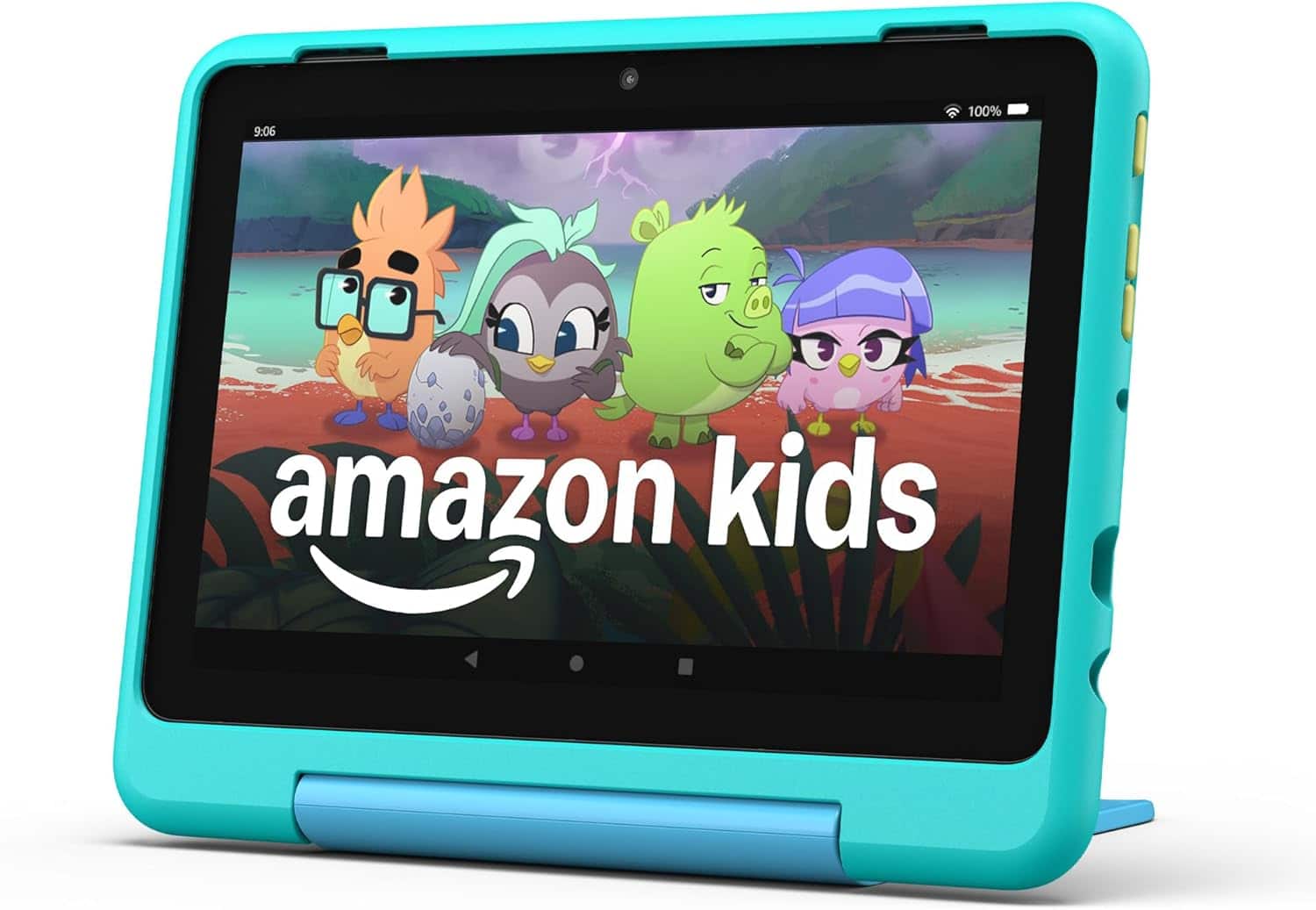
A:AnswerHi!
While the internet can't be installed on this device, you can access the internet by connecting your Fire HD 8 to any Wi-Fi network.
I hope this answers your question!
A:AnswerHi Grandson, the Fire HD 8 Kids Pro runs on Fire OS, which is based on Android, and it can work with Android phones through apps and Amazon account features, but it’s not a standard Android tablet. Hope this helps!
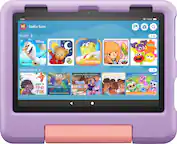
A:AnswerHello, thank you for your question. Yes, the Amazon Fire HD 8 Kids Pro tablet comes with a slim, kid-friendly case, but it does not come with a screen protector. The tablet itself has a screen made from strengthened aluminosilicate glass, and while the case offers some screen protection by being designed to surround the screen, an additional screen protector is not included by default, though it can be purchased separately. I hope that helps, have a great day!