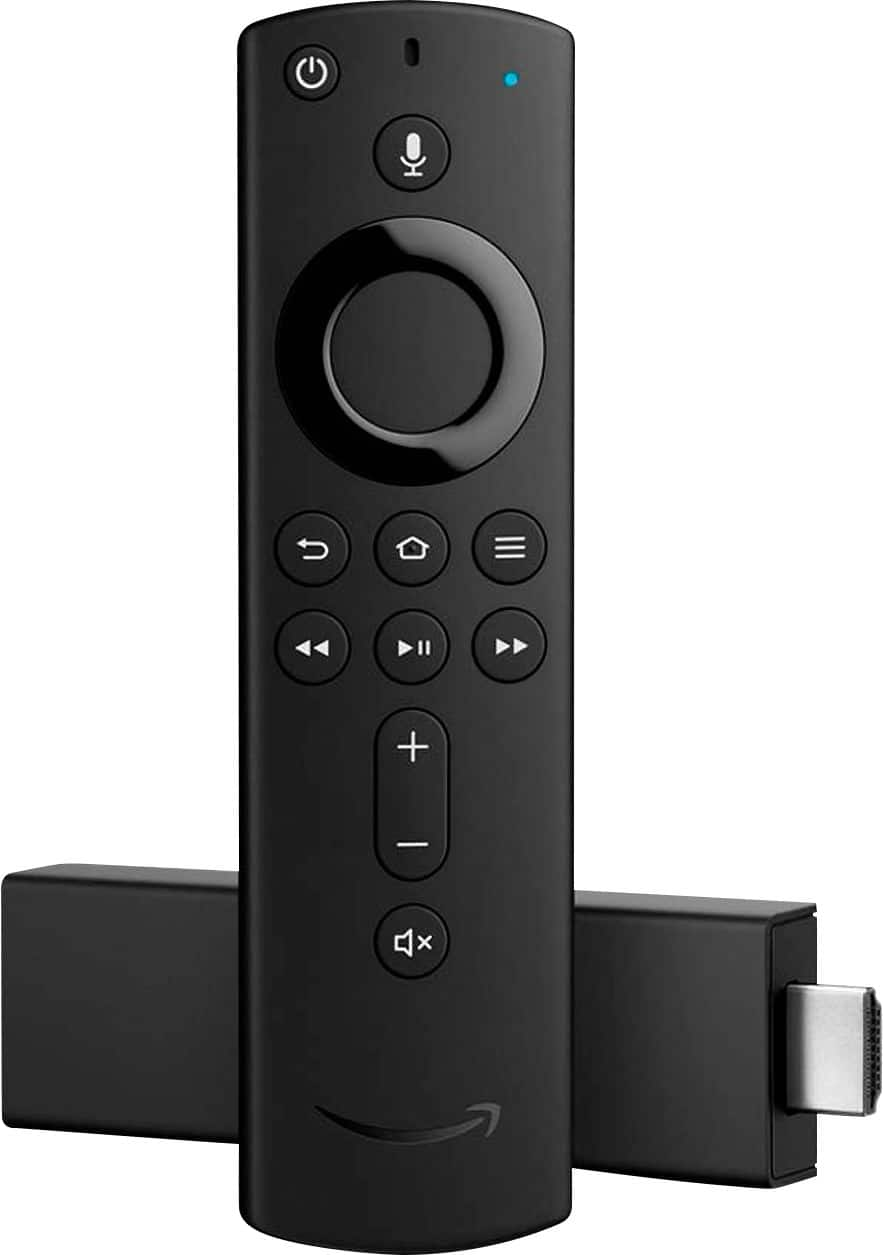
A:AnswerI thought the same thing. I use the extension piece that it comes with. Then I use double sided tape to stick it to the TV. I doesn't move at all.
A:AnswerSorry, unless your TV provider does or the channels have an app, no. Firestick is not a TV service and therefore doesn't do that without add-ins or apps.
A:AnswerBypass the antenna and go straight to the Fire Stick. It gives you so many more channel options to explore in addition to just local channels. The Fire Stick is also great as a replacement for cable television without the high monthly bills. Once your Fire Stick is programmed, you can enjoy all of your favorite programming choices. Hope this helps.
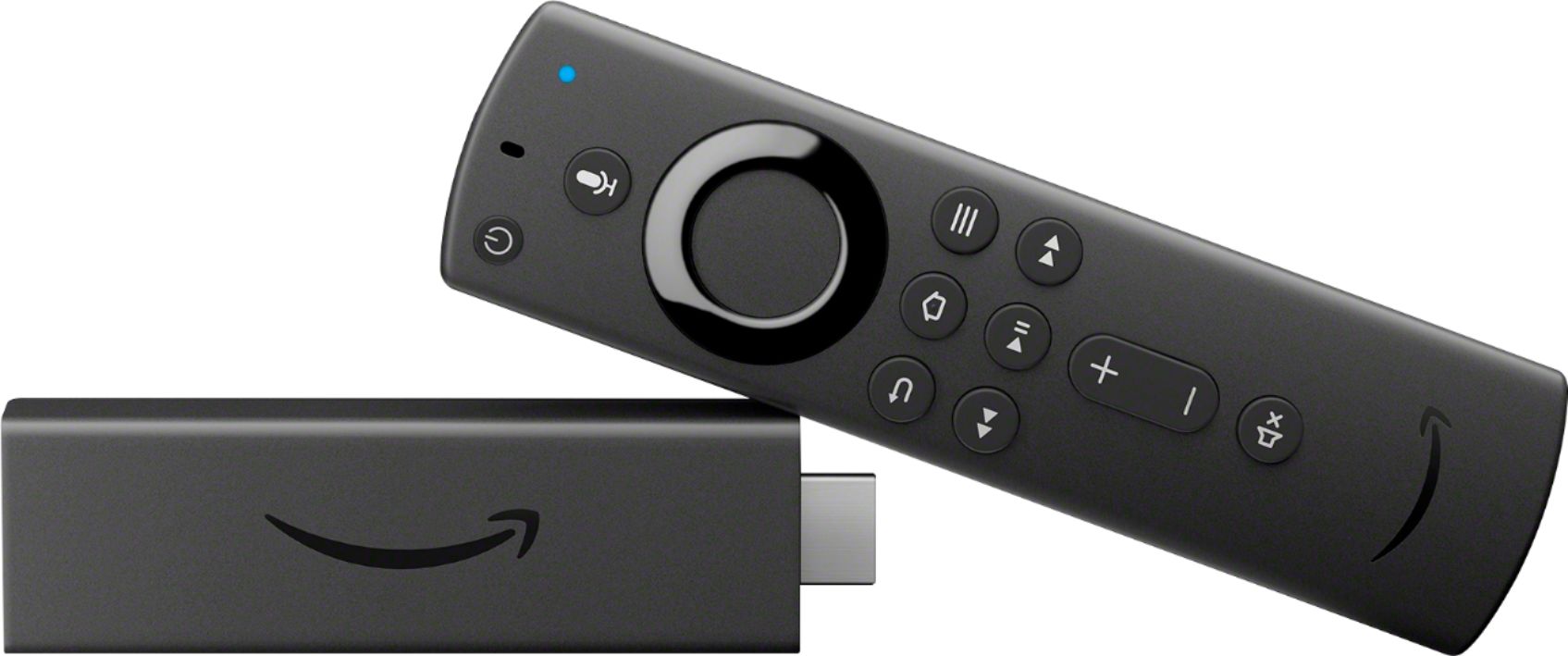
A:AnswerI can't speak regarding your particular Sony 4K TV but I can say that the remote on our Fire Stick DOES indeed turn on/off our TV as well as control the volume. We actually put our TV remote away in a drawer. I am confident it it can do that for our low-end Insignia flat-panel TV. If not, you can always return it if not satisfied. I might add that we have several TV's, one with the standard Fire Stick and one with the 4K Fire Stick. We are entirely satisfied with both.