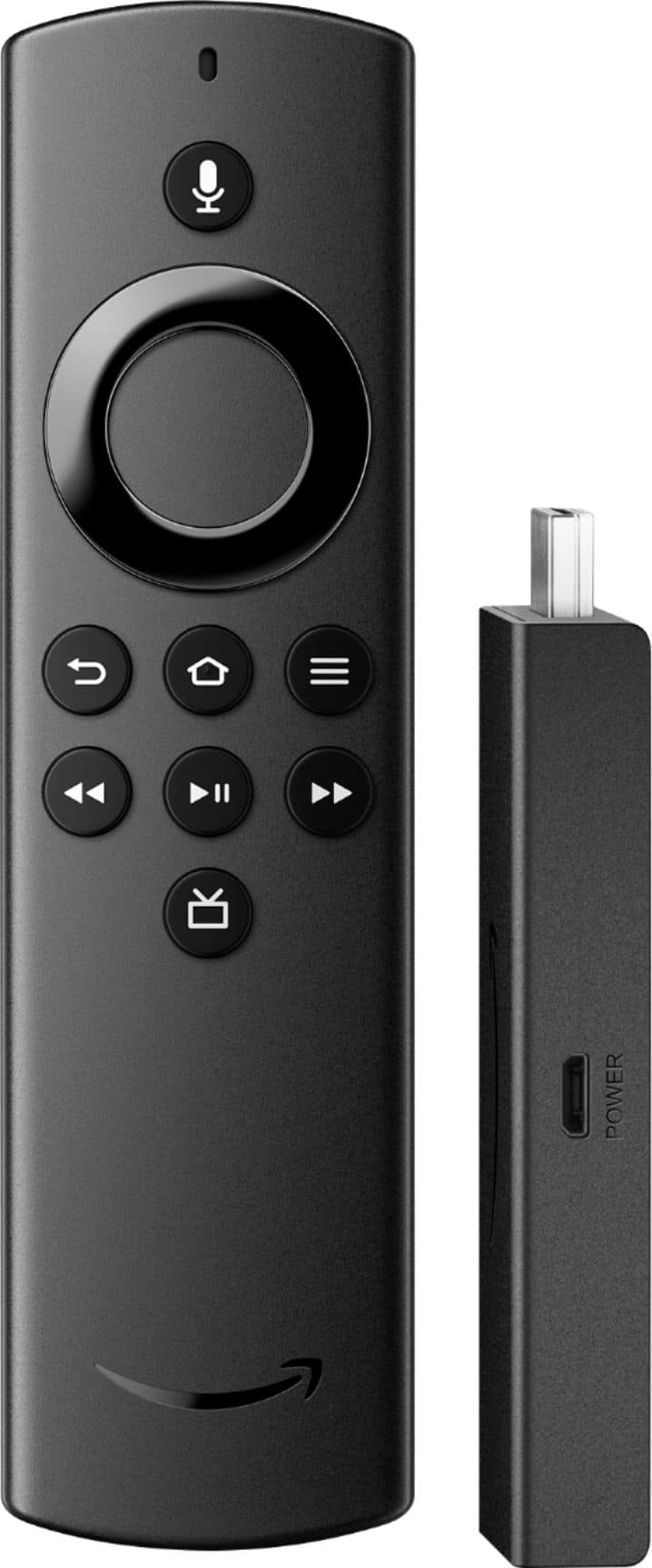
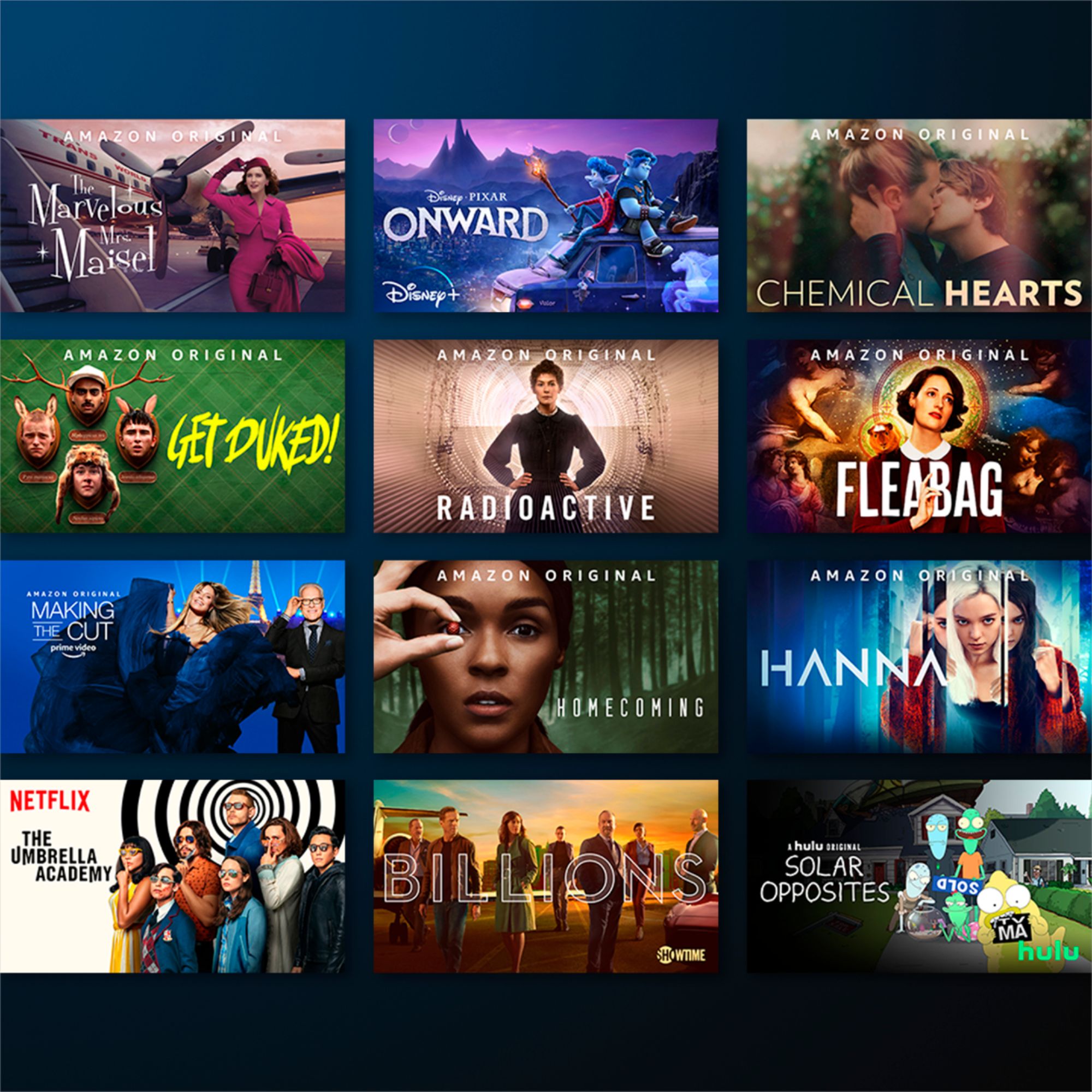
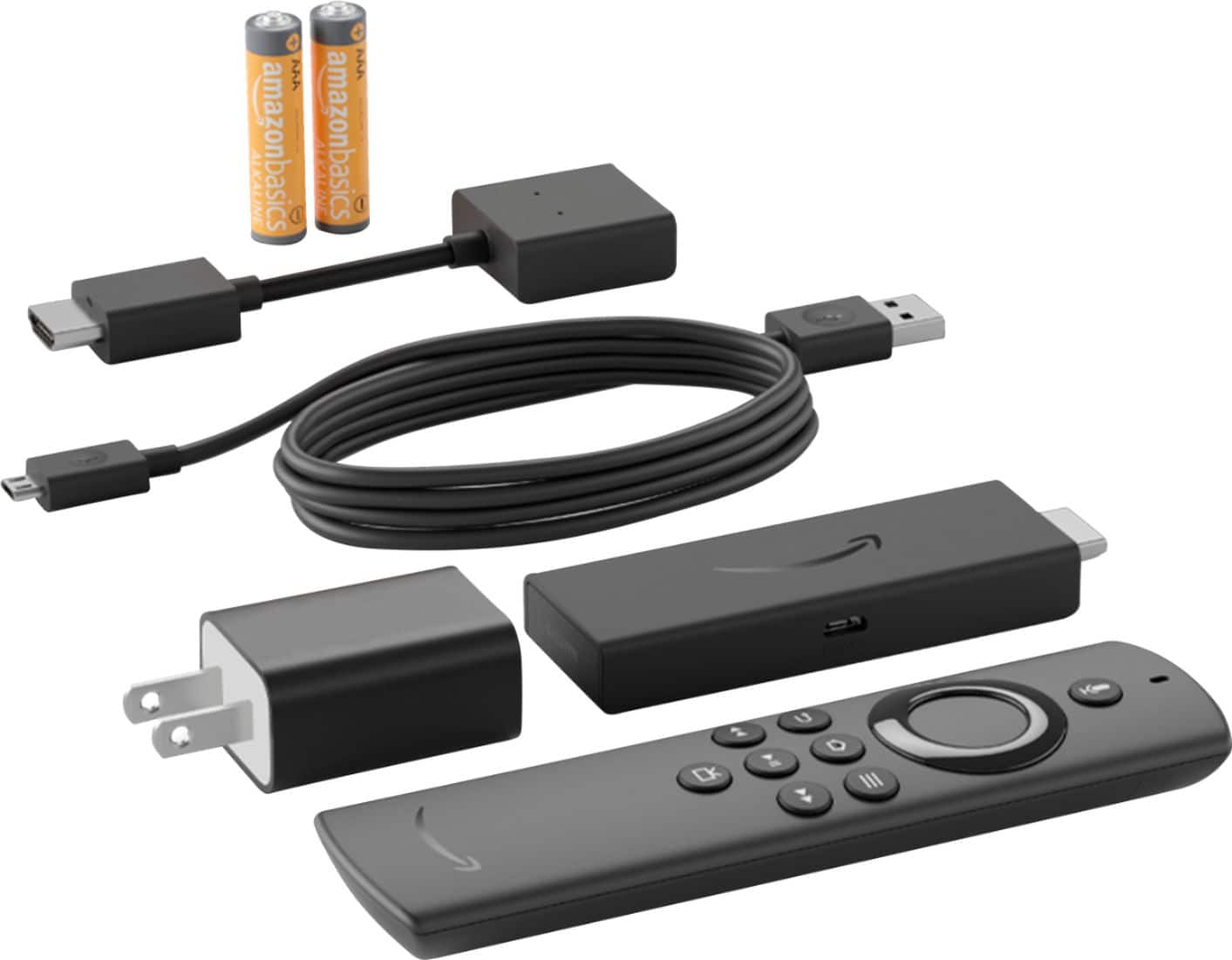
A:AnswerIf you already have a Smart TV, then you don't need to connect a separate streaming device to it. But yes, you can get Fox Nation by using the Fire TV Stick Lite.
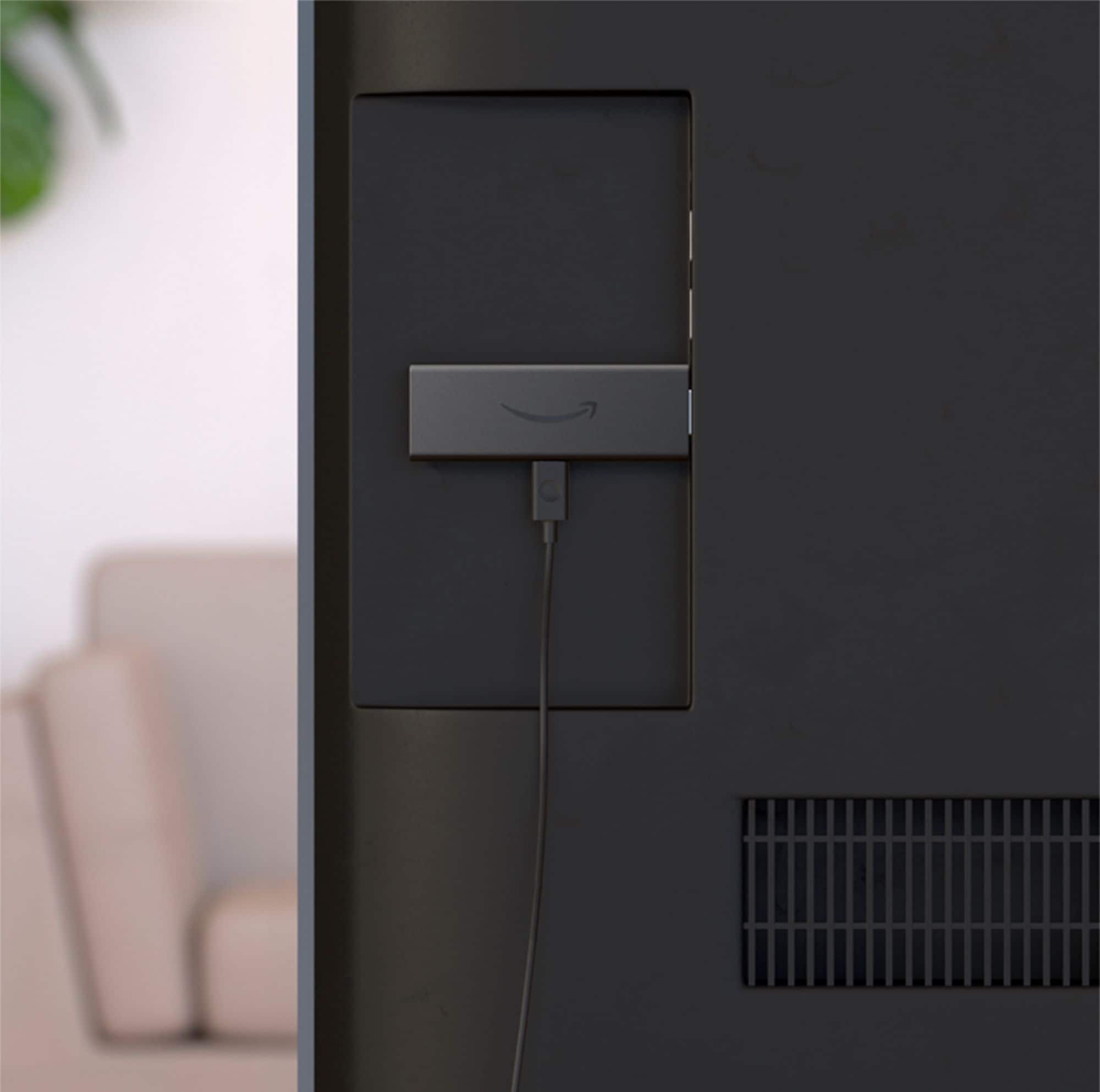
A:AnswerYou shouldn't have that problem. Just make sure your TV is set for the right input (your Fire TV Stick). Pressing any button on the Fire TV Stick remote should wake it up and show you the home screen if your TV is set for right input.
A:AnswerI do that all the time, cast things from my phone to the fire stick and my pc to the fire stick, not sure how many devices work with it but I know my Samsung phone and desktop do it no problem.
A:AnswerThe Xfinity Stream Beta app on Fire TV devices lets Xfinity customers enjoy content available with their Xfinity subscription from their Amazon Fire TV device. You can use the Xfinity Stream Beta app on Amazon Fire TV devices prior to installation of your Xfinity TV and Internet services.
A:AnswerNasa grade interwebz will suffice, just kidding I’ve used it with the hotspot from my phone which only went as high as 1.5mbs and no issues I would adjust the video quality if it stutters should be fine.
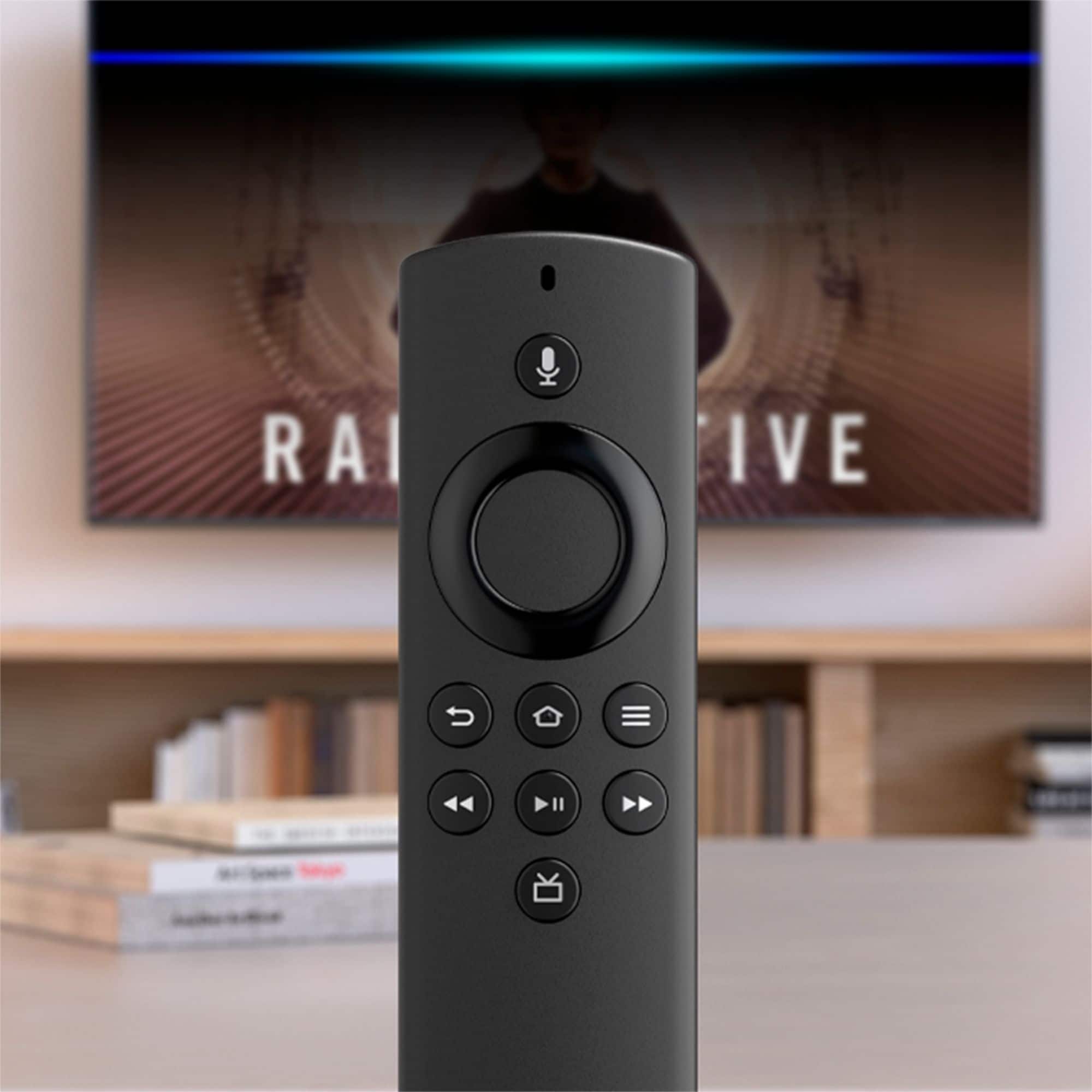
A:AnswerLike the main Fire TV Stick, it supports Full HD and has improved performance over the older 2019 version of the main stick thanks to better hardware. However, there is no Dolby Atmos support. The key difference is the less powerful remote control - called Alexa Voice Remote Lite