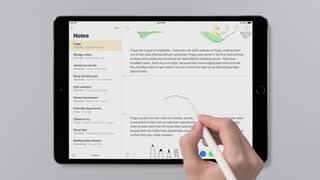
A:AnswerFor your needs, without question, this iPad is your best choice. The Surface is not really a tablet and not really a laptop. It tries to do both, but doesn’t do either very well.
A:AnswerThere are a lot of Apple, Targus, Kensington, Urban Armor, Zagg, and many of the usual vendors. This includes everything from Apple Pen, additional chargers, cases, keyboards, etc. I suggest you go to the BestBuy site and search “iPad Pro 10..5 accessories”. BestBuy’s site does a good job of limiting the search to compatible products. If you had some specific type of accessory in mind, you should submit a more detailed question, and we’ll try to answer.
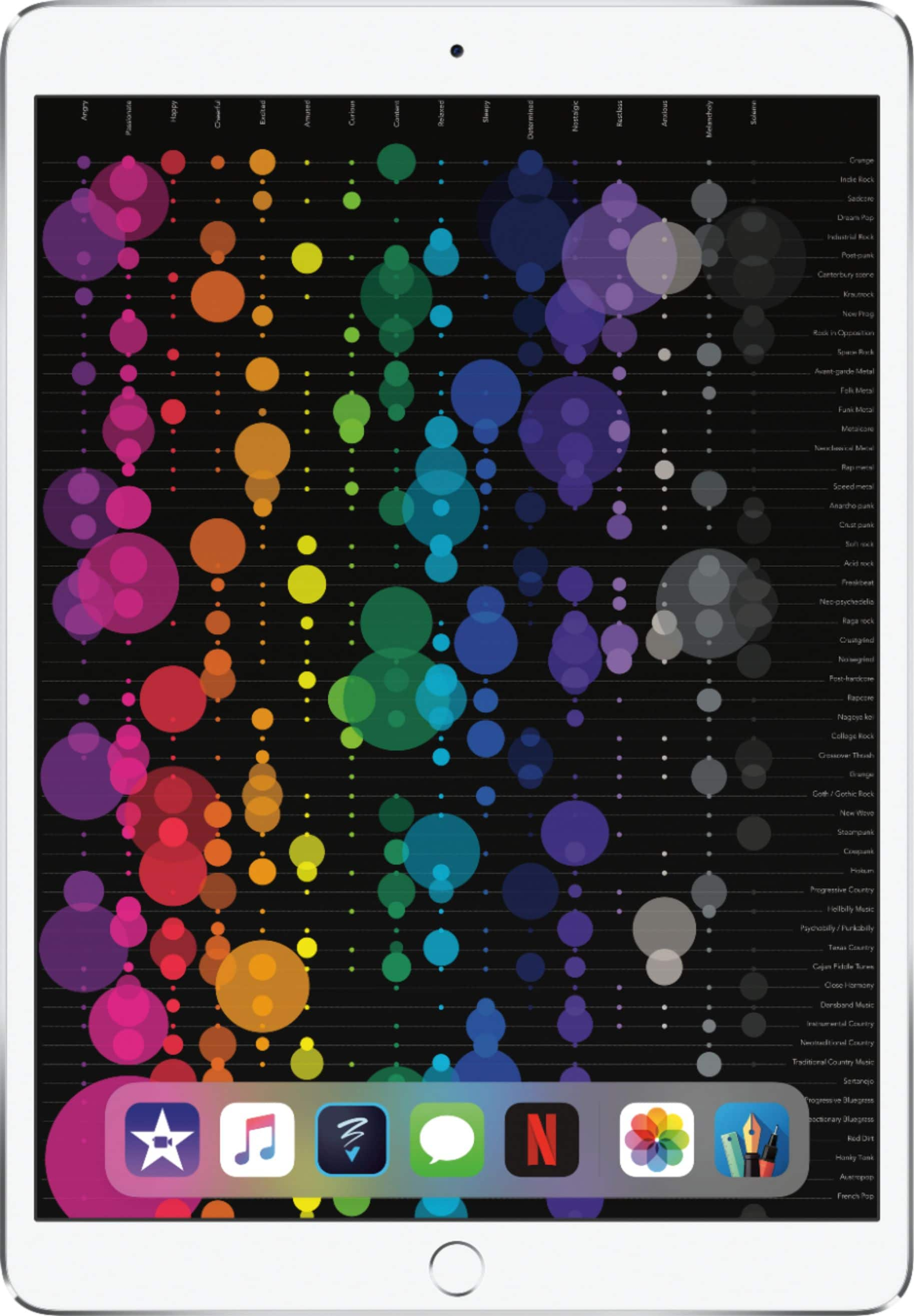
A:AnswerIf you want back up your ipad in the cloud (icloud), during the set up, it will ask you if you want to set up the ipad as a new ipad or you want to transfer your back up. I used the backup, and all of the apps, set up, and photos were transferred to the new ipad. Very useful and convenient.
A:AnswerIt’s going to depend on whether your HP model. If it’s recent, like less than 2 years old, it’s very likely, but you should check on an HP support forum for the specific model you have to be sure in advance.
I bought a keyboard for my larger iPad Pro and love it, but caution - i did not buy one of the “floppy” Apple or 3rd party keyboards. I needed something that i could really use on my lap while traveling by car, train, or plane and didn’t think those would just work. Sadly, BestBuy didn’t have anything like this even for online purchase. I waited several months to see if it was simply a delay in supporting a new product, before buying from another “large” source.
If you are the same person that asked about spreadsheets and presentations, then yes I suggest you get the keyboard if you’ll be routinely entereing larger amount of text, such as this lengthy reply I’m posting to your question. I’m using my keyboard to writh this. If i had to rely on the on-screen keyboard you might have gotten about 20-30 words!
A:Answer1) The numbers, pages, and keynote apps are standard on all Apple iOS devices and come installed, no need to download, although most of these apps will prompt for an update to the latest version almost immediately - free.
2) Can’t answer if the above programs can convert, however you should be aware that currently most Microsoft Office for iOS apps are completely free to download and use on your iPad. Enhanced Office 365 features cost more, but use on your iPad is free. If you can’t convert, you could at least work directly in the MS app.
A:AnswerI don't believe that a flash drive works with any ipad products. Need to just sync to the cloud for your stuff. If you lose something or even lose your ipad and have a get a new one, it's all there ready to download. Will look just like the old one. Also you can use Itunes to sync and back-up to your computer.
A:AnswerPricing between on-line purchasing and in-Store purchasing can sometimes differ because the Sales Associate is usually more familiar with any special pricing available.