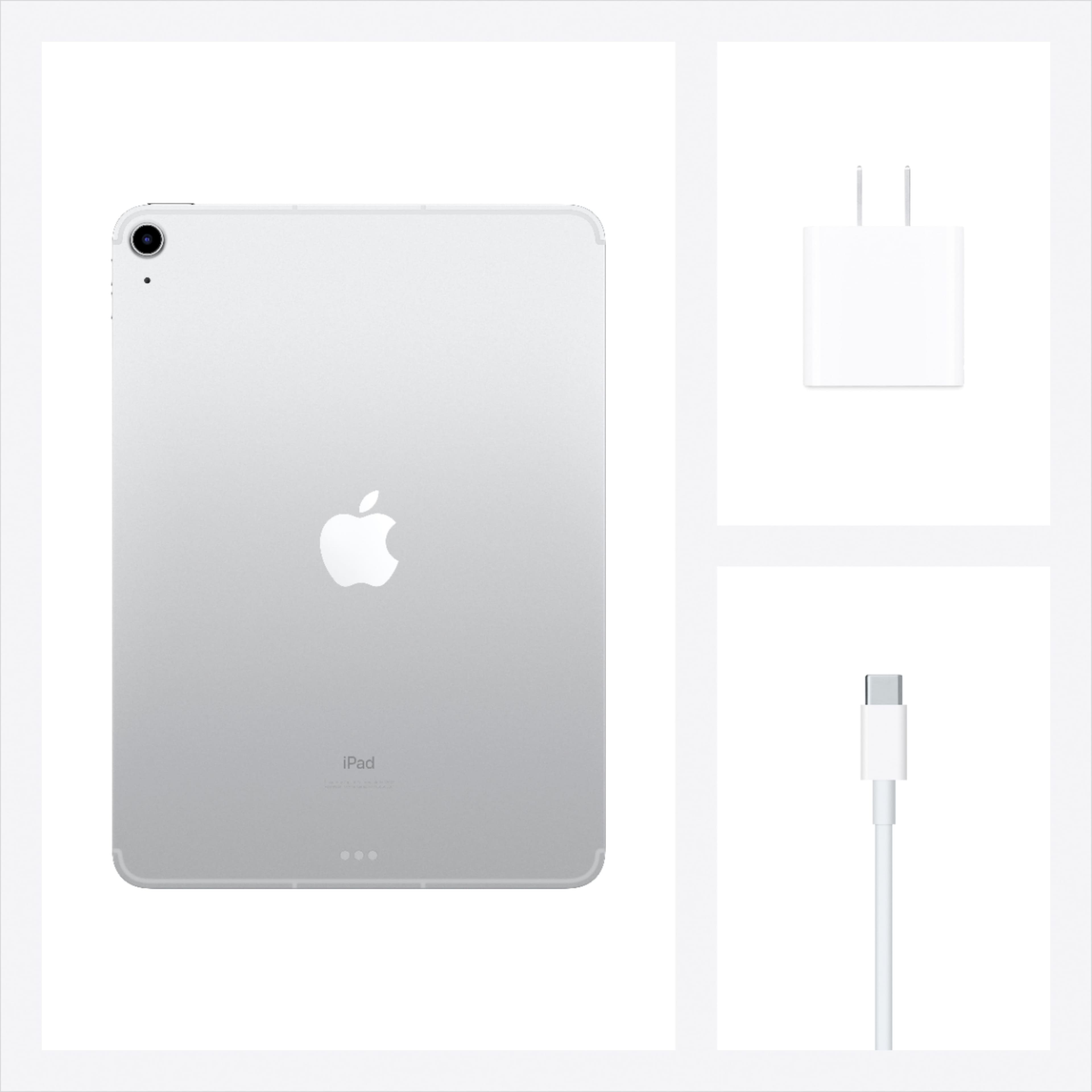
A:AnswerUnfortunately, no wireless charging for this generation of iPads. They do require usb-c cables for charging and got away from the lightning cable.
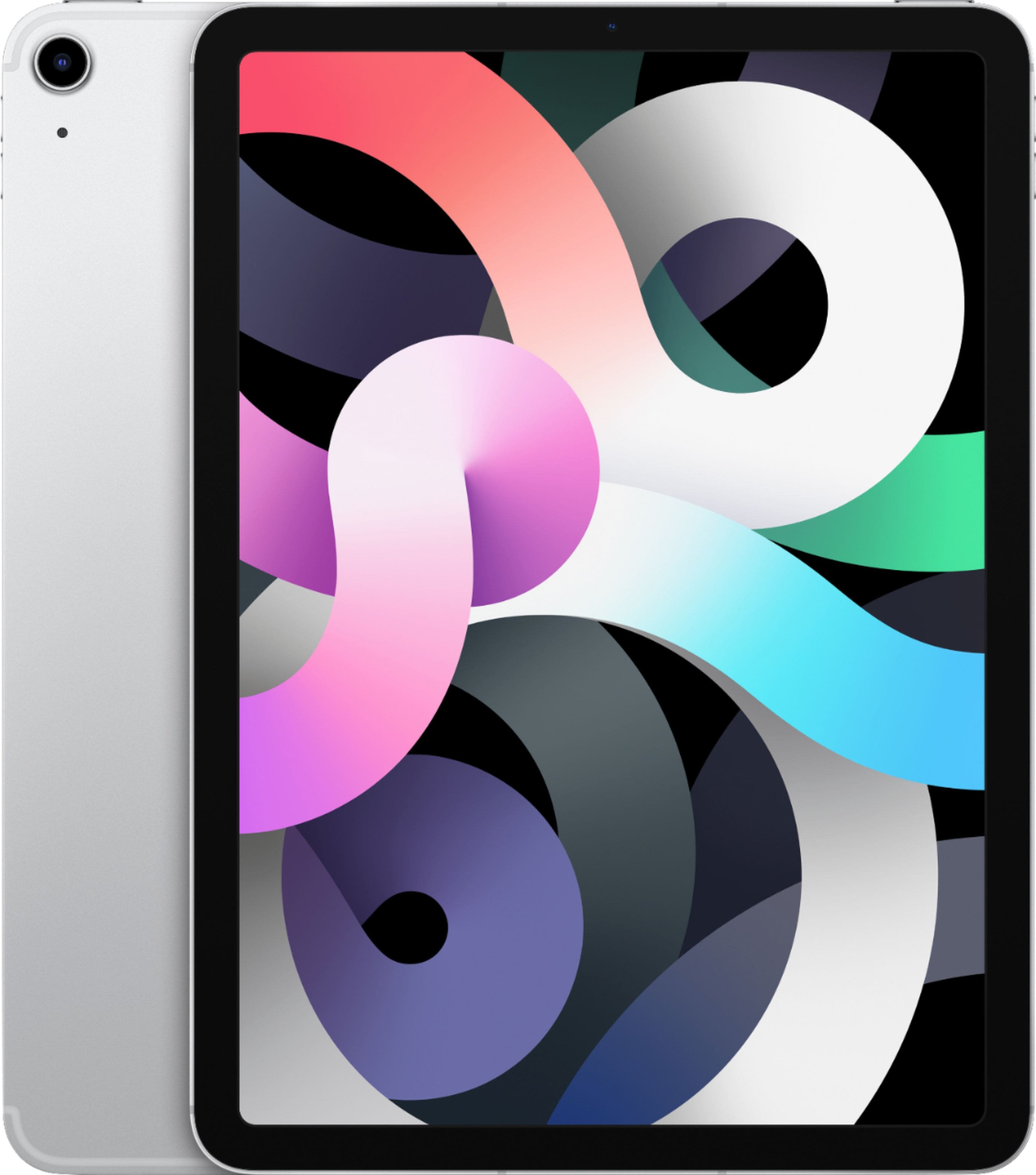
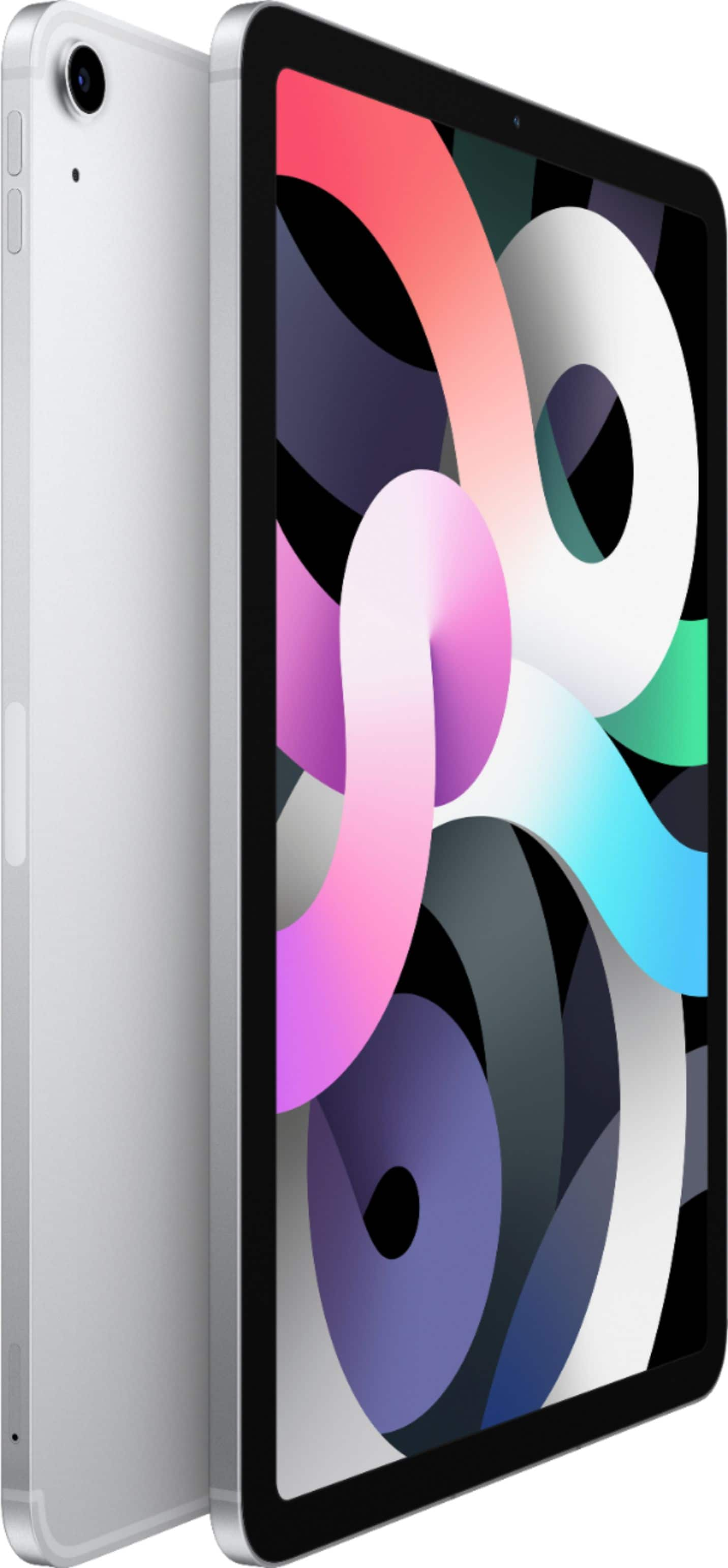
A:AnswerIn the upper right section (top) of the iPad there is a new touch sensor button for finger print ID and powering. It’s very slim and hardly noticeable giving the iPad body a more uniform look.
A:AnswerBasically screen size, screen resolution, weight and memory. You can also get most/all in a version that connects to a cell number or wifi only. Look at the specs to determine the differences.
A:AnswerYou would need to either connect to the printer through the wifi, or purchase a USB-C to Printer adapter (commonly a USB-B connection) at another store.
A:AnswerEvery iPad can connect to the internet through a Wi-Fi network, like the wireless internet router in your home or the wireless hotspots you find in a coffee shop, school library, or airport.
A:AnswerYes, using the Files app on the iPad you can access files saved to a USB-C flash drive. If connecting a USB-A flash drive use the USB-C to USB-A adapter. (sold separately)
A:AnswerThere is no definite answer to that question. It really depends on what you're using the device for and how you're caring for it. If you take care of the iPad it could last 5+ years. Whereas if you have a lot of storage needs or high maintenance things it may only last 2-4 years.