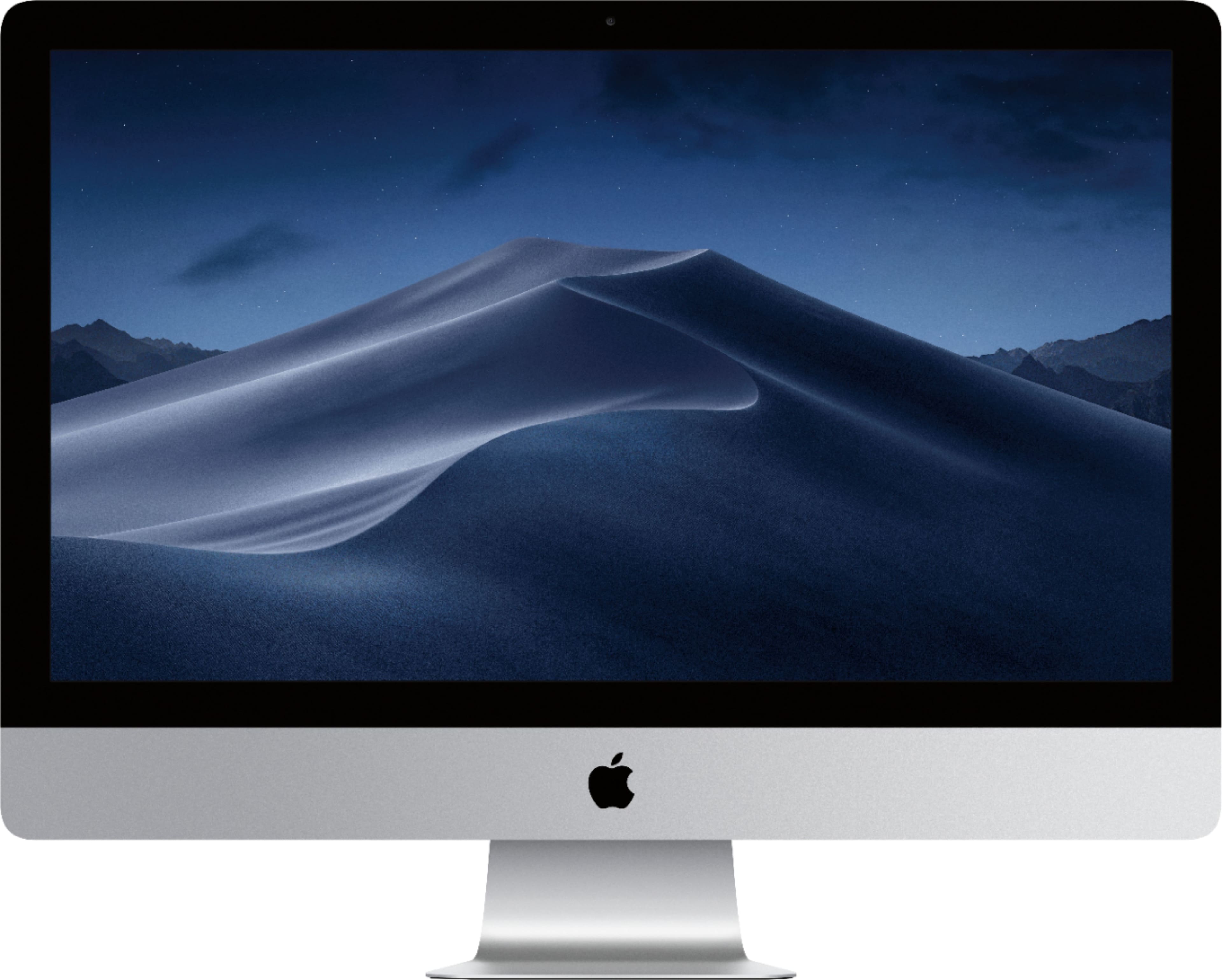
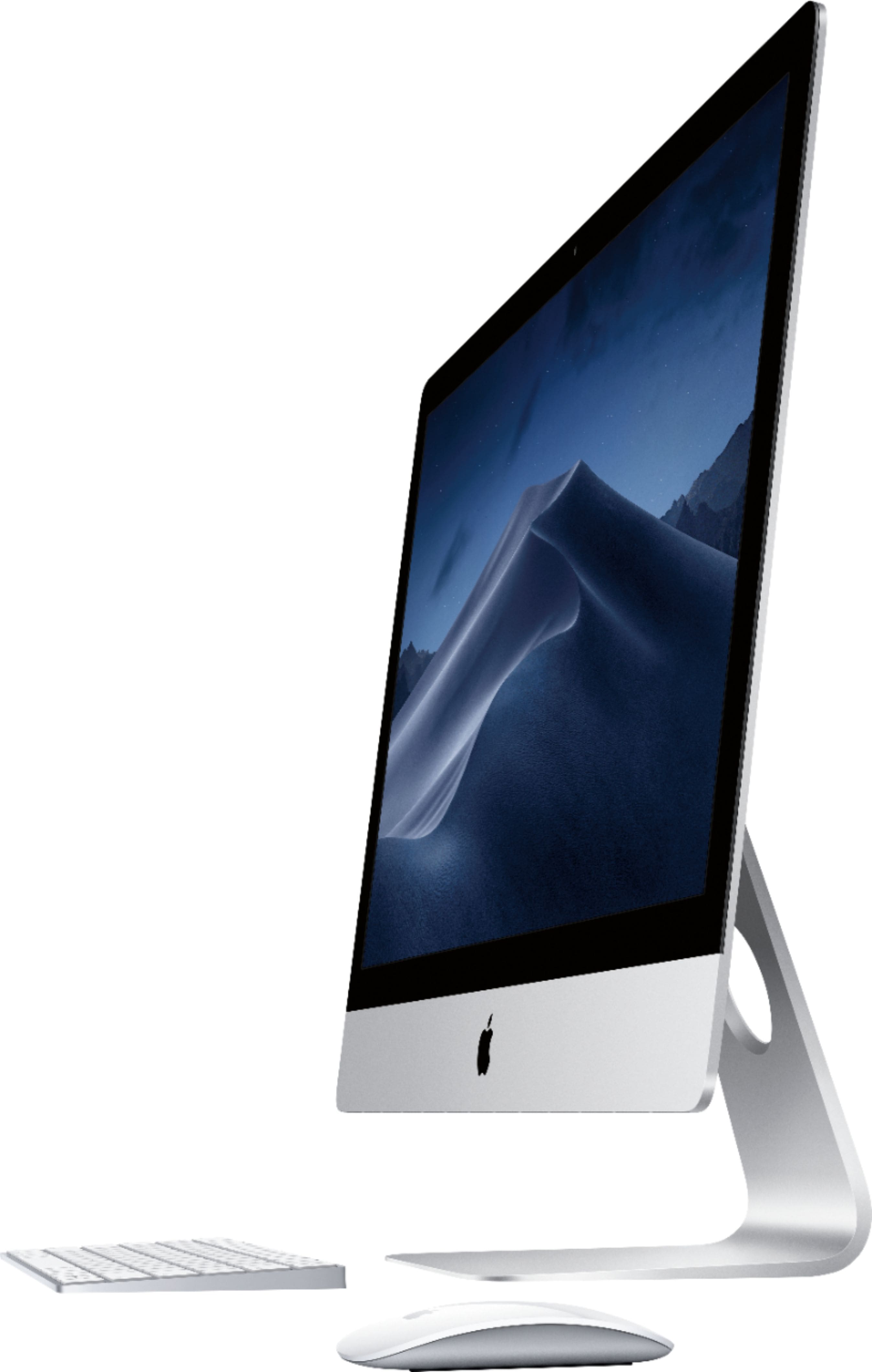
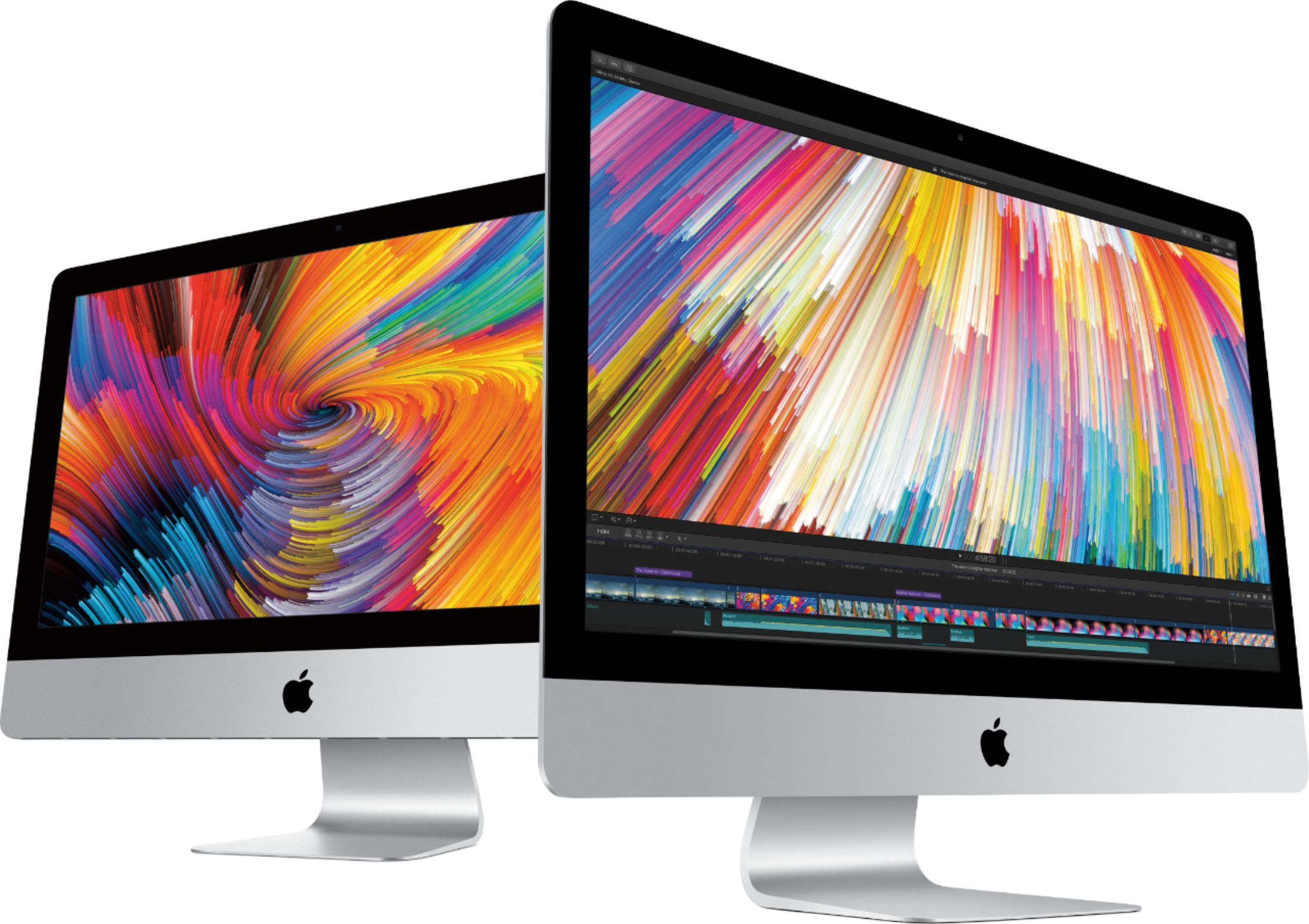
A:Answer Yes, it can be connected to more than one monitor. Not sure how old the other iMac is. I did need a MINI DIPLAY PORT to Thunderbolt cable to activate dual displays on my much older 2010 to 2017 27" iMacs (Since Mini Display connection is "ancient," it's harder to find in stores. The cord I picked up can be found on Amazon, works perfectly)
Few ways you can do this, there are "Display hubs" where you can connect one iMac to both the older mac and another display.
*Some of these "hubs" are not cheap by the way.
But The 2017 has multiple Thunderbolt 3 connections, One can connect to that older iMac, if you have another monitor that has HDMI connection (even a large TV) or even a much older VGA connection, this can be done as well. These connections can be found online also. My experience of picking these cords up in store has not been a good one.
It's tricky when it comes to Apple, the constant change of connections in the back.
THIS iMac is "Thunderbolt 3" You have to make sure its Thunderbolt 3 (not Thunderbolt 2, Not "USB-C only (USB fits but some cables are "not thunderbolt compatible)" I know...it makes your mind spin.
You can find some help with this here - https://support.apple.com/en-us/HT204592