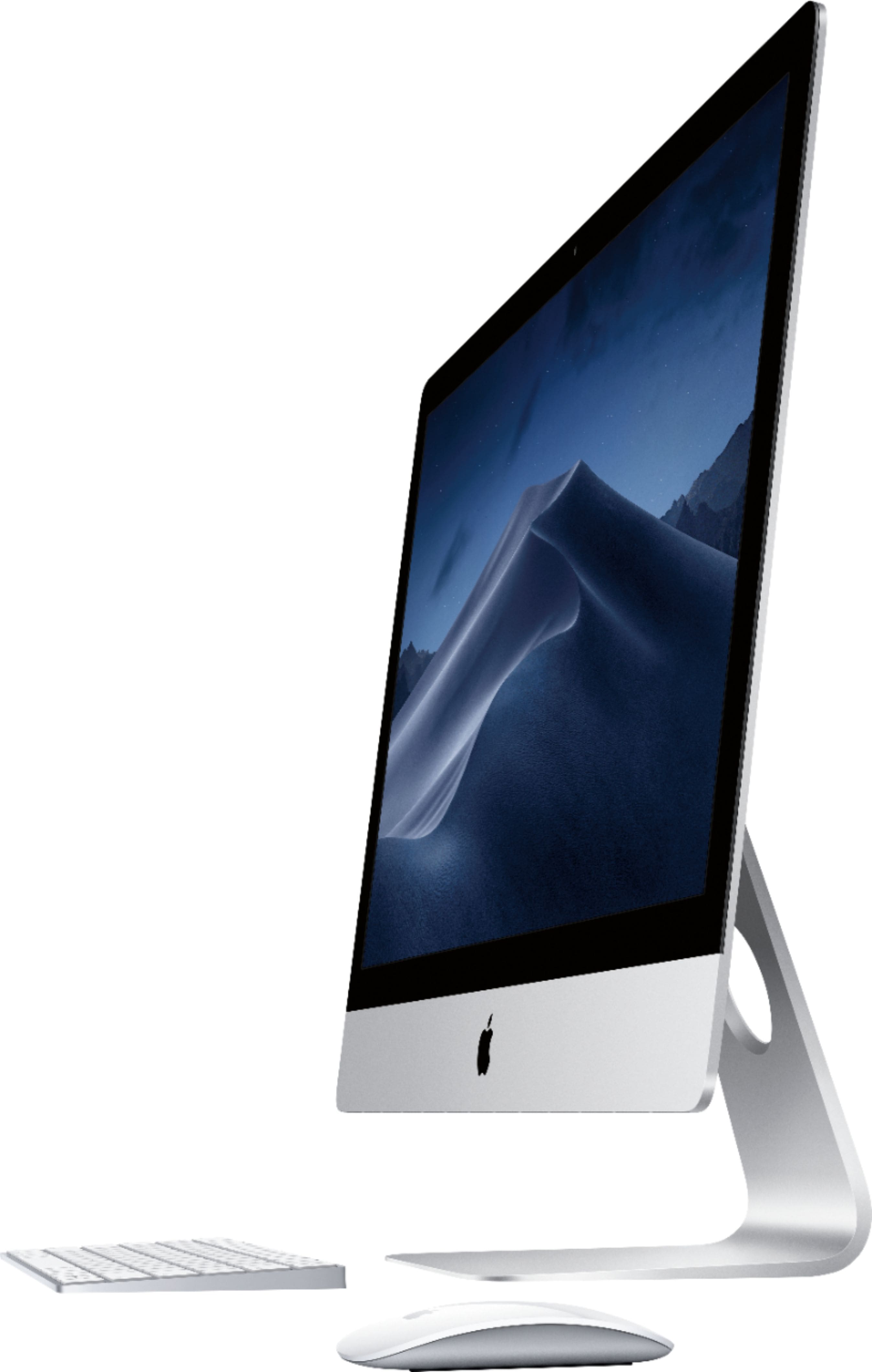
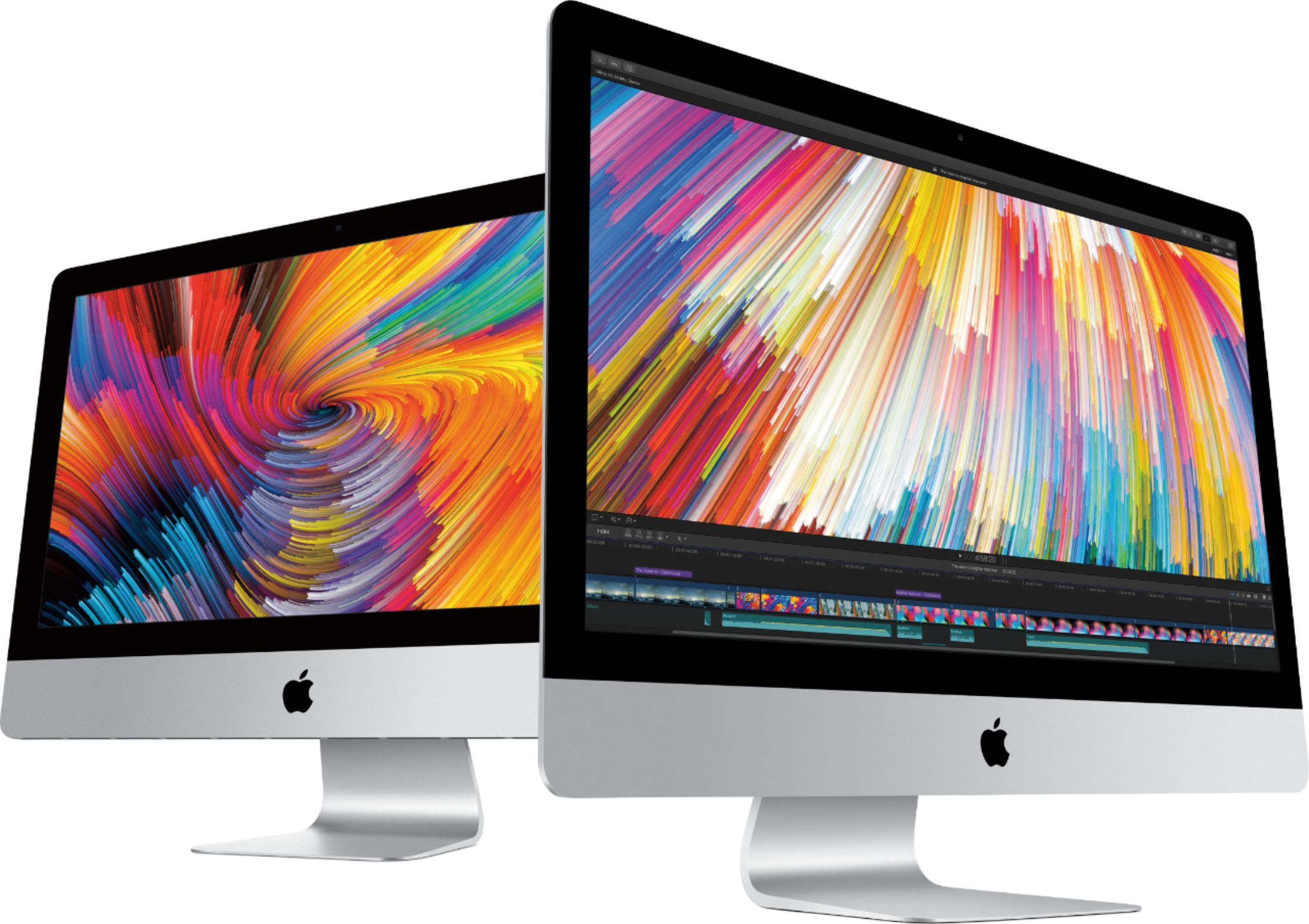
A:AnswerNo. This new iMac probably has faster memory. Check specs online for the type of memory the computer uses. It is easy to upgrade on the the 27 inch Mac. You could wait and see if you ready do need additional memory. Depending you what you run and how many apps are opened you might be OK. Memory does get cheaper if you wait. Use the Mac "Activity Monitor" to see how much memory is used. This application is in the Utility Folder in the Application Folder.
A:AnswerPages, a word processor from Apple does come installed on this device.
I use Libre Office, which runs on multiple OS's including this one, available free from the Document Foundation.
A:AnswerNo, I don’t think there was ever any way of ‘docking’ MacBooks to iMacs, but I could be wrong. The display of the iMac is almost 15 million pixels, a significant GPU’s necessary, along w/proper timing and proprietary display technologies Apple’s using to drive the 5K iMac displays. I don’t believe target mode is or has been supported in a while now
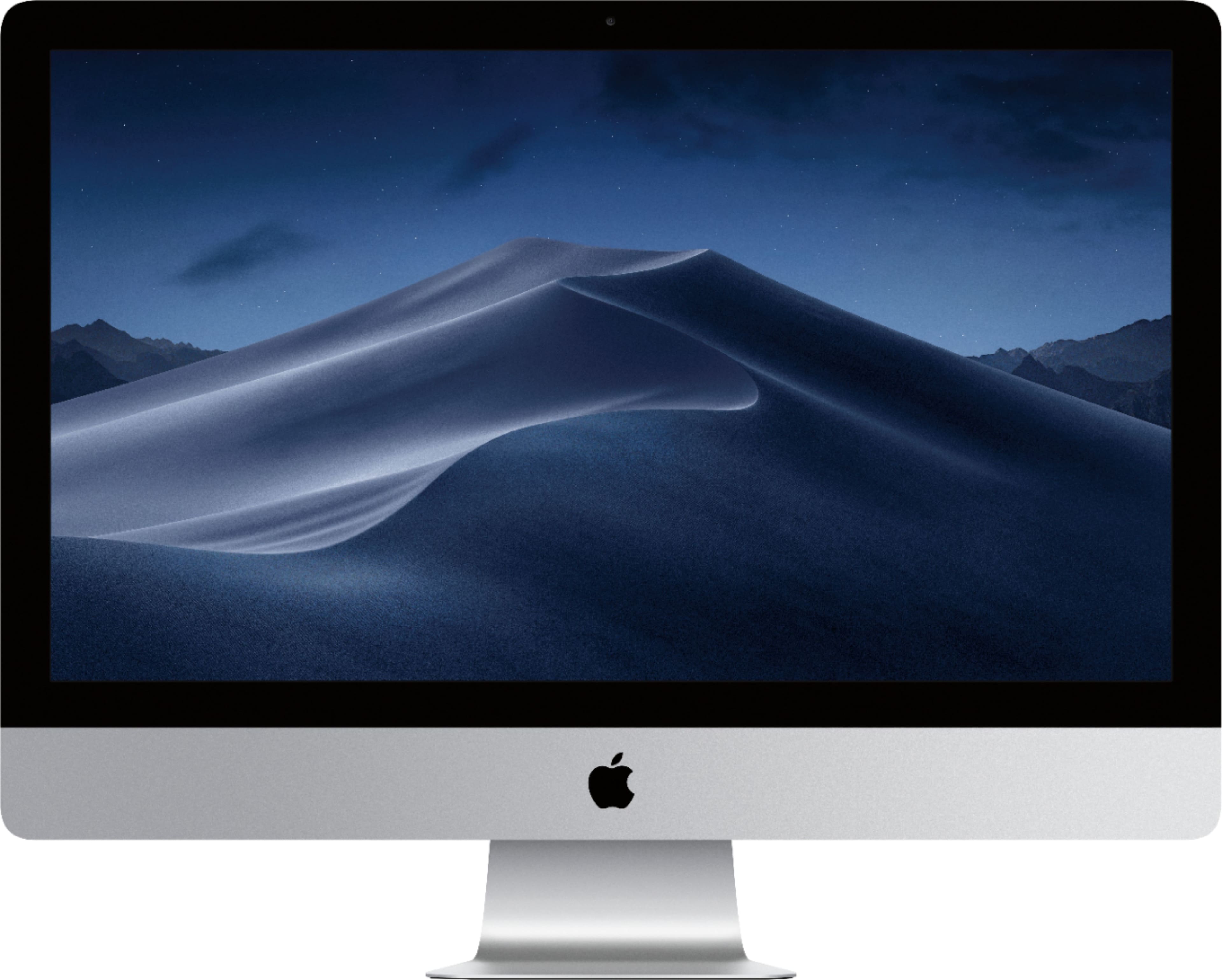
A:AnswerWell, official Apple specification says memory for this model is upgradable to 32 but OWC has run a test and certified all 27' 5K iMac models as upgradable to 64 GB memory. In other words you can upgrade the memory up to 64 GB regardless of its Apple specification. Check here for more info: https://blog.macsales.com/41309-owc-confirms-support-for-64gb-of-ram-in-all-apple-27-imac-2017-models