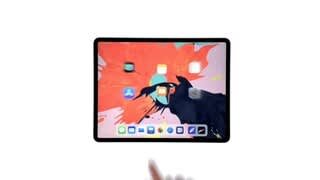
A:AnswerYes. Just plug the pad to the PC with the charging cable attached to a USB port and navigate to the pad memory. Then drill down to the photos and select which ones to transfer. Then right-click drag them to a PC folder. Lift the mouse button and select the copy option.
A:AnswerThe difference is size and storage space. If you want a compact device bigger than the size of the phone go with the mini. If you’re using it for projects or want more capabilities, go with the iPad
A:AnswerWith an internet connection and an Apple ID, you can make and receive calls in the FaceTime app (first sign in with your Apple ID, or create an Apple ID, if you don’t have one).