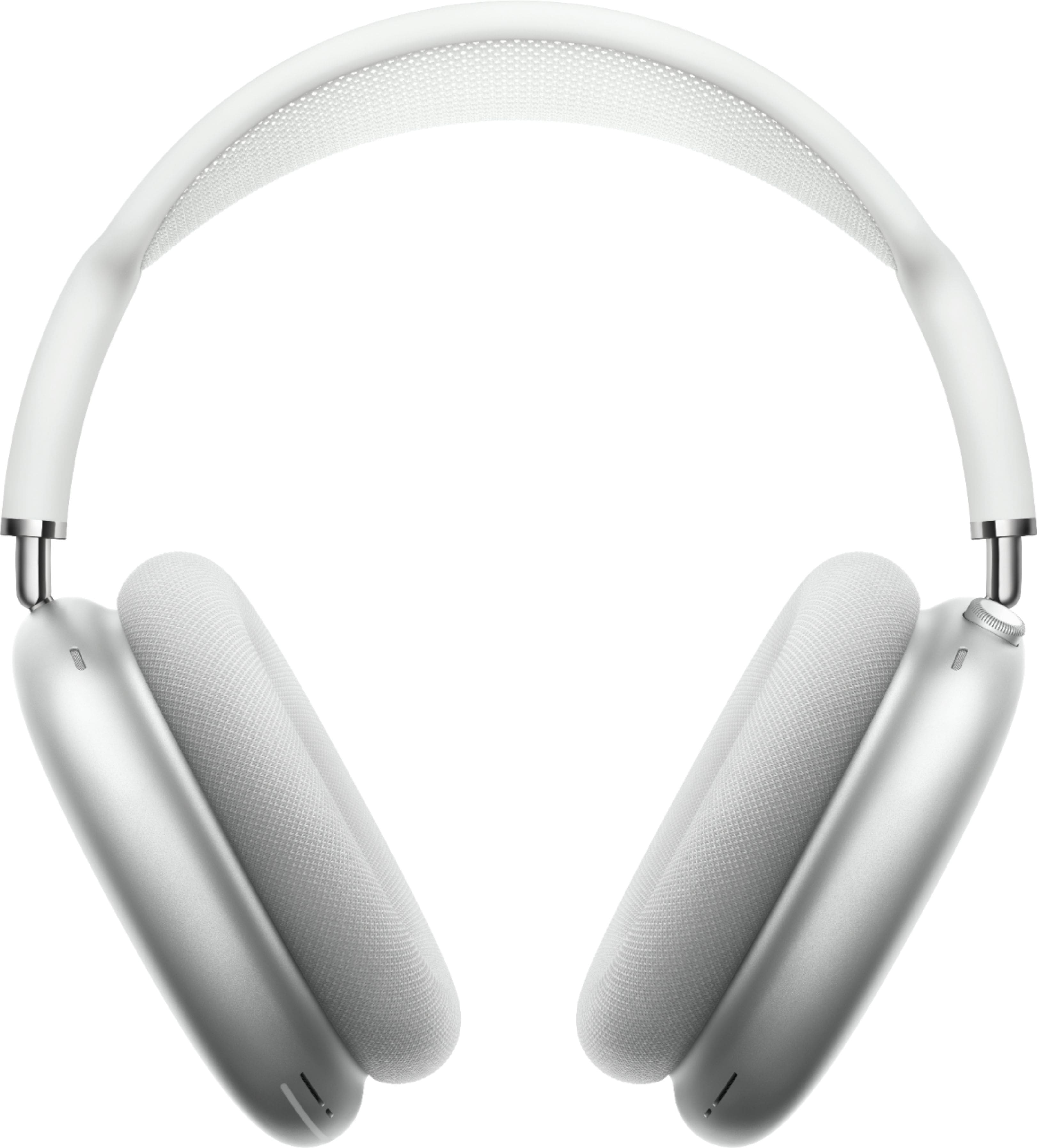
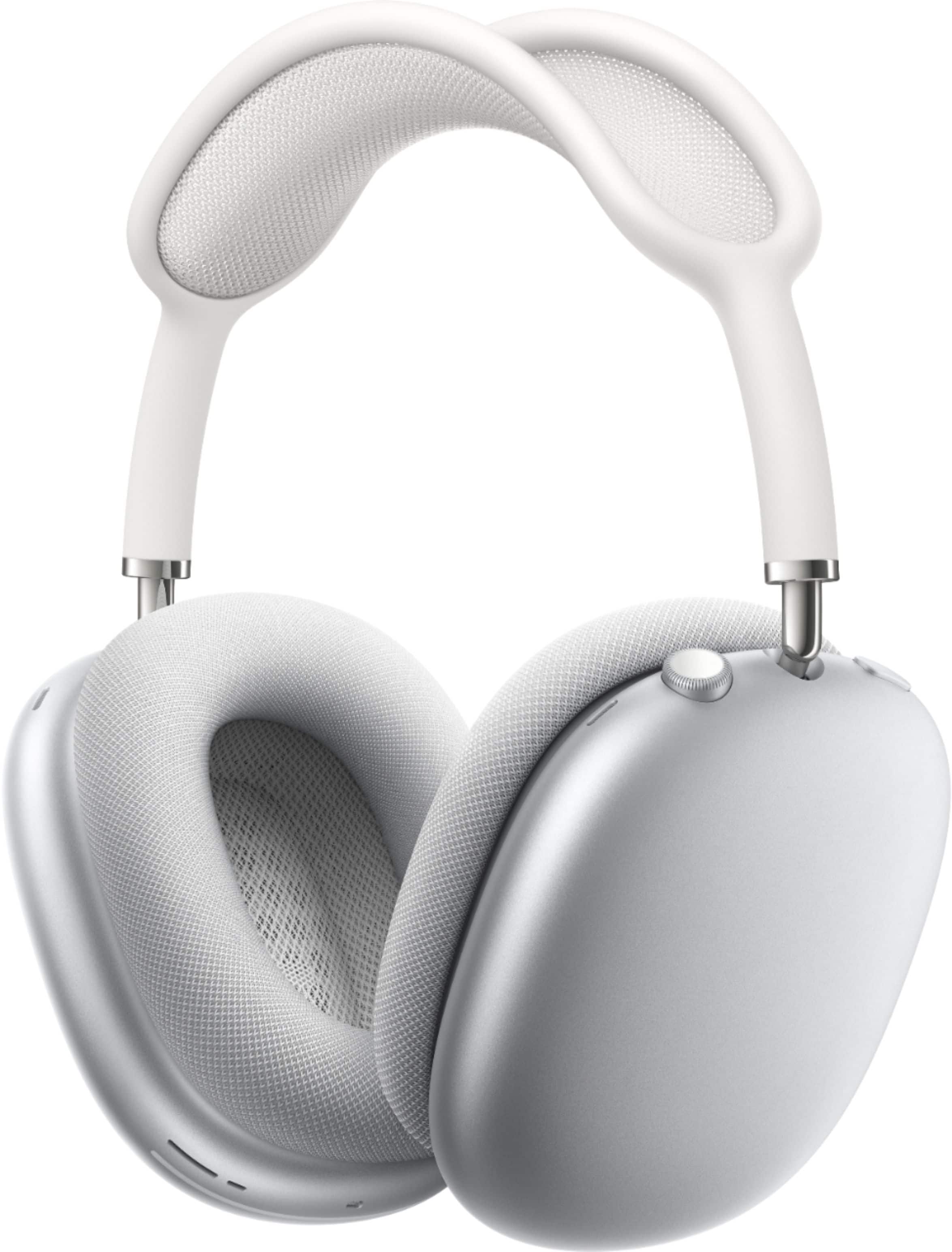
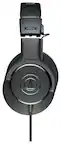
A:AnswerYes, you can make/receive calls and text messages with these in multiple ways. Incoming calls can be answered by saying yes/no or using the button on the right earcup. Incoming texts are automatically read to you and you can use your voice to reply and say what you’d like to text and send it. Also, you can hold down the button and it activates Siri and you use it like normal. The call quality is great; it does a good job at filtering out ambient noise for the other person you’re calling so they only hear your voice. It’s one of my favorite headphones for calls/texts and it’s quality for calls is great.
A:AnswerNothing wrong with the headphones ...infact other makes of headphones sound tiney to loud as with these headphones you can hit mute and talk easily and what the other person is saying
A:AnswerI would just change the input source on Zoom, so that you're using your laptops built-in microphone. Which you can achieve by pressing the arrow next to Zoom's microphone button.
A:AnswerIf you have the lightning to 3.5mm cable, you can plug them directly into the PS4 controller and they work as expected (including the volume knob).
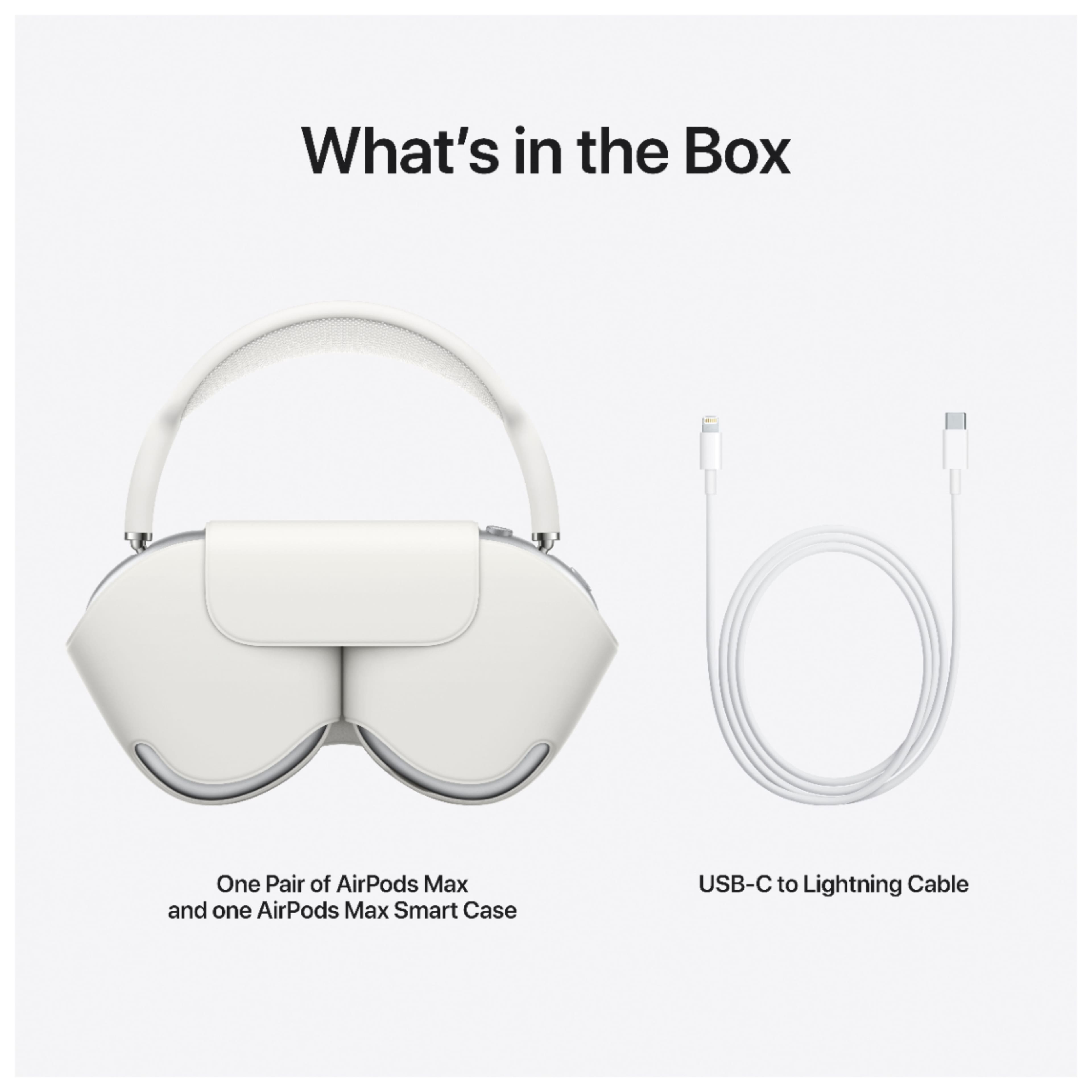
A:AnswerNo, the only port is the charging one, but on Apple's website you can buy a 1.2-meter long lightning charging port to 3.5 mm audio jack cable for $35.