A:AnswerOnce you make your iphone 7 a hotspot you should see your iphone 7 hotspot as an available connection on your ipad wifi menu. Then just connect to it.
A:AnswerActivate your icloud in both your ipad and your se phone. Then you will see everything in both devices. This is true for all the apps i.e. photos, email, messages, ibooks, notes etc.
A:AnswerI would go with 128GB version. Once you start storing photos and videos, memory will be used up fairly quickly. With the larger capacity you would not have to worry about what to delete to free up room.
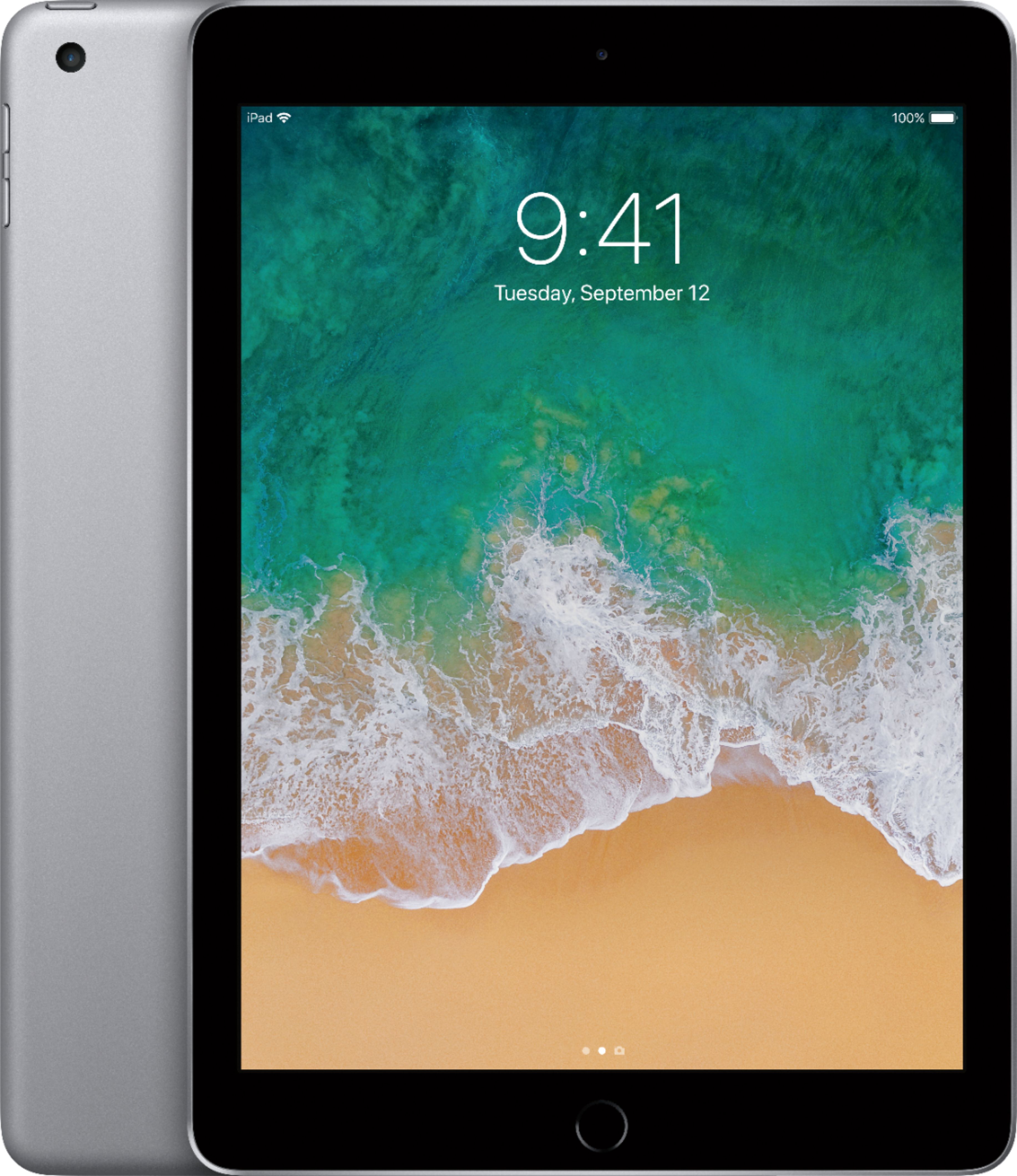
A:AnswerLook for iPad 2017 (yes, the latest model), this is 5th generation iPad - the regular iPad model, not the iPad Air, which ended production recently at only generation 2.
A:AnswerYou would just need to purchase the “WiFi” version for your useage. The WiFi unlocked would be used for internet + a cell phone carrier. If you did purchase the WiFi + unlocked with no cell phone carrier, you could still use the IPad using the internet with no problem.
A:AnswerThis only works on WiFi. It will not connect to verizon’s cellular signal. You might be able to make your phone a WiFi hot spot and then the iPad would connect to your signal.