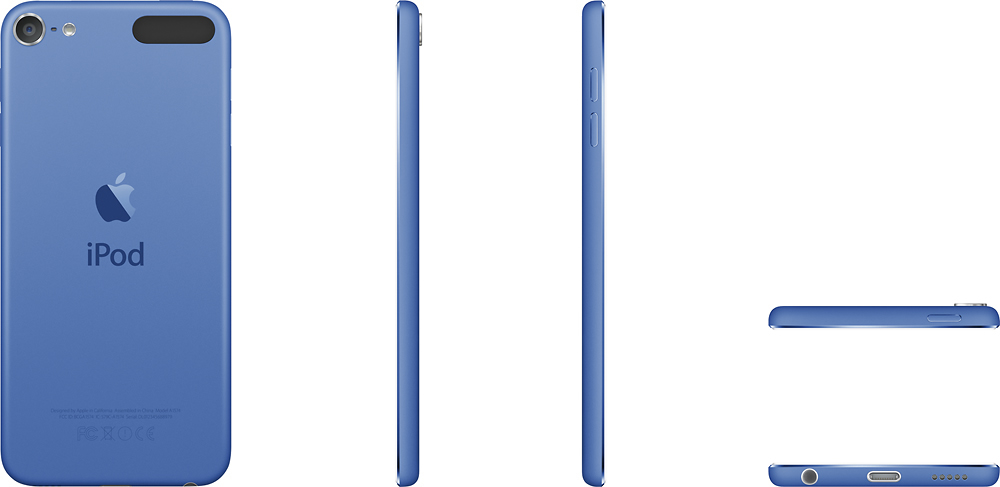
A:AnswerThe cord that you will use to connect the iPod to a desktop or laptop computer and recharge the iPod from that computer DOES come with the iPod. If you would like to recharge the iPod by plugging it into a wall socket, you will need to purchase a separate wall plug with a USB slot for the cord. The wall plug should generate low voltage of about 5 watts to be compatible with Apple devices. I bought an Insignia USB Wall Charger separately from Best Buy for about $10.
A:AnswerIt holds more music than you can imagine. My last iPod touch only had 16 GB and I had a couple of 1000 songs downloaded. But that's all I use it for is music.
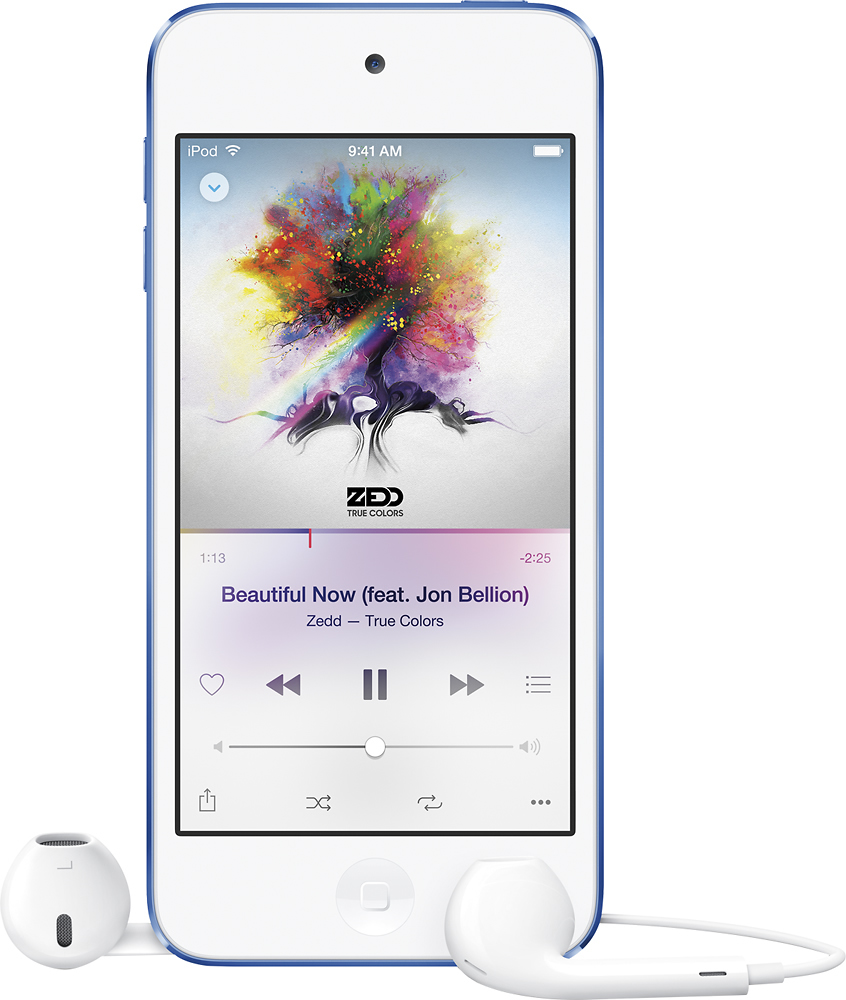
A:AnswerThe iPod comes with its own small speaker. If you want better sound quality, you can buy a small portable speaker such as the Ministry of Sound Audio S portable Bluetooth speaker, which can connect to the iPod via Bluetooth or via a 3.5 mm cable.
A:AnswerYes, you can connect the new iPod to your computer and download music. If you sync to iTunes, anything you have backed up there will transfer over as well.
A:AnswerNot sure about the 32GB but my 64Gb (4th gen) had over 7,200 songs, with many at 320Mpbs quality. My new 28GB has over 7400 songs so far and has over 1/3 of the space available still.