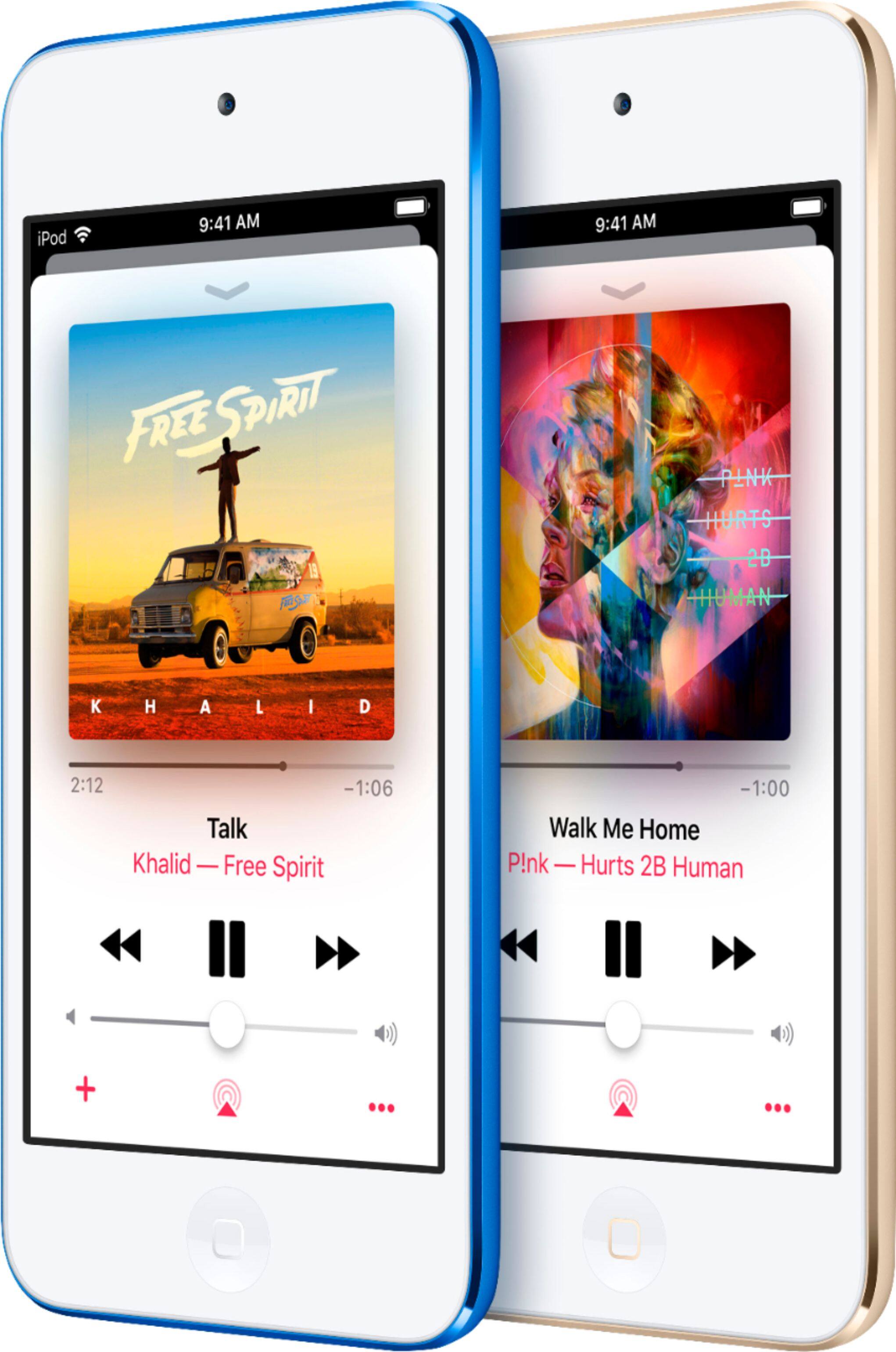
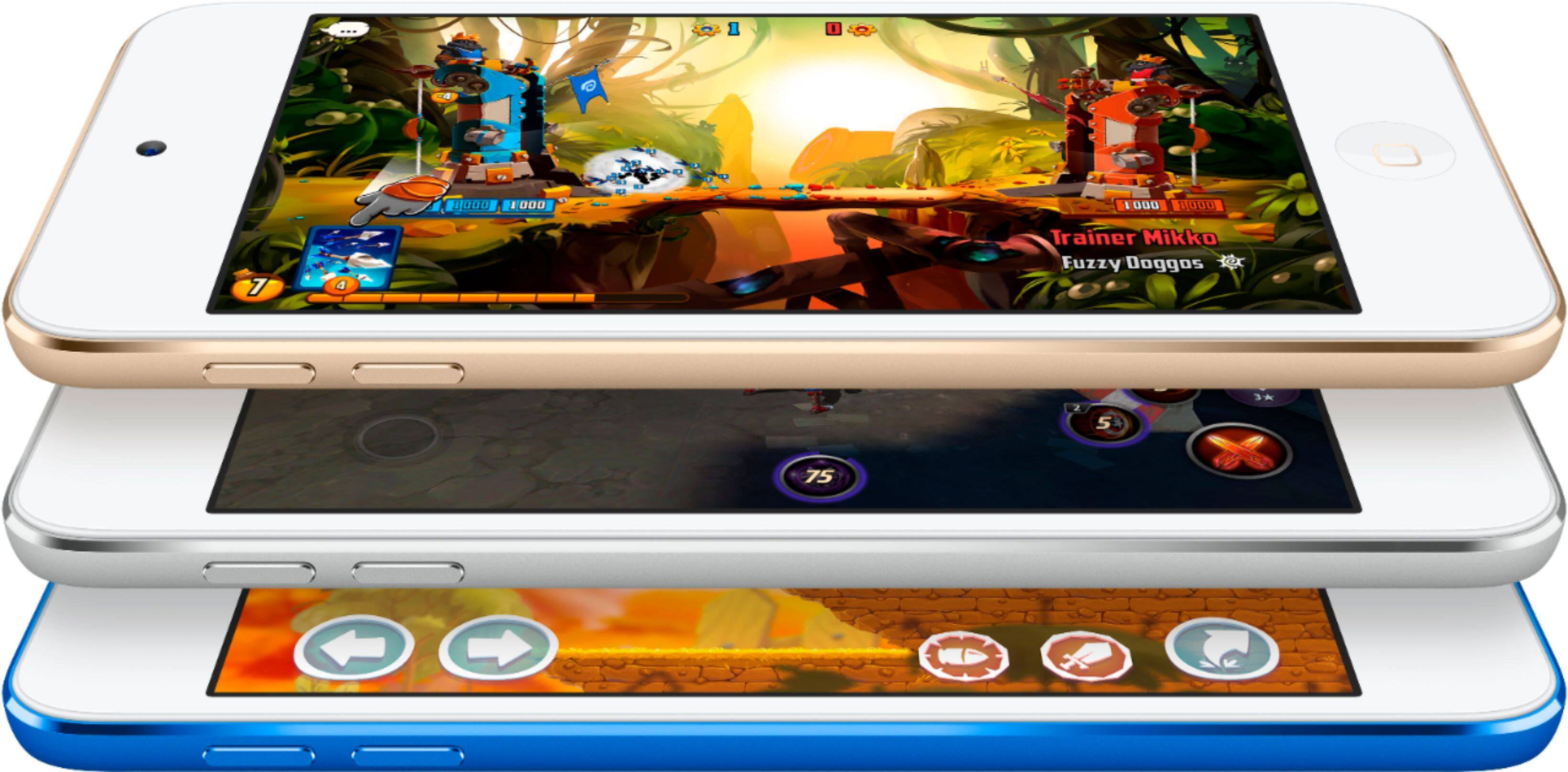
A:AnswerDownload and install ITunes on your computer or laptop. Download each disc to ITunes - put disc into your CDRom and ITunes will recognize it and ask if you want to download. (as long as there is an internet connection, the book information will automatically come up) once all discs are downloaded, connect your IPod to your computer and sync it to download Audio content
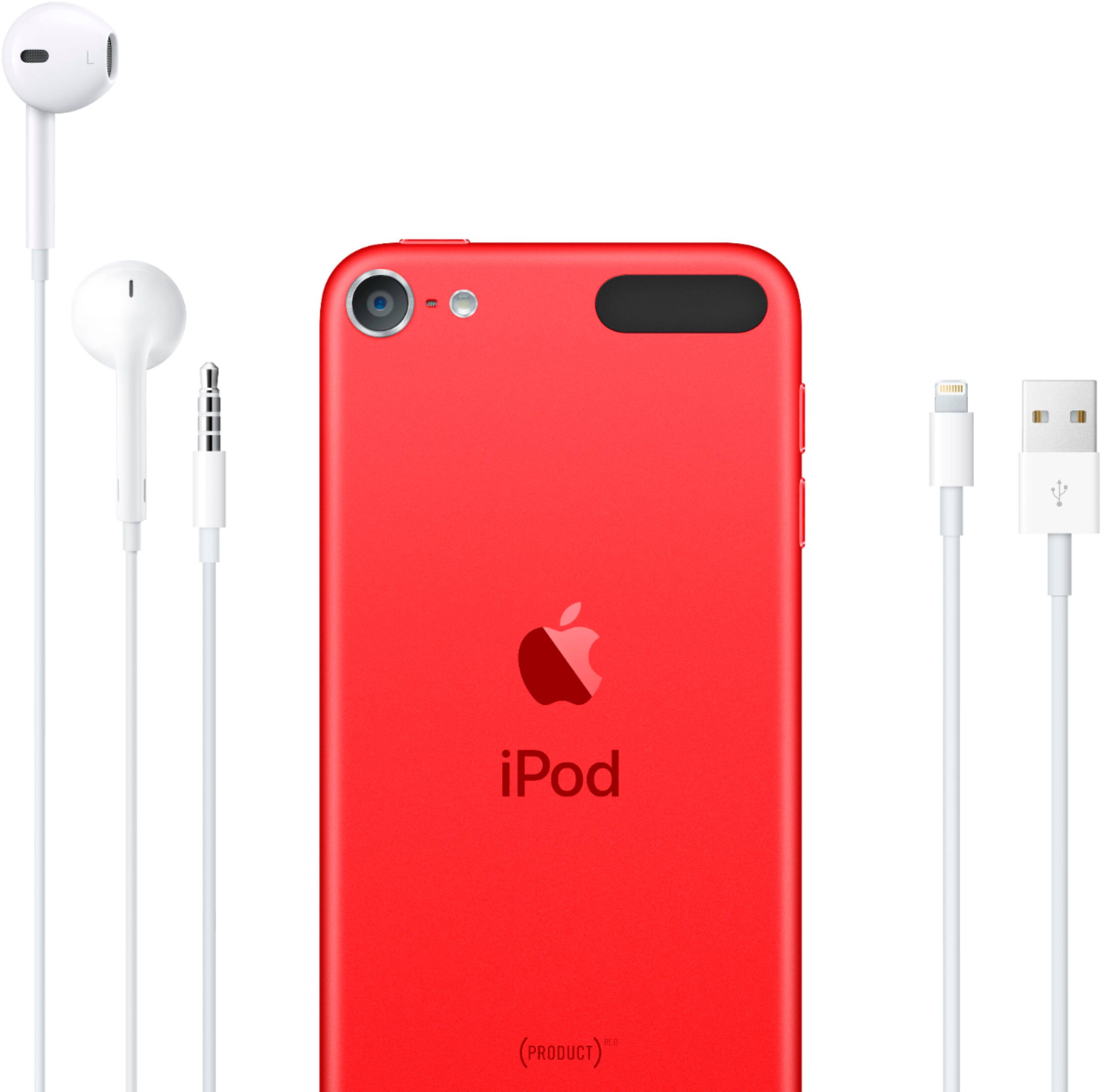
A:AnswerNo just FaceTime audio and FaceTime only with other Apple users you can download a text and call app it comes with the lighting cable/charging cord, block, and headphones.
A:AnswerNo you don't have to buy a new battery. The battery on the Ipod is inside the ipod and it is rechargeable. You can't take it out. You can charge it to USB or buy a charging box and charge it in an outlet with the cable it came with.
A:AnswerNo, it does not. It is partially charged when you take it out of its packaging. Plugging the IPOD into a USB port on your home computer, or in your vehicle will fully charge the IPODs battery.
Hope this was helpful.
A:AnswerYes you can. In a nutshell, you can do pretty much every thing with this iPod as you can a cell phone. It's a very decent deal really.bmy son even makes phone calls and texts it can do almost everything a phone can minus a rediculously outrageous pricetag.
A:AnswerI believe you can do so with the appropriate cable
https://www.bestbuy.com/site/insignia-3-lightning-to-aux-cable-white/6315859.p?skuId=6315859&ref=212&loc=1&extStoreId=763&ref=212&loc=1_mobileaccessories&gclid=EAIaIQobChMIl73R0Pqt6QIVNQnnCh0jHA65EAQYAiABEgKOg_D_BwE&gclsrc=aw.ds